Integrations
Homepage names Search Console, BigQuery, Lighthouse, crawl and link graph data, prompt tracking and GA4 as sources behind its recommendations. No formal integration directory or API documentation is published on the site.
Track and grow brand citations across ChatGPT, Gemini, Perplexity and AI Overviews

Quattr is an AI search tool that tracks and grow brand citations across ChatGPT, Gemini, Perplexity and AI Overviews. Quattr tracks how often brands are cited in ChatGPT, Gemini, Perplexity, Claude and AI Overviews, shows which competitors win the prompts you lose, and then prepares content, pages, links and technical fixes for review.
Quattr is an AI search growth platform built around a specific problem: buyers increasingly ask an assistant instead of typing a query into Google, and many brands are missing from the answers. The product tracks prompts across ChatGPT, Google AI Mode, Perplexity, Gemini and Claude, scoring each surface for citations, share of voice, mentions and positive sentiment. Tracked prompts run daily by default, and the tool shows which competing domain gets cited when you do not, so gaps become visible rather than assumed. The work happens in two connected layers. A decision layer assembles analyses and reports from Search Console, BigQuery, crawl data, link graphs, Lighthouse and prompt tracking, then ranks recommended moves: refresh a decayed guide, add internal links to an orphaned product page, create a missing comparison page, minify a script. Each recommendation carries its sources, a freshness check, a saved baseline and a join to GA4 sessions and conversions. A production layer, Content AI, is powered by GIGA and drafts the asset, either a new page built in your design system or a surgical update to a live one that keeps ranking copy and structure intact. Every output waits for human approval before it ships. Enterprise marketing and SEO teams with substantial sites are the obvious audience, along with content operations groups already juggling separate rank tracking, keyword research and drafting tools. The pitch is consolidation: one context carried from diagnosis through build and measurement. It complements classic SEO suites rather than replacing them, since technical SEO, internal linking, website taxonomy and paid search optimization sit alongside the AI visibility work. Quattr sells through demos rather than self-serve checkout, and the homepage gives no public prices, seat counts or plan tiers. No API or third-party integration list is published on the homepage either. Teams should expect an onboarding conversation and should ask directly about pricing and data connections before committing.
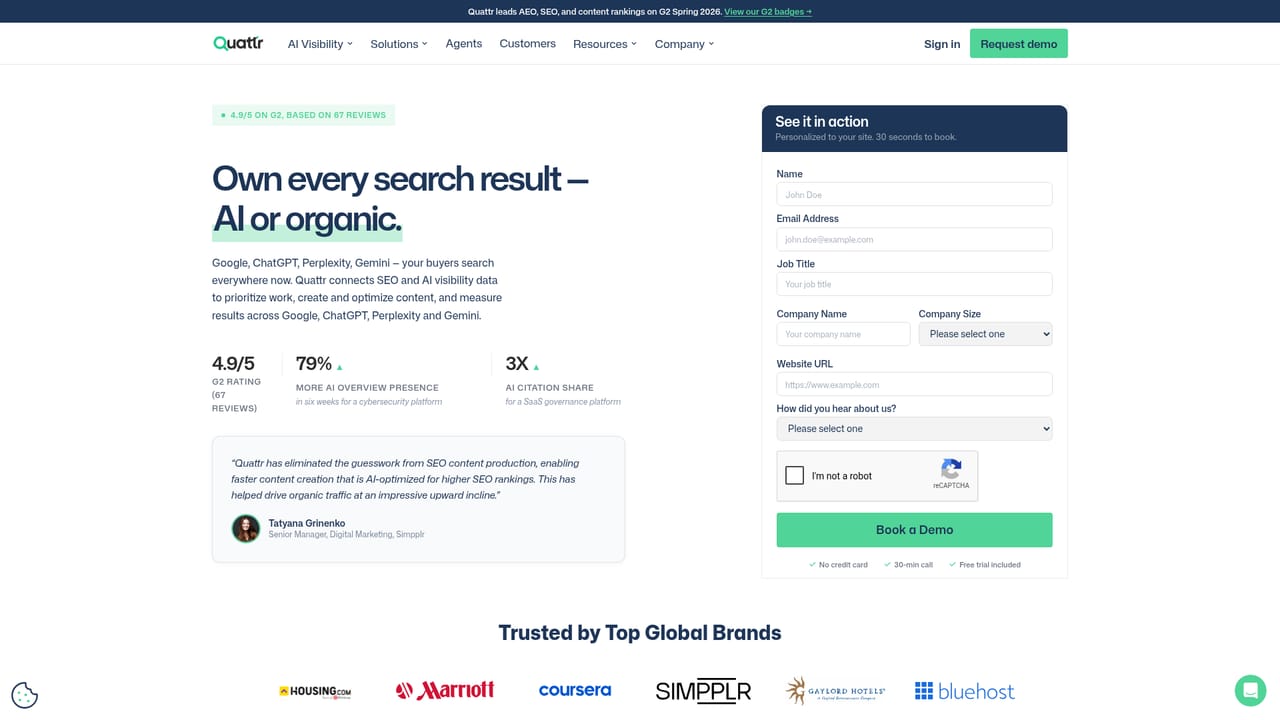
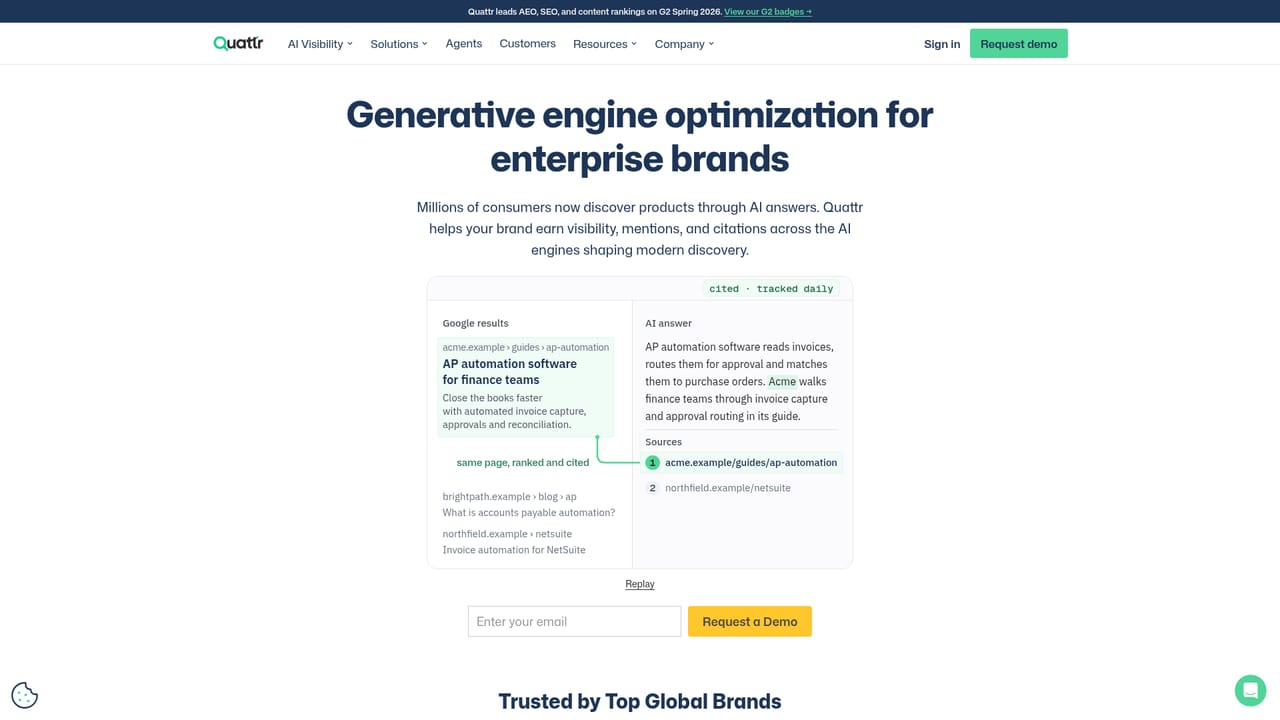
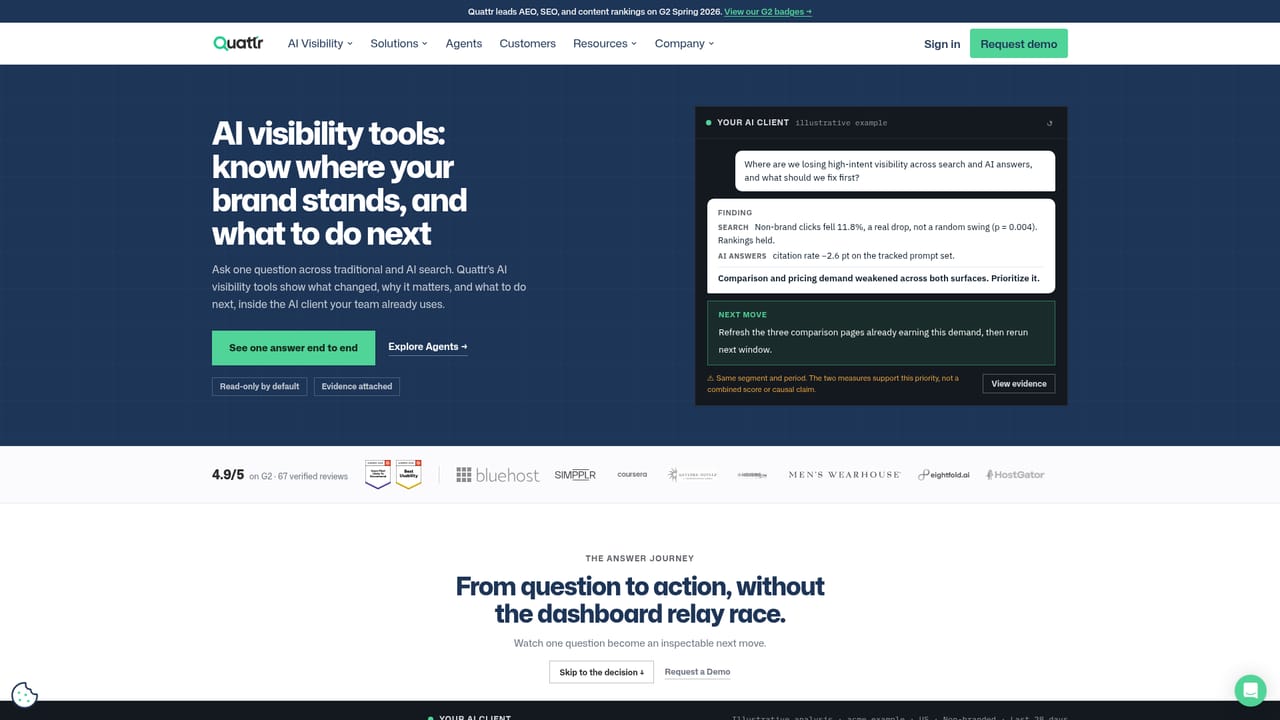
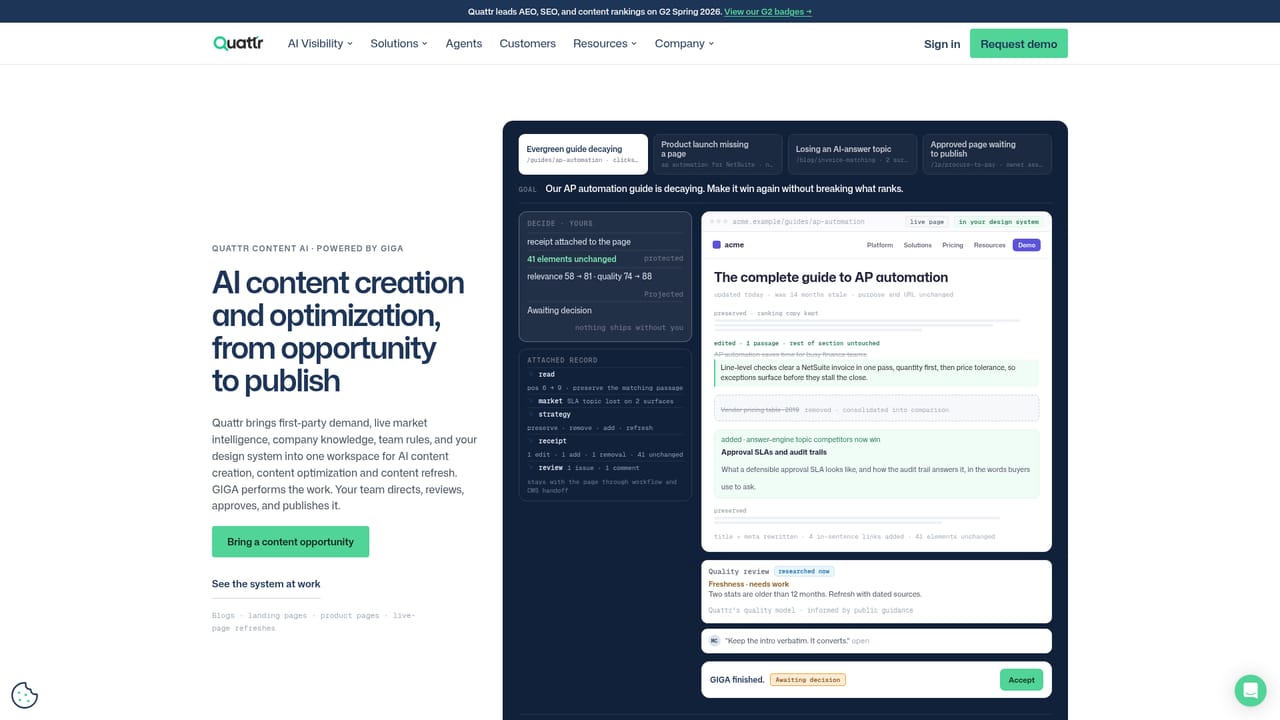
Homepage names Search Console, BigQuery, Lighthouse, crawl and link graph data, prompt tracking and GA4 as sources behind its recommendations. No formal integration directory or API documentation is published on the site.
Prompt tracking across ChatGPT, Google AI Mode, Perplexity, Gemini and Claude with citations, share of voice, mentions and sentiment per surface. A decision layer ranks recommended refreshes, new pages, internal links and technical fixes, each with sources, freshness checks and GA4 joins. Content AI, powered by GIGA, drafts new pages in your design system or makes surgical edits to live ones. Adjacent modules cover technical SEO, internal linking, website taxonomy and paid search optimization.
Learn more AI Angels400+ customizable AI girlfriends for NSFW chat, voice calls, and roleplay
 Candy AIExperience the future of companionship with AI friends who chat, role-play, and connect with you on a human level.
 ourdream.aiA vast AI roleplay platform with millions of characters for chat, images, video and voiceAI Angels400+ customizable AI girlfriends for NSFW chat, voice calls, and roleplayCandy AIExperience the future of companionship with AI friends who chat, role-play, and connect with you on a human level.ourdream.aiA vast AI roleplay platform with millions of characters for chat, images, video and voice


