Support
Onboarding is handled directly by the QueryPal team, which connects your support platform, brings in knowledge sources and tailors the model to your workflows.
Learn moreAgentic AI that drafts support tickets inside your help desk

QueryPal is an agentic AI suite for customer support that drafts full ticket and email responses inside your help desk, backed by past resolutions and internal docs, with an optional customer-facing chatbot and analytics layer. It supports hosted, self-hosted and managed deployment for teams that cannot send data to a third party.
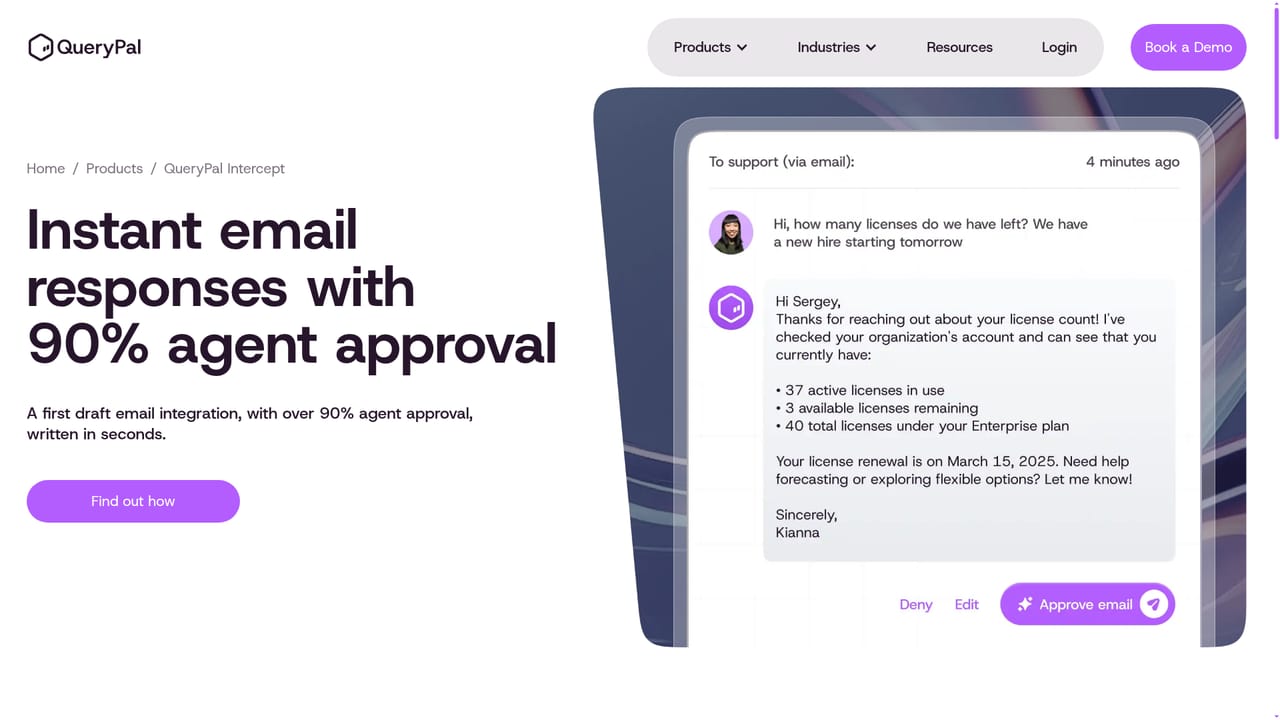
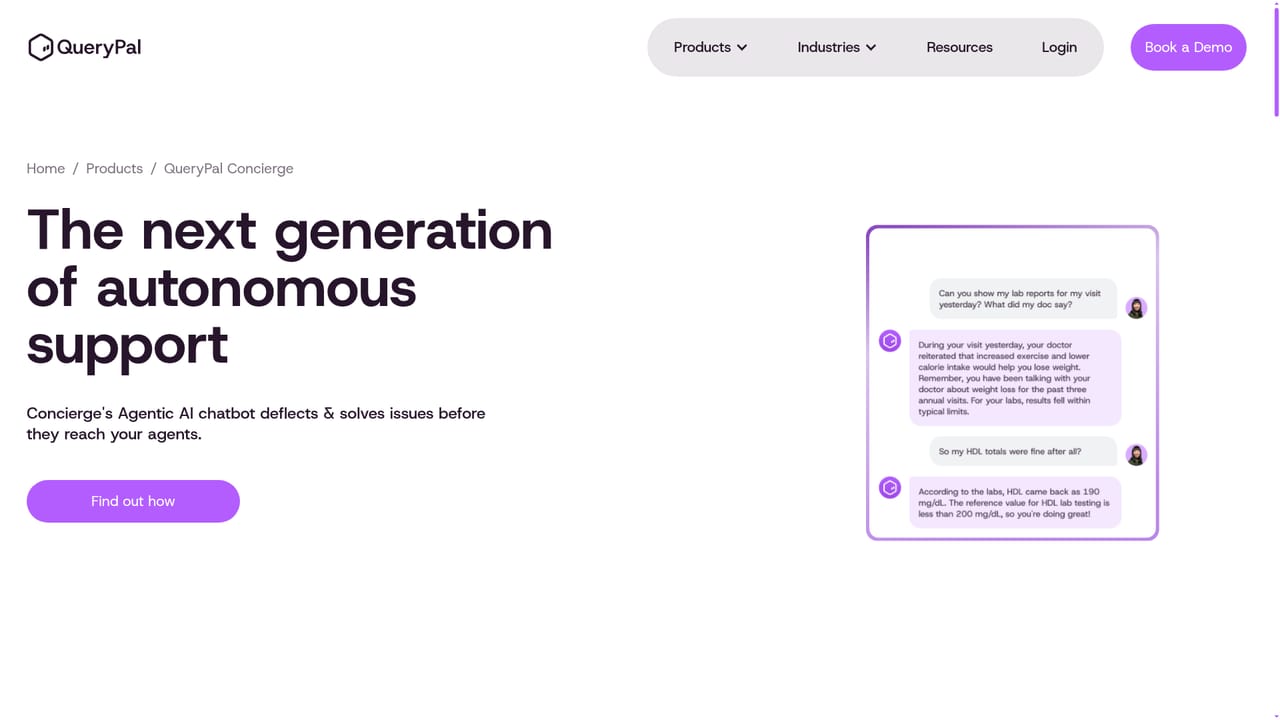
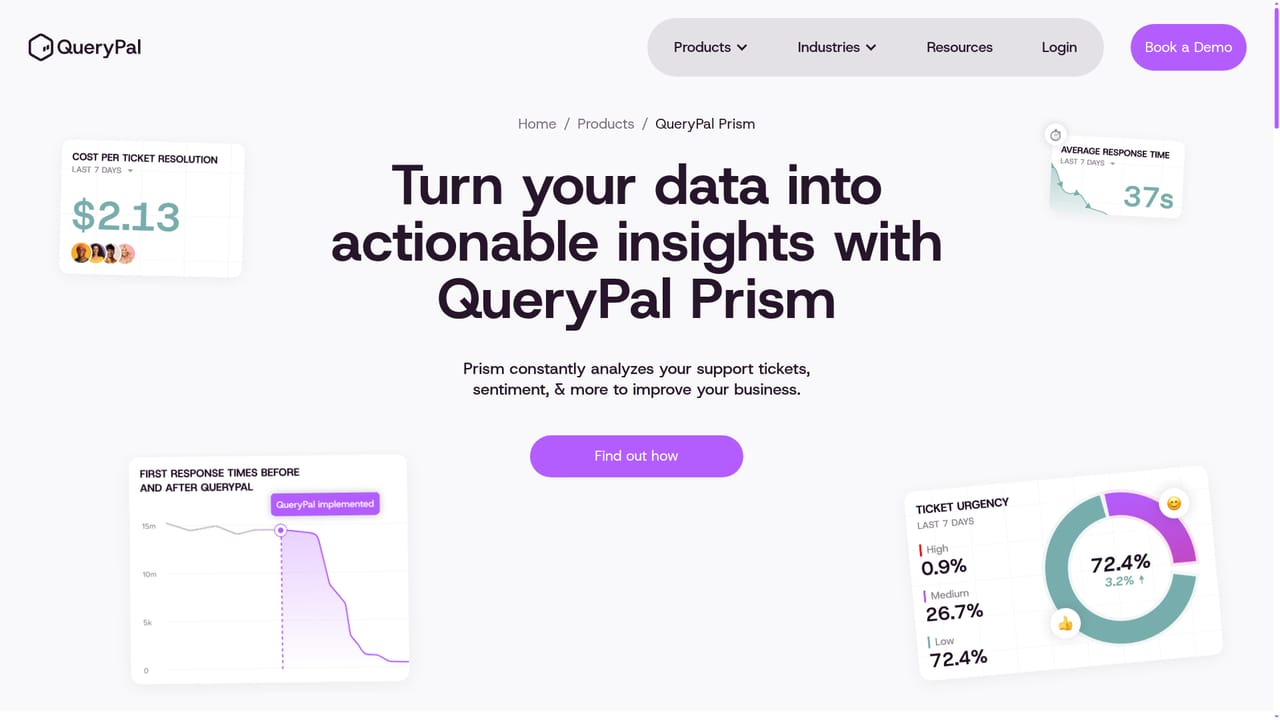
QueryPal is a customer support AI suite built around one idea: most support automation fails because it deflects tickets instead of resolving them. The product prepares complete draft responses inside the help desk an agent already uses, pulling from past resolutions, internal documentation, prior tickets, workflow patterns and connected system data. Each draft arrives with its supporting sources attached, so an agent can verify the reasoning before sending rather than starting from a blank reply box. QueryPal reports that more than 90 percent of its drafts are approved by agents without edits. The suite splits into three products. Intercept handles email and ticket drafting for human agents. Concierge is an agentic chatbot that attempts to solve and deflect issues before they reach a person. Prism is the analytics layer, continuously reading tickets and sentiment to surface patterns leadership can act on. That combination targets support organizations with tiered help desks, where tier 1 volume is predictable but tier 3 escalations are expensive. Operations leads at high volume or seasonal businesses are the clearest audience, and the vendor publishes a case study from a benefits provider citing 10x faster response times within two months. Deployment is the differentiator against cloud-only rivals. QueryPal can run fully hosted, self-hosted, or under managed hosting, meaning sensitive data can stay inside your own infrastructure. The company states SOC 2 Type II and GDPR compliance. Onboarding is white-glove rather than self-serve: the QueryPal team connects your support platform, loads knowledge sources and tunes the model to your workflows alongside your staff. Compared with Decagon, Sierra and Fin, which QueryPal addresses directly in comparison articles, the pitch is resolution quality and data control rather than a pure self-service bot. Buyers should expect a sales-led process; there is no published price list, and the demo request is the entry point. Creativity is not the core use case here despite the directory hint. Treat QueryPal as infrastructure for support teams, not a content generation tool.
Onboarding is handled directly by the QueryPal team, which connects your support platform, brings in knowledge sources and tailors the model to your workflows.
Learn moreQueryPal connects to your existing support platform and imports internal documentation, past tickets and connected system data as knowledge sources. Specific named integrations are not listed on the homepage.
Ticket and email draft generation inside the help desk, with supporting sources attached for agent review. Concierge provides a customer-facing agentic chatbot for deflection. Prism analyzes tickets and sentiment for operational insight. Deployment can be fully hosted, self-hosted or managed, and the vendor lists SOC 2 Type II and GDPR compliance.
Learn more AI Angels400+ customizable AI girlfriends for NSFW chat, voice calls, and roleplay
 Candy AIExperience the future of companionship with AI friends who chat, role-play, and connect with you on a human level.
 ourdream.aiA vast AI roleplay platform with millions of characters for chat, images, video and voiceAI Angels400+ customizable AI girlfriends for NSFW chat, voice calls, and roleplayCandy AIExperience the future of companionship with AI friends who chat, role-play, and connect with you on a human level.ourdream.aiA vast AI roleplay platform with millions of characters for chat, images, video and voice


