Free trial
Creating a free account opens a captions session with 15 free minutes, and no credit card is required.
Learn moreBrowser-based live captions and translation for event screens
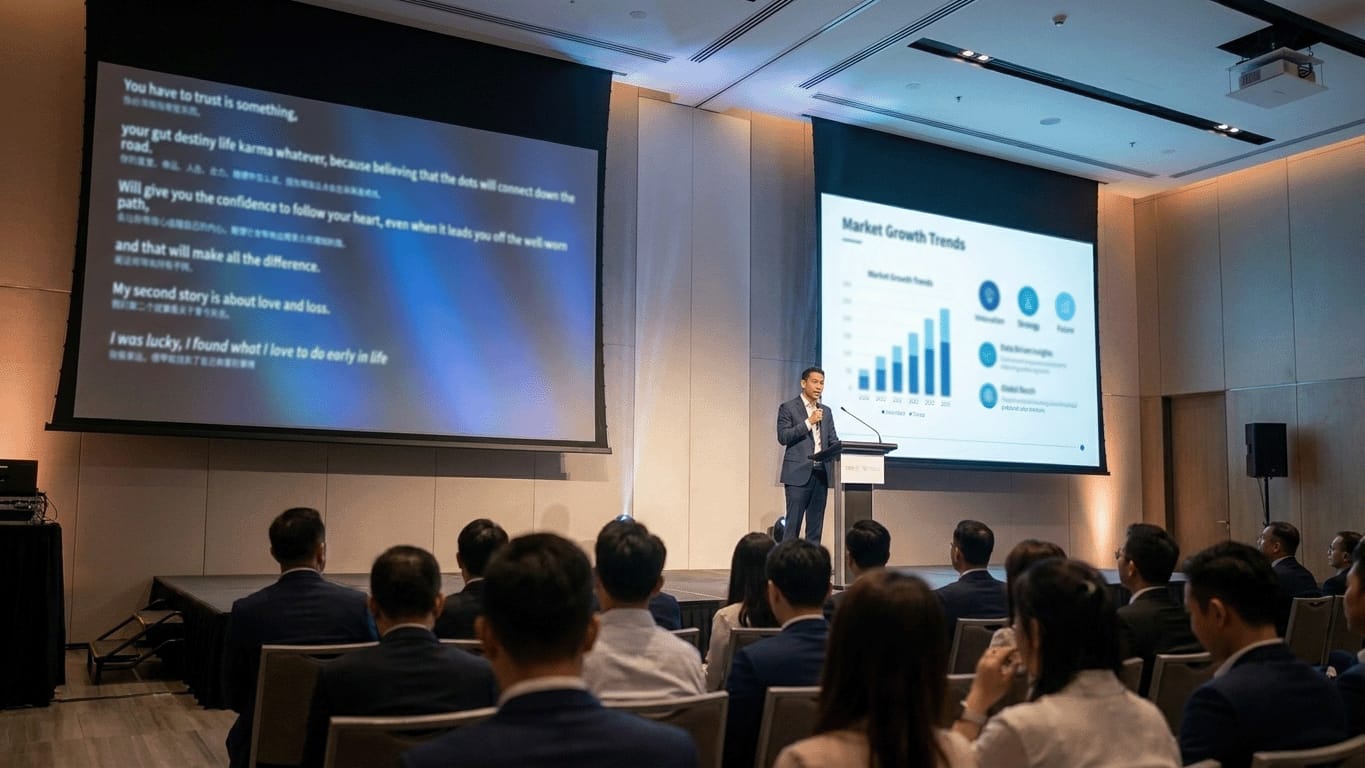
Questro is a translator tool. Questro AI Captions streams live captions and translated text to venue screens and attendee phones from a browser, supporting 18 source and 69 target languages, with script upload to prepare names and terms. Includes a free trial.
Questro AI Captions turns a live speaker's voice into readable on-screen text and a translated line beneath it, all from a browser. An operator picks a microphone the browser can reach (a laptop mic, a USB microphone or an audio interface), chooses the spoken language and the output language, and opens a display link. That link is an ordinary web page, so the same captions can run on a venue screen, a shared display, a livestream layout or an attendee's phone. There is no interpreter booth, receiver hardware or software to install. The tool is aimed at conference organizers, hybrid event teams, and venues that host international audiences or attendees who are deaf or hard of hearing. It listens in 18 source languages plus auto-detect, with nine fully supported and nine marked Beta in the source picker, and translates into 69 target languages. Because the output is text rather than synthesized speech, it suits rooms where readable access across many screens matters more than spoken interpretation. A distinguishing feature is script-aware preparation. Before a session, the operator can upload a script, speaker notes, an agenda or a plain terminology list. Questro extracts names, brands, acronyms and technical terms and applies them to speech recognition and translation, and for prepared talks it uses script alignment as a fallback when live audio is incomplete or delayed. A rough draft is enough to help. Captions sit alongside three other event tools in the same product: a countdown timer, audience Q&A by QR code, and a teleprompter, with a single Crew Link handing a team every control and display link. Usage is metered by listening time: the free plan includes 15 minutes, Pro includes 2 hours monthly, and a one-time 7-Day Event Pass includes 10 hours. The vendor states plainly that AI captions are support rather than a guarantee, and recommends human review or a professional interpreter for legal, medical or diplomatic settings. Compared with booth-based interpretation or dedicated captioning hardware, it trades guaranteed accuracy for low setup cost and reach.
Creating a free account opens a captions session with 15 free minutes, and no credit card is required.
Learn moreFree plan includes 15 AI Captions minutes. Pro includes 2 hours per month. The 7-Day Event Pass is a one-time $99 purchase with 10 hours. Time counts while a session is listening. Pro's price is not stated on the page.
Learn moreA setup guide covers putting AI captions on a conference screen. No support channels or response times are stated.
Learn moreLive captions with translated lines, 18 source languages plus auto-detect, 69 target languages, script and terminology upload, script alignment fallback, display links for screens and phones, plus Timer, Q&A and Teleprompter tools with a Crew Link.
Learn more AI Angels400+ customizable AI girlfriends for NSFW chat, voice calls, and roleplay
 Candy AIExperience the future of companionship with AI friends who chat, role-play, and connect with you on a human level.
 ourdream.aiA vast AI roleplay platform with millions of characters for chat, images, video and voiceAI Angels400+ customizable AI girlfriends for NSFW chat, voice calls, and roleplayCandy AIExperience the future of companionship with AI friends who chat, role-play, and connect with you on a human level.ourdream.aiA vast AI roleplay platform with millions of characters for chat, images, video and voice