Free trial
Not a timed trial: users generate four watermarked previews for free and pay $9.99 only if they like one. A separate free AI headshot generator is also offered on its own page.
Learn moreStudio-style AI headshots from one selfie, paid only on approval
Own Quick Headshots? Verify ownership to get a dofollow link
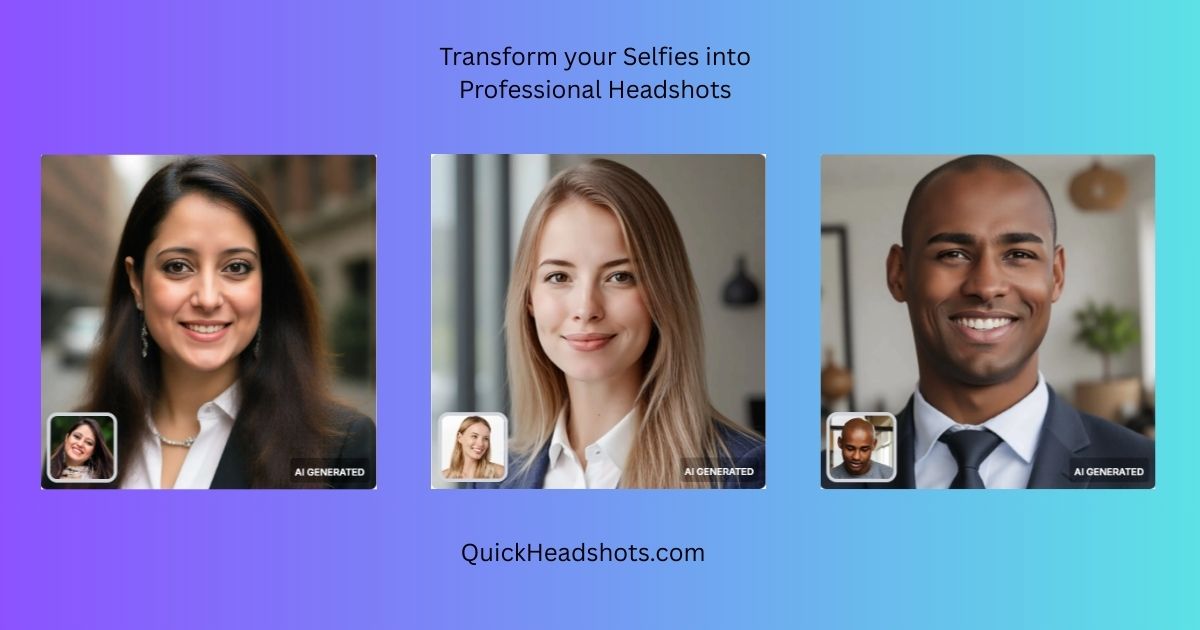
Quick Headshots converts a single selfie into four preview headshots in seconds and charges $9.99 only when the user approves, with a separate custom service that turns 8 to 15 photos into galleries of 200 or more images delivered within hours.
Quick Headshots is a service that turns ordinary phone photos into polished professional portraits using AI generation rather than a camera and a studio. It runs two distinct products. Instant Headshots takes a single selfie, produces four styled previews within seconds, and charges $9.99 only after the user approves the look. Custom Headshots takes 8 to 15 reference photos and returns a much larger gallery, in the hundreds of images, delivered by email within a few hours. The free preview is the core of the pitch. Users upload a selfie, adjust the four preset outfits and backgrounds (a navy suit against a modern office, a charcoal blazer on white, a light button-down on soft gray, a tan blazer on corporate blue), and hit generate. Watermarked previews appear first; the full-resolution file unlocks at payment. That sequence suits job seekers, freelancers and anyone who needs a credible profile photo for LinkedIn, a resume or an investor deck without booking a photographer. The custom tier is aimed at founders, executives and teams that want volume and visual consistency. Reference photos go in, styles are chosen (clothing, backgrounds, hairstyles, expressions), and the finished set lands in the inbox in 2 to 5 hours with lighting and quality held steady across the gallery. Per-image cost falls sharply as packages grow, from roughly $0.60 per shot on the pay-as-you-go option to about $0.11 on the 400-image premium package. Every custom package carries a 7-day money-back guarantee. Competitively, Quick Headshots sits between one-click avatar apps and full studio sessions. It avoids subscriptions entirely and emphasizes speed plus a try-before-you-pay loop. The trade-offs are real: results depend heavily on the source photos, the instant tier is limited to four preset looks, and the larger custom galleries arrive by email rather than through an interactive editing interface.
Not a timed trial: users generate four watermarked previews for free and pay $9.99 only if they like one. A separate free AI headshot generator is also offered on its own page.
Learn moreInstant Headshots costs $9.99, charged only after the user approves the previews, and it carries no subscription. Custom packages range from $11.99 pay-as-you-go (plus $3.99 per extra style) through Essential at $24.99, Professional at $34.99 and Premium at $44.99, covering 20 to 400 images at $0.60 down to roughly $0.11 per shot.
Learn moreA dedicated support email (support@quickheadshots.com) is listed, and custom packages include concierge support plus a 7-day money-back guarantee. No live chat or help centre is described.
Instant Headshots produce four previews from one selfie in seconds, with swappable outfits and backgrounds and a pay-on-approval flow. Custom Headshots take 8 to 15 reference photos and return 100 to 400 high-resolution images across 5 to 20 styles, delivered by email in 2 to 5 hours with brand-aligned clothing and colour palettes, a concierge support workflow and a 7-day money-back guarantee.
Learn more AI Angels400+ customizable AI girlfriends for NSFW chat, voice calls, and roleplay
 Candy AIExperience the future of companionship with AI friends who chat, role-play, and connect with you on a human level.
 ourdream.aiA vast AI roleplay platform with millions of characters for chat, images, video and voiceAI Angels400+ customizable AI girlfriends for NSFW chat, voice calls, and roleplayCandy AIExperience the future of companionship with AI friends who chat, role-play, and connect with you on a human level.ourdream.aiA vast AI roleplay platform with millions of characters for chat, images, video and voice


