Free trial
The Basic plan is free to use with limited generations, so the workflow can be tested without payment, though Word and PDF export require an upgrade.
Learn moreSection by section AI writing that remembers your whole assignment
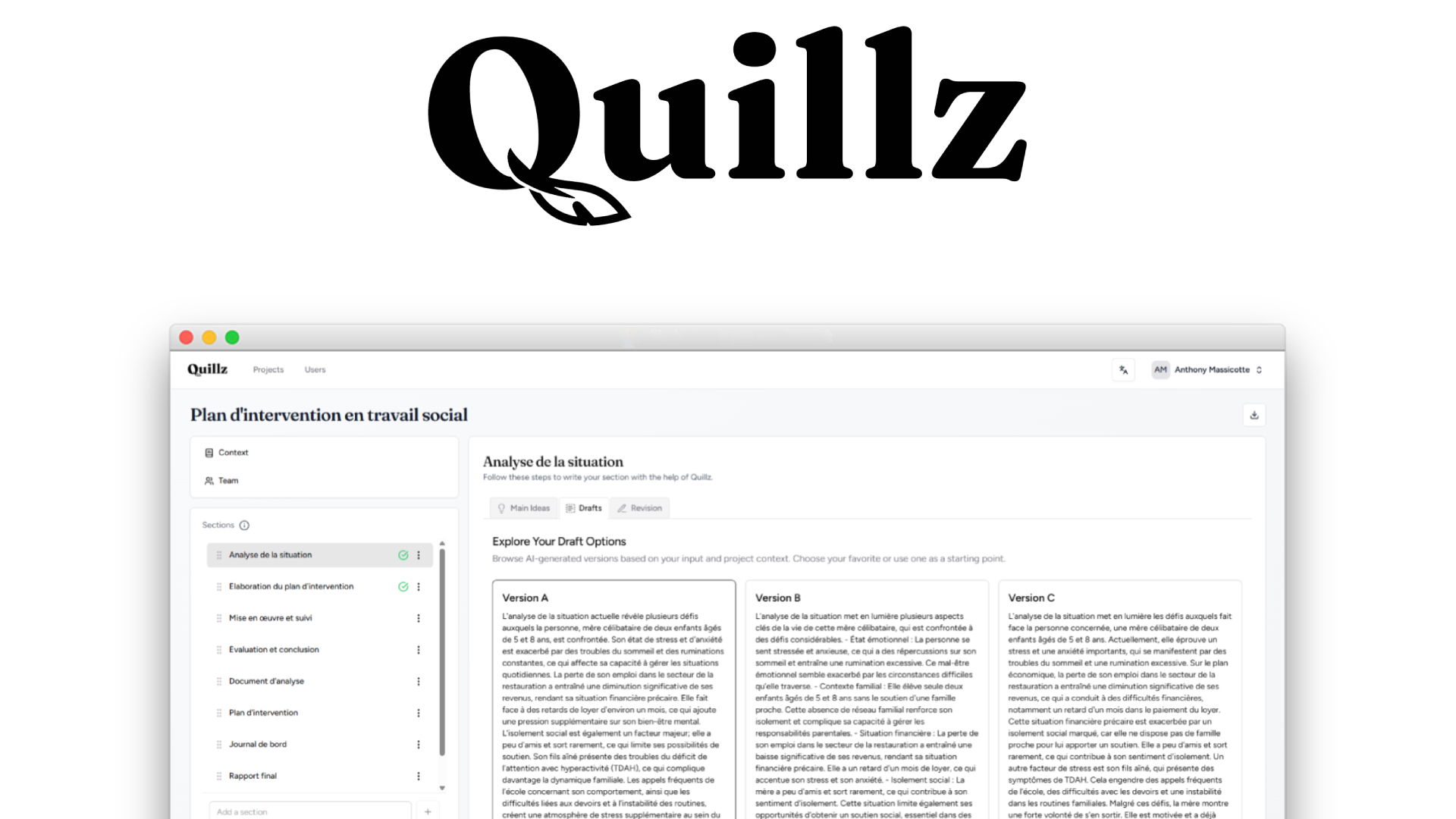
Quillz is a student-focused AI writing assistant that breaks assignments into sections and generates three context-aware drafts for each one, using your notes and finished sections as context. It adds voice-to-text, group collaboration and PDF or DOCX export, with a free tier and paid plans from $9.99 per month.
Quillz is an AI writing assistant aimed squarely at students working through assignments, long essays and group projects. Rather than handing over a single prompt and accepting whatever comes back, it splits a piece of work into sections and keeps track of each finished part so that later paragraphs stay aligned with the argument already built. The premise is collaboration rather than replacement: the student supplies the ideas, research and opinion, and the tool supplies drafts and structure. The workflow runs in three moves. A user starts a project from scratch or imports an existing assignment brief, then dumps raw thoughts and notes into each section, either by typing or by dictating with voice-to-text. Quillz reads the whole project along with those notes and produces three context-aware draft options per section. The student compares them, picks one and edits it line by line before locking the section and moving on. Locked work becomes context for whatever follows, so the document holds together instead of reading like disconnected fragments. Group work gets its own handling. Sections can be assigned to teammates, progress is tracked in one place, and the shared context helps keep a consistent tone across writers who would otherwise clash. When the draft is done, the whole document exports to PDF or DOCX with headings, spacing and layout kept intact. It suits undergraduate and postgraduate students, particularly those who stall at the blank page or lose coherence partway through a long piece. Against general chatbots, the difference is the project memory and the section scaffolding; against dedicated essay tools, it leans harder on the student's own input rather than generating an entire paper. The three-tier pricing, with a free entry level and paid plans at $9.99 and $19.99 per month, keeps the paid commitment low, though generation counts on the free tier and the mid tier are capped.
The Basic plan is free to use with limited generations, so the workflow can be tested without payment, though Word and PDF export require an upgrade.
Learn moreThree tiers. Basic is free with limited generations, the AI writing process, text-format export and access to shared projects. Premium costs $9.99 per month with 50 generations, Word and PDF export, voice-to-text and up to 3 shared projects. Unlimited is $19.99 per month with unlimited generations and unlimited shared projects.
Learn moreSection-by-section writing, three context-aware drafts per section, free-form idea input or a guided plan, voice-to-text, and project memory that carries finished sections forward. Revision mode allows sentence-level edits before locking. Collaboration adds section assignment, progress tracking and consistent tone. One-click export produces PDF or DOCX with formatting preserved.
 AI Angels400+ customizable AI girlfriends for NSFW chat, voice calls, and roleplay
 Candy AIExperience the future of companionship with AI friends who chat, role-play, and connect with you on a human level.
 ourdream.aiA vast AI roleplay platform with millions of characters for chat, images, video and voiceAI Angels400+ customizable AI girlfriends for NSFW chat, voice calls, and roleplayCandy AIExperience the future of companionship with AI friends who chat, role-play, and connect with you on a human level.ourdream.aiA vast AI roleplay platform with millions of characters for chat, images, video and voice