Free trial
A free plan is offered without a credit card. Some reviewers mention a trial period that later required payment.
Learn moreTurn PDFs, videos and notes into quizzes and flashcards

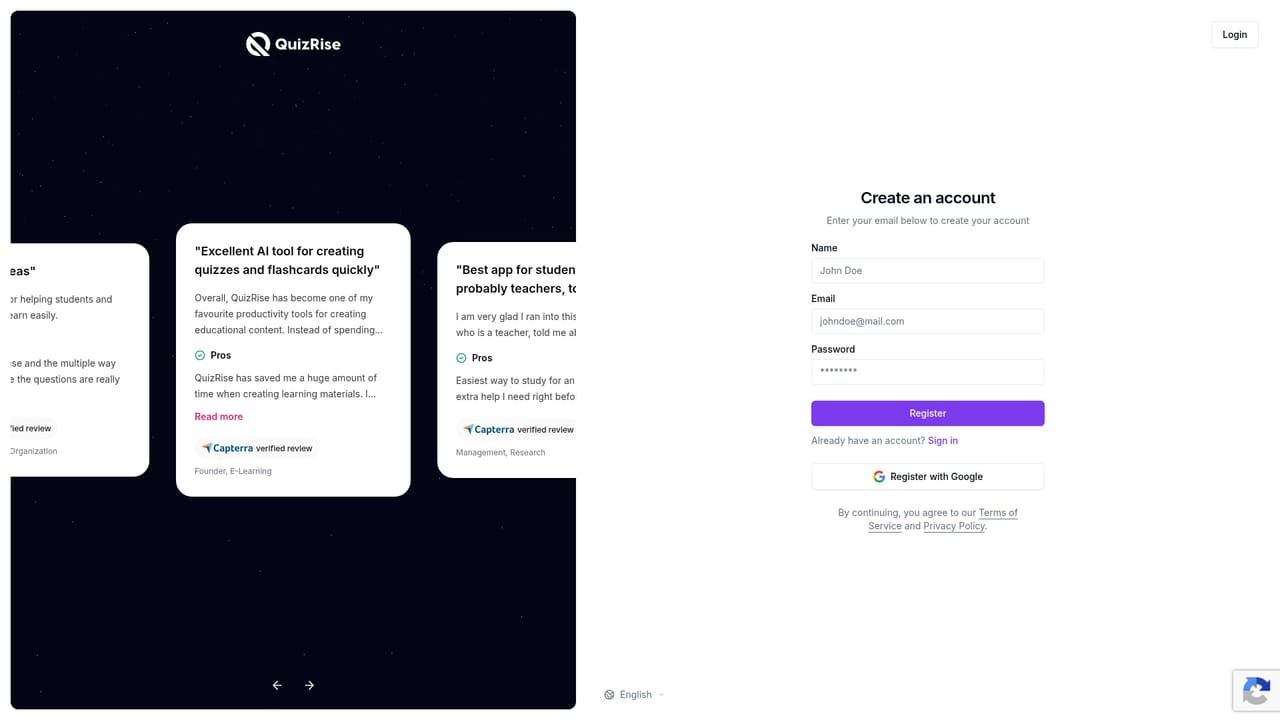
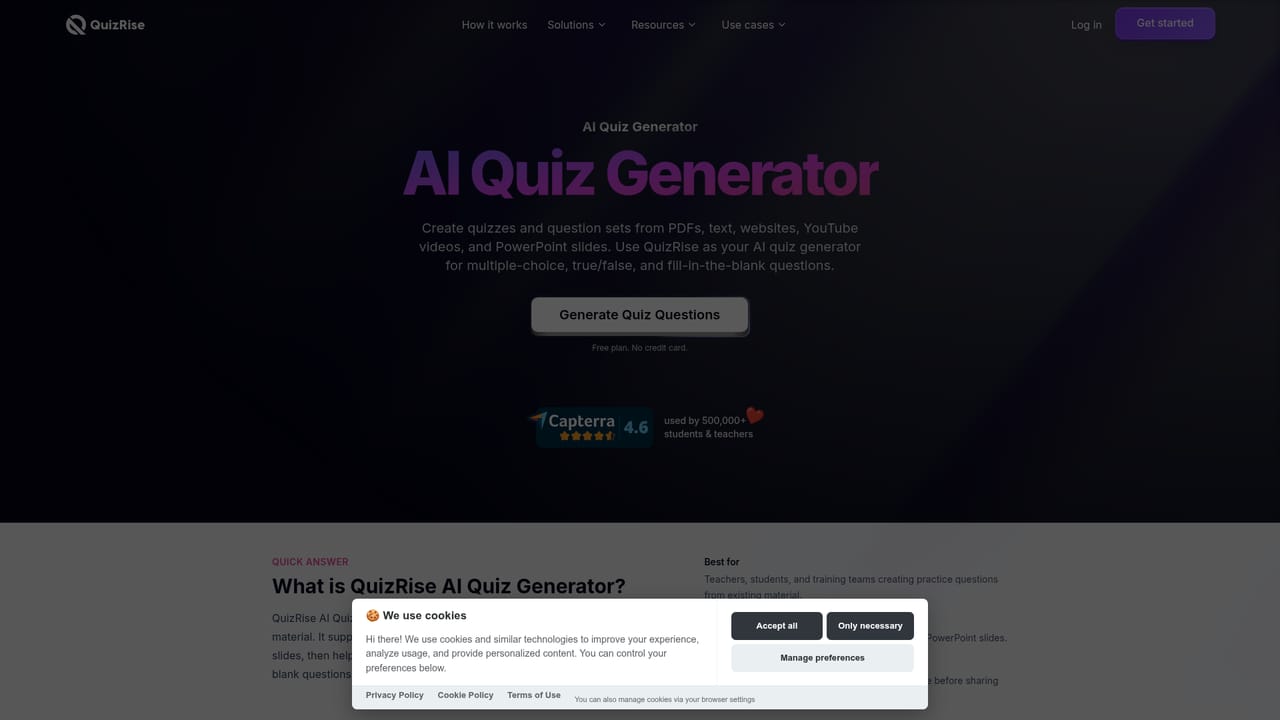
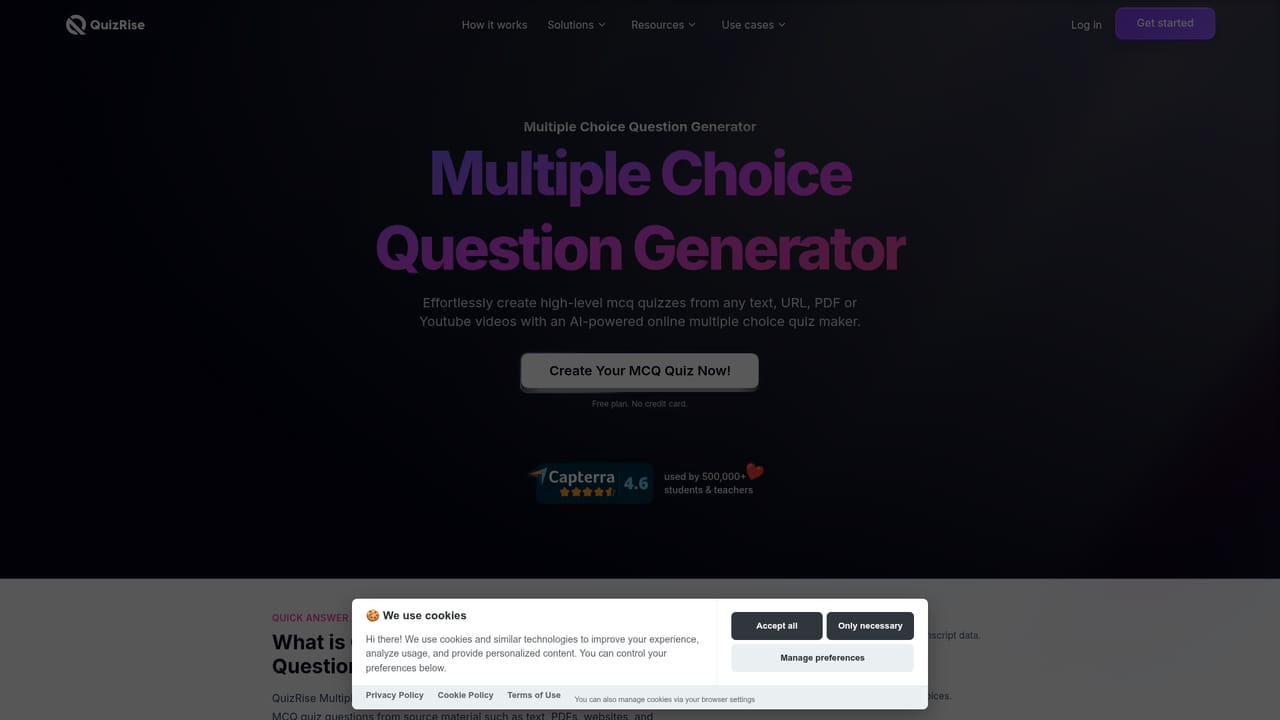
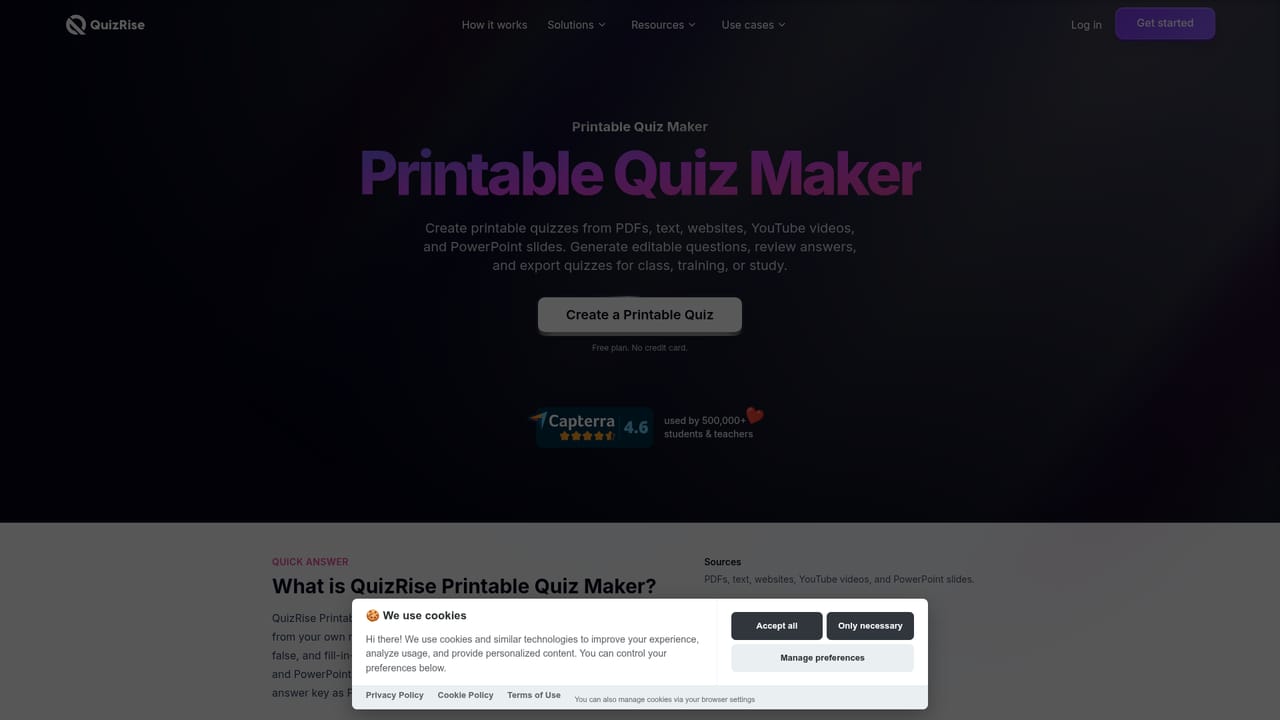
QuizRise is an exam preparation tool that turns PDFs, videos and notes into quizzes and flashcards. QuizRise builds quizzes, flashcards and summaries from PDFs, text, websites, YouTube videos and images. MCQ, true/false and fill in the blank types, editable questions, link sharing, embeds, printable PDFs and result analytics make it a practical study and assessment tool for teachers and students.
QuizRise is an AI study tool that converts source material into quizzes, flashcards and summaries. You feed it a PDF, a pasted block of text, a web address, a YouTube video, slides, a document, a screenshot or a photo of handwritten notes, and the platform generates questions with answers attached. That input flexibility is the core of the product: instead of writing items by hand, a teacher or student supplies whatever material already exists and edits the output. The question engine supports multiple choice, true or false and fill in the blank formats, and it works in multiple languages. Beyond quizzes, QuizRise produces flashcard decks with spaced repetition review and condensed summaries of long documents. Generated content is editable, so question wording, answer options and ordering can be adjusted before anything is shared. Distribution happens through a public link, an embed on a website, email, a printable PDF with an answer key, or an export formatted for Moodle and other learning management systems on paid plans. Result analytics then show how learners performed and which concepts need another pass. The audience is clearly education: teachers building assessments, students revising for exams, tutors, schools, and corporate training teams. The site claims more than 500,000 students and teachers and shows university logos including NYU, Yale, Princeton, Cambridge and Berkeley. QuizRise positions itself against flashcard incumbents such as Quizlet, Anki and Mindgrasp, leaning on automatic answer keys and one-step generation from source files rather than manual card authoring. A free plan with no credit card is available, and reviewers on Capterra describe it as a fast way to turn lecture notes into revision material. The main caveats are that AI output still needs human review, several export options sit behind paid tiers, and at least one reviewer was surprised by a paywall appearing after an initial trial.
A free plan is offered without a credit card. Some reviewers mention a trial period that later required payment.
Learn moreThe site advertises a free plan with no credit card required, plus paid plans that unlock features such as exporting questions for Moodle and other learning management systems. Specific plan prices and limits are not stated on the homepage.
Learn moreQuestion exports are supported for Moodle and other learning management systems on paid plans. Quizzes can be embedded on external websites and shared by link or email.
Generation from text, PDFs, websites, YouTube videos, slides, documents, screenshots and handwritten notes. Multiple choice, true/false and fill in the blank questions with answers, flashcard decks with spaced repetition, document summaries, multi-language output, editing, link sharing, website embeds, printable PDFs with answer keys, LMS exports on paid plans, and performance analytics.
Learn more AI Angels400+ customizable AI girlfriends for NSFW chat, voice calls, and roleplay
 Candy AIExperience the future of companionship with AI friends who chat, role-play, and connect with you on a human level.
 ourdream.aiA vast AI roleplay platform with millions of characters for chat, images, video and voiceAI Angels400+ customizable AI girlfriends for NSFW chat, voice calls, and roleplayCandy AIExperience the future of companionship with AI friends who chat, role-play, and connect with you on a human level.ourdream.aiA vast AI roleplay platform with millions of characters for chat, images, video and voice


