Free trial
A free plan is available through the Start for free and Join with Google buttons, alongside a free SEO audit tool that gives a first look at site performance before signing up for a paid tier.
Learn moreSEO and AI visibility workflows that run themselves

Ranklytics is a content writing tool. Ranklytics bundles keyword research, AI blog writing, on-page optimization, internal linking, auto-publishing, rank tracking, competitor monitoring, reporting and a backlink exchange into always-on workflows. It also tracks brand mentions in ChatGPT, Gemini and Perplexity, which puts it between classic SEO suites and AI content tools.
Ranklytics is an SEO automation platform that strings the usual manual chores into background workflows. It covers keyword discovery, content planning, long-form drafting, on-page optimization, internal linking, publishing and rank tracking, then adds two newer layers: monitoring of how a brand shows up in ChatGPT, Gemini and Perplexity, and an automated backlink exchange network. The pitch is less about any single tool and more about the assembly line: connect a site once, switch on the workflows you want, and the platform keeps cycling through them. Setup runs through Google Search Console and a CMS connection, with WordPress and Shopify named among the publishing targets. From there, the system maps the site, scores existing pages, and flags opportunities such as quick wins and click-through gaps using Search Console signals. Content creation follows a similar loop: research a keyword, generate a long article, insert internal links, publish. A separate optimizer scans underperforming pages and rewrites or expands them. On top of that sit competitor tracking (keyword gaps, new content, ranking moves) and weekly reports sent by email to the owner or to clients. The tool is aimed at small businesses without an SEO hire, agencies that want to scale content delivery across accounts, and e-commerce teams managing large catalogs. Its closest comparisons are conventional SEO suites plus a writing assistant, except Ranklytics bundles the writing, the publishing and the scheduling into one subscription and adds AI visibility tracking that most classic rank trackers still lack. Some caveats are worth stating up front. Automated publishing puts a lot of trust in the model, so editorial review is still wise on money pages. The backlink exchange works only inside the vendor's own network, which limits the pool of partners. And the homepage leans on percentages and speed claims that buyers should verify against their own results before committing.
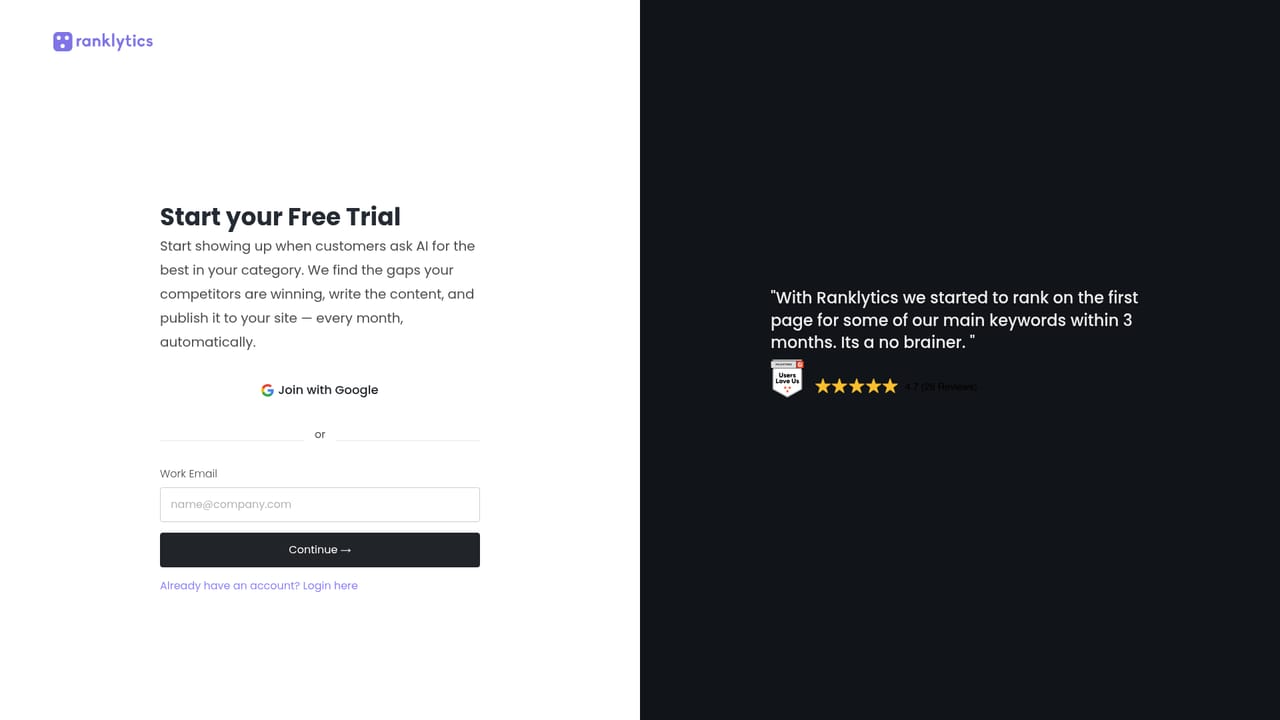
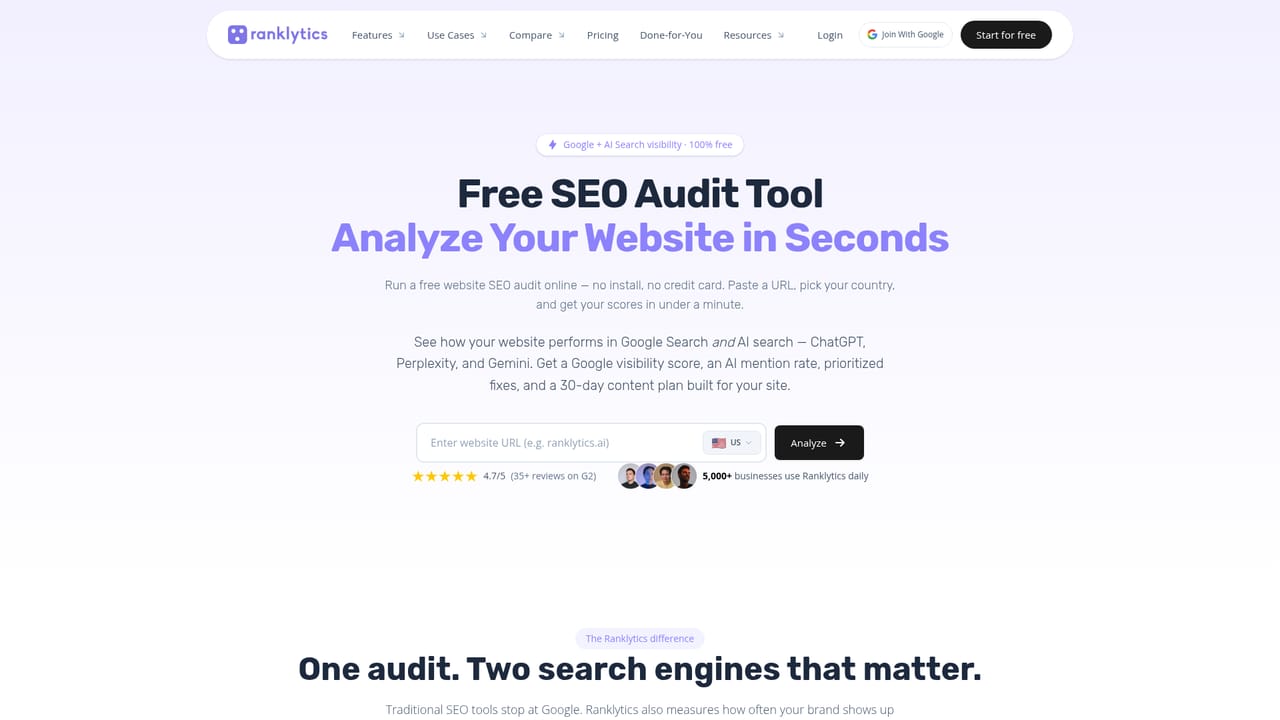
A free plan is available through the Start for free and Join with Google buttons, alongside a free SEO audit tool that gives a first look at site performance before signing up for a paid tier.
Learn moreThe homepage names Google Search Console, WordPress and Shopify, plus CMS connections for auto-publish and competitor tracking. A full integrations list sits on a dedicated page.
Learn moreKeyword research, a content strategy generator, a long-form AI blog writer, a content optimizer, internal linking automation, auto-publish to WordPress and other CMS platforms, rank tracking, Search Console page scoring, competitor monitoring, weekly automated reports, AI visibility tracking for ChatGPT, Gemini and Perplexity, and an automated backlink exchange.
Learn more AI Angels400+ customizable AI girlfriends for NSFW chat, voice calls, and roleplay
 Candy AIExperience the future of companionship with AI friends who chat, role-play, and connect with you on a human level.
 ourdream.aiA vast AI roleplay platform with millions of characters for chat, images, video and voiceAI Angels400+ customizable AI girlfriends for NSFW chat, voice calls, and roleplayCandy AIExperience the future of companionship with AI friends who chat, role-play, and connect with you on a human level.ourdream.aiA vast AI roleplay platform with millions of characters for chat, images, video and voice


