Free trial
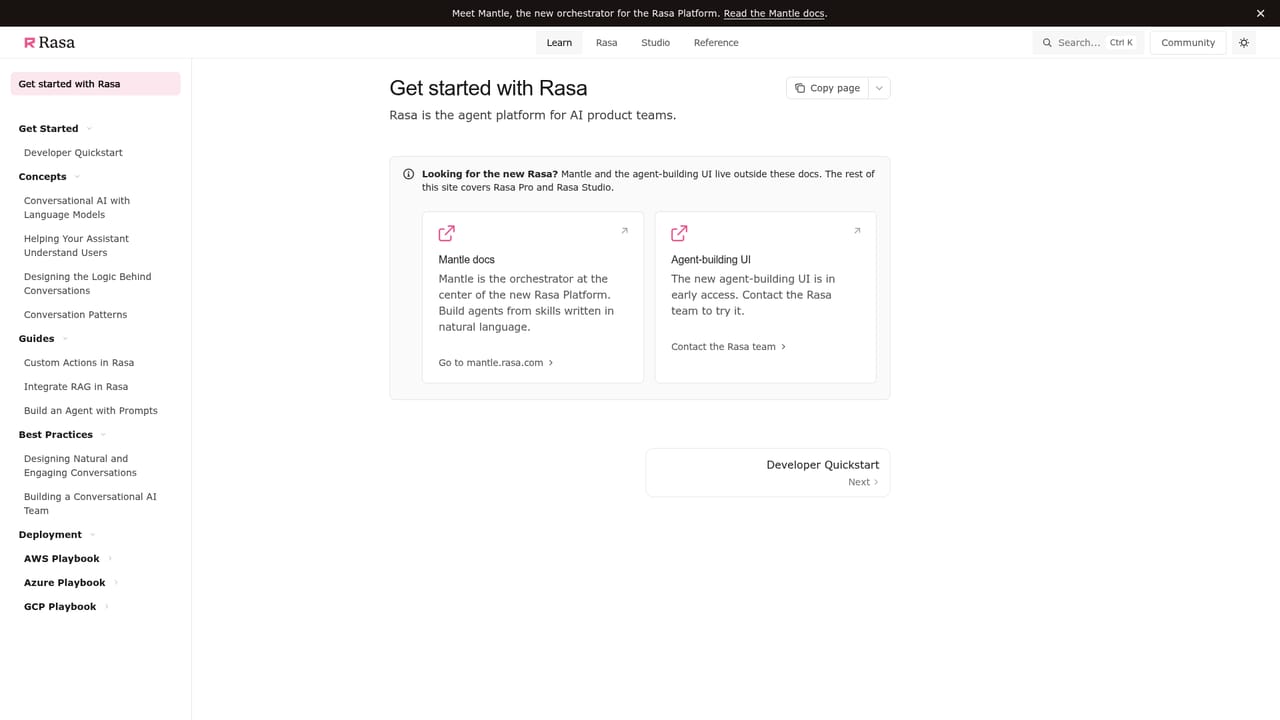
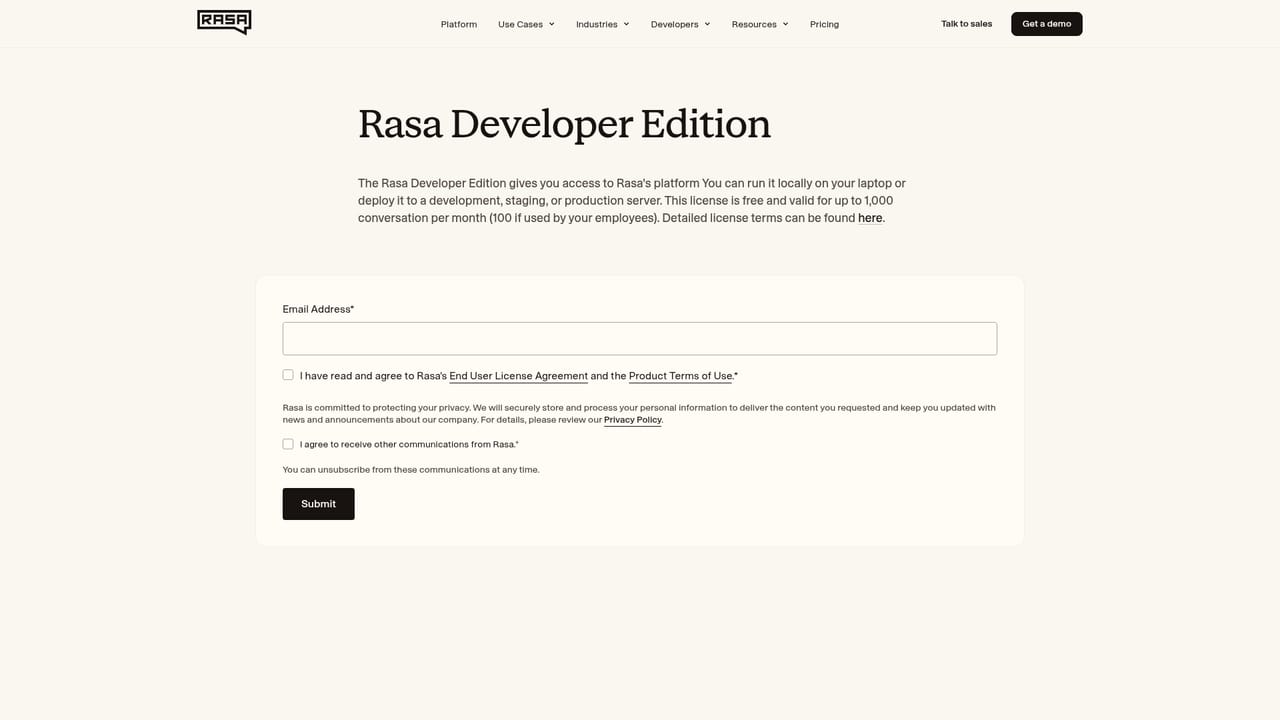
No free trial is described on the homepage. Visitors are directed to book a demo, read the documentation, or request a Rasa Pro developer edition licence key.
Learn moreOne conversation logic, many languages, no rebuild per market
Own Rasa Multilingual AI? Verify ownership to get a dofollow link

Rasa Multilingual AI is an AI chat bot tool. Rasa Multilingual AI lets teams build one conversational agent and deploy it across languages, reusing flows and logic while localizing tone and phrasing. It supports mid-conversation language switching with context retained, and plugs into Rasa's chat, voice and agentic AI building blocks for enterprise deployments.
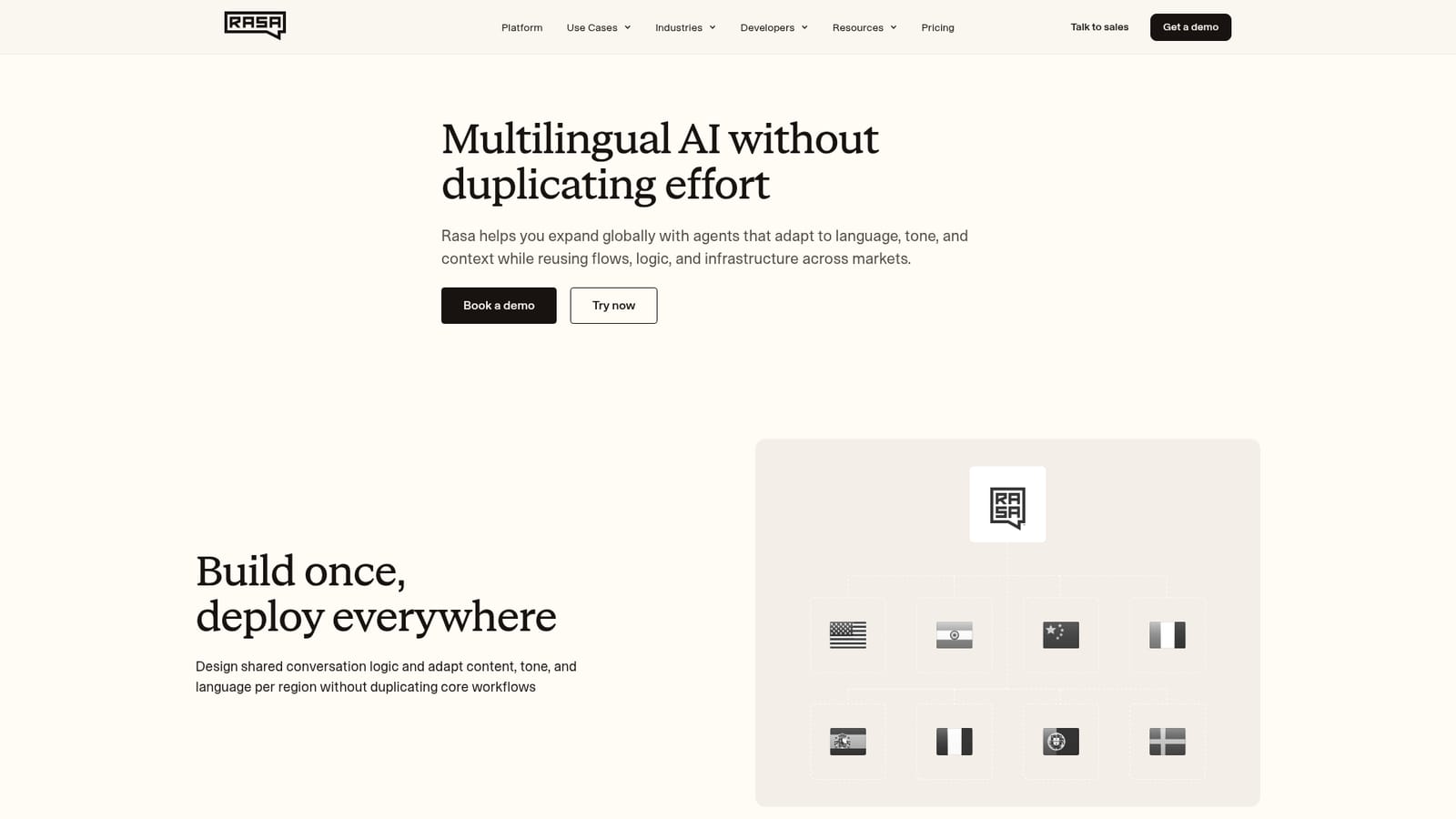
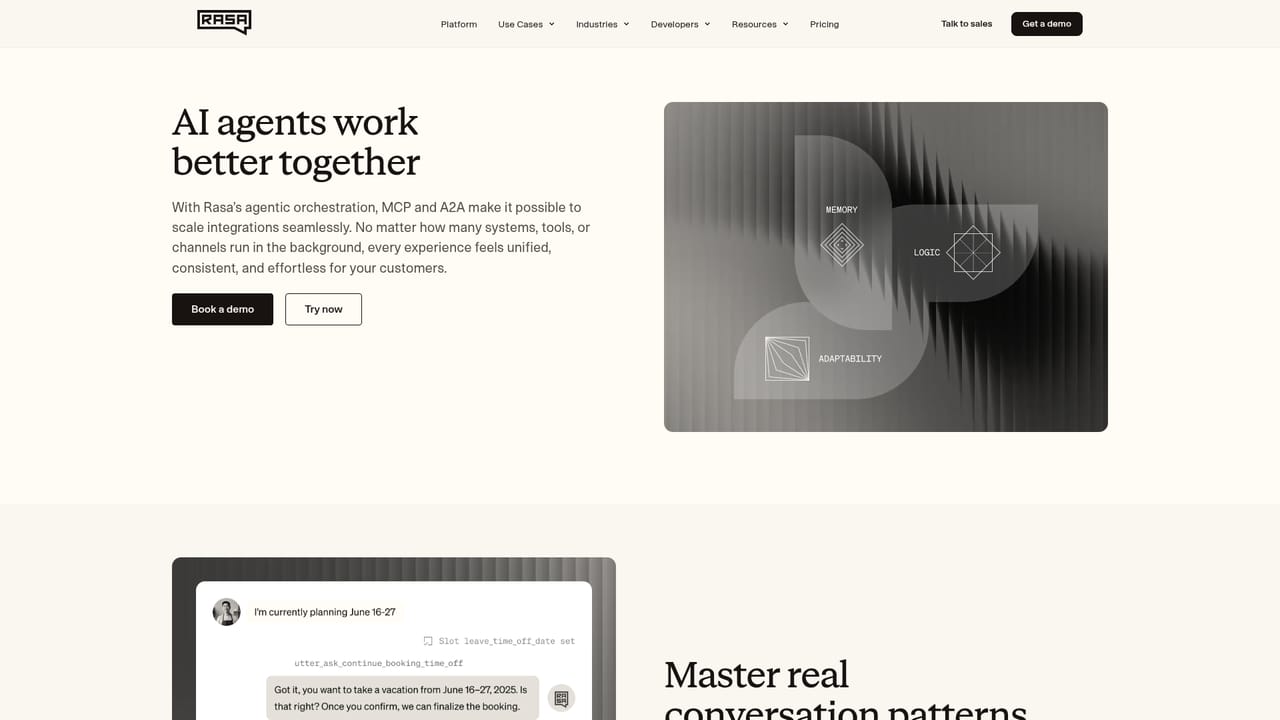
Rasa Multilingual AI is a layer on top of the Rasa conversational platform for teams that want one assistant serving several language markets. The core idea is stated plainly on the page: design shared conversation logic once, then adapt content, tone and language per region without duplicating the workflows underneath. Dialog structures get reused across locales, and phrasing is customized only where it matters, which shortens the path into a new market because the core functionality does not have to be rebuilt. The feature that separates it from bolting a translation API onto a bot is mid-conversation language switching. A user can change language or code-switch partway through a session and the agent keeps the thread instead of restarting the flow. Context is retained, so the assistant remembers where the user left off, and localization of tone and phrasing happens while intent and flow stay intact. For brand consistency, teams keep messaging and quality aligned across regions while still making targeted adjustments for cultural nuance, regulation or local customer expectations. It sits inside the wider Rasa stack rather than standing alone. The page links the multilingual capability to chat for structured multi-turn conversations across messaging channels, voice for real-time spoken agents, and agentic AI for autonomous behaviour under guardrails. That means the natural buyer is an enterprise or scale-up already building on Rasa, or one comparing it against generic chatbot builders that treat each language as a separate project. Named customers on the page include Swisscom, Autodesk, Providence, N26, T-Mobile, Albert Heijn, nib Group and Orange, with reported outcomes such as fallback rates dropping from 18% to 3.5% after consolidating five bots into one assistant. The practical trade-off is that this is developer-facing infrastructure, not a self-serve tool a marketer can configure in an afternoon. The page pushes visitors toward a demo or the documentation, and the value depends on committing engineering time to flows and logic. Teams wanting an out-of-the-box multilingual chatbot will find lighter options; teams wanting control over conversation structure across markets are the intended audience.
No free trial is described on the homepage. Visitors are directed to book a demo, read the documentation, or request a Rasa Pro developer edition licence key.
Learn moreThe page references chat across messaging channels and real-time voice, plus backend integration capabilities cited by T-Mobile. A full integrations list is not provided on this page.
Learn moreShared conversation logic across languages, per-locale adaptation of tone and phrasing, mid-conversation language switching with retained context, code-switching support, brand consistency controls across regions, and targeted localization for cultural nuance or regulation. These sit alongside Rasa's chat, voice and agentic AI building blocks.
 AI Angels400+ customizable AI girlfriends for NSFW chat, voice calls, and roleplay
 Candy AIExperience the future of companionship with AI friends who chat, role-play, and connect with you on a human level.
 ourdream.aiA vast AI roleplay platform with millions of characters for chat, images, video and voiceAI Angels400+ customizable AI girlfriends for NSFW chat, voice calls, and roleplayCandy AIExperience the future of companionship with AI friends who chat, role-play, and connect with you on a human level.ourdream.aiA vast AI roleplay platform with millions of characters for chat, images, video and voice


