Support
Support is reached through a contact page and meeting booking, alongside product documentation and a public changelog. A trust portal covers security and compliance information.
Learn moreAgentic ITSM that runs request resolution inside Slack and Teams

Ravenna is an agentic service desk for IT, HR and operations teams that resolves internal requests inside Slack and Microsoft Teams. It combines AI agents, a visual workflow builder, ticketing with SLAs and CSAT, and performance analytics in one platform, with enterprise security claims and availability through AWS Marketplace.
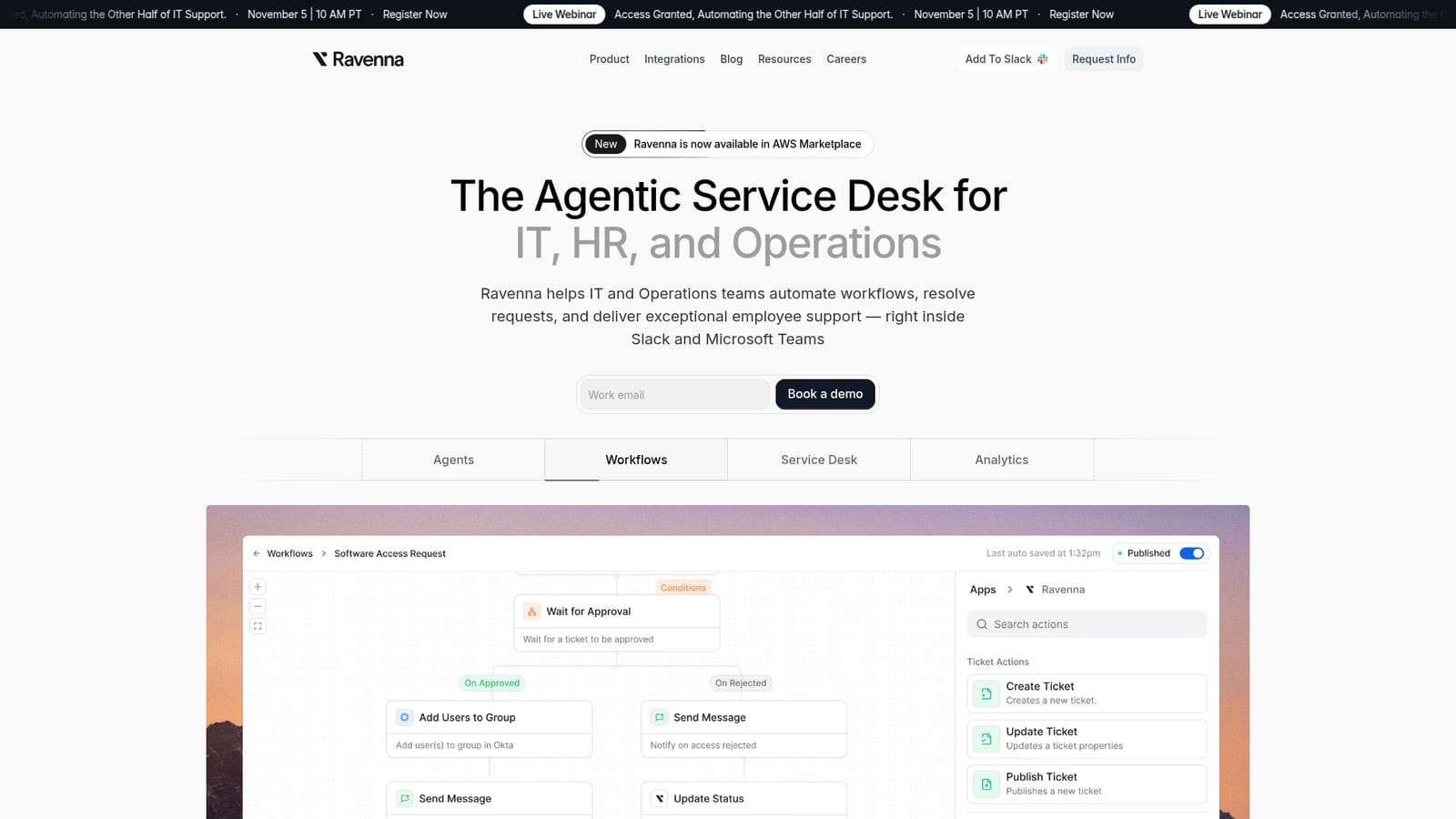
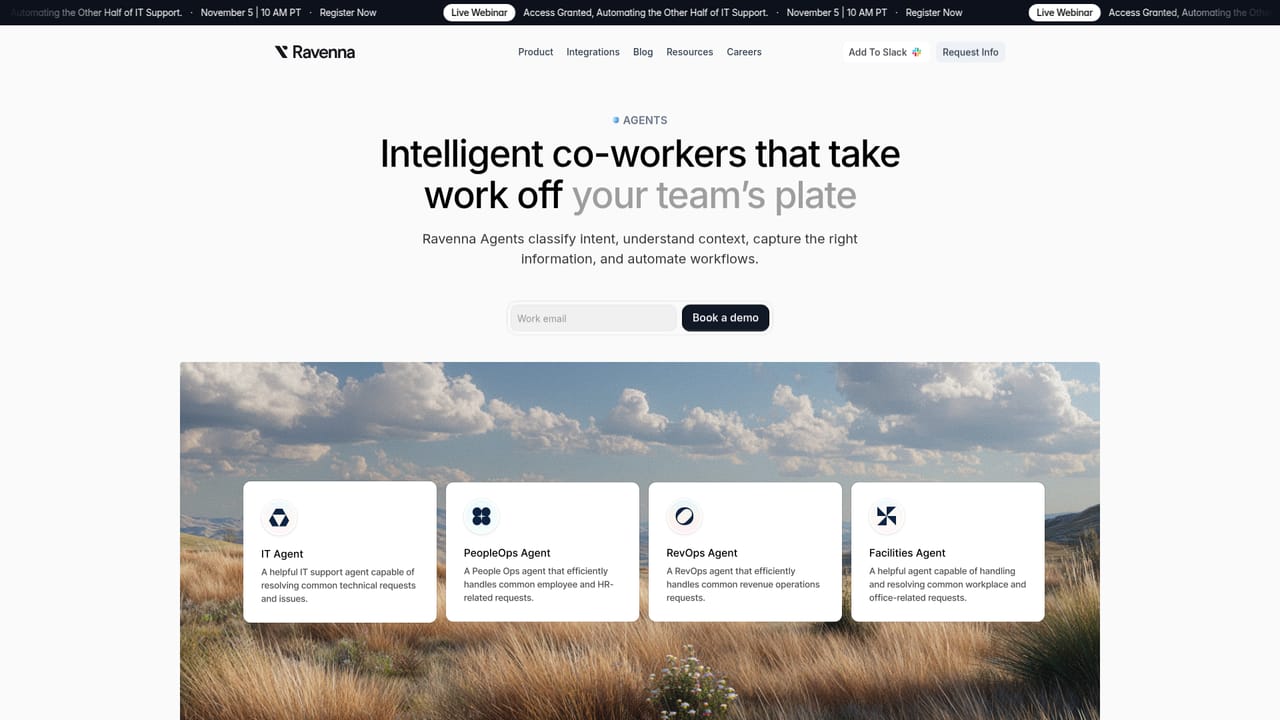
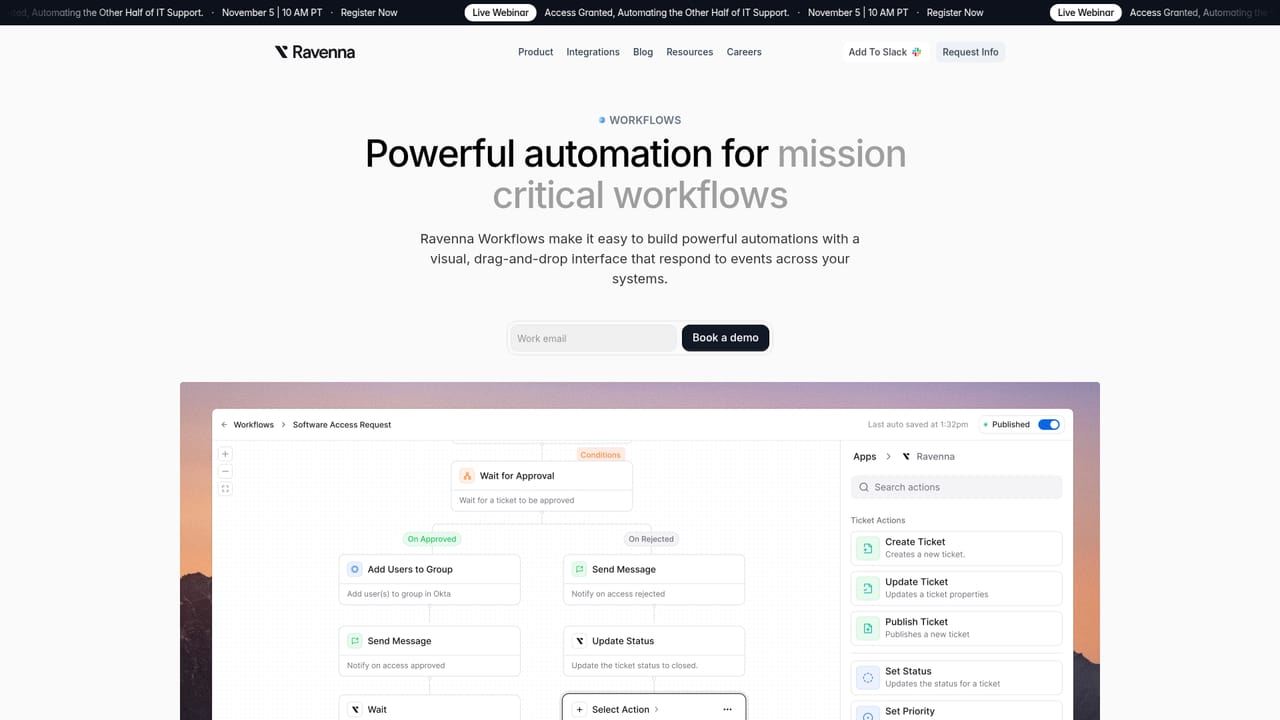
Ravenna is an agentic service desk built for IT, HR and operations teams that want internal support requests handled where employees already work. Instead of asking staff to open a separate portal and fill out a long form, Ravenna sits inside Slack and Microsoft Teams. An employee describes a problem in chat, and the platform picks up the request, classifies it, and routes it into a structured ticket with the information the team needs to act on it. The platform is organised around four pieces that share the same data. Agents act as automated coworkers that handle repeatable tasks and answer common questions using existing internal knowledge, and their behaviour can be steered with natural language rather than rigid scripting. Workflows provide a visual canvas for building automations such as software access requests, onboarding and offboarding, and hardware support, with building blocks that can be assembled without heavy engineering work. The service desk layer adds the operational essentials: SLAs, CSAT measurement, custom forms, ticket statuses, assignees and team workspaces. Analytics closes the loop with dashboards that connect service desk activity to business outcomes. In practice the tool fits the everyday stream of internal friction: password resets, permission changes, MFA problems, CRM access, device troubleshooting, security incident reports and new hire provisioning. A request that would otherwise sit in a queue can be answered by an agent immediately, or escalated into a workflow that collects the right details and assigns an owner. Ravenna positions itself against established service management suites and newer AI-native entrants, leaning on chat-first delivery and agentic automation rather than legacy portal design. It publishes comparison pages for Jira Service Management, Freshservice and Aisera. Buyers should expect a platform aimed at organisations with real internal support volume, not a lightweight help widget. The vendor advertises SOC2, HIPAA and GDPR alignment with a dedicated trust page, and the product is available in AWS Marketplace, which matters for procurement. Detailed pricing is not published on the homepage, so cost conversations start with a demo request or a meeting booking.
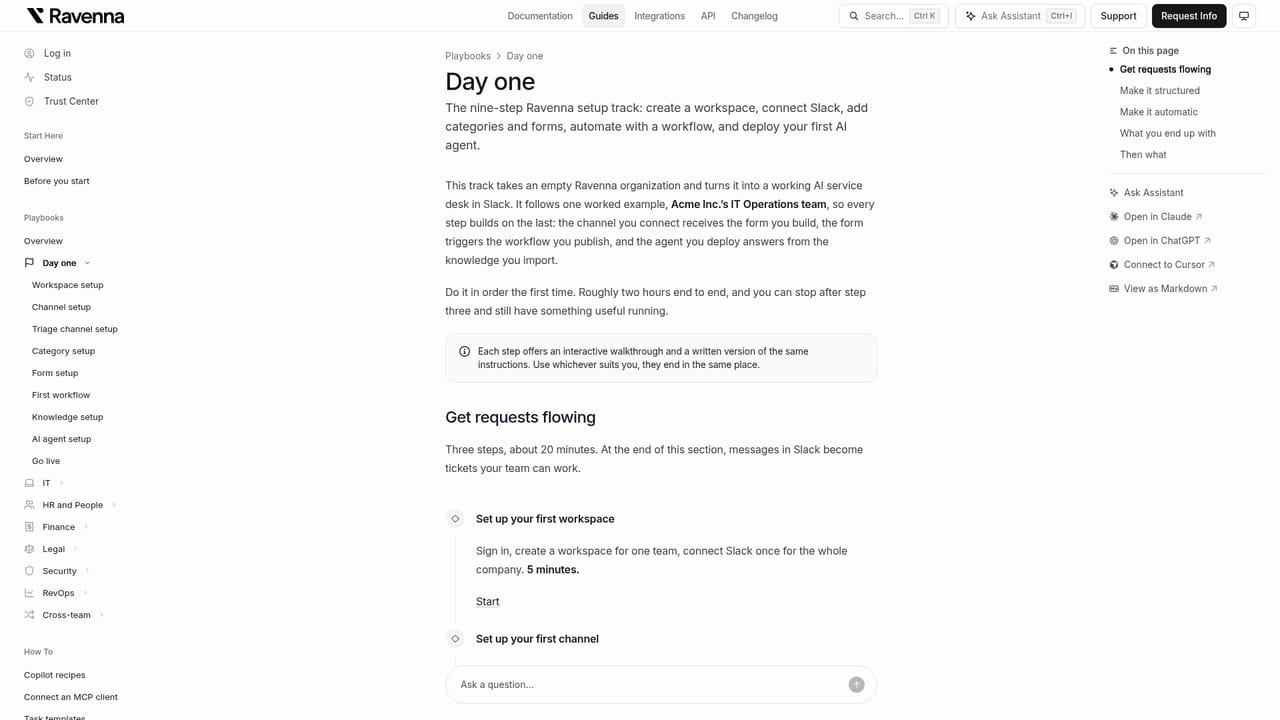
Support is reached through a contact page and meeting booking, alongside product documentation and a public changelog. A trust portal covers security and compliance information.
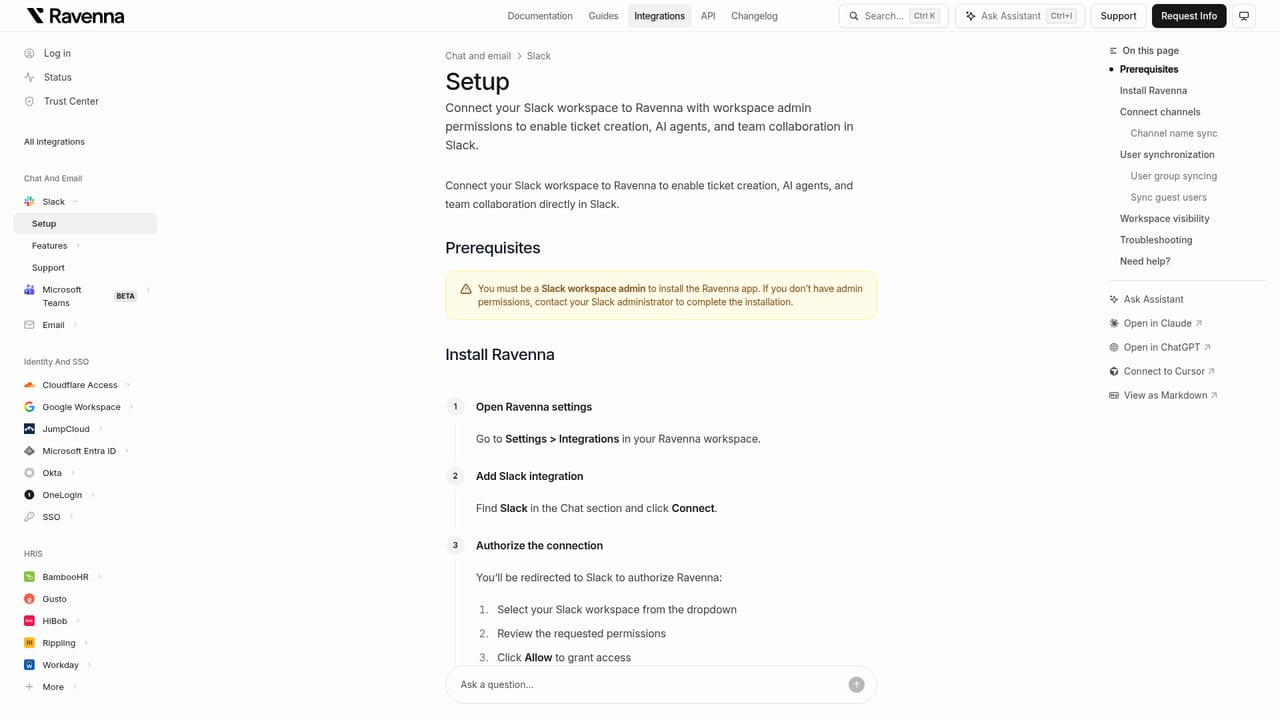
Learn moreRavenna runs inside Slack and Microsoft Teams, with a documented Slack setup path. A dedicated integrations page lists the wider set of connected tools, and the platform is listed in AWS Marketplace.
Learn moreAgents automate repetitive tasks and answer common questions from existing knowledge, with behaviour guided in natural language. Workflows offer a visual canvas for access requests, onboarding and offboarding, and hardware support. The service desk adds SLAs, CSAT, forms, statuses, assignees and team workspaces, all delivered in Slack and Microsoft Teams. Analytics provides flexible dashboards to tie service desk initiatives to business outcomes.
Learn more AI Angels400+ customizable AI girlfriends for NSFW chat, voice calls, and roleplay
 Candy AIExperience the future of companionship with AI friends who chat, role-play, and connect with you on a human level.
 ourdream.aiA vast AI roleplay platform with millions of characters for chat, images, video and voiceAI Angels400+ customizable AI girlfriends for NSFW chat, voice calls, and roleplayCandy AIExperience the future of companionship with AI friends who chat, role-play, and connect with you on a human level.ourdream.aiA vast AI roleplay platform with millions of characters for chat, images, video and voice


