Free trial
No credit card is needed to start, and a free plan is offered permanently. The homepage does not state how long paid trial access lasts.
Learn moreAutonomous AI support agent for voice, email, chat and WhatsApp
Own Raya by Teammates.AI? Verify ownership to get a dofollow link

Raya by Teammates.AI is an AI calls tool. Raya is an autonomous AI customer service teammate from Teammates.ai that resolves tickets over WhatsApp, email, phone, Slack, Teams and live chat in 50+ languages. It handles real actions like refunds and order lookups, with human approvals, guardrails and audit trails, and starts on a free plan.
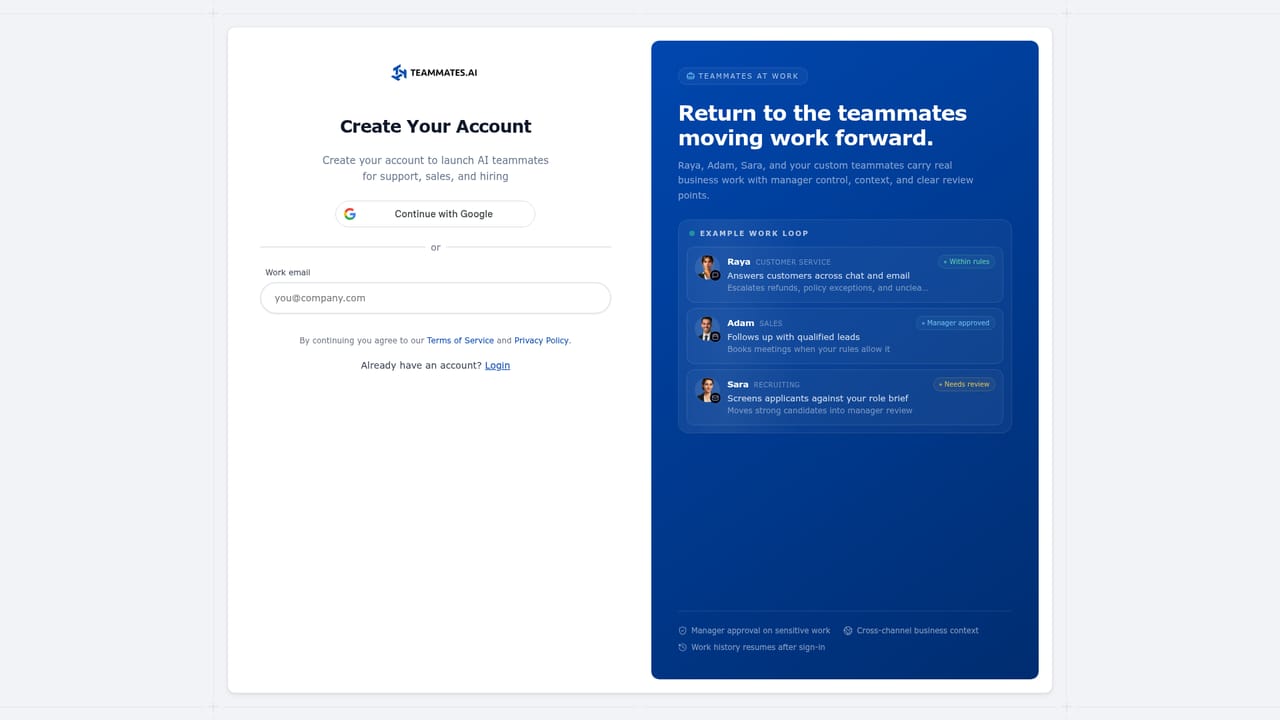
Raya is the customer service arm of Teammates.ai, a platform that sells prebuilt AI staff rather than a blank chatbot builder. She answers customers across WhatsApp, email, phone, Slack, Teams and live chat, works around the clock, and converses in more than 50 languages. The vendor puts unusual emphasis on Arabic, claiming strong handling of regional dialects alongside English, Spanish, Portuguese, Hindi, French, German, Turkish, Japanese and others. What separates Raya from a scripted help widget is that she is meant to act, not just reply. The product can process refunds, look up orders and change account details during a conversation, and it can fire workflow triggers such as scheduling a follow-up, writing to the CRM or sending notifications. Oversight is built around that autonomy: human-in-the-loop approvals, behavioral guardrails and audit trails for every action. Raya also shares conversation context with Adam (the sales agent) and Sara (the interviewer) inside the same suite. The fit is clearest for support and operations teams at ecommerce or service businesses with high ticket volume and multilingual customers, especially those already working in the Gulf region. Setup is positioned as quick, with a free tier and no card required, so a small team can pilot on one channel before expanding. Because Raya ships as a packaged teammate, buyers get a working agent faster than assembling one from scratch, but they also inherit the vendor's design choices about tone and escalation. Against general-purpose support platforms, the pitch is predictability: the homepage argues that per-interaction overages and add-on agent fees make conventional budgets hard to forecast. Raya competes on that cost story and on breadth of channels rather than on deep customization. Teams needing unusual conversation logic or heavy integration engineering should verify how far the guardrail and workflow tools stretch before committing the whole support desk.

No credit card is needed to start, and a free plan is offered permanently. The homepage does not state how long paid trial access lasts.
Learn morePlans start from $25 per month according to the site, and a free plan is available forever with no credit card required. Specific tiers, usage limits and overage rules are not detailed on the homepage, so check the pricing page before choosing a plan.
Learn moreThe homepage lists Notion, Google Calendar, Google Drive, HubSpot, Slack, Salesforce, Microsoft Outlook, WhatsApp Business and Instagram among the tools Raya works with.
Raya resolves tickets over WhatsApp, email, phone, Slack, Teams and live chat in 50+ languages, with a focus on Arabic dialects. She performs actions such as refunds, order lookups and account updates, triggers workflows like follow-ups and CRM writes, and operates under human approvals, behavioral guardrails and audit trails. She shares context with the other Teammates.ai agents.
 AI Angels400+ customizable AI girlfriends for NSFW chat, voice calls, and roleplay
 Candy AIExperience the future of companionship with AI friends who chat, role-play, and connect with you on a human level.
 ourdream.aiA vast AI roleplay platform with millions of characters for chat, images, video and voiceAI Angels400+ customizable AI girlfriends for NSFW chat, voice calls, and roleplayCandy AIExperience the future of companionship with AI friends who chat, role-play, and connect with you on a human level.ourdream.aiA vast AI roleplay platform with millions of characters for chat, images, video and voice


