Free trial
A free tier gives 5 meetings per month, no install required and no credit card needed. No separate time-limited trial is described on the homepage.
Learn moreTurns meetings into decisions, action items, and searchable team context.
Own Read Highlights? Verify ownership to get a dofollow link

Read Highlights is an AI summarizer tool that turns meetings into decisions, action items, and searchable team context. An AI notetaker for Zoom, Meet, and Teams that combines transcripts and recaps with calendar, email, and CRM context, an Ask Read search layer, and a digital twin assistant.
Read AI is a meeting intelligence product built around a simple premise: a call should end with outcomes, not just a recording. It joins Google Meet, Zoom, and Microsoft Teams sessions, captures the transcript, and produces recaps, action items, and highlights tuned to each attendee. What separates it from a bare transcription bot is the surrounding context. Read AI pulls from calendar, email, past meetings, and CRM records so the recap reflects what was promised previously and what is still open, and it delivers that brief to your inbox before the meeting starts. After the call, action items can be routed into the tools a team already uses, and Ask Read answers questions about what was decided, who owns it, and what remains unresolved, with citations back to the source. Anything shared becomes searchable context for the wider workspace. Read AI also ships a digital twin called Ada, positioned as an executive assistant that handles tasks and workflow on the user's behalf, plus a Search Copilot layered over meeting, email, and message content. The product is platform agnostic, which is its main strategic argument. The same account reaches ChatGPT, Claude, MCP, Windows, macOS, Android, iOS, and Chrome, so notes follow the user rather than living inside one conferencing vendor. It is aimed at teams that run on meetings: sales groups pushing call detail into Salesforce or HubSpot, engineering organizations syncing Jira and Confluence, and universities or public institutions that need consistent documentation. A mobile app covers in-person conversations that never touch a video platform. Against dedicated notetakers like Otter or Fireflies, Read AI leans harder on cross-tool context and agent-style follow-through than on raw transcription volume. Against the built-in assistants bundled with Zoom or Teams, it wins on breadth of integrations and on the ability to query across every source at once. The tradeoff is that value compounds only after calendar, email, and CRM connections are granted, so teams wary of broad data access will get a thinner product.
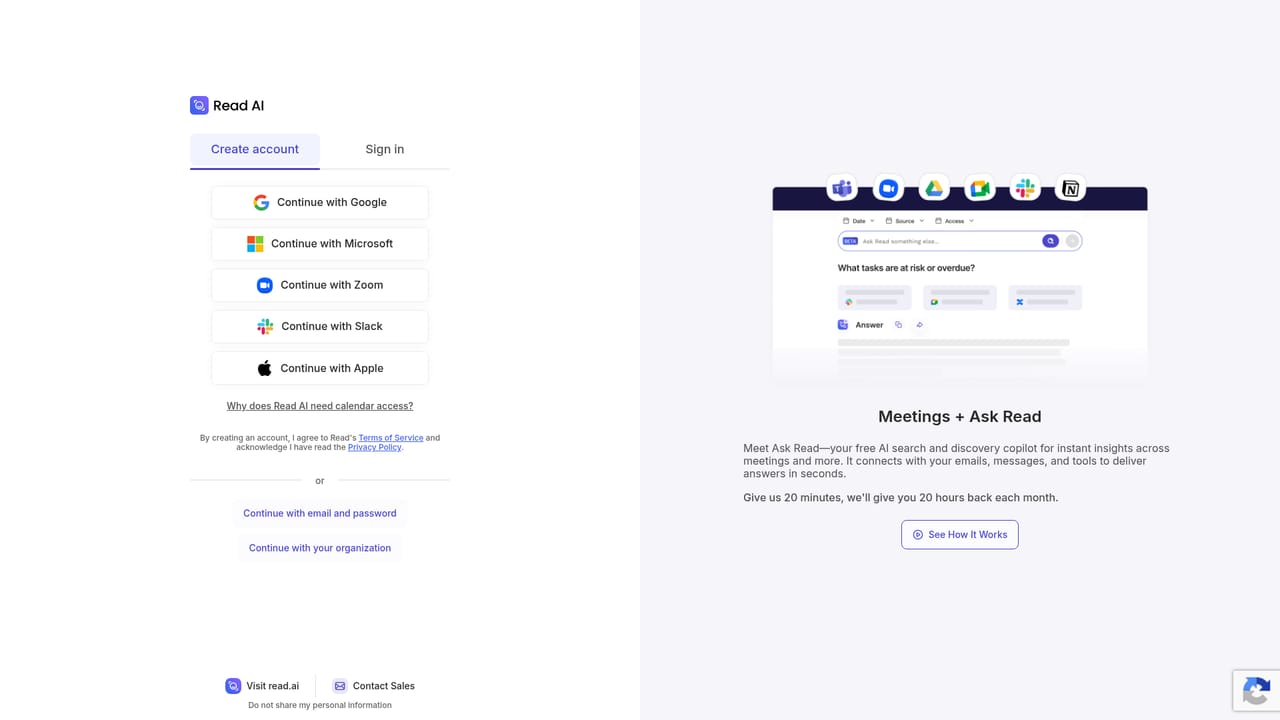
A free tier gives 5 meetings per month, no install required and no credit card needed. No separate time-limited trial is described on the homepage.
Learn moreThe homepage advertises a free starting point of 5 meetings per month with no credit card required. Paid tiers exist on a separate plans and pricing page, but the homepage does not list prices or plan limits.
Learn moreA public help centre with articles and an API reference is available, plus a contact page. The homepage does not describe support tiers or response times.
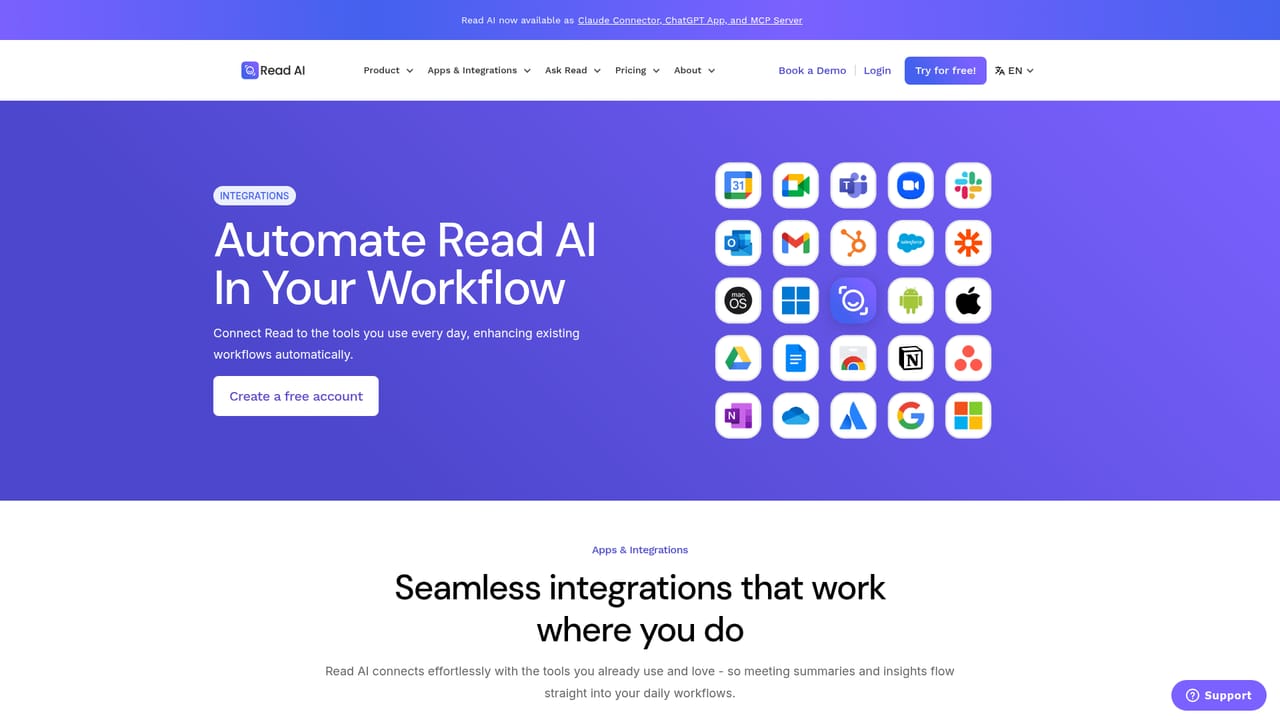
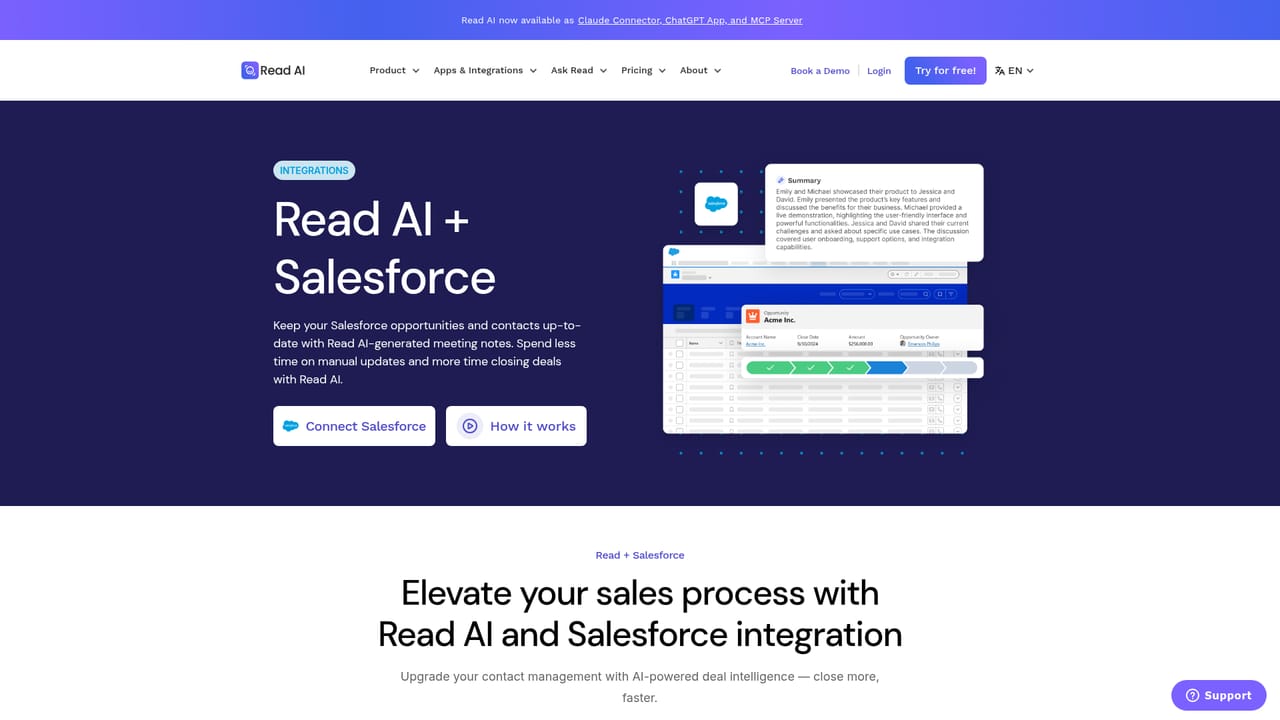
Learn moreCovers Google Meet, Zoom, Microsoft Teams, Gmail, Outlook, Google Calendar, Slack, Salesforce, HubSpot, Jira, Confluence, Asana, Linear, Notion, Google Drive, Google Docs, OneNote, Zapier, webhooks, and an MCP server.
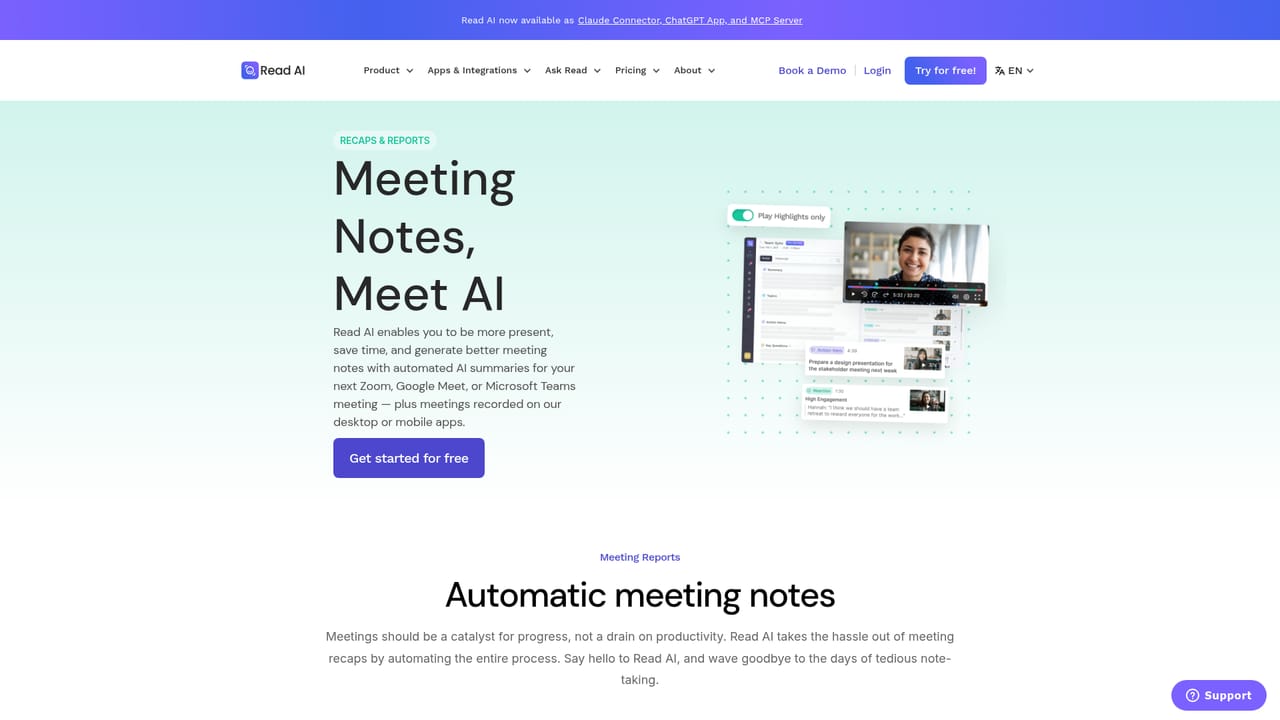
Learn moreAutomatic joining of Google Meet, Zoom, and Microsoft Teams calls, with transcripts, recaps, action items, and personalized highlights. Context is assembled from calendar, email, past meetings, and CRM data. Ask Read answers questions with citations, action items route into connected tools, and a digital twin named Ada handles assistant tasks. Search Copilot spans meetings, email, and messages.
Learn more AI Angels400+ customizable AI girlfriends for NSFW chat, voice calls, and roleplay
 Candy AIExperience the future of companionship with AI friends who chat, role-play, and connect with you on a human level.
 ourdream.aiA vast AI roleplay platform with millions of characters for chat, images, video and voiceAI Angels400+ customizable AI girlfriends for NSFW chat, voice calls, and roleplayCandy AIExperience the future of companionship with AI friends who chat, role-play, and connect with you on a human level.ourdream.aiA vast AI roleplay platform with millions of characters for chat, images, video and voice


