Free trial
No separate trial is described. The app itself is presented as free to download with no subscription required.
Learn moreSnap a page, get a comprehension quiz built from that exact text

ReadCheck is a learning tool. An iPhone app that photographs any page and generates a multiple-choice comprehension quiz from that exact text, with in-app scoring, printable worksheets and answer keys, plus tracking of pages read, words covered and quiz scores.
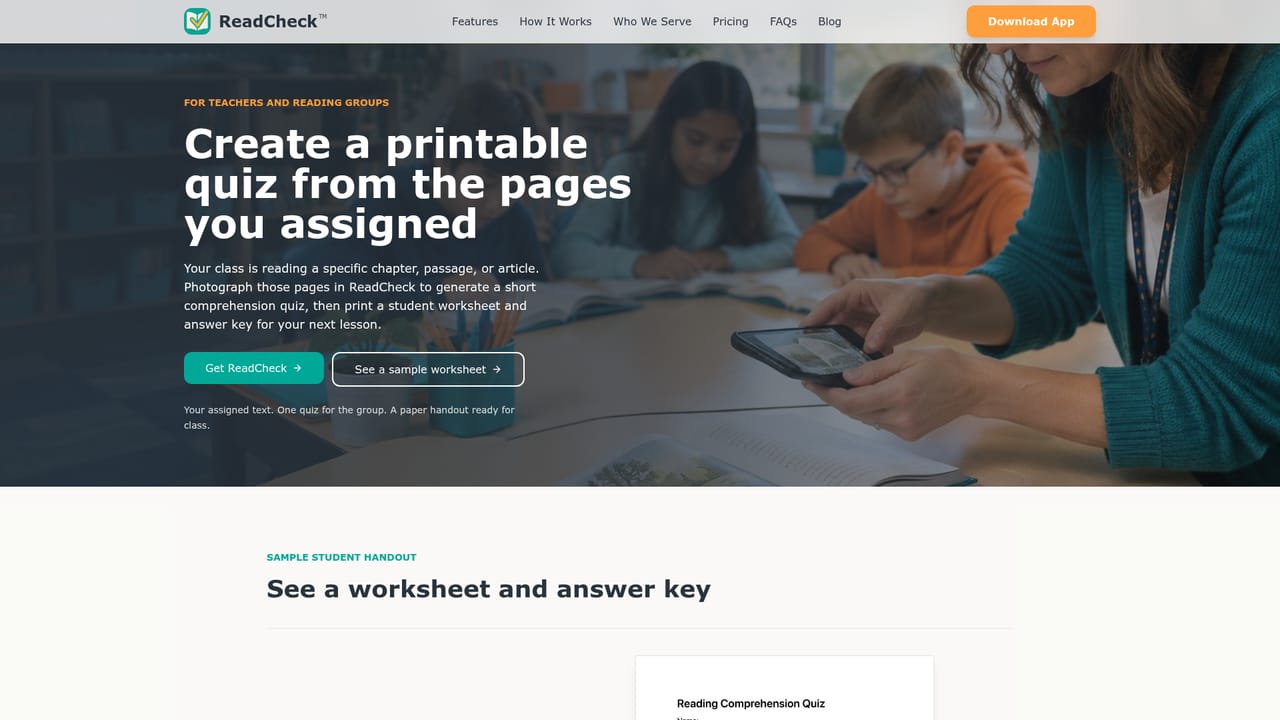
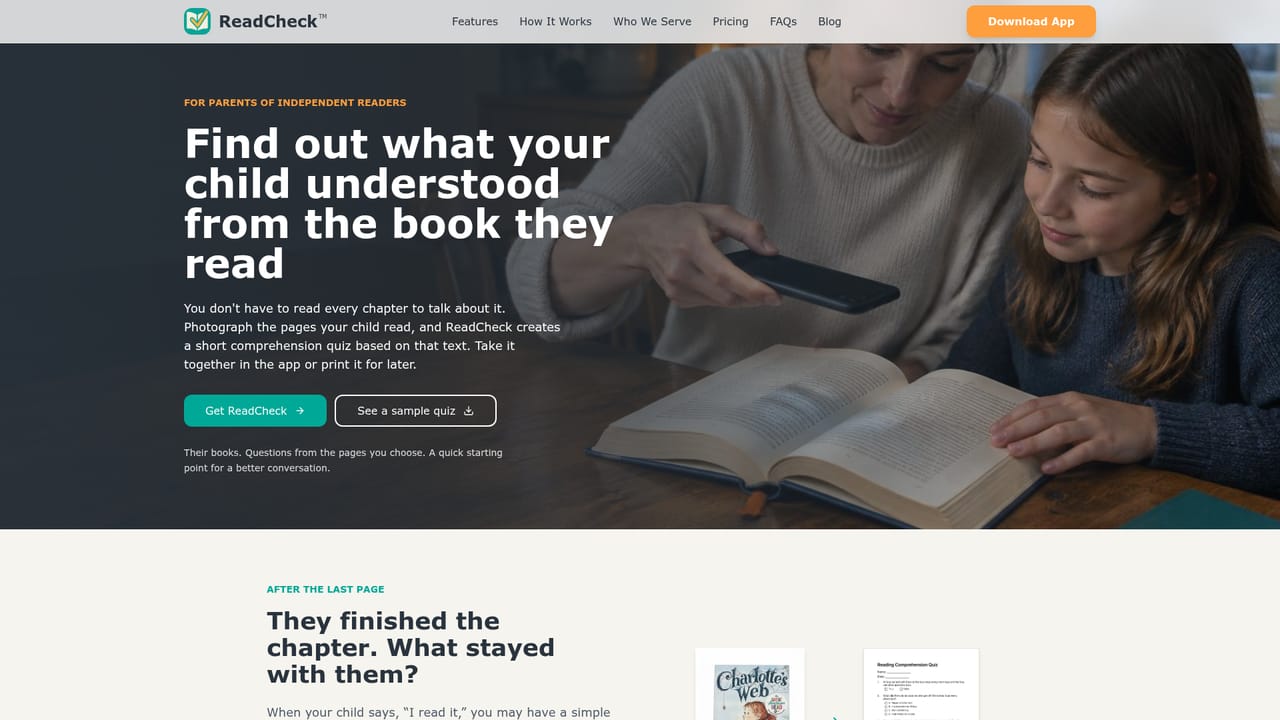
ReadCheck is an iPhone app that converts a photo of printed pages into a multiple-choice reading comprehension quiz. The premise is narrow and deliberate: reading time is simple to assign and difficult to verify, so the app closes that gap by generating questions from the precise passage a learner just finished. Point the camera at a chapter, an article, a handout or a photocopied worksheet, and the app analyzes the wording on those pages and returns a question set tied to that content rather than a stock worksheet about a similar book. The workflow is short. After capturing one or more pages, the learner either answers in the app for immediate scoring or the adult prints a clean worksheet with an accompanying answer key. Questions are built around main ideas, vocabulary and inference, which means the quiz probes whether the reader followed the argument, not just whether they recognize names. The app also records pages read, words covered, time spent and comprehension scores, giving a running picture of reading volume and accuracy that a single test cannot show. The audience is clearly domestic and classroom rather than corporate. Parents use it as a low-prep accountability check after nightly reading, teachers use it for entry and exit tickets, guided reading groups, sub plans and intervention blocks, and homeschool families use the printable output and score history as portfolio evidence. Independent readers preparing for exams or working through dense nonfiction fall into the same pattern. Sample quizzes drawn from titles such as Charlotte's Web and Thirst are published on the site for evaluation before download. Compared with general chatbots, the value is the absence of prompting: no chapter summary has to be pasted in and no question format has to be specified. Against worksheet marketplaces, the difference is text alignment, since the quiz reflects the actual pages rather than a look-alike passage. The tradeoff is scope. This is a focused iOS utility, not a full literacy platform, and anyone outside Apple hardware cannot use it.
No separate trial is described. The app itself is presented as free to download with no subscription required.
Learn moreThe site states the app is free to download with no subscription required and invites users to try it free, but it does not publish tier details, limits or any paid plans on the homepage.
Learn morePhoto capture of one or more pages, automatic generation of multiple-choice comprehension questions from the exact text, in-app quiz taking with instant feedback, printable worksheets with answer keys, and tracking of pages read, words covered, time spent and comprehension scores. The site also highlights exact-text alignment, privacy-first handling of photos and data, and sample quizzes to download.
 AI Angels400+ customizable AI girlfriends for NSFW chat, voice calls, and roleplay
 Candy AIExperience the future of companionship with AI friends who chat, role-play, and connect with you on a human level.
 ourdream.aiA vast AI roleplay platform with millions of characters for chat, images, video and voiceAI Angels400+ customizable AI girlfriends for NSFW chat, voice calls, and roleplayCandy AIExperience the future of companionship with AI friends who chat, role-play, and connect with you on a human level.ourdream.aiA vast AI roleplay platform with millions of characters for chat, images, video and voice


