Free trial
The site invites users to start a free trial with no credit card required. No trial length or usage limits are stated on the homepage.
Learn moreAI lecture notes that turn into a personal tutor

Zoc records lectures, turns the transcript into organized notes in three formats, builds three-level quizzes from that material and translates into 29 languages. Built for students and educators around educational frameworks like Bloom's taxonomy, with a Webby honoree for Responsible AI.
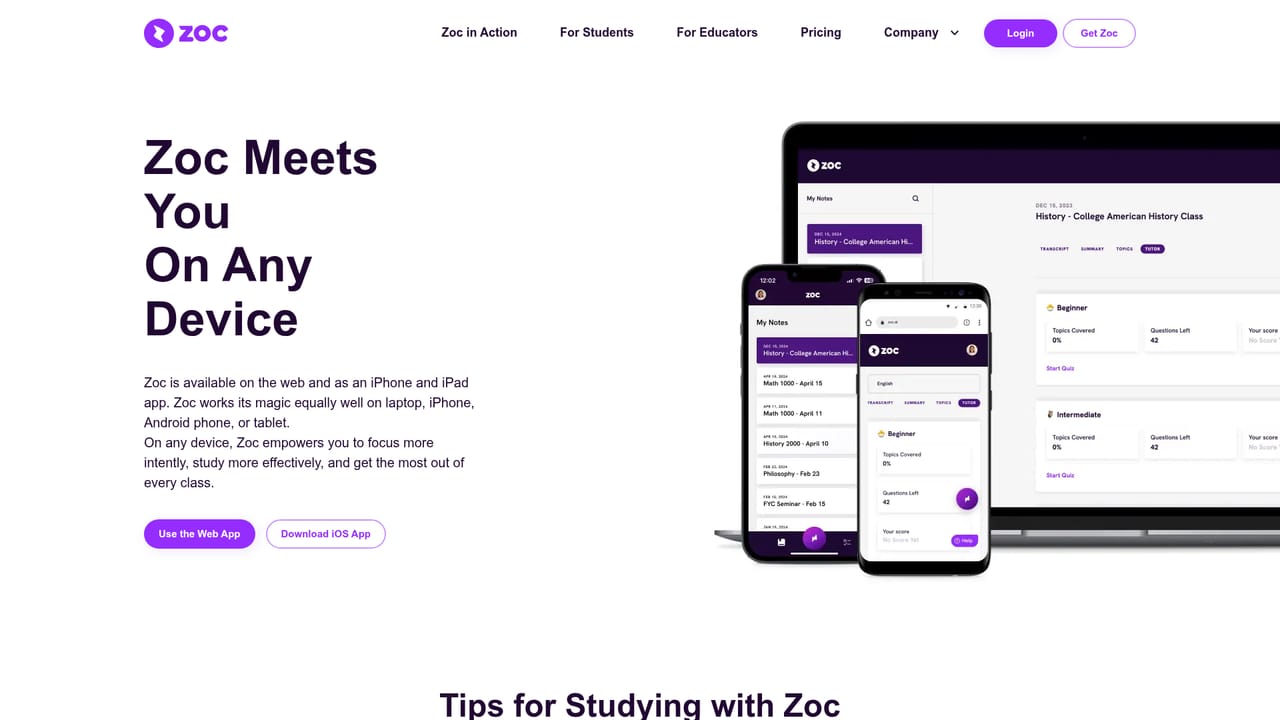
Zoc is a study companion built around one core act: capturing the lecture. Students open the app on a laptop or phone during class, and Zoc produces an accurate transcript of what the instructor says. From there the tool does the work that normally happens after class. It pulls out the key topics, highlights and organizes them into notes, and presents the same material in three different note formats so students can pick the shape that suits how they revise. The second layer is active study. Zoc turns those organized notes into an interactive tutor that quizzes the student at three difficulty levels, so a first pass through a topic and a final exam review do not feel like the same exercise. Lectures can also be translated into 29 languages, which matters for the roughly 2.9 million US undergraduates the company identifies as non-native English speakers. A transcript plus structured notes plus quizzes means a student can sit in a lecture without writing, then test recall later from the same source. Zoc positions itself against generic transcription services and general chatbots by wrapping them in an educational frame. The company says the product was built around trusted teaching frameworks such as Bloom's taxonomy, and it publishes a white paper from its Chief Learning Scientist in the educators section. Institutions named as users include Stanford, Columbia, Kent State, Washington University, UNLV and St. Thomas. Zoc took a Webby honoree nod for Responsible AI in 2024 and two nominations in the same cycle, which speaks to design ambition more than to learning outcomes. The product suits two audiences. Students who struggle to keep pace while taking notes, or who face language or learning differences, get the most obvious relief. High performers who already take good notes gain a faster route from lecture to practice questions. Educators get a separate track aimed at supporting every student in a class. Anyone looking only for a cheap transcription tool will likely find Zoc heavier than needed, since its value lives in the note structuring and tutoring layers rather than the raw transcript.
The site invites users to start a free trial with no credit card required. No trial length or usage limits are stated on the homepage.
Learn moreSupport runs through a contact page on the site, with an FAQ section for common questions. Instagram, YouTube and LinkedIn accounts are also linked.
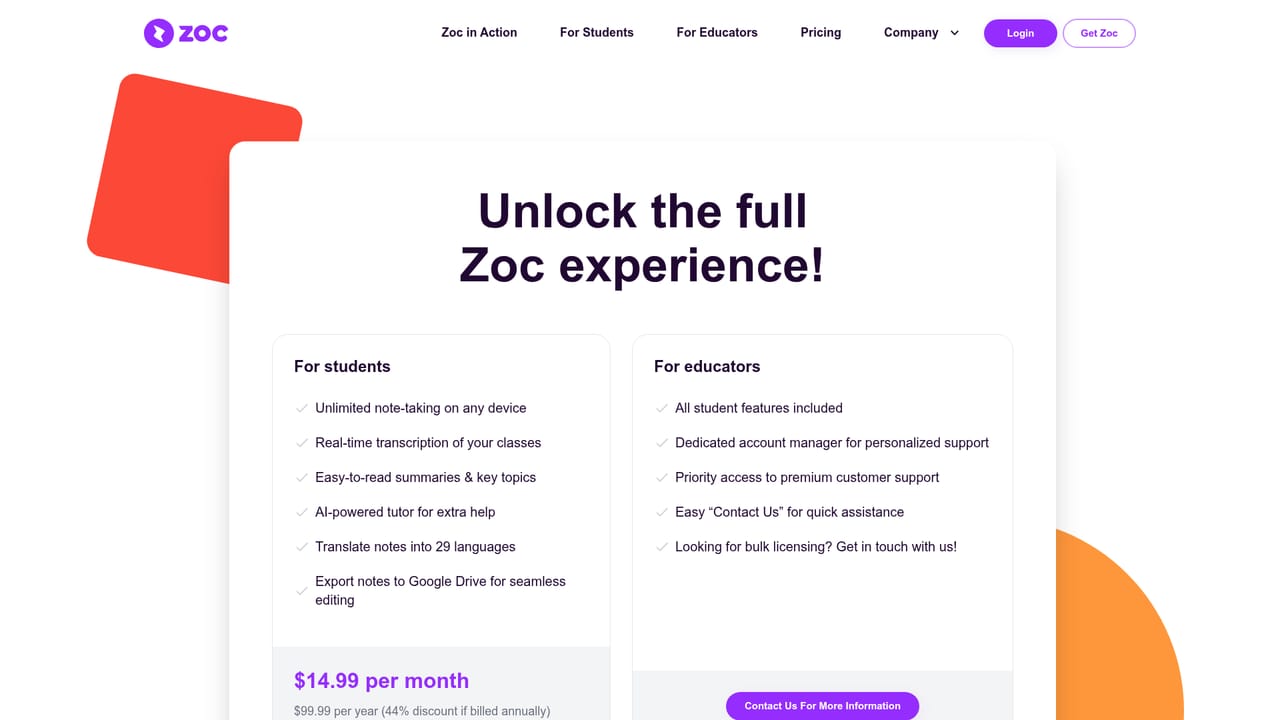
Learn moreCore features are in-class lecture transcription, extraction and highlighting of key topics into three note formats, an interactive tutor with three difficulty levels, and translation into 29 languages. Zoc says the design draws on educational frameworks such as Bloom's taxonomy.
Learn more AI Angels400+ customizable AI girlfriends for NSFW chat, voice calls, and roleplay
 Candy AIExperience the future of companionship with AI friends who chat, role-play, and connect with you on a human level.
 ourdream.aiA vast AI roleplay platform with millions of characters for chat, images, video and voiceAI Angels400+ customizable AI girlfriends for NSFW chat, voice calls, and roleplayCandy AIExperience the future of companionship with AI friends who chat, role-play, and connect with you on a human level.ourdream.aiA vast AI roleplay platform with millions of characters for chat, images, video and voice