Support
Support is handled by email at hello@realtygenius.ai, listed in the site footer alongside login and get started links. No phone, live chat or help centre is advertised on the homepage.
Chat with your real estate documents and get answers instantly

RealtyGenius is an AI search tool that chats with your real estate documents and get answers instantly. RealtyGenius is an AI-powered real estate assistant that lets firms upload, organize and chat with their documents.
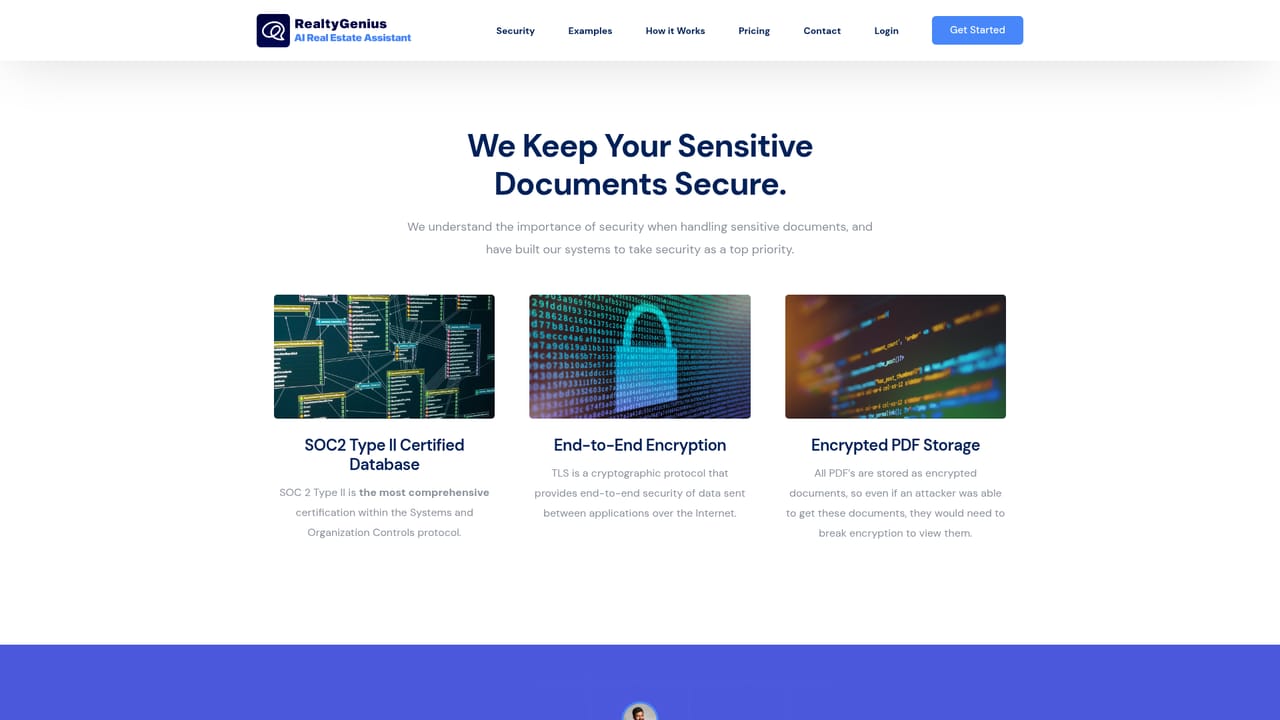
RealtyGenius is an AI assistant built around a document library. Teams upload their real estate paperwork, the system organizes and categorizes it, and a chat interface answers questions against the full body of material in the organization's account. The homepage frames the product as having instant, perfect memory of everything uploaded, so instead of opening files one by one a user can simply ask about a lease term, a property detail or a clause buried in a contract. The tool is aimed at real estate companies rather than individual house hunters. The homepage cites more than 200 real estate companies as users, and the testimonials come from property firms describing it as a company-wide assistant that saves time each month. Brokerages, property managers and investment groups with large stacks of leases, sales documents and internal records are the natural fit, especially where several people need the same answers without duplicating research. In practice the workflow is straightforward: upload and organize documents, then converse with them as if speaking to a knowledgeable assistant. Collaboration features let team members share access and retrieve information from anywhere, so the answer one agent found is available to the rest of the group. Security is pitched at end-to-end encryption for documents at rest and in transit, a sensible emphasis given that the material involved is often confidential. Alternatives fall into two camps: general purpose chat assistants that can read an uploaded file at a time, and traditional document management systems that store files without answering questions about them. RealtyGenius sits between the two, trading the breadth of a general chatbot for a library trained on one organization's real estate documents. Buyers who want a single place to store, search and interrogate property paperwork will find the focus useful; those wanting drafting, listing generation or market analytics should check whether the product covers those needs before committing.
Support is handled by email at hello@realtygenius.ai, listed in the site footer alongside login and get started links. No phone, live chat or help centre is advertised on the homepage.
Core features are a centralized document library with categorization, a chat interface that answers questions across all documents in the organization, team sharing and collaboration, and end-to-end encryption for files at rest and in transit. The homepage frames the assistant as trained on everything uploaded, giving it persistent recall of the organization's real estate paperwork.
Learn more AI Angels400+ customizable AI girlfriends for NSFW chat, voice calls, and roleplay
 Candy AIExperience the future of companionship with AI friends who chat, role-play, and connect with you on a human level.
 ourdream.aiA vast AI roleplay platform with millions of characters for chat, images, video and voiceAI Angels400+ customizable AI girlfriends for NSFW chat, voice calls, and roleplayCandy AIExperience the future of companionship with AI friends who chat, role-play, and connect with you on a human level.ourdream.aiA vast AI roleplay platform with millions of characters for chat, images, video and voice


