Free trial
A free starting tier is advertised rather than a time-limited trial: the product is described as free to start, with paid upgrades taken only when a user needs them.
Learn morePrivate mental health tools built around an emotional support companion
Own Reassurance AI? Verify ownership to get a dofollow link

Reassurance AI is a chat diary tool. A pre-launch mental health platform combining an emotional support chatbot named Sai, a private journal, an emotions log, and a curated resource library. It targets people blocked by cost, time, or stigma and emphasizes confidential, round-the-clock access with no insurance or referrals required.
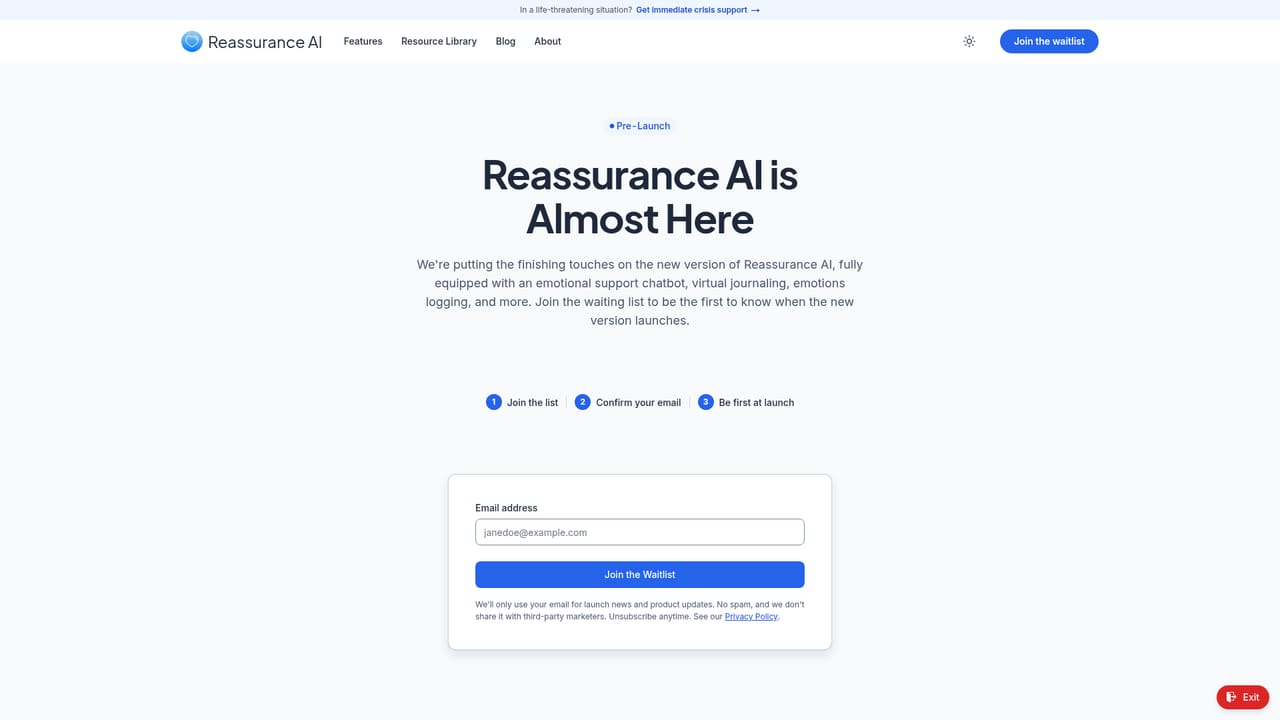
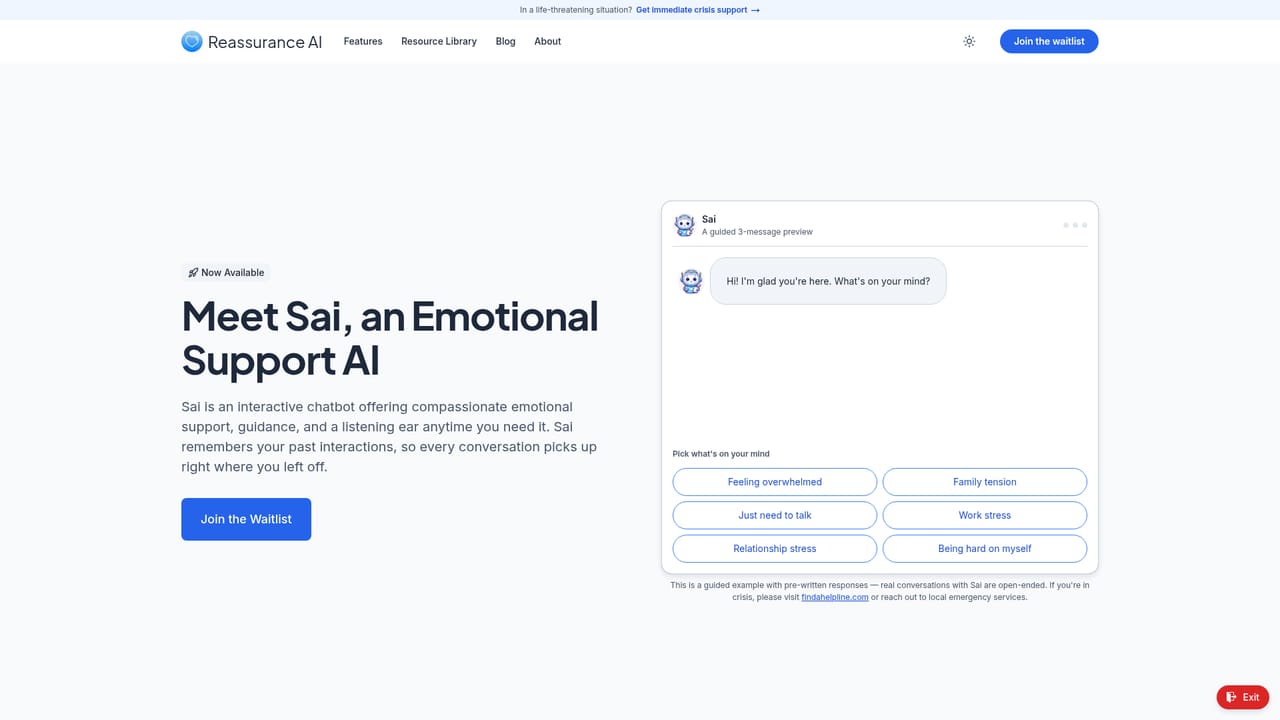
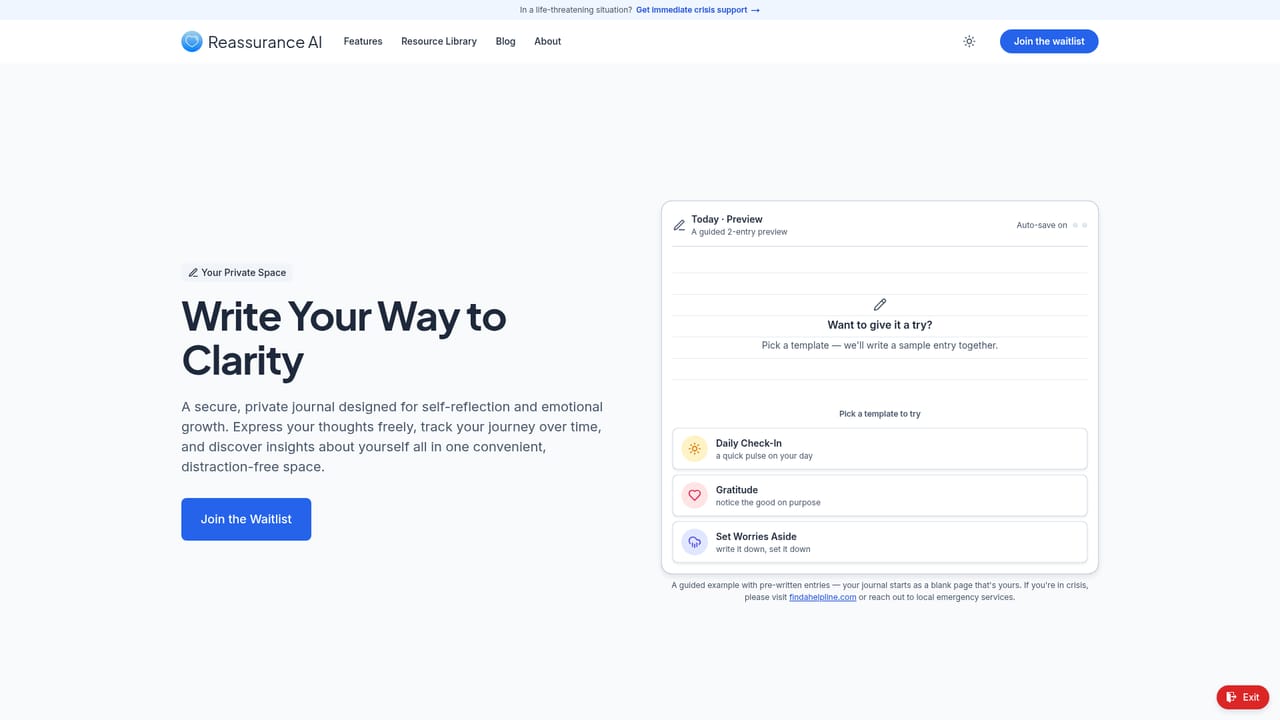
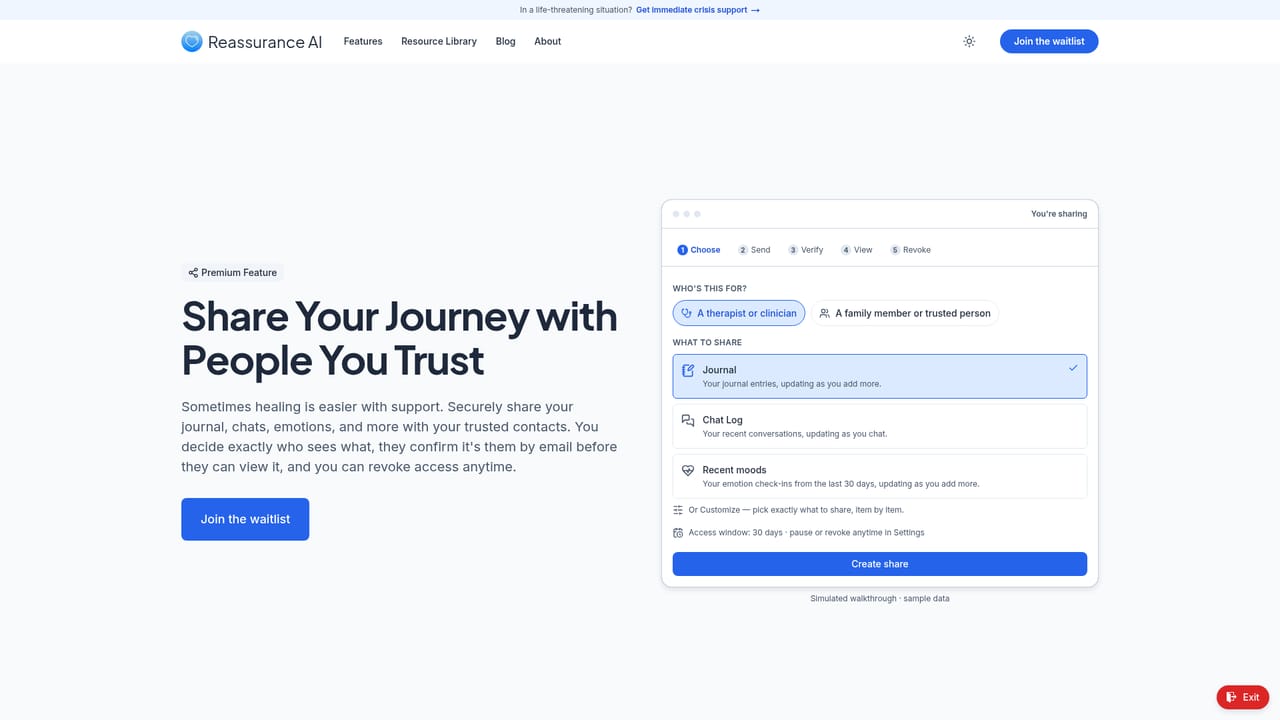
Reassurance AI is a mental health platform that bundles several self-help tools into one connected space. Its centerpiece is Sai, an emotional support AI companion that holds conversations and can recall earlier chats, reference the emotions a user has logged, and adjust to the time of day. Around that chat sit a secure virtual journal for processing thoughts and setting goals, an emotions log for tracking mood over time, and a resource library containing hotline numbers, coping strategies, and interactive guided activities. The stated target is people who find conventional mental health support hard to reach because of cost, time, or stigma. The service is designed to skip insurance and referrals, so there is no intake process or waiting list for care itself. The pitch is 24/7 access from any device with a browser, which suits late-night or unpredictable moments more than scheduled appointments. Because the tools share context with one another, a user logs a feeling once and Sai can bring it into later conversations without the user restating history. Privacy is treated as a headline feature. Identifying details are swapped for placeholders before processing, data is encrypted and stored by region, and the company says it never sells user data. Deletion is available in settings. Users can also share their journal, chats, and emotions log with a trusted contact through a secure portal that carries granular permissions and can be revoked. The site points anyone in a life-threatening situation to an external crisis helpline rather than handling emergencies itself. Reassurance AI is a complement to therapy, not a replacement, and should be judged on that basis against journaling apps and general-purpose chatbots. At the time of writing the product is still pre-launch: the homepage collects waitlist signups under a Coming Soon label. That means features, reliability, and real-world privacy behavior remain unverified, and anyone weighing it should treat the listed capabilities as promises until the doors open.
A free starting tier is advertised rather than a time-limited trial: the product is described as free to start, with paid upgrades taken only when a user needs them.
Learn moreThe homepage says plans start free and that users upgrade only when needed, with no hidden fees and cancellation at any time. Specific prices and the limits of the free tier are not listed, so exact costs cannot be confirmed from the site.
Learn moreCore features are the Sai emotional support companion with remembered conversations and logged-emotion context, a secure virtual journal, an emotions log for spotting patterns over time, and a resource library of hotlines, coping strategies, and guided activities. Data protection with placeholder redaction and revocable sharing to trusted contacts round out the set.
 AI Angels400+ customizable AI girlfriends for NSFW chat, voice calls, and roleplay
 Candy AIExperience the future of companionship with AI friends who chat, role-play, and connect with you on a human level.
 ourdream.aiA vast AI roleplay platform with millions of characters for chat, images, video and voiceAI Angels400+ customizable AI girlfriends for NSFW chat, voice calls, and roleplayCandy AIExperience the future of companionship with AI friends who chat, role-play, and connect with you on a human level.ourdream.aiA vast AI roleplay platform with millions of characters for chat, images, video and voice


