Zenora

One minute check-in, visible mood patterns, and a reflection you can talk through.

Beginner
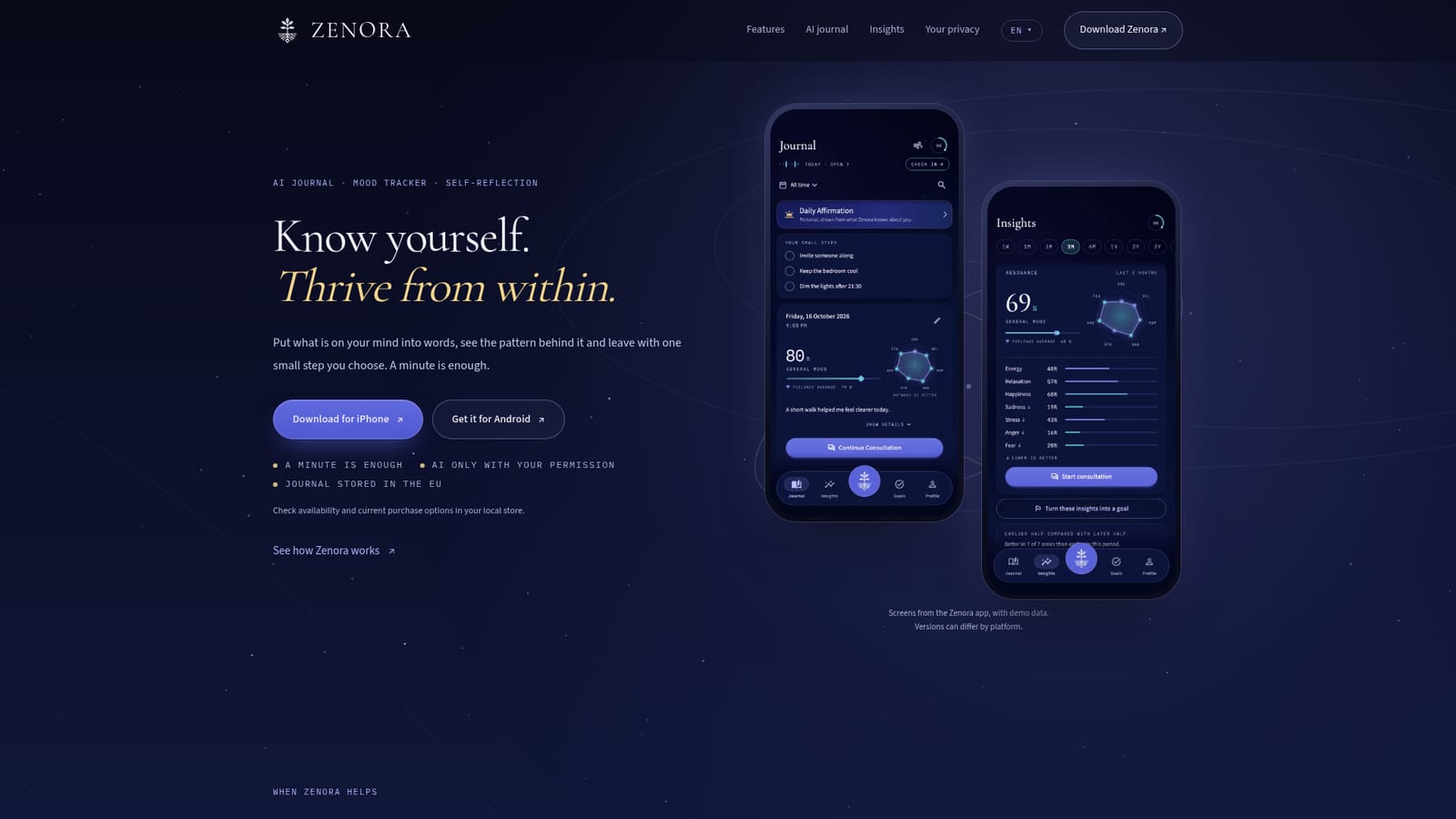
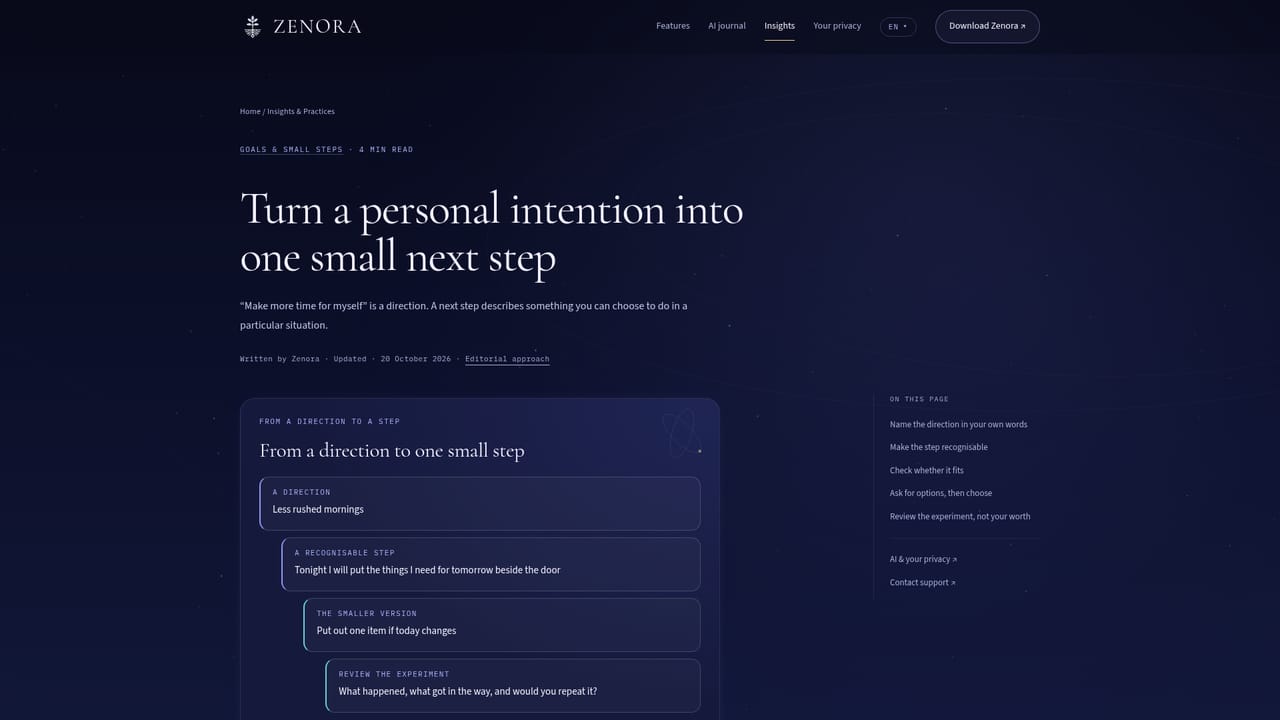
Screenshot of Zenora, One minute check-in, visible mood patterns, and a reflection you can talk through

What is Zenora?

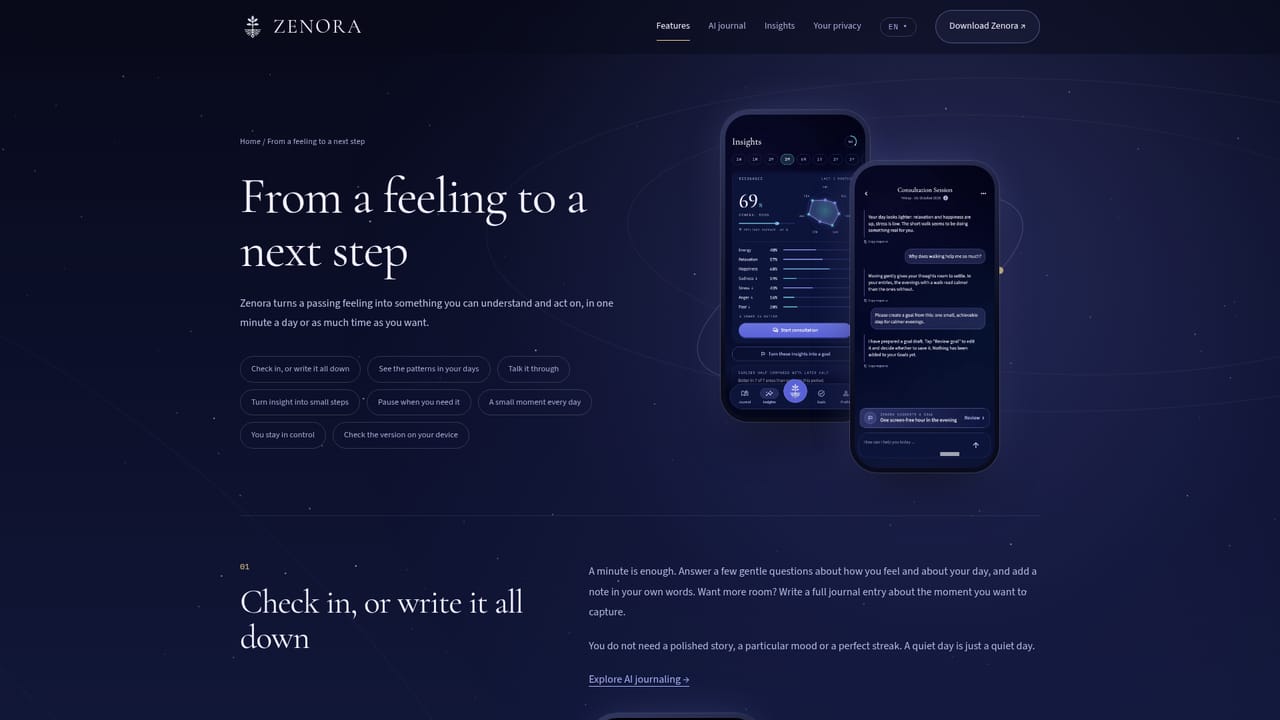
Zenora is an AI journal and mood tracker for iPhone, iPad, Apple Watch and Android. It pairs a one-minute check-in with long-term mood charts, an optional AI companion that reflects on your own entries, guided breathing practices and goal drafts you approve before saving.

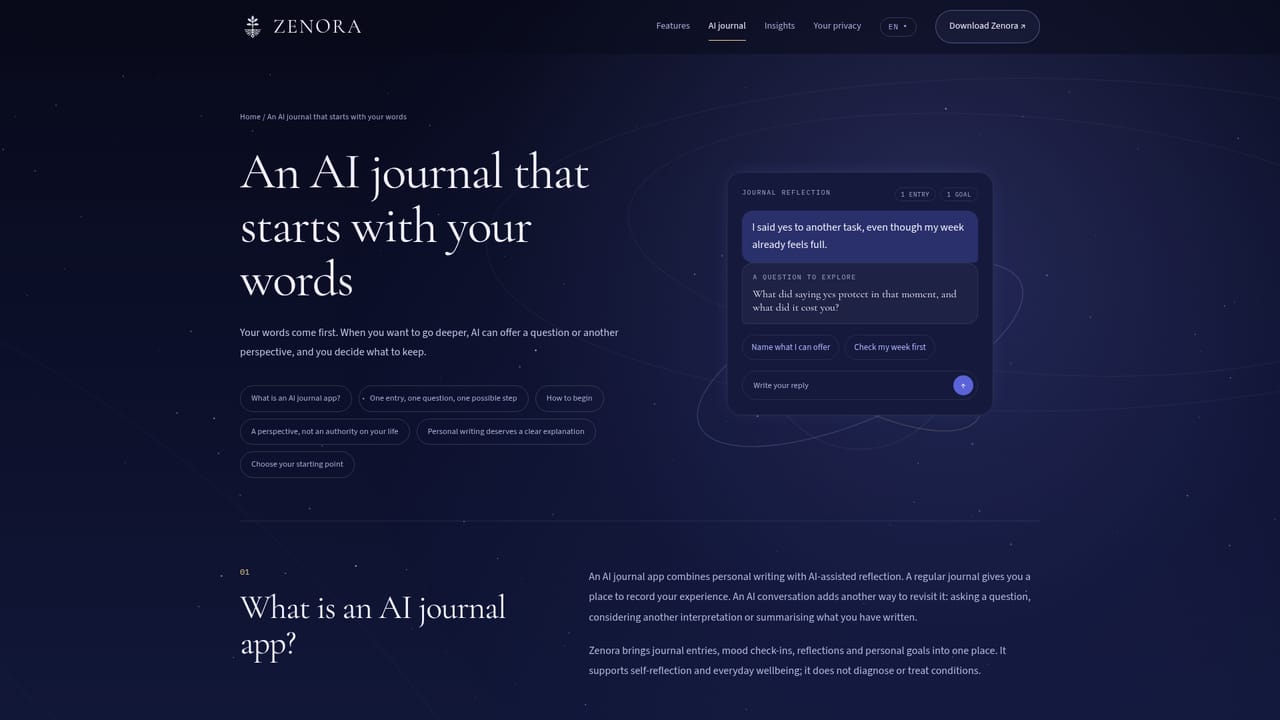
Zenora is an AI journal app for people who want more from writing than a blank page. It combines a one-minute mood and feeling check-in, charts that show how mood, energy and stress move over weeks and months, and an AI companion that can reflect on what you have written. The pitch is small and deliberate: put a feeling into words, see the pattern behind it, and leave with one step you chose yourself. The workflow starts with a check-in. You answer a few short questions about how you feel, what the day was like and add a note in your own words, as few or as many as you like. Over time those entries feed an Insights view that compares one period with the one before, showing a general mood figure, a radar chart of seven feeling areas and a short card on what stood out. From there you can open a conversation about a single entry, about a selected period, or start a Quick Chat when something is on your mind right now. AI replies are designed to open questions and offer other angles rather than hand down conclusions. Goal drafts are suggested and saved only after you review them. The app also includes short guided practices: breathing, grounding and body awareness exercises with calming music and a spoken guide in English, German, Spanish, French, Italian or Portuguese. It runs on iPhone and iPad with roomier layouts on larger screens, and an Apple Watch app puts the daily affirmation and a breathing timer one tap away. Zenora suits people who want light, consistent self-reflection rather than a therapy replacement. The app says plainly that it is not therapy and does not diagnose or treat anything. Compared with a notebook it adds structure and pattern spotting; compared with a general chatbot it is built around your own entries and mood history, though AI can still misread a situation. Automatic memory is off by default, AI features require your permission, and the journal is stored in the EU.

How do you use Zenora?

  1. 1Install Zenora on your phone
    Download the app from the App Store or Google Play. On Apple devices it needs iOS or iPadOS 15 or later, and the Watch app needs watchOS 10 or later.
    Zenora — Install Zenora on your phone
  2. 2Run your first one-minute check-in
    Open the check-in screen, move the mood slider from awful to excellent, then add feelings, day details and a short note. You can answer as much or as little as you want.
    Zenora — Run your first one-minute check-in
  3. 3Learn how check-ins fit together
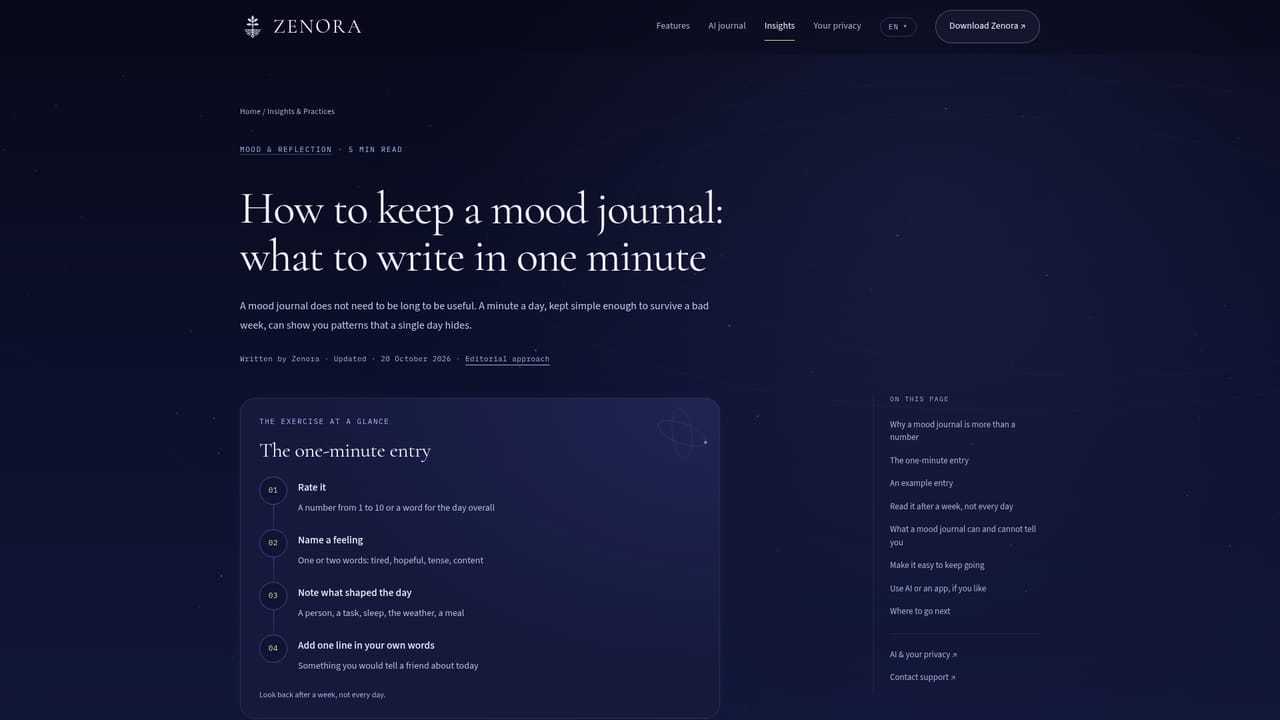
    Read the mood journal guide to see how a few honest sentences per day turn into something useful to look back on.
    Zenora — Learn how check-ins fit together
  4. 4Review your patterns in Insights
    After a week or two, open Insights and compare the earlier half of a period with the later half. Look at the seven feeling areas and the card on what stood out.
  5. 5Reflect on an entry with the AI companion
    Pick an entry or a period and ask for another angle. Grant AI permission first if you want the conversation to start from your own words.
    Zenora — Reflect on an entry with the AI companion
  6. 6Turn one insight into a goal draft
    When something clicks, ask Zenora for a goal draft, review the wording, change what does not fit and save it only if it matches your day.
    Zenora — Turn one insight into a goal draft

Pros and cons

Pros

  • Check-ins are genuinely short, so a daily habit stays realistic on a busy weekAI
  • Insights compare one period with the previous one, which surfaces shifts a single day hidesAI
  • Automatic memory is off by default and AI features run only with explicit permissionAI
  • Goal suggestions arrive as drafts you edit and approve, not as instructionsAI
  • Apple Watch breathing timer and daily affirmation work without opening the phoneAI

Cons

  • No free tier is documented on the homepage and subscription options vary by platform and regionAI
  • Apple Watch features are limited to the affirmation and breathing guide, not journalingAI
  • AI replies can misunderstand a situation, so reflective output needs a skeptical readAI
  • Guided practices cover breathing and grounding only; there is no structured course or therapy programAI
  • Feature sets and AI context can differ between platforms and app versions, which makes reviews hard to compareAI

How much does Zenora cost?

Pricing

Zenora uses in-app purchases rather than a single published price list. Available plans, AI credit options and prices can differ by platform, region and app version, so the store and the in-app screens show the applicable terms before you confirm.

Learn more

Support

A support page and in-app contact route exist for questions, alongside a privacy page explaining how AI processing works and which controls are available in the app.

Learn more

Features

One-minute mood and feeling check-ins with an optional written note; Insights with a general mood figure, a seven-area radar chart and period-over-period comparisons; AI reflection on a single entry, a period or through Quick Chat; goal drafts you review before saving; guided breathing, grounding and body awareness practices with music and spoken guidance in six languages; Apple Watch affirmation and breathing timer.

Learn more

Frequently asked questions about Zenora

  • How much does Zenora cost?
    Zenora uses in-app purchases rather than a single published price list. Available plans, AI credit options and prices can differ by platform, region and app version, so the store and the in-app screens show the applicable terms before you confirm.
  • How do you use Zenora?
    The walkthrough on this page covers 6 steps: 1. Install Zenora on your phone 2. Run your first one-minute check-in 3. Learn how check-ins fit together 4. Review your patterns in Insights 5. Reflect on an entry with the AI companion 6. Turn one insight into a goal draft.
  • What platforms does Zenora support?
    Zenora is available on iOS and Android.
  • What are the limitations of Zenora?
    No free tier is documented on the homepage and subscription options vary by platform and region. Apple Watch features are limited to the affirmation and breathing guide, not journaling. AI replies can misunderstand a situation, so reflective output needs a skeptical read.

Status

StatusActive
Views0
Outbound clicks0
Added10/22/2026

Platforms

iOSAndroid

Pricing

FreemiumSubscription