Support
A user review on the homepage describes emailing the developer with suggestions and receiving a reply the same evening, which suggests direct, small team support rather than a formal help desk.
An AI journal that reads your entries and answers back

Reflectr is a mobile journaling app where an AI reads each entry and replies with comments, questions and tags. It offers recap summaries and a rewriting option. Built for daily personal reflection rather than formal record keeping.
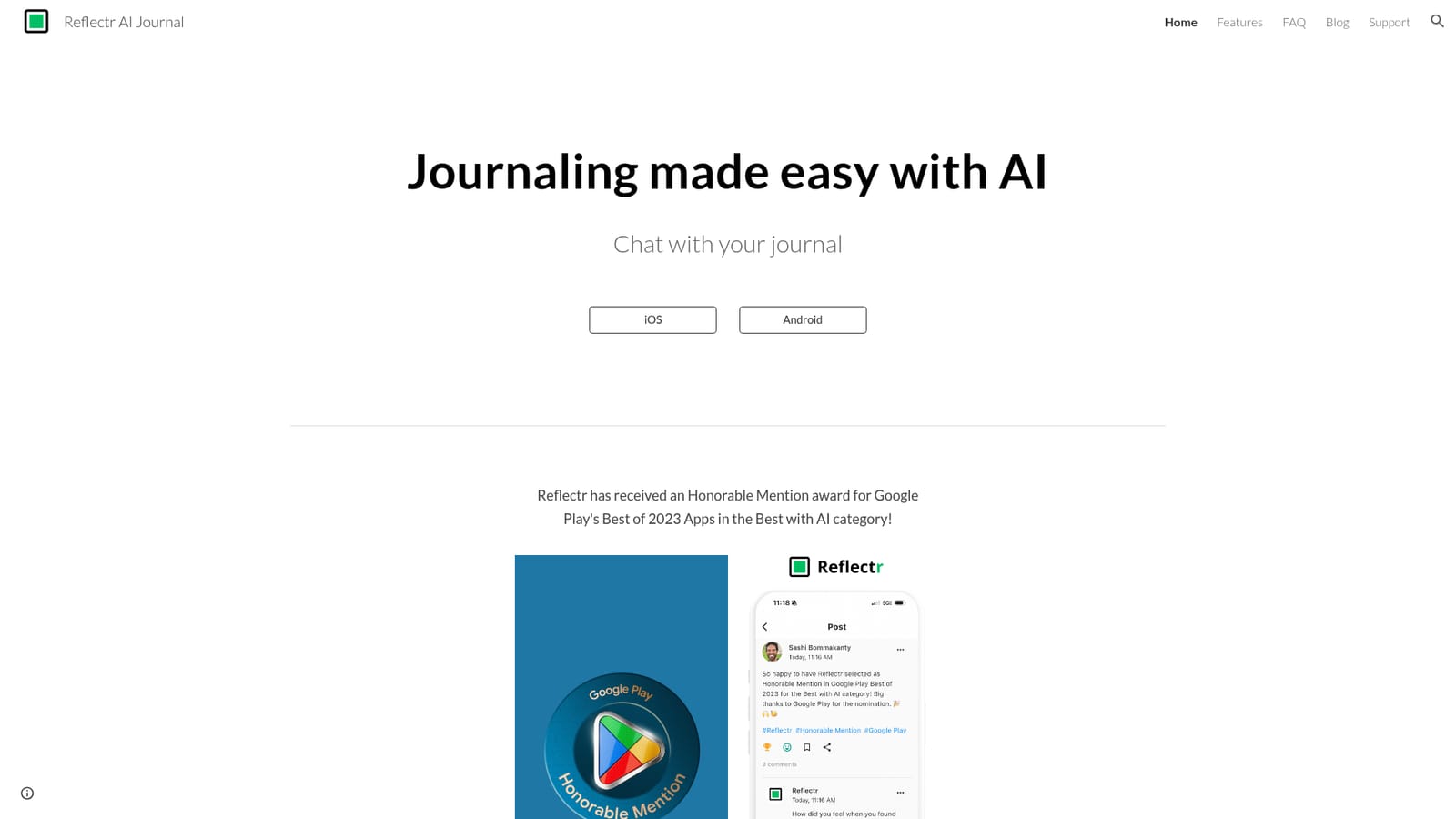
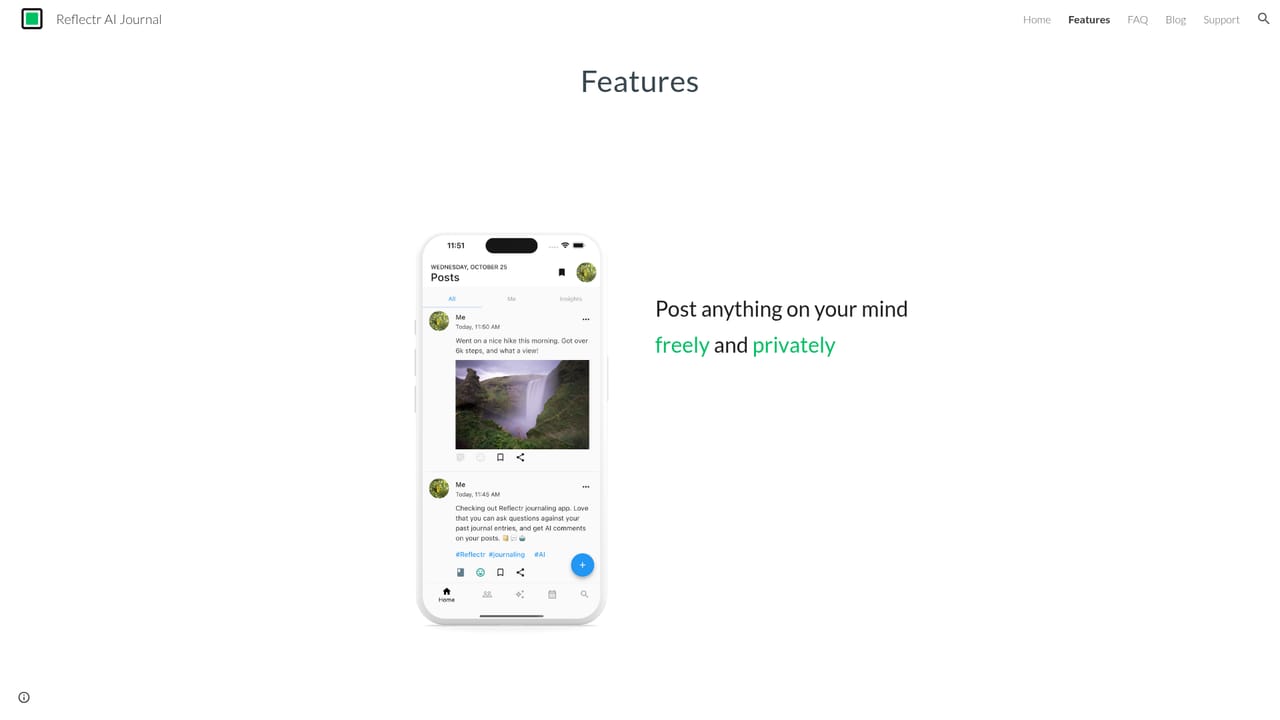
Reflectr is a journaling app for iOS and Android that adds an AI layer to everyday diary writing. Instead of leaving an entry as a private block of text, the app responds to it: each post receives a short AI comment, a recommendation and a follow up question, and entries are tagged automatically so patterns become visible over time. The product was built around a simple idea, that writing regularly is easier when something acknowledges what was written and nudges the writer to go one step further. The mechanics sit close to a familiar social feed. Users post entries the way they would post an update, and the AI behaves like a quiet respondent rather than a coach with a preset curriculum. User reviews on the homepage describe three distinct AI personalities that shape the tone of the replies, plus recap features for yesterday and the past week that summarise what came up and suggest follow up questions. There is also a rewriting option for entries that need tidying, which takes a rough, unstructured draft and produces a cleaner version that still reads as the author's own voice. The audience is broad: people who have tried and abandoned paper journals, users who want lightweight emotional reflection without a therapist, and writers who find a blank page intimidating. Because everything happens inside the two mobile apps, the workflow is daily and personal rather than collaborative. The most direct comparison is to standard journaling apps such as Day One, which excel at storage, search and privacy but offer no feedback loop. Reflectr trades some of that archival depth for conversational engagement, and its 2023 Google Play Honorable Mention in the Best with AI category reflects that positioning. Anyone who wants a silent, purely private archive should weigh that trade carefully.
A user review on the homepage describes emailing the developer with suggestions and receiving a reply the same evening, which suggests direct, small team support rather than a formal help desk.
Each journal post receives an AI generated comment, a recommendation and a follow up question. Entries are tagged automatically, and recaps for yesterday and the past week summarise recent writing with further reflection prompts. A rewriting tool cleans up rough drafts, and several AI personalities change the tone of responses. The app is available for iOS and Android.
Learn more AI Angels400+ customizable AI girlfriends for NSFW chat, voice calls, and roleplay
 Candy AIExperience the future of companionship with AI friends who chat, role-play, and connect with you on a human level.
 ourdream.aiA vast AI roleplay platform with millions of characters for chat, images, video and voiceAI Angels400+ customizable AI girlfriends for NSFW chat, voice calls, and roleplayCandy AIExperience the future of companionship with AI friends who chat, role-play, and connect with you on a human level.ourdream.aiA vast AI roleplay platform with millions of characters for chat, images, video and voice


