RecCloud

AI audio and video processing in one browser based workspace

Beginner
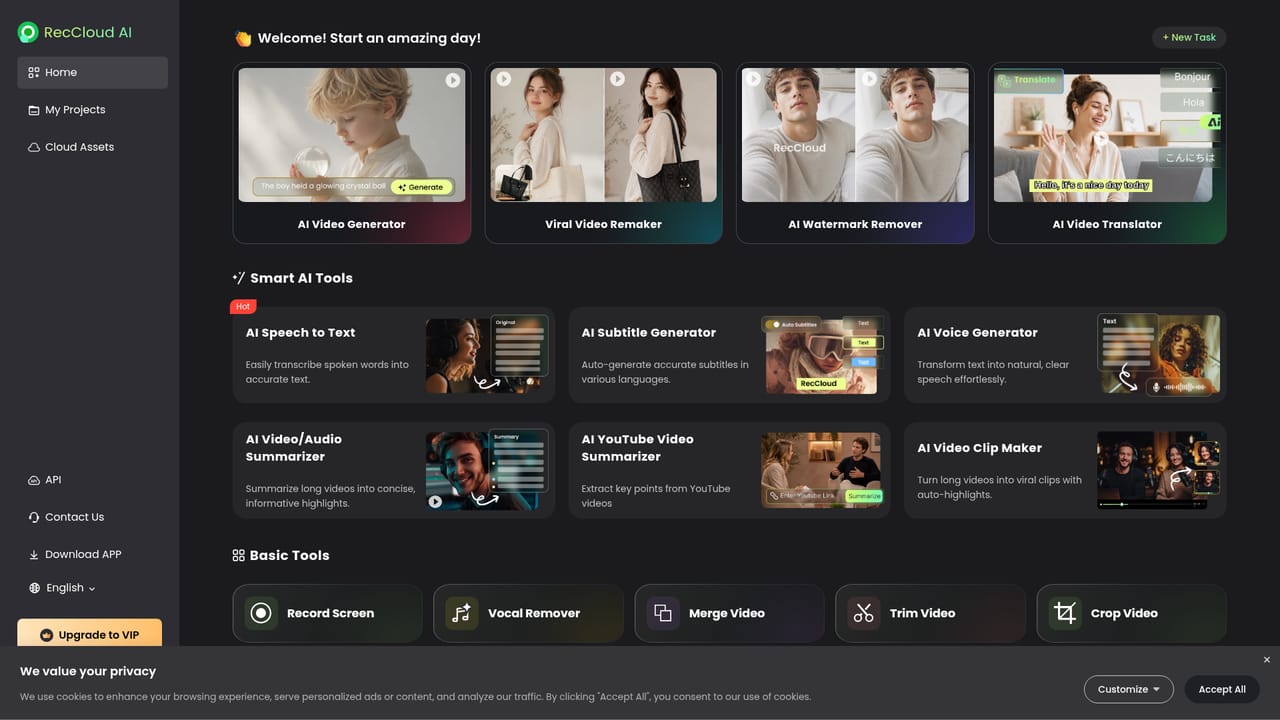
Screenshot of RecCloud, AI audio and video processing in one browser based workspace

What is RecCloud?

RecCloud is an AI transcriber tool. RecCloud bundles AI transcription, subtitle generation and translation, text to speech, video summarization with a chat layer, and text to video generation into one browser based workspace, with iOS and Android apps for on the go use.

RecCloud is a web based suite of AI tools built around one idea: take a media file, run it through a model, and hand back something usable in minutes. The homepage groups five tools under that banner. Speech to Text turns spoken audio into written transcripts and then cleans up or summarizes the result. The Subtitle Generator produces captions in the source language and translates them for other markets. The Voice Generator converts written text into speech, including the option to feed in text in one language and get audio in another. Video and Audio Summarization condenses long recordings, with YouTube links named as a supported input and a chat layer that answers questions about the content. Text to Video generates clips from prompts. The product is aimed at people who handle a lot of recorded material but are not video engineers: podcasters wanting transcripts, course creators needing captions, social media teams chopping long recordings into highlights, and marketers producing localized voiceover or short promotional clips. The workflow is deliberately shallow. A user picks the relevant tool from the homepage, uploads or links a file, waits for processing, then downloads the output. The homepage describes the loop as upload fast, process smart, download instantly, and every tool card links straight into that single purpose page rather than a dashboard. Positioning wise, RecCloud competes with dedicated transcription services on one side and browser based video editors on the other. Its argument is consolidation: a subtitling job, a translated voice track and a summary of the same source file can all happen in one place without separate subscriptions. The trade off is depth. This is a task runner, not a timeline editor, so fine control over caption timing, audio mixing or visual compositing is limited to whatever each tool exposes. Buyers who need frame accurate editing should pair it with a proper NLE. The site also publishes guides on AI video topics, which suggests the audience includes creators still learning the category. Access is through the browser plus native iOS and Android apps, and the entry point is a free start button on every tool page. Details on plan tiers, storage limits and export formats are not stated on the homepage, so check the pricing page before committing a production workflow to it.

How do you use RecCloud?

  1. 1Create a free account
    Open the start page and sign in to unlock the tools. The same account covers transcription, subtitles, voice and video generation.
    RecCloud — Create a free account
  2. 2Transcribe a recording
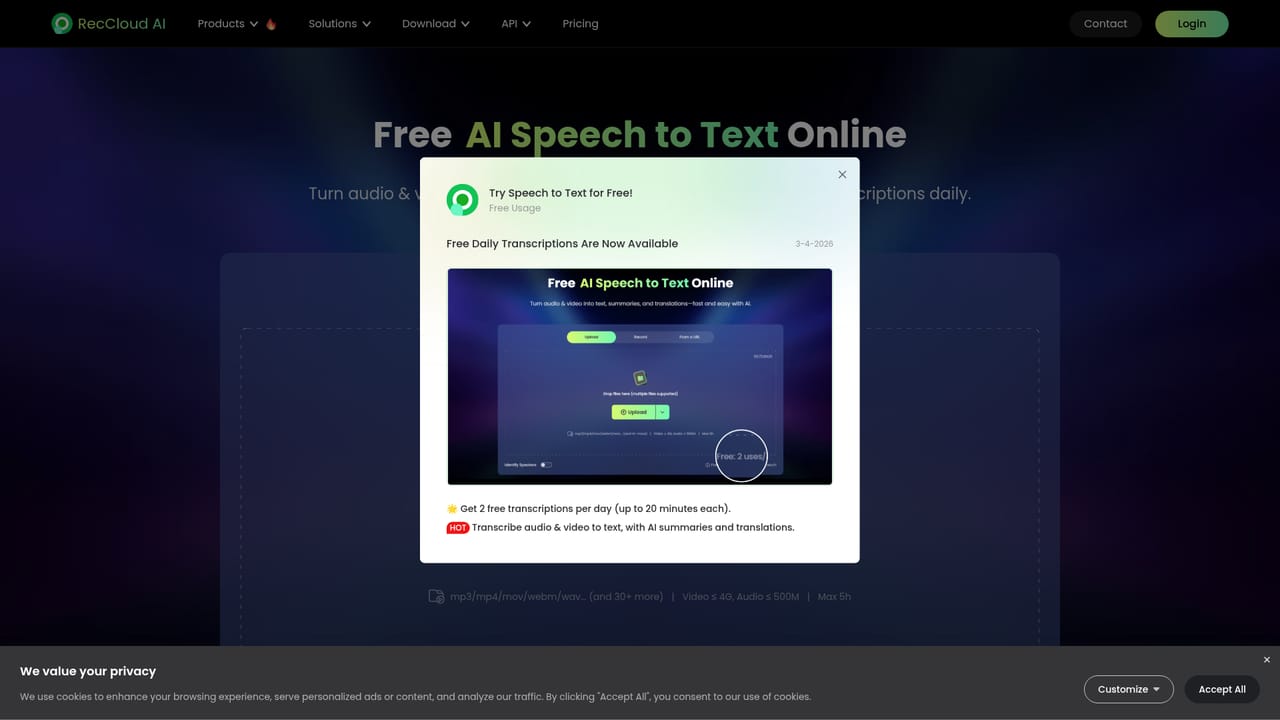
    Go to the Speech to Text tool, upload your audio or video, and let the model produce a transcript. Use the built in AI cleanup to polish or summarize the text.
    RecCloud — Transcribe a recording
  3. 3Generate and translate subtitles
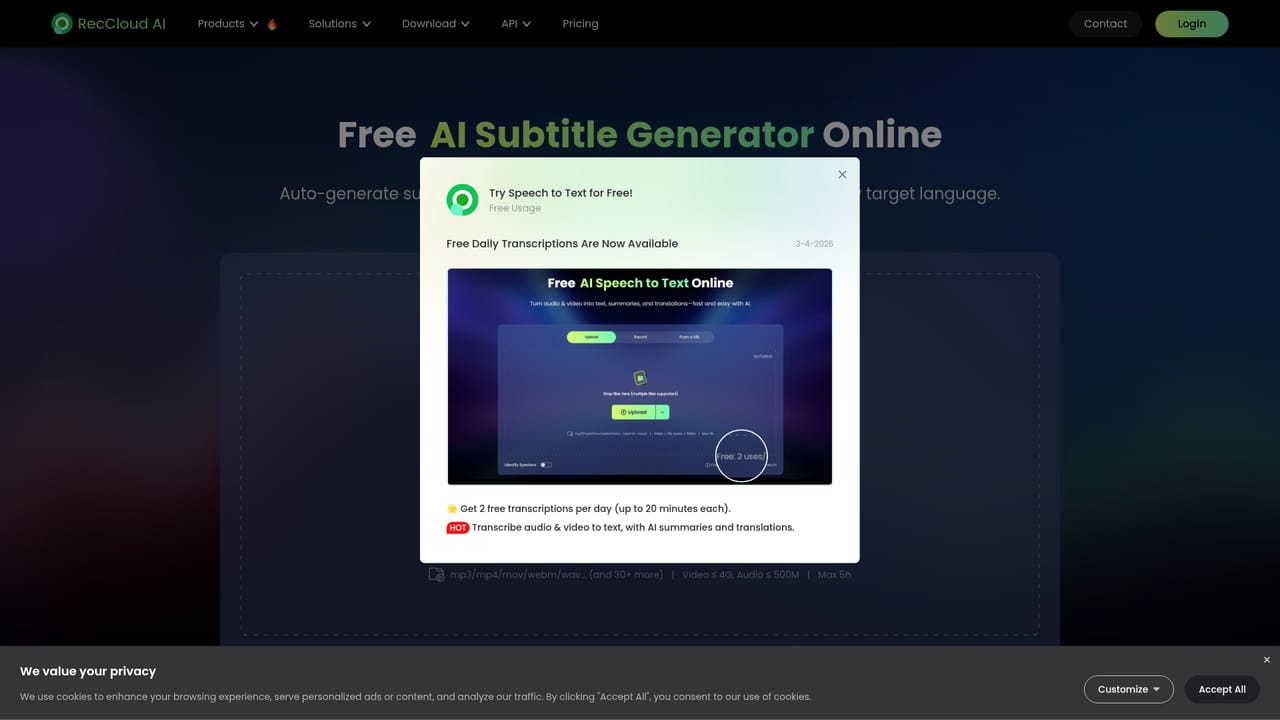
    Run the file through the subtitle generator to get captions in the original language, then translate them into the languages your audience needs.
    RecCloud — Generate and translate subtitles
  4. 4Summarize a long video
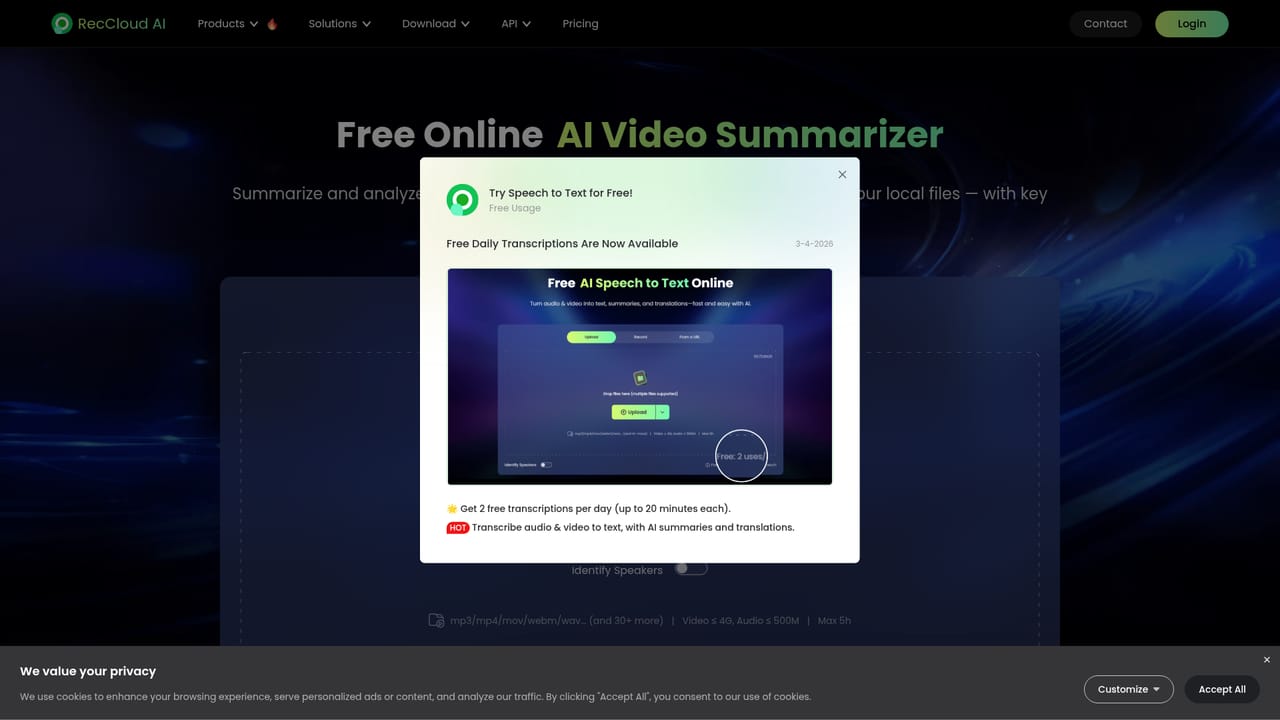
    Paste a YouTube link or upload a long recording into the summarizer, read the condensed output, then ask follow up questions about specific sections.
    RecCloud — Summarize a long video
  5. 5Produce a voiceover or a generated clip
    Use the voice generator to turn a script into speech in your chosen language, or the text to video tool to build a short clip from a written prompt.

Pros and cons

Pros

  • Five media AI tools (transcription, subtitles, voice, summarization, text to video) sit behind a single loginAI
  • Subtitle tool handles both caption generation and translation, which covers localization in one passAI
  • Video summarizer accepts YouTube links and adds a chat interface for asking questions about the contentAI
  • Native iOS and Android apps mean uploads are not tied to a desktop browserAI
  • Each tool has its own focused page, so a first task takes very few clicksAI

Cons

  • Homepage gives no plan tiers, credit limits or export format details, so cost is unclear before signing upAI
  • Caption timing and styling controls are not described, which matters for broadcast or platform specific specsAI
  • No mention of team workspaces, shared assets or review workflows for collaborative projectsAI
  • Text to video output quality and clip length limits are not documented on the siteAI
  • It is a task runner rather than an editor, so it will not replace a timeline tool for finishing workAI

How much does RecCloud cost?

Features

Core tools are AI speech to text with automatic polishing and summarization, an AI subtitle generator with multi language translation, a text to speech voice generator with multiple voice types and cross language output, AI video and audio summarization with a chat interface over the content, and a text to video generator. Outputs are downloaded after processing.

Frequently asked questions about RecCloud

  • How do you use RecCloud?
    The walkthrough on this page covers 5 steps: 1. Create a free account 2. Transcribe a recording 3. Generate and translate subtitles 4. Summarize a long video 5. Produce a voiceover or a generated clip.
  • What platforms does RecCloud support?
    RecCloud is available on Web App, iOS and Android.
  • What are the limitations of RecCloud?
    Homepage gives no plan tiers, credit limits or export format details, so cost is unclear before signing up. Caption timing and styling controls are not described, which matters for broadcast or platform specific specs. No mention of team workspaces, shared assets or review workflows for collaborative projects.

Status

StatusActive
Views0
Outbound clicks0
Added10/21/2026

Platforms

Web AppiOSAndroid

Pricing

FreeFreemium


