Free trial
The homepage invites visitors to give the product a try for free and links to a sign-up page, but it does not state the length or limits of the free offer.
Learn moreRecord a messy demo once, get a polished tutorial in minutes.
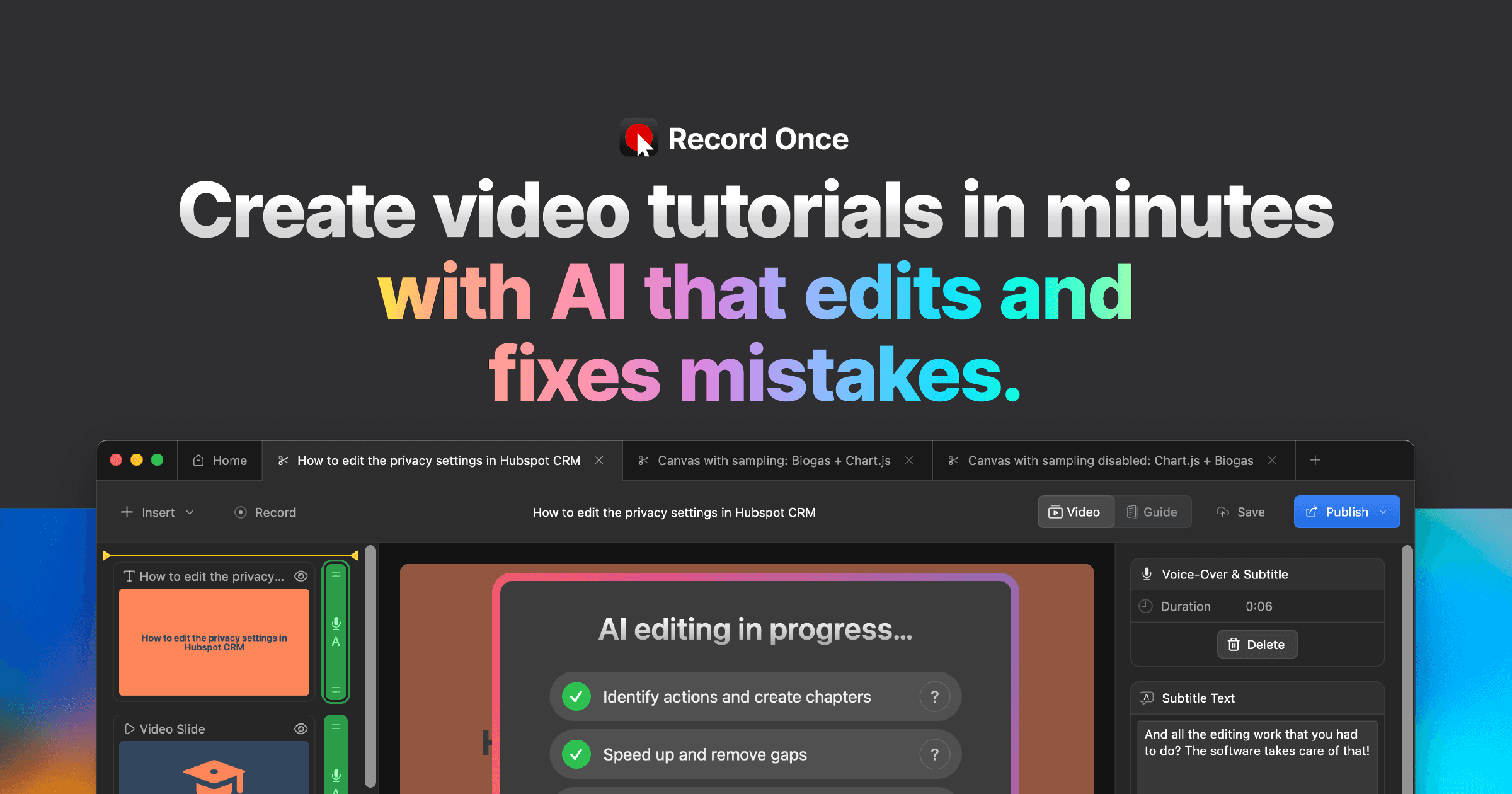
Record Once is a dubbing tool that records a messy demo once, get a polished tutorial in minutes. Record Once records your web app in a built-in browser, then uses AI to cut mistakes, generate voice overs, translate videos and publish tutorials.
Record Once is a screen recorder built for people who make software tutorials but do not want to become video editors. The tool embeds a browser that captures your web app as HTML and CSS rather than as raw pixels, so it understands which buttons you clicked, what text you typed, and even when you corrected a typo mid-take. The AI then removes the mistakes, skips slow loading states, trims filler words, and assembles the sequence into what looks like a high resolution screen recording. The company claims 4K output at 120 or more frames per second with small file sizes, because playback is animated markup rather than a heavy video file. The usual workflow is a single recording pass, followed by AI cleanup and a short round of finishing touches. Users can reorder or remove steps, drop in slides, images, call to action cards or background music, and choose between an AI generated voice over, their own voice, or a camera track. A single recording can also be published in several languages: the AI translates the voice over while keeping one consistent voice, and it translates the text inside the captured app itself, which suits products with localized interfaces. Automatic text guides with screenshots are generated alongside each video, which helps documentation and search visibility. Hosting and sharing are included, and published videos can be partially updated later, so an embed stays current after the underlying product changes. Record Once is aimed at product and support teams, documentation writers, and marketing staff who need a steady stream of onboarding and feature explainers without a video specialist. The case study on its site describes a team cutting tutorial production from roughly 20 hours to about 30 minutes. The clear trade-off is that the recorded surface is a browser based app, so the pixel perfect editing model that traditional editors offer is replaced by a more constrained one. Buyers comparing it with standard screen recorders or full editors should weigh that scope deliberately.
The homepage invites visitors to give the product a try for free and links to a sign-up page, but it does not state the length or limits of the free offer.
Learn moreCore features include a browser based recorder that captures HTML and CSS, automatic removal of mistakes and filler words, AI voice overs, drag and drop editing with slides and music, AI translation of both voice over and in-app text, automatic text guides with screenshots, 4K playback at high frame rates, partial video updates, and included hosting.
 AI Angels400+ customizable AI girlfriends for NSFW chat, voice calls, and roleplay
 Candy AIExperience the future of companionship with AI friends who chat, role-play, and connect with you on a human level.
 ourdream.aiA vast AI roleplay platform with millions of characters for chat, images, video and voiceAI Angels400+ customizable AI girlfriends for NSFW chat, voice calls, and roleplayCandy AIExperience the future of companionship with AI friends who chat, role-play, and connect with you on a human level.ourdream.aiA vast AI roleplay platform with millions of characters for chat, images, video and voice


