Free trial
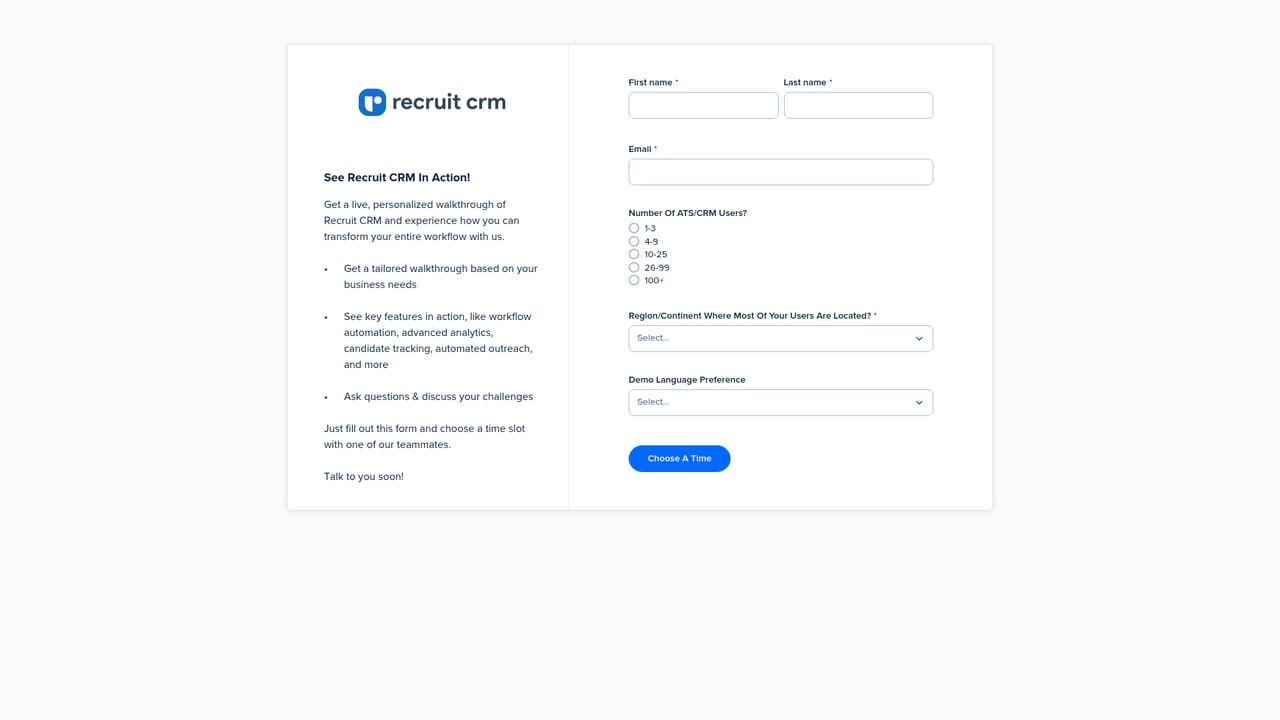
The homepage offers a Start free trial button that leads to a signup flow, but no trial length or included features are stated on the page.
Learn moreATS plus CRM with AI agents running the recruiting desk

Recruit CRM is a lead generation tool. An ATS and CRM in one platform for recruitment agencies, with AI agents for meeting notes, resume formatting, candidate submissions and database updates, plus outreach, workflow automation, billing and real-time analytics.
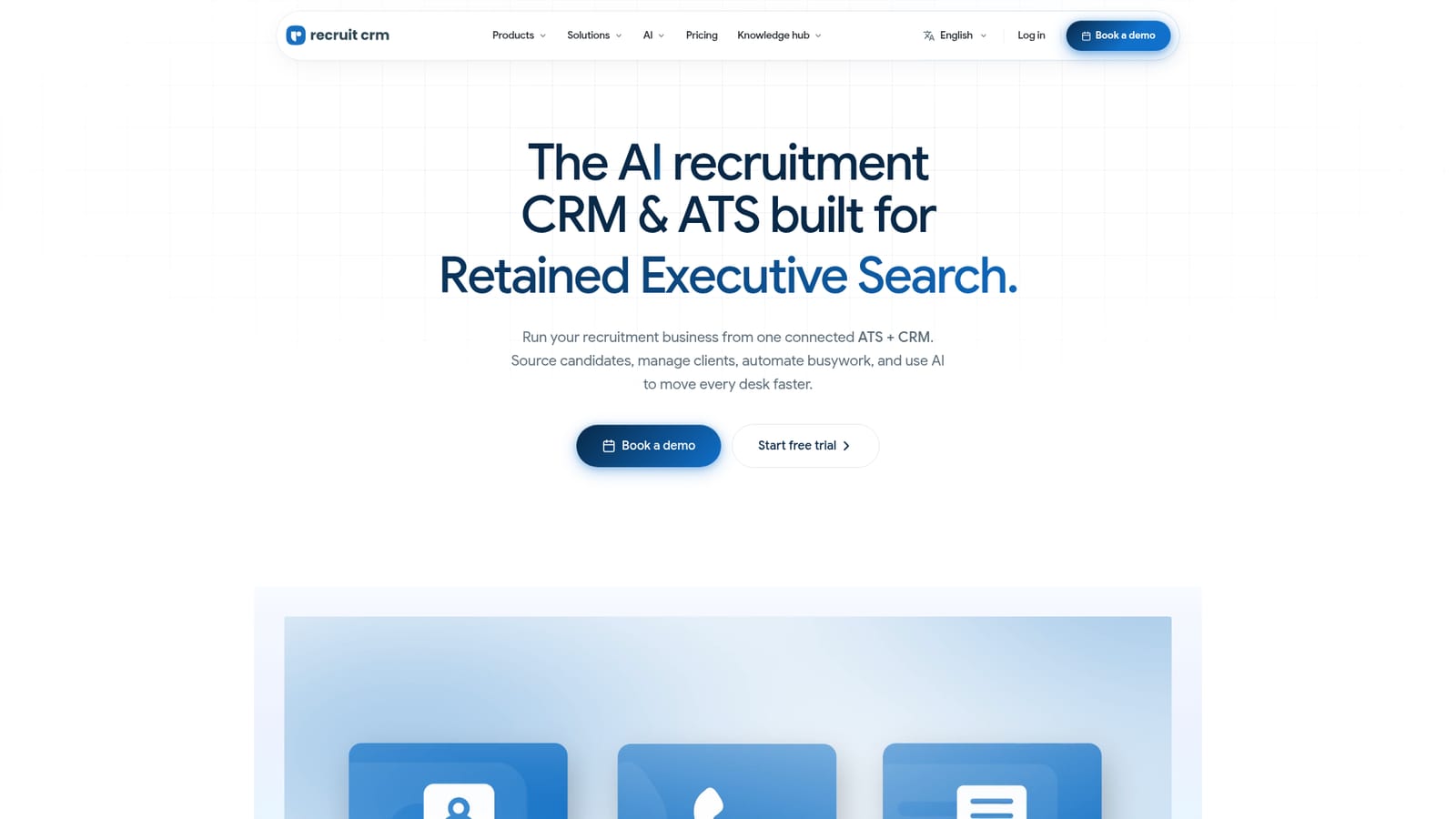
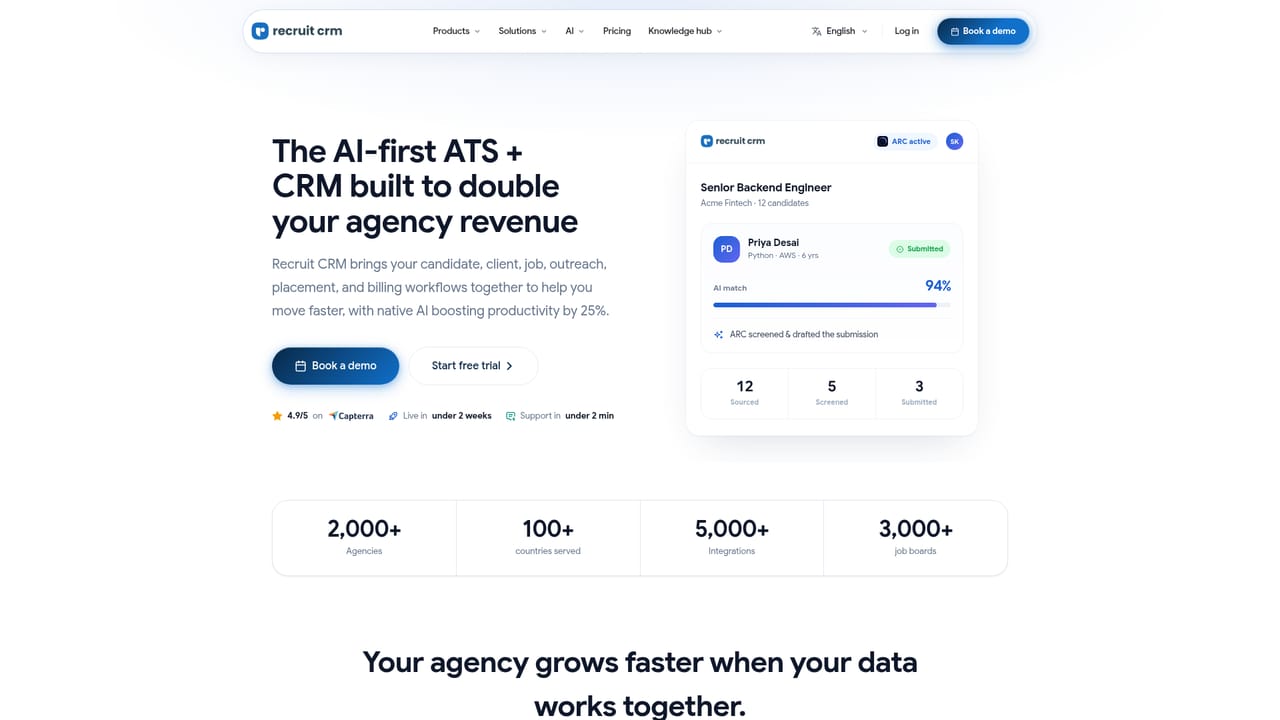
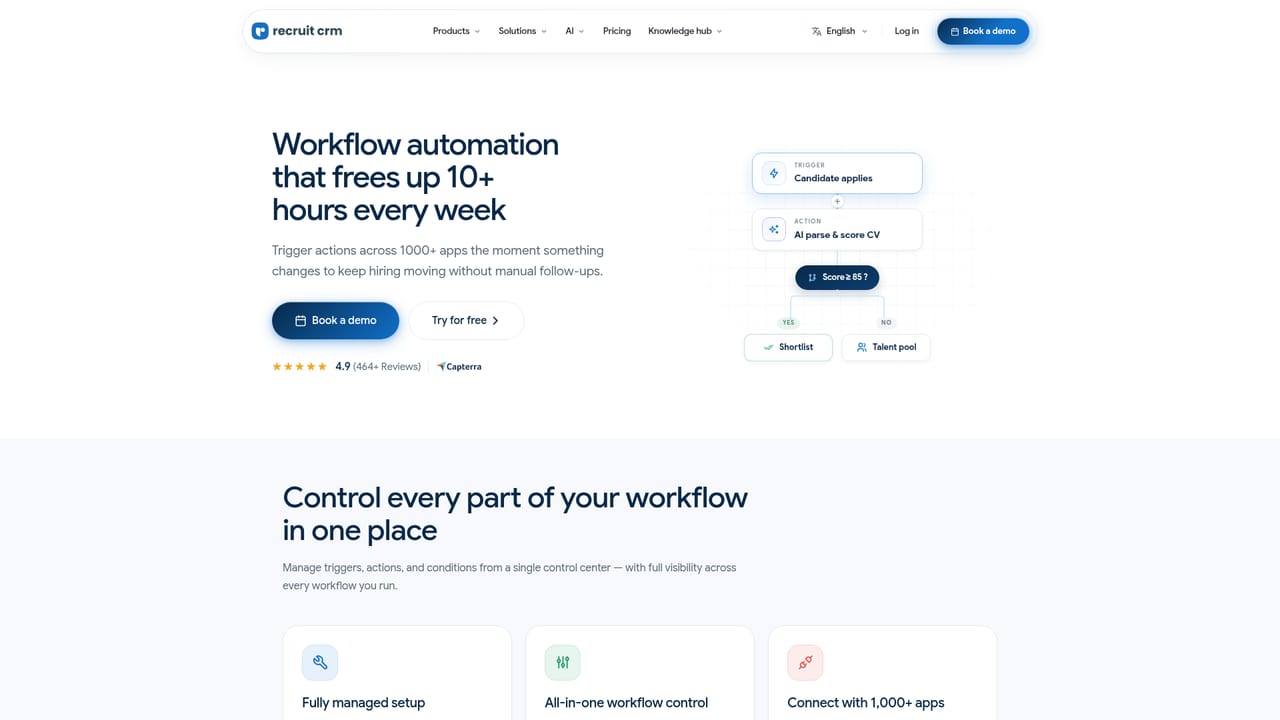
Recruit CRM is a combined applicant tracking system and customer relationship management platform built for recruitment firms rather than for in-house HR departments. Candidates, companies, contacts, jobs, deals, placements and activities live in one connected database, so a recruiter can move from sourcing a profile to pitching a shortlist to invoicing a placement without leaving the system. The platform is aimed at permanent, direct hire, contract, executive search, RPO and corporate recruitment desks, from one-person boutiques up to agencies with a couple of hundred recruiters. What separates it from a plain ATS is the layer of AI agents. A notetaking agent joins video meetings and phone calls and transcribes them, a database update agent scans external profiles to refresh job titles and employment status, a resume formatting agent applies the agency's branding and redaction rules, and submission and pitching agents produce candidate documents and client emails. A custom field parser fills records from resumes, while screening and outreach agents are listed as coming soon. Search covers both your own records and a large pool of external profiles, with AI ranking matches by fit. Around that sit multi-channel outreach over email, LinkedIn and SMS, rule-based workflow automation for follow-ups and record updates, Kanban pipeline views, and real-time analytics on revenue, placements and team activity. Billing covers splits, commissions, invoices and contract timesheets. In daily use, the pattern is: a role comes in, an agent or a sequence handles the first contact, the workflow automation queues reminders when a candidate goes quiet, and the shortlist is assembled from AI matching before the submission and pitching agents generate the documents. Managers get live pipeline and margin views instead of spreadsheet roll-ups. The Recruit CRM MCP connection lets teams query recruiting data from Claude, ChatGPT and similar tools in plain language, which matters for firms already using general assistants alongside their ATS. The competitive set is Bullhorn, JobAdder and Loxo, and Recruit CRM positions itself against those on consolidation and pricing transparency: the homepage's comparison table argues that basic ATS tools stop at tracking candidates, while this one adds sales, billing and AI in the same seat. The economics claim is three times more placements per recruiter in year one and 40 percent less time on admin, which is the firm's own framing rather than an independent benchmark. Buyers should treat the AI agents as the core differentiator and check how the coming soon items are priced once they ship.
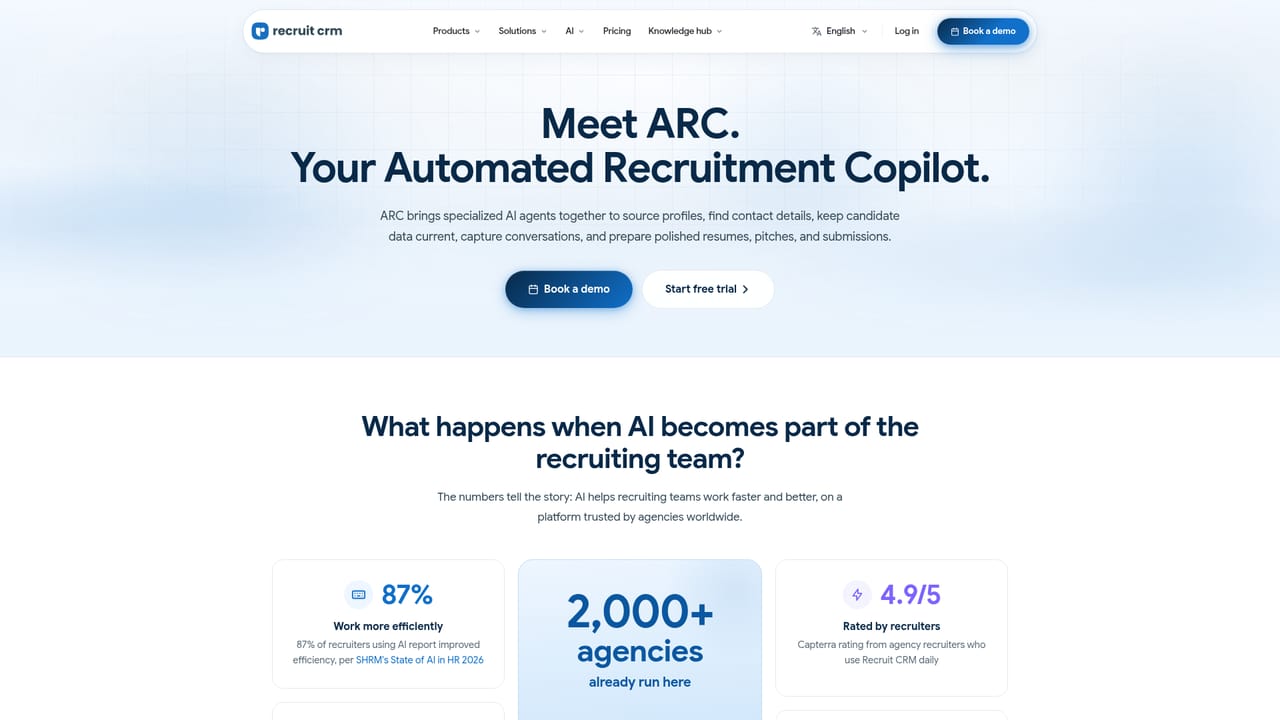
The homepage offers a Start free trial button that leads to a signup flow, but no trial length or included features are stated on the page.
Learn moreThe homepage states an average support response of under two minutes, available 24/7, and mentions expert-guided migration and onboarding for agencies switching platforms.
An MCP connection links recruiting data to Claude, ChatGPT and other AI tools, a Chrome extension pulls candidates in from LinkedIn and sourcing sites, and the site lists integration partners alongside access to thousands of job boards.
Learn moreCombined ATS and CRM covering candidates, companies, contacts, jobs, deals, placements and activities, with AI agents for meeting notes, database updates, resume formatting, submissions, candidate pitching and custom field parsing. Also includes multi-channel outreach, workflow automation, AI matching, a Chrome sourcing extension, Kanban pipelines, real-time analytics, billing with splits and timesheets, and an MCP connection to Claude and ChatGPT.
Learn more AI Angels400+ customizable AI girlfriends for NSFW chat, voice calls, and roleplay
 Candy AIExperience the future of companionship with AI friends who chat, role-play, and connect with you on a human level.
 ourdream.aiA vast AI roleplay platform with millions of characters for chat, images, video and voiceAI Angels400+ customizable AI girlfriends for NSFW chat, voice calls, and roleplayCandy AIExperience the future of companionship with AI friends who chat, role-play, and connect with you on a human level.ourdream.aiA vast AI roleplay platform with millions of characters for chat, images, video and voice


