Free trial
Free tier with 3 monthly renderings, no credit card needed to start. There is no separate time-limited trial; the free allowance renews monthly.
Learn moreUpload a room photo, pick a style, get a photorealistic redesign in seconds.
Own AI Room Styles? Verify ownership to get a dofollow link
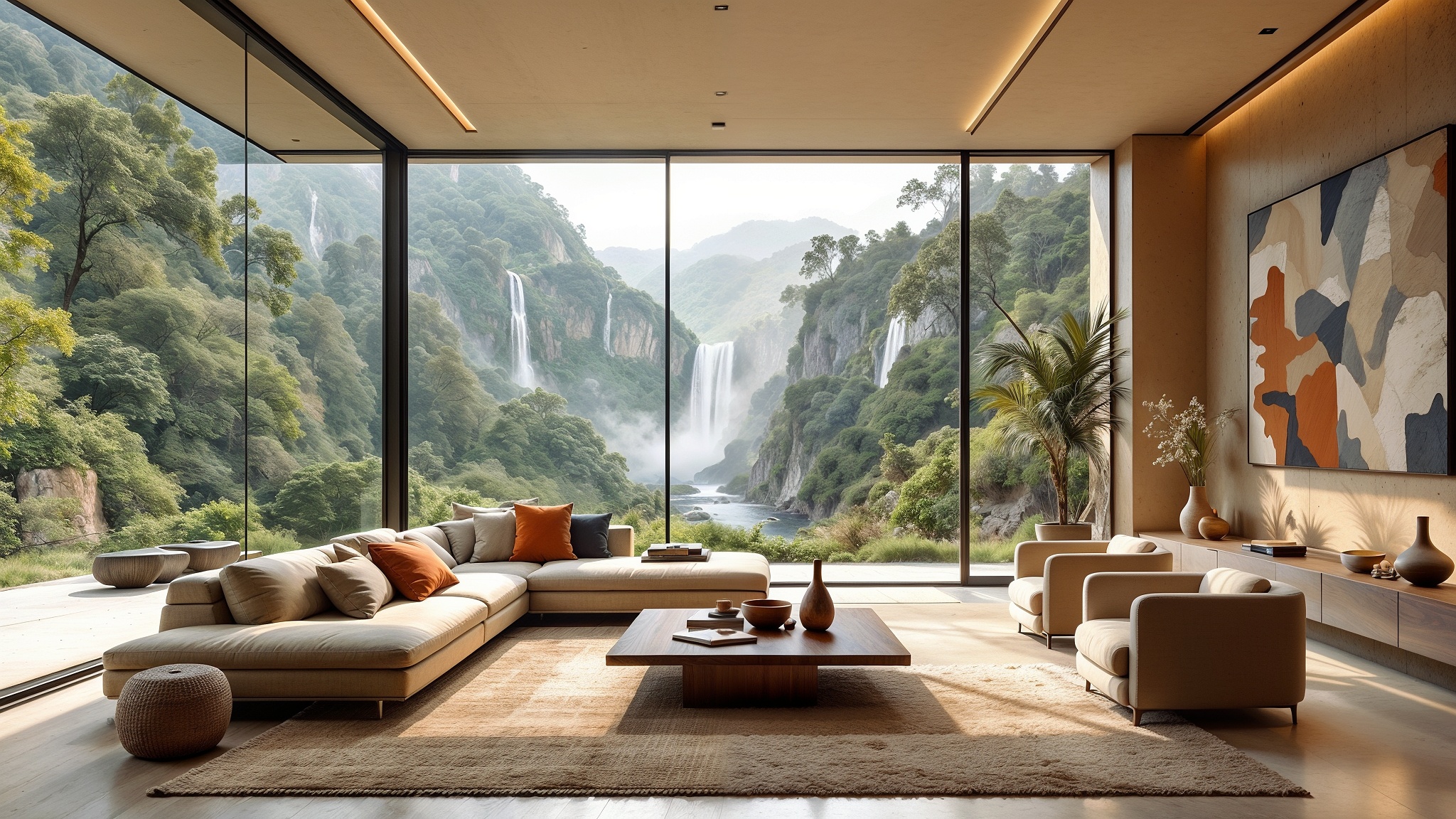
AI Room Styles is a generate concepts tool. A web app that turns one room photo into photorealistic interior concepts across 62 styles. Fast Mode delivers three palette variations in seconds; Advanced Mode adds control over furniture, materials, lighting and wall colour.
AI Room Styles is a browser-based interior design and virtual staging service from Fractal-Apps Pvt Ltd. A single photograph of a bedroom, living room, kitchen, office or property listing is enough to start: the system reworks that image into a new photorealistic concept. The style library holds 62 directions, running from classic and minimalist through modern and retro-tropical, and Fast Mode returns three colour palette variations in under ten seconds. The product splits into two working modes. Fast Mode is built for speed and simple curiosity: pick a style, get an image, share it. Advanced Mode exposes the variables that a professional would want to steer, including furniture selection, materials, lighting and wall colours, and is aimed at architects, designers and real estate agents who need presentable options rather than a starting mood board. Output is generated on the same footprint and perspective as the uploaded photo, so a redesign can be compared against the actual space before anything is purchased or moved. The likely audience is homeowners weighing a renovation, agents staging a listing without renting furniture, and designers producing several directions for a client meeting. The value proposition is comparative: testing five styles in one sitting costs far less time than a single consultation, though the results are concepts, not measured plans. Nothing on the site suggests dimension-accurate drawings, material schedules or contractor-ready specifications. The interface is available in English and Arabic. Getting started takes a free tier of three renderings per month with no card required, which is enough to judge output quality on your own room before committing. Against dedicated virtual staging suites, AI Room Styles trades deep listing workflow features for a broad style catalogue and two clearly separated modes.
Free tier with 3 monthly renderings, no credit card needed to start. There is no separate time-limited trial; the free allowance renews monthly.
Learn moreThe homepage states a free tier with 3 monthly renderings and no credit card required, and frames the tool as cheaper than a single design consultation. No paid plan names, prices or billing intervals are published on the page.
Learn moreUpload one room photo and receive photorealistic redesigns. Fast Mode delivers 62 styles with 3 colour palette variations in under 10 seconds. Advanced Mode controls furniture, materials, lighting and wall colours for professional output. Works on bedrooms, living rooms, kitchens, offices and real estate staging.
Learn more AI Angels400+ customizable AI girlfriends for NSFW chat, voice calls, and roleplay
 Candy AIExperience the future of companionship with AI friends who chat, role-play, and connect with you on a human level.
 ourdream.aiA vast AI roleplay platform with millions of characters for chat, images, video and voiceAI Angels400+ customizable AI girlfriends for NSFW chat, voice calls, and roleplayCandy AIExperience the future of companionship with AI friends who chat, role-play, and connect with you on a human level.ourdream.aiA vast AI roleplay platform with millions of characters for chat, images, video and voice