Free trial
The homepage says it is free to start, with no card and no footage needed, and invites visitors to make a first video from a listing address.
Learn moreTurn listing photos into videos and staged images for real estate

Reel Estate is a photo editing tool that turns listing photos into videos and staged images for real estate. Reel Estate is a web app that makes cinematic listing videos and AI-staged photos from a property's still images. It targets agents, photographers, property managers, commercial brokers and vacation rental hosts who want video without editing skills.
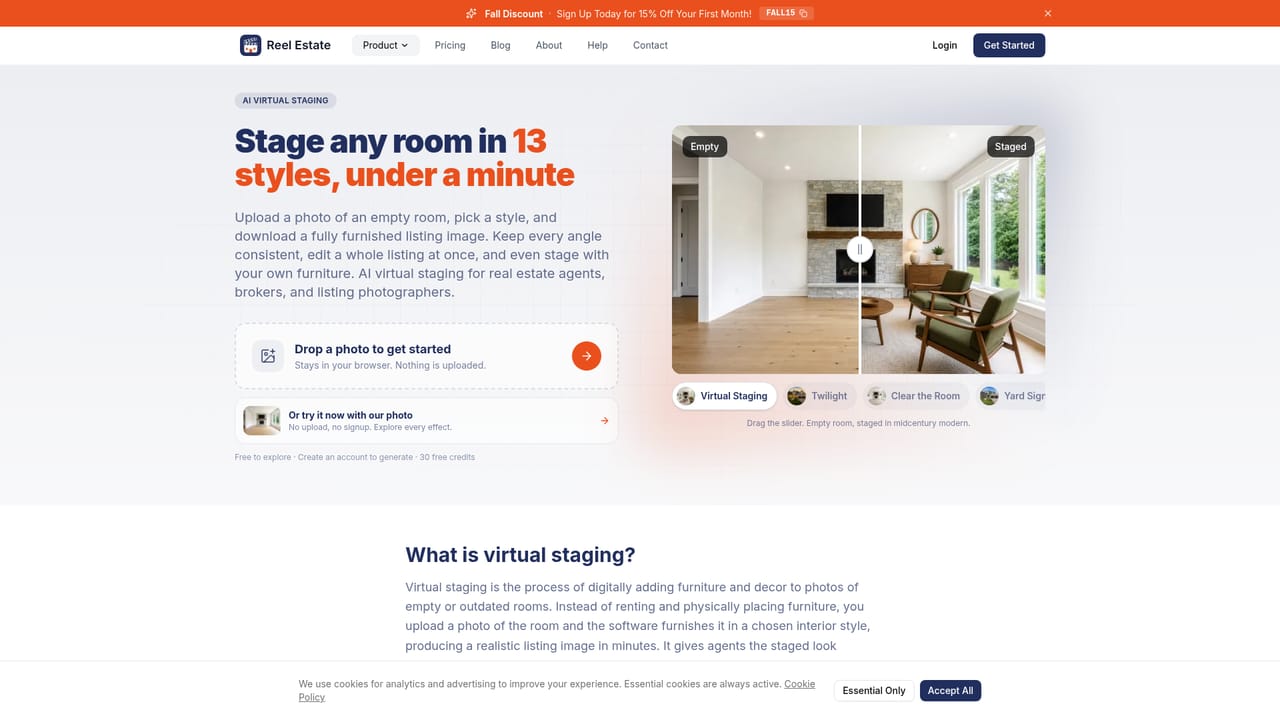
Reel Estate is a web-based tool that converts listing photos into finished marketing videos for property professionals. The workflow is short: enter the listing address, choose which video formats to produce, upload the photos along with basic property details, and download the results to post wherever they are needed. The homepage states that no card and no existing footage are required to begin, so a first video can be built from still images alone. Output covers virtual walkthroughs, MLS-style videos and short vertical Reels for social media. Every video is offered in several style presets (Classic, Up-beat, Smooth, Adventurous and Rockin' Out) and in both 9:16 and 16:9 aspect ratios, which means one set of photos can yield a range of looks for different channels. Separate pages on the site cover video templates and real estate voiceover, so narration and template choices are part of the wider product even though the homepage itself goes into little detail on them. A companion Listing Photo Studio prepares the images before they go into a video. It can virtually stage empty rooms in styles such as midcentury modern, relight a flat daytime exterior as a twilight shot, correct cloudy pool water, clear furniture from a room, remove vehicles from a driveway, add outdoor furniture to a bare deck, dress an interior for the holidays and refresh a patchy lawn. Photos edited this way can then be used to make the listing videos. The intended audience is broad within property marketing: agents who lack video skills, photographers who want to add video to a shoot, property managers promoting rental units, commercial brokers filling vacancies and vacation rental hosts. Compared with general AI video generators or manual editing suites, Reel Estate is narrower and built around listings, trading open-ended creative control for speed and templated results. It also competes with standalone virtual staging services by bundling staging and video in one account. The site publishes an AI disclosure page and a comparison page for buyers weighing alternatives.
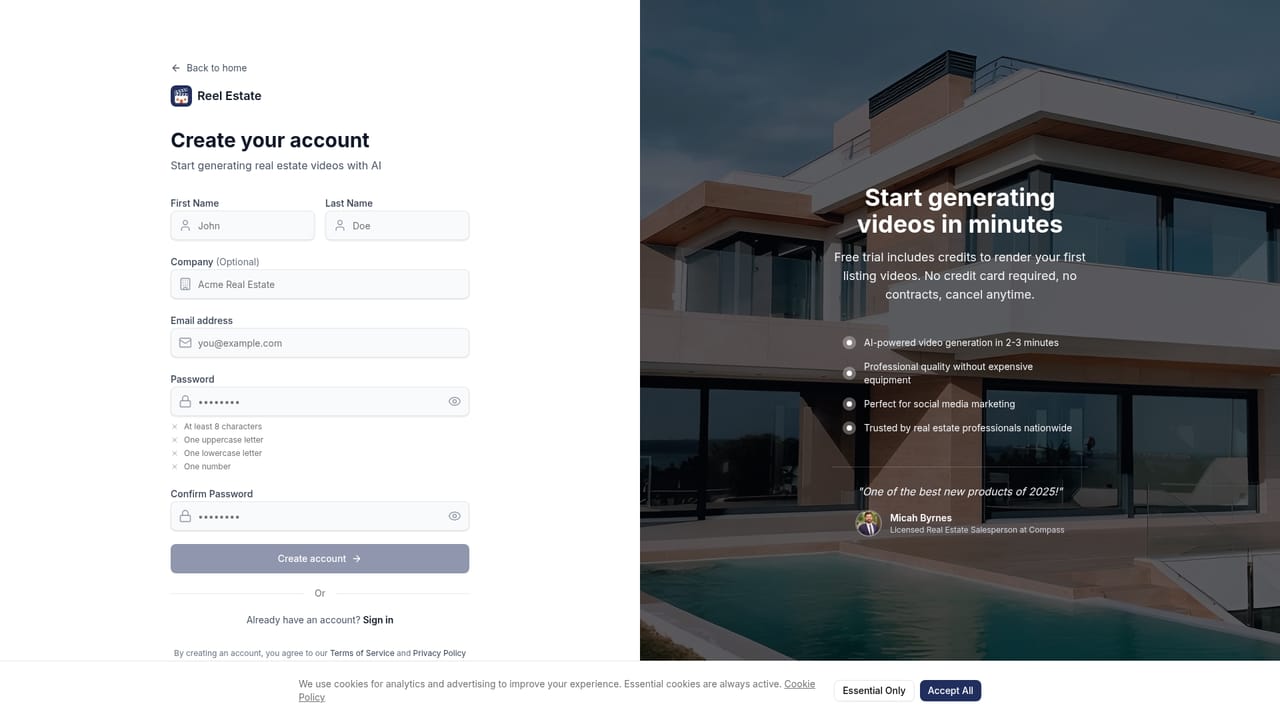
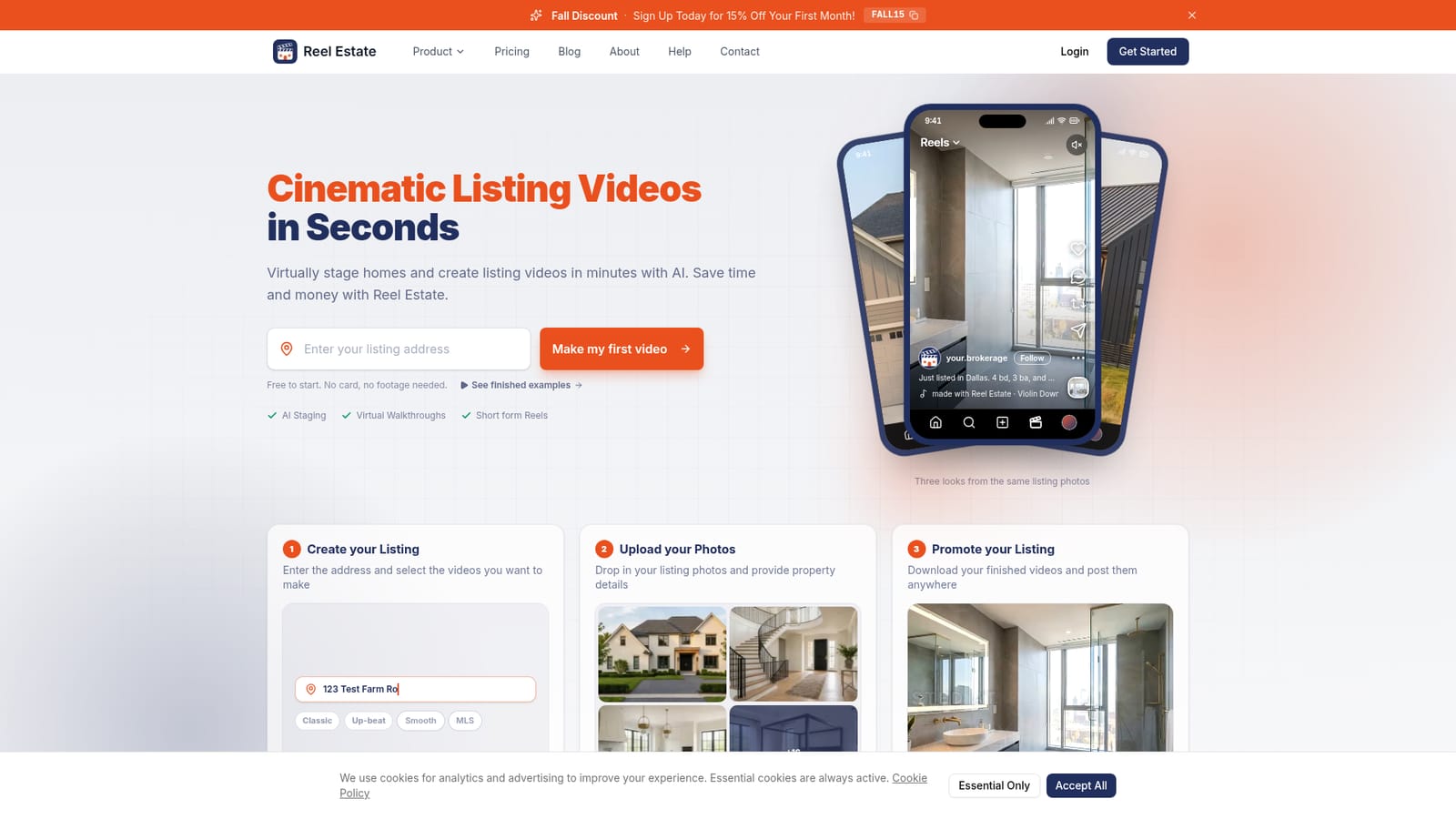
The homepage says it is free to start, with no card and no footage needed, and invites visitors to make a first video from a listing address.
Learn morePricing figures are not stated on the homepage. It says starting is free with no card, advertises a FALL15 code for 15% off the first month, and links a help article explaining how credits work.
Learn moreA contact page and a help centre article on billing and credits are linked from the site. Response times and support channels are not stated on the homepage.
Learn morePhoto-to-video for virtual walkthroughs, MLS videos and Reels in five styles and 9:16 or 16:9 ratios. Listing Photo Studio offers virtual staging, twilight, pool water, room clearing, vehicle removal, exterior staging, holiday decor and lawn refresh.
Learn more


