Free trial
The page lists Free Credits, which suggests some generation is available without paying. The amount is not stated, and the site also offers a free-to-generate link on the portrait page.
Learn moreTurns one to four face photos into styled AI portraits

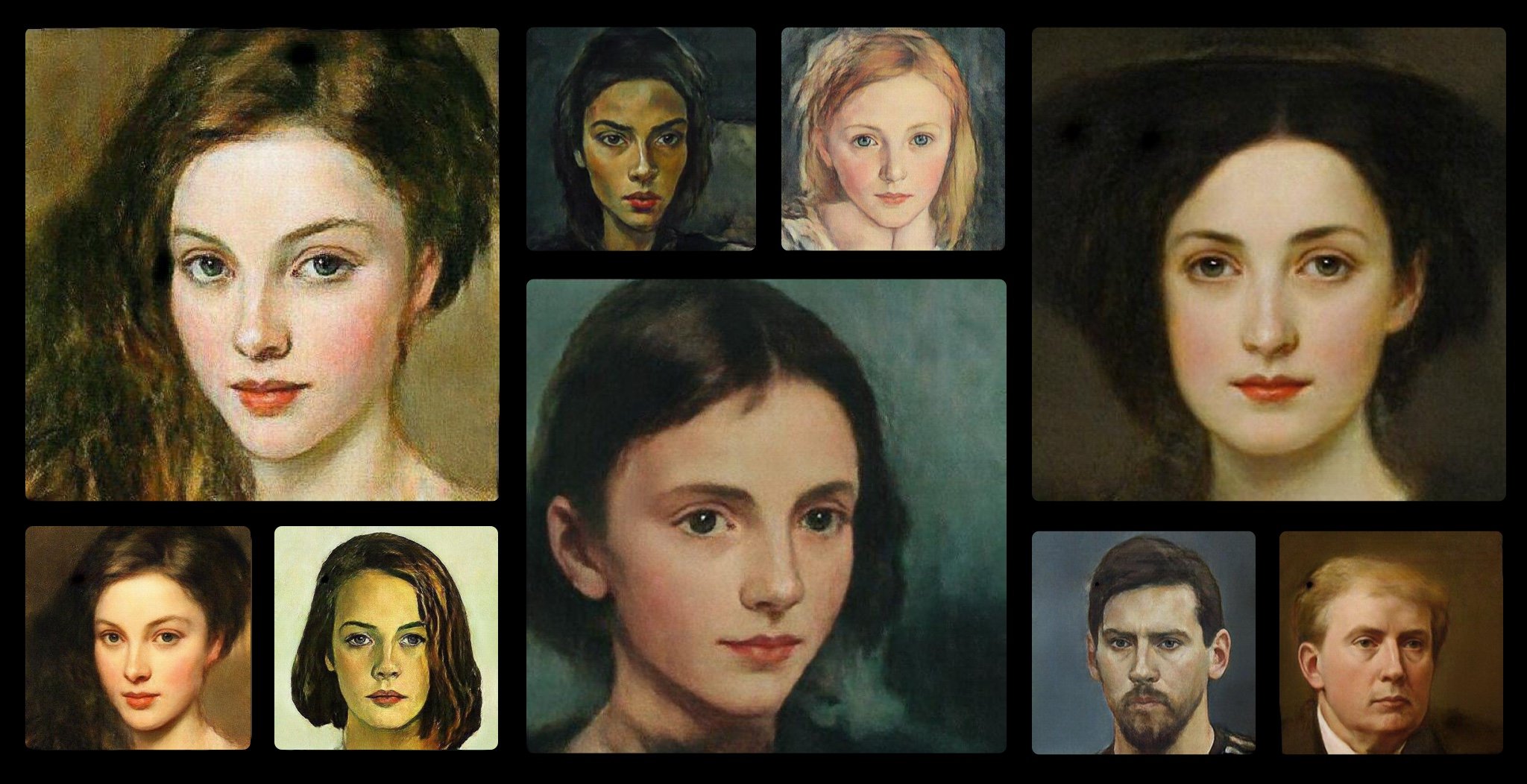
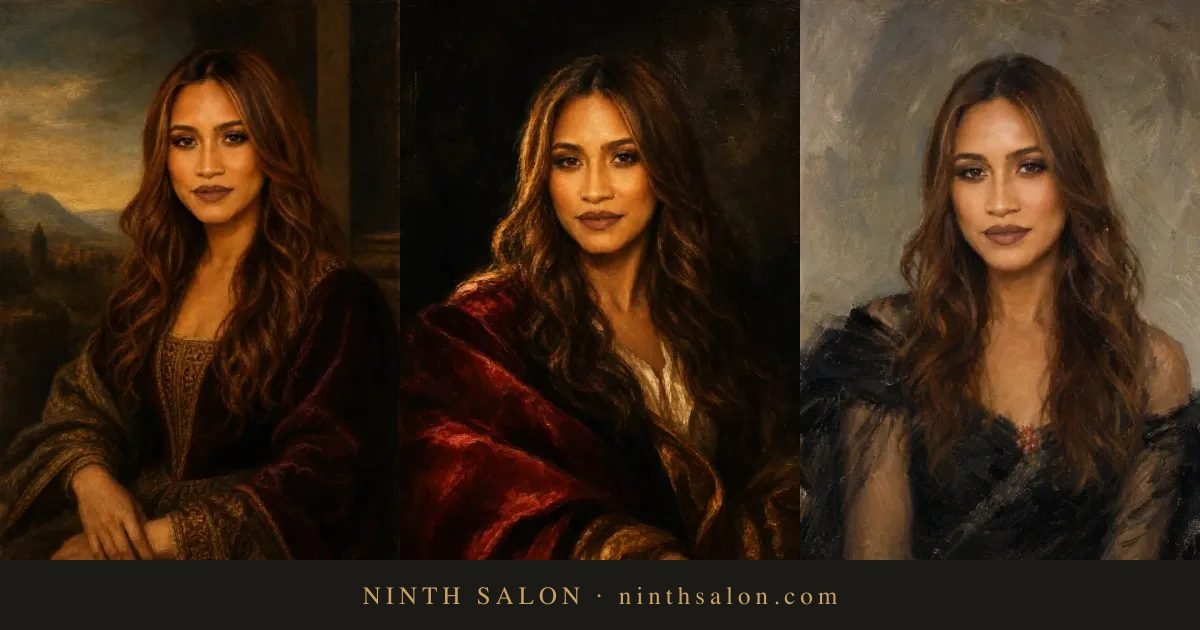
Remaker is a family portrait maker tool that turns one to four face photos into styled AI portraits. A browser tool from Remaker that converts one to four frontal face photos into styled AI portraits, using editable templates or custom prompts, with selectable aspect ratios and two images per generation.
Remaker's AI Portrait Generator is a browser based tool that takes one to four frontal photos of the same person and rebuilds them as styled portraits. The upload step matters: the site asks for a clear front facing shot with eyes open, and it explicitly recommends several photos of one person so the model can read facial features more accurately. From there the output is driven by a gender selection plus either a ready made template or a written prompt. Template mode is the fast path. The gallery covers scene style options such as City Night, Bikini, Tennis Girl, Cowgirl, Rose Girl, Sweater, Suit, Balloons, Purple Flowers, Tattoo and Petal Skirt, and each template can be edited before generation if the preset styling is not quite right. Custom mode drops the presets and asks for a scene prompt plus a preferred image style. Output aspect ratio is selectable across 1:2, 1:1, 2:3, 3:2, 3:4, 4:3, 9:16 and 16:9, which covers both social formats and print friendly crops. A single generation returns two images. An advanced generate option returns another pair with finer detail, and both results can be downloaded or shared. Beyond swapping the backdrop, the tool is positioned around changing the overall look of a portrait: hairstyle, makeup, clothing, color scheme and lighting, plus accessories such as necklaces, earrings and garlands. The face is meant to stay recognizable while half body and full body framing is produced, so the practical use is a portfolio or profile picture refresh without booking a shoot. History holds up to 80 results, and each image is deleted after one day, so downloads need to happen promptly. The tool sits inside a much wider Remaker suite that includes headshots, passport photos, background removal, anime conversion, object removal, upscaling and video features. Anyone who only needs an avatar will find the portrait page sufficient on its own; anyone producing ID style or business imagery may prefer the dedicated headshot and passport tools instead.
The page lists Free Credits, which suggests some generation is available without paying. The amount is not stated, and the site also offers a free-to-generate link on the portrait page.
Learn moreThe page shows a Free Credits entry alongside the tool, indicating a credit based system, but it does not publish prices, plan tiers or what a credit buys. Check the pricing area after signing in for actual numbers.
Learn moreA Contact Us link appears on the page, but no help centre, documentation or response time commitment is described in the homepage content.
Upload up to four frontal photos of one person, choose Woman or Man, then generate from an editable template gallery (City Night, Suit, Cowgirl, Tennis Girl, Tattoo and more) or from a custom scene prompt and style. Eight aspect ratios are supported. Each run returns two images, with an advanced option for finer detail. The tool also changes makeup, hairstyle, clothing, lighting and accessories while keeping facial features, and can produce half body and full body framing.
Learn more AI Angels400+ customizable AI girlfriends for NSFW chat, voice calls, and roleplay
 Candy AIExperience the future of companionship with AI friends who chat, role-play, and connect with you on a human level.
 ourdream.aiA vast AI roleplay platform with millions of characters for chat, images, video and voiceAI Angels400+ customizable AI girlfriends for NSFW chat, voice calls, and roleplayCandy AIExperience the future of companionship with AI friends who chat, role-play, and connect with you on a human level.ourdream.aiA vast AI roleplay platform with millions of characters for chat, images, video and voice