Pricing
The homepage states Remy is currently completely free to use and that a free tier will always exist. No paid plans, usage limits or feature tiers are described.
Learn moreOne AI digest for every newsletter you never get around to reading.

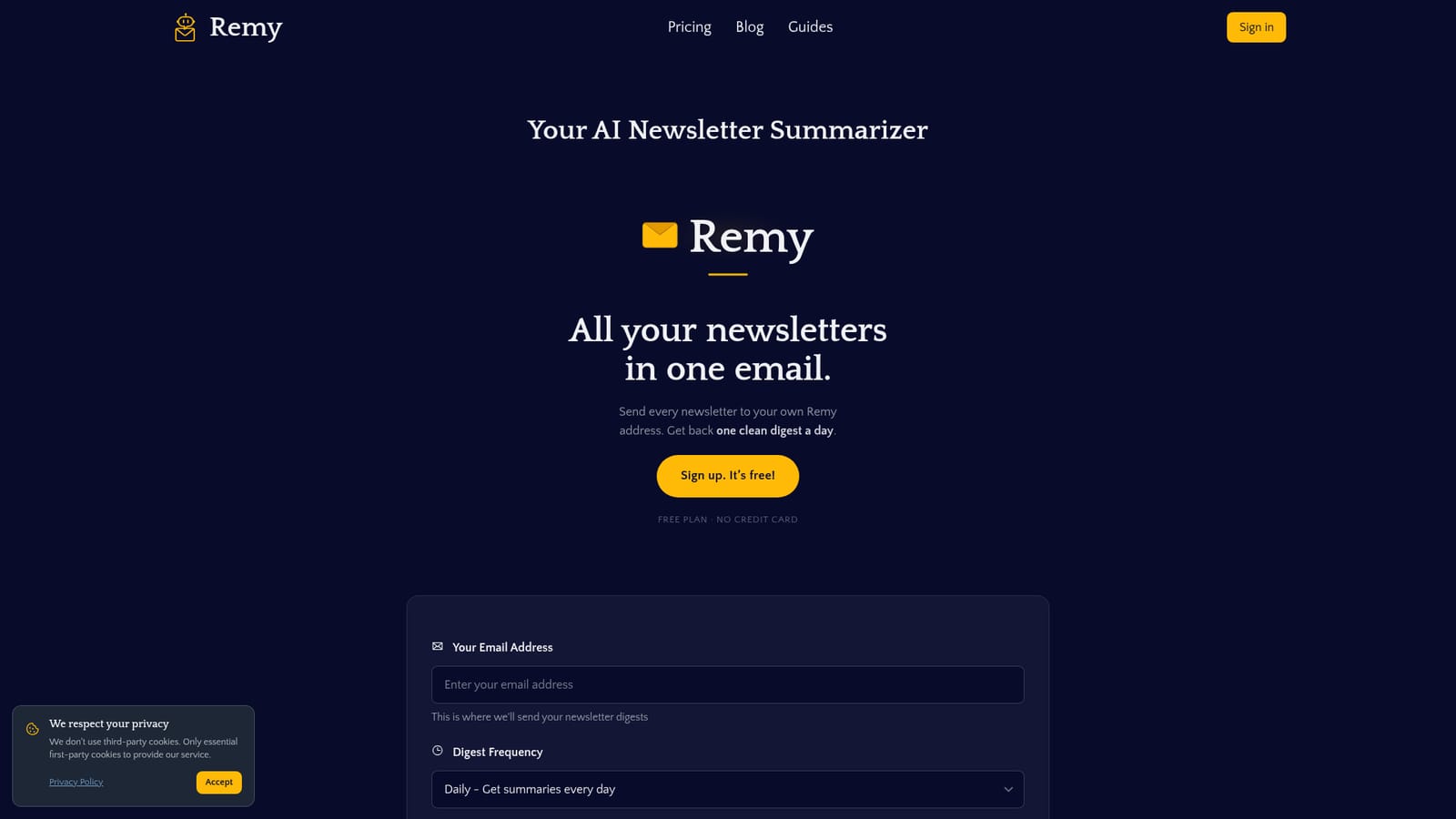
Remy is an AI summarizer tool. Remy gives you a dedicated email address for newsletter subscriptions, then uses AI to summarize each issue into one clean daily or weekly digest. Multiple addresses support topic separation, Gmail forwarding is documented, and the service is GDPR compliant and free to start.
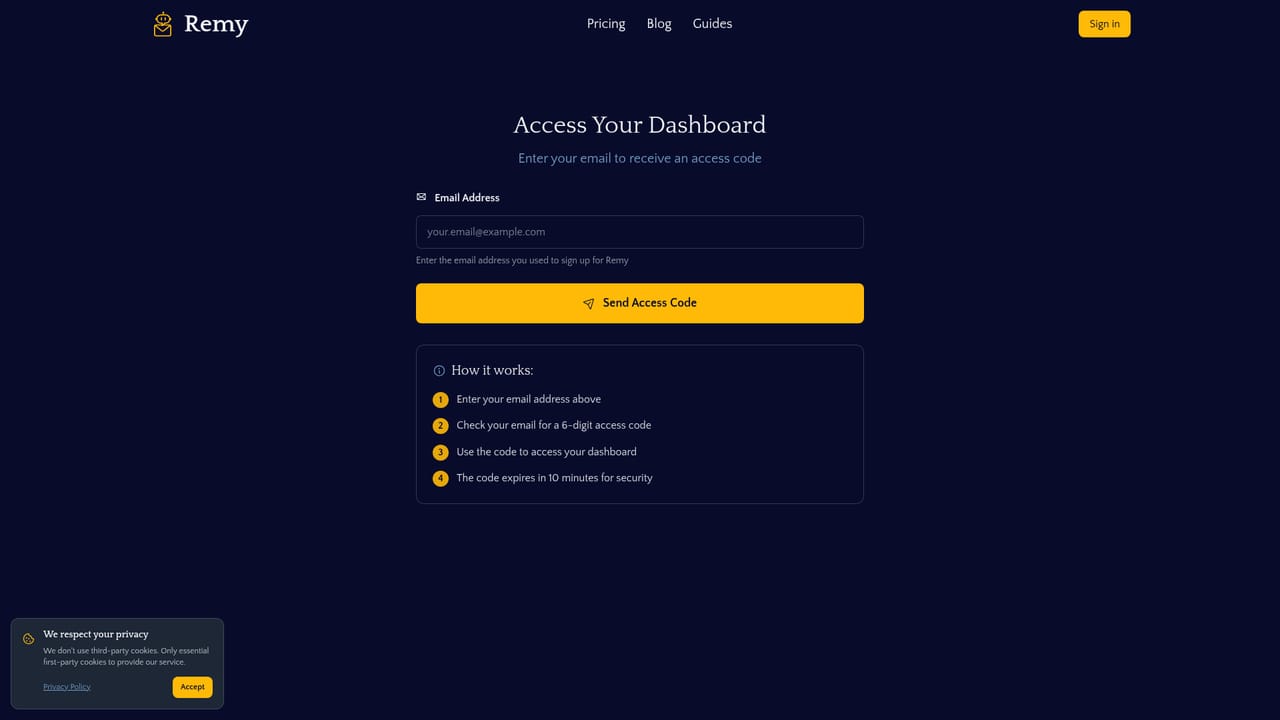
Remy is an AI newsletter summarizer built around a simple redirect: instead of subscribing to publications with your personal inbox, you subscribe with a dedicated Remy address. Newsletters arrive there, the service's AI reads each issue, pulls out the key insights, and sends a single formatted digest to your real email on a daily or weekly schedule. The original messages stay accessible through links in the digest rather than piling up as unread clutter. The tool is aimed at professionals and curious readers who signed up for dozens of industry updates, design roundups or startup briefings and now find the volume unmanageable. It also suits anyone who wants topic separation without maintaining separate inboxes. You can generate several Remy addresses for different subjects (for example tech, work and shopping) and give each one its own digest frequency and settings, so a weekly shopping recap does not compete with a daily news briefing. If you already receive newsletters at your main address, you can forward them to Remy instead of resubscribing everywhere, and a published Gmail guide covers automating that with filters. In practice the workflow is mostly hands-off: sign up with an email address, claim your Remy inbox, point subscriptions or forwarding rules at it, and choose how often summaries land. Remy positions itself as privacy-conscious, based in Germany, GDPR compliant, and says data is processed securely and deleted according to your retention preferences, with account deletion available from the dashboard. It sits in the same territory as read-it-later and inbox-cleanup tools, but stays narrow: newsletters in, one digest out, no broader email client or task manager attached.
The homepage states Remy is currently completely free to use and that a free tier will always exist. No paid plans, usage limits or feature tiers are described.
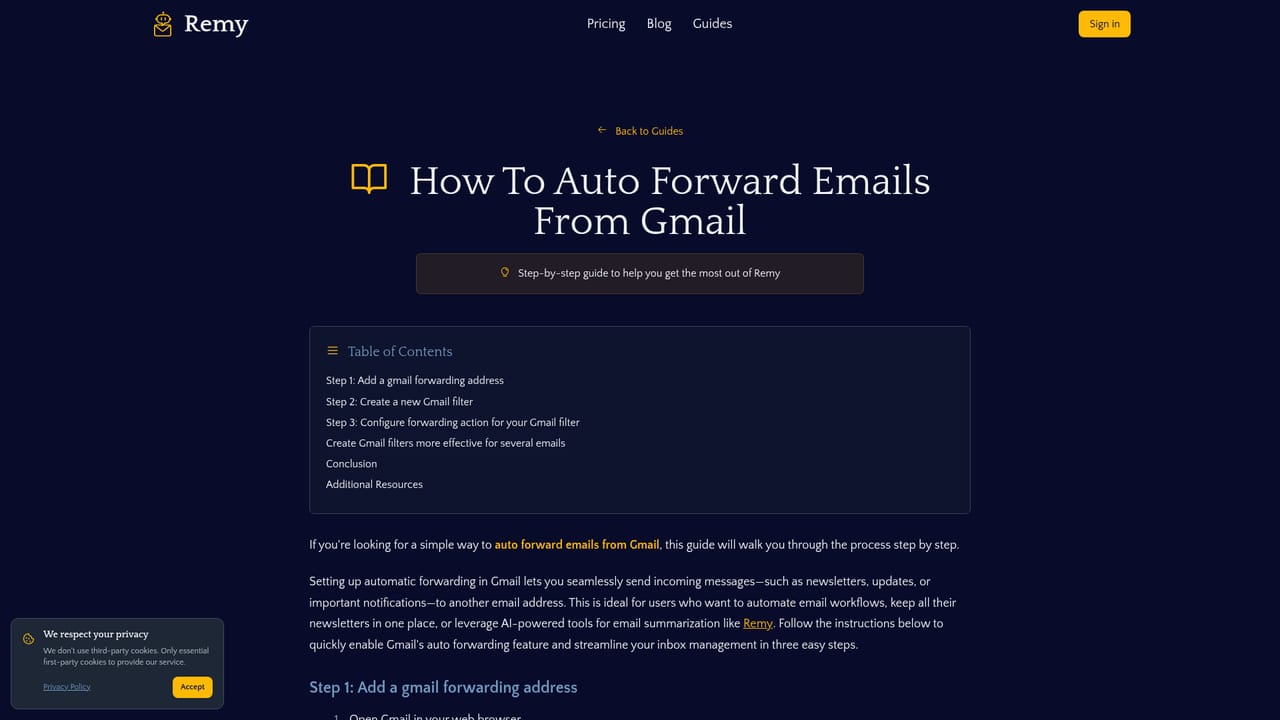
Learn moreNo native integrations are listed. Newsletters reach Remy through direct subscription or email forwarding, and a guide explains how to automate forwarding with Gmail filters.
A dedicated Remy email address for newsletter subscriptions, multiple addresses for topic separation, AI summaries of each issue, one aggregated digest delivered daily or weekly, forwarded-email support, access to original newsletters via digest links, dashboard account management and GDPR-aligned data handling.
 AI Angels400+ customizable AI girlfriends for NSFW chat, voice calls, and roleplay
 Candy AIExperience the future of companionship with AI friends who chat, role-play, and connect with you on a human level.
 ourdream.aiA vast AI roleplay platform with millions of characters for chat, images, video and voiceAI Angels400+ customizable AI girlfriends for NSFW chat, voice calls, and roleplayCandy AIExperience the future of companionship with AI friends who chat, role-play, and connect with you on a human level.ourdream.aiA vast AI roleplay platform with millions of characters for chat, images, video and voice