Free trial
A Starter plan provides 25 renamed files a month free with no credit card. A browser demo on the homepage also lets visitors test renaming and templates before registering.
Learn moreReads your files and renames them by what is inside

Renamer.ai is a bulk image generator tool. A desktop AI file renamer that reads PDFs, scans, Office files and images, then renames and files them by content. Magic Folder automation watches a source directory and processes new arrivals in seconds, with templates, cloud or local processing, and a free tier limited to 25 files per month.
Renamer.ai is a desktop file renamer that reads the content of a document or image and gives it a descriptive, searchable name. A scan saved as scan_0042.pdf comes out as an invoice file carrying the issuer, date, invoice number and amount. The app handles PDFs, Office documents, images and text in more than 30 formats, and it can process files in many languages. OCR sits underneath the reading step, so printed scans and photographed paperwork are fair game, not just born-digital files. The practical centre of the product is the Magic Folder. Point it at a source directory such as an incoming scans folder or a downloads directory, attach a naming template, define the folder structure, and set a destination. A watch process then reads each new arrival and renames and files it within a few seconds, with a buffer arrangement so the target folder is never touched until processing finishes. Templates are built from variables or static text, and each variable can be described in plain language (for example, extract the issuer address rather than a home address). Built-in collections cover invoices by issuer and date, contracts by counterparty and term, receipts by merchant, and property documents by address. The audience is document-heavy: accounting firms and CPAs, law offices, real estate agents, HR departments, insurance agents, healthcare practices and small businesses going paperless. Individual freelancers use it to tame a downloads folder. Teams that track assets use it to enforce one naming convention across thousands of files. Processing location is a real choice rather than a marketing line. Renames can run on Renamer.ai servers, through a customer supplied LLM API key, or entirely on the machine with a local model. Files in the desktop app are processed but not stored, and the company states that data is not used for model training. Compared with classic bulk rename utilities, which change patterns but never read documents, and with general document management suites that cost far more, this sits in a narrow middle: naming and filing automation, not a full archive system.
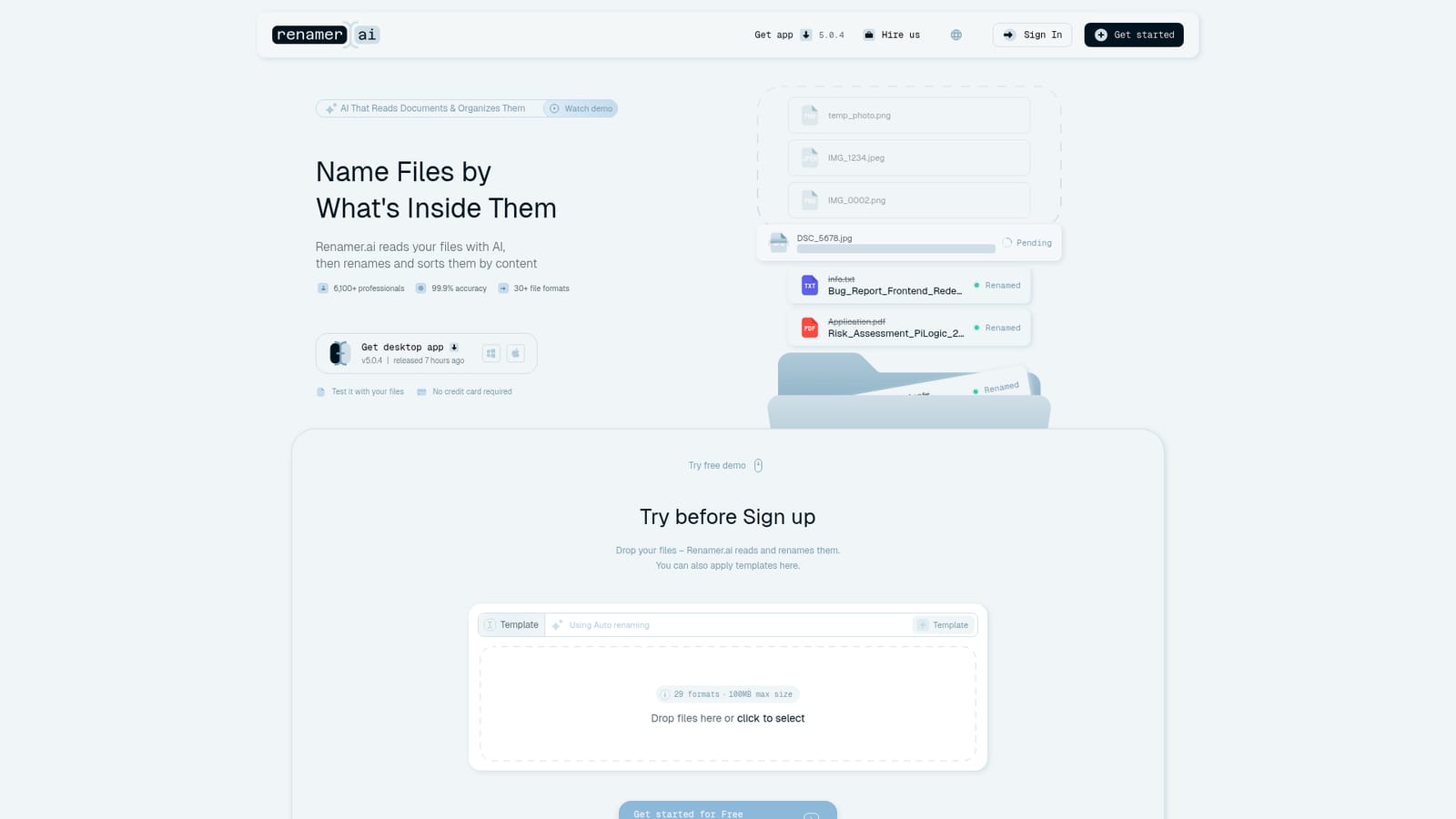
A Starter plan provides 25 renamed files a month free with no credit card. A browser demo on the homepage also lets visitors test renaming and templates before registering.
Learn moreFour tiers billed monthly or annually: Starter free for 25 files a month, Pro at $9.95 for 200 files, Power User at $29.95 for 1000 files, and Ultimate at $99.95 for 5000 files. Annual billing is discounted 15 percent, with per-file costs from 5 cents down to 2 cents. A custom Enterprise plan is available on request.
Learn moreSupport is handled by email and a contact form, with priority support on the Power User and Ultimate tiers. The site also publishes guides, comparisons and blog articles on naming conventions and document workflows.
Learn moreDirect integrations are not listed. Processing can be routed through your own LLM API key on eligible plans, which bypasses Renamer.ai servers.
Content-based renaming across 30+ formats (PDF, DOCX, images, text and more), Magic Folder watch-and-file automation, a template builder with natural-language variables, built-in collections for invoices, contracts, receipts and property records, folder structure rules, cloud or local processing, and desktop apps for Windows and Mac.
Learn more AI Angels400+ customizable AI girlfriends for NSFW chat, voice calls, and roleplay
 Candy AIExperience the future of companionship with AI friends who chat, role-play, and connect with you on a human level.
 ourdream.aiA vast AI roleplay platform with millions of characters for chat, images, video and voiceAI Angels400+ customizable AI girlfriends for NSFW chat, voice calls, and roleplayCandy AIExperience the future of companionship with AI friends who chat, role-play, and connect with you on a human level.ourdream.aiA vast AI roleplay platform with millions of characters for chat, images, video and voice


