Integrations
The site documents an API with a getting-started reference, which is the main route for connecting Recraft to external tools and pipelines. No third-party integrations are listed on the homepage.
Learn moreA design-first image model with native vector output and reusable custom styles.

Recraft is a text-to-image and design platform for designers, creatives and sellers. It generates photorealistic images, editable vector graphics, consistent custom styles, typography and 3D-style renders, and exposes the models through an API for teams that need volume.
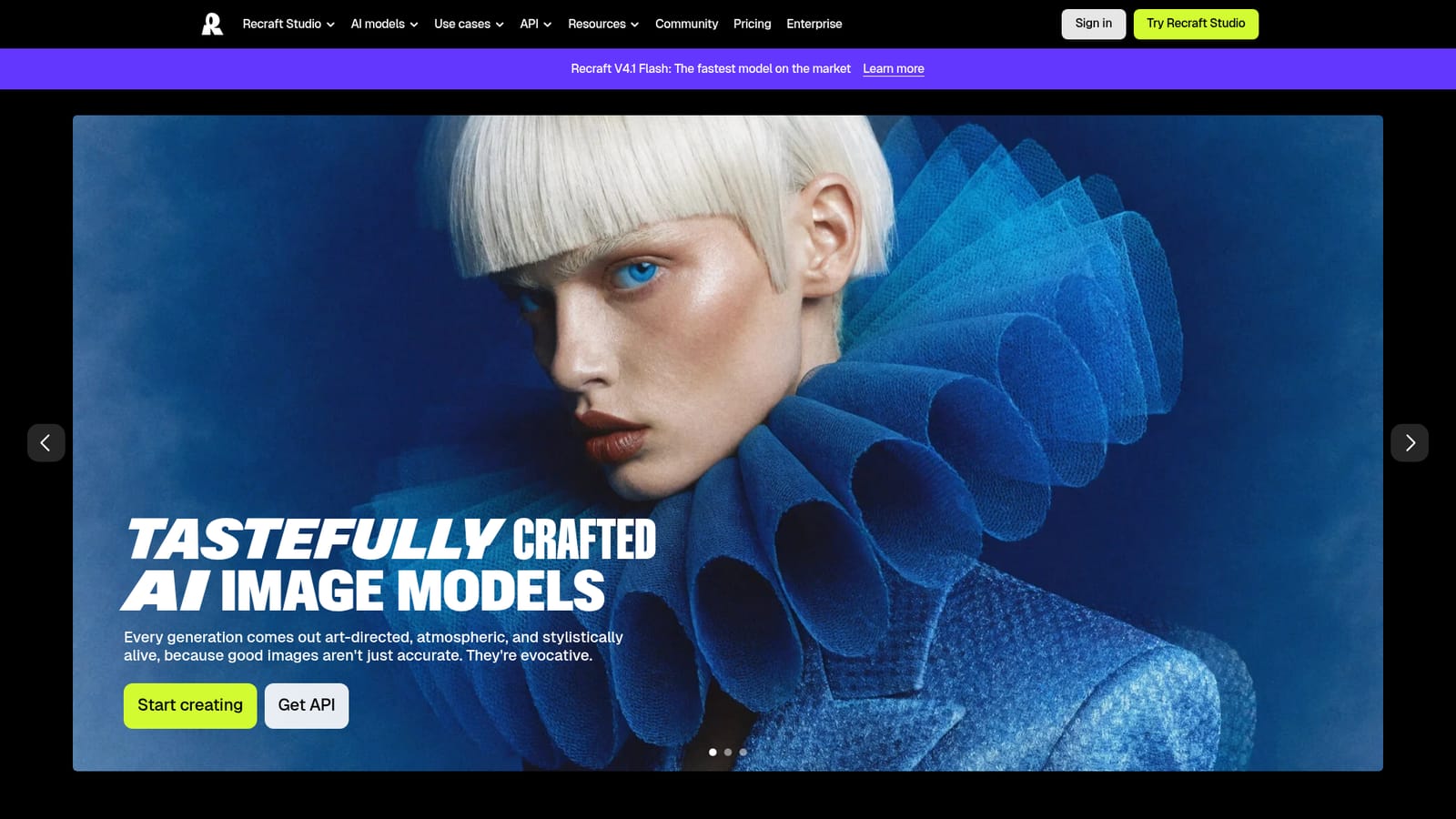
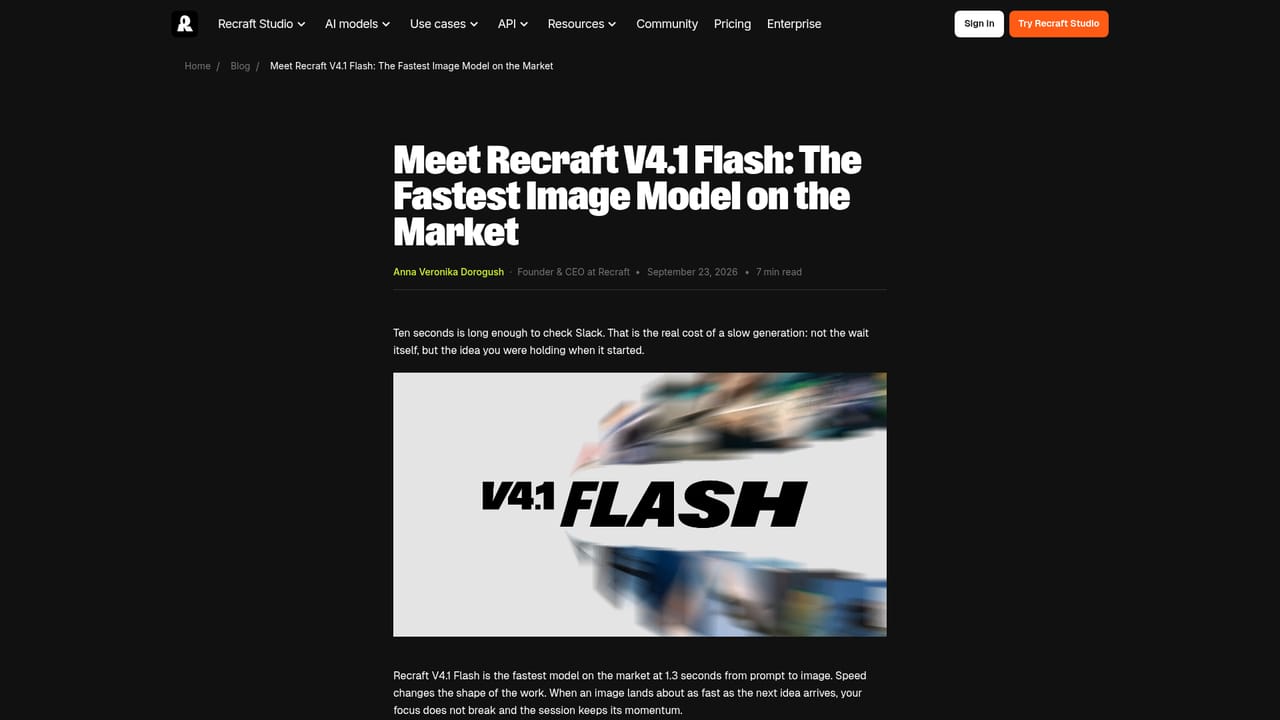
Recraft is a generative image platform built around design work rather than novelty. The homepage positions it as a top-ranked text-to-image model and design platform aimed at designers, creatives, sellers and teams, with output that is art-directed by default: atmospheric scenes, photographic-looking portraits and expressive illustrations all come out of the same model family. The feature that separates Recraft from generic image generators is vector generation. It produces editable vector graphics, consistent character styling and design-ready typography, which matters for logos, icon sets and brand assets that need to scale cleanly. Styles are the second pillar: dropping in sample images builds a reusable, editable style without any training step, so a campaign can keep a coherent look across dozens of assets. The same model set covers 3D renders described as technically precise and visually considered, plus production-ready graphic design for billboards, menus and mockups. In practice the workflow is prompt-first. A user describes the scene, picks a style or generates one, and iterates on the result inside the web app. Teams that need volume can move to the API, which has its own getting-started reference on the site. The V4.1 Flash model is marketed as the fastest on the market, which suits rapid exploration before settling on a direction. Recraft sits closer to a design tool than to a prompt toy. Compared with general-purpose image models it trades some breadth for control over format (raster versus vector) and consistency of style, which is what studios and in-house brand teams actually need when producing a full set of assets rather than a single hero image.
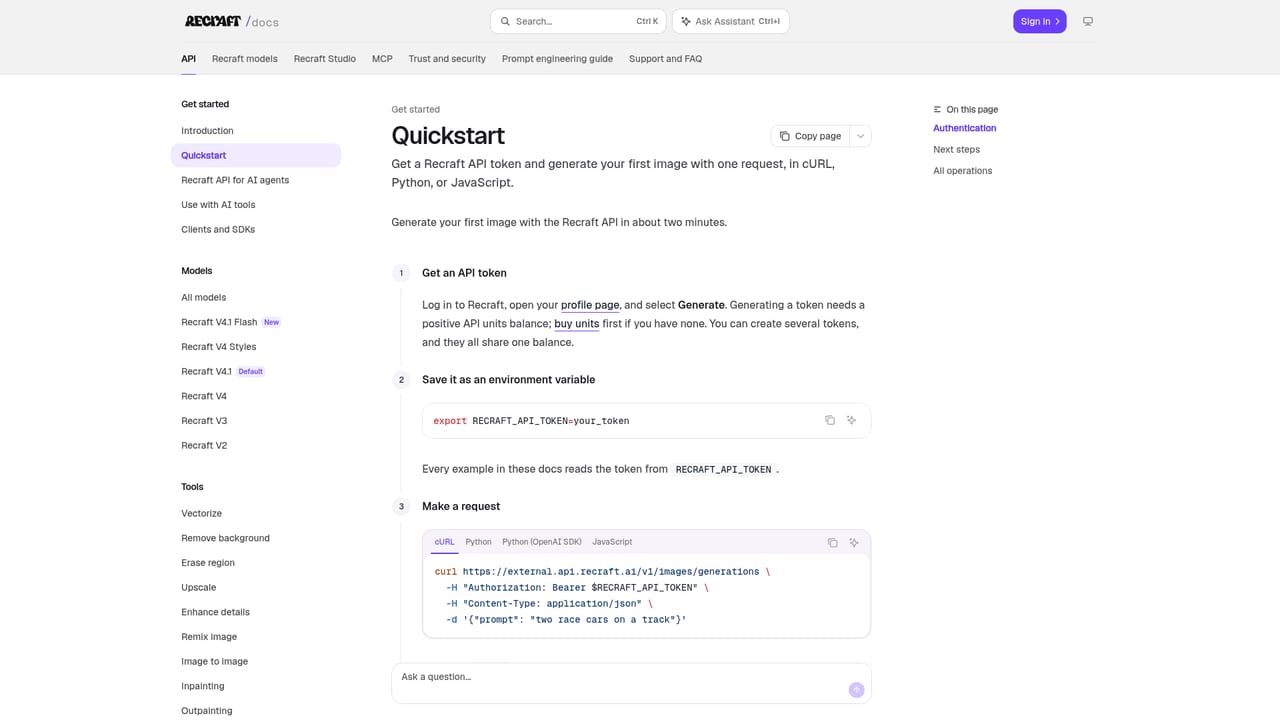
The site documents an API with a getting-started reference, which is the main route for connecting Recraft to external tools and pipelines. No third-party integrations are listed on the homepage.
Learn moreText-to-image generation with strong prompt understanding, built-in art direction for photographic, illustrative and 3D looks, editable vector graphics, consistent custom styles created from uploaded reference images without training, design-ready typography, and production-ready graphic design assets such as billboards and mockups.
 AI Angels400+ customizable AI girlfriends for NSFW chat, voice calls, and roleplay
 Candy AIExperience the future of companionship with AI friends who chat, role-play, and connect with you on a human level.
 ourdream.aiA vast AI roleplay platform with millions of characters for chat, images, video and voiceAI Angels400+ customizable AI girlfriends for NSFW chat, voice calls, and roleplayCandy AIExperience the future of companionship with AI friends who chat, role-play, and connect with you on a human level.ourdream.aiA vast AI roleplay platform with millions of characters for chat, images, video and voice


