RenderAI

Turn hand sketches and 3D views into photorealistic renders in seconds

Beginner
Screenshot of RenderAI, Turn hand sketches and 3D views into photorealistic renders in seconds

What is RenderAI?

RenderAI is a building elevation tool that turns hand sketches and 3D views into photorealistic renders in seconds. RenderAI converts hand sketches, CAD and 3D model views, and product photos into photorealistic architectural and interior renders, plus short animated views.

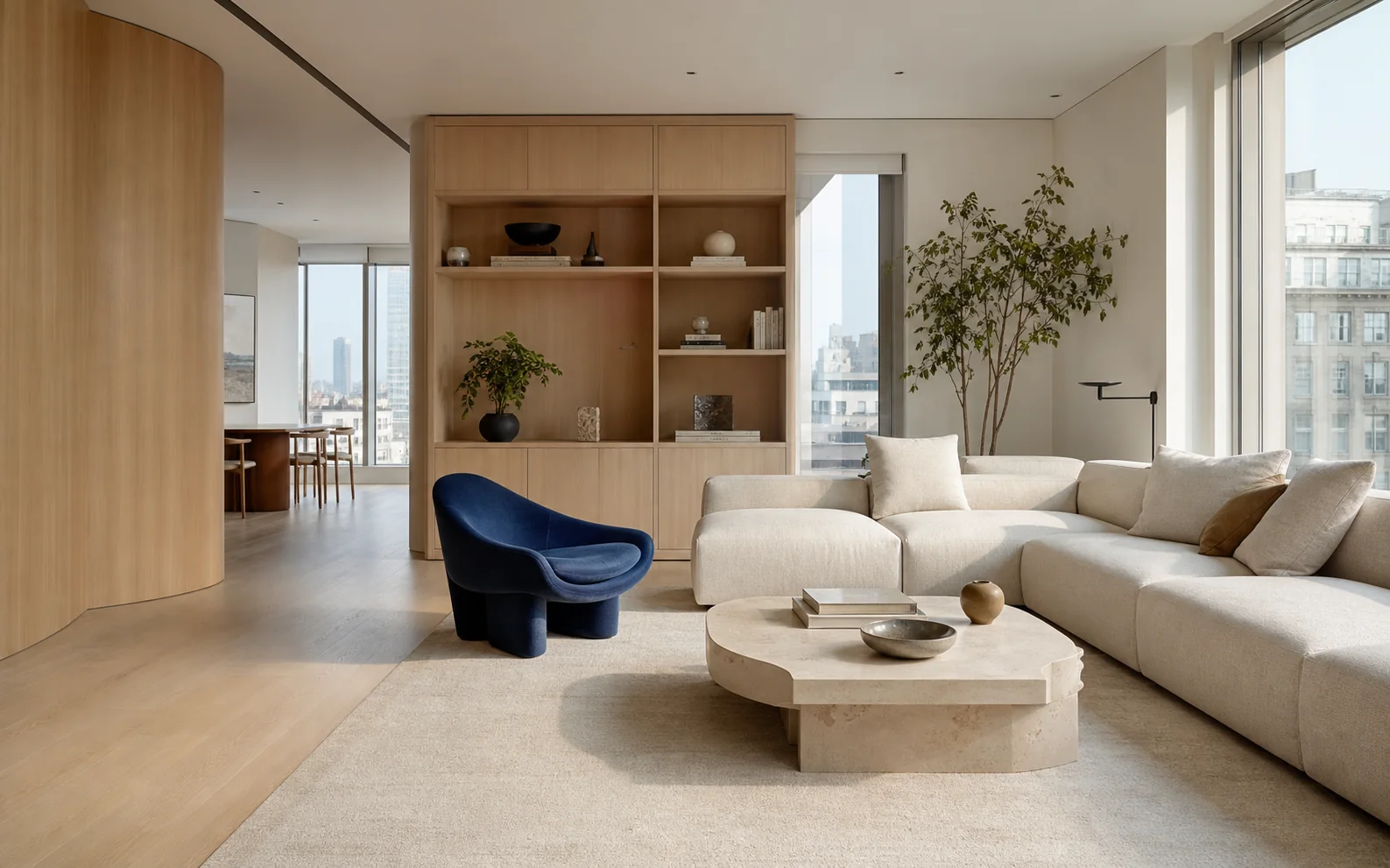
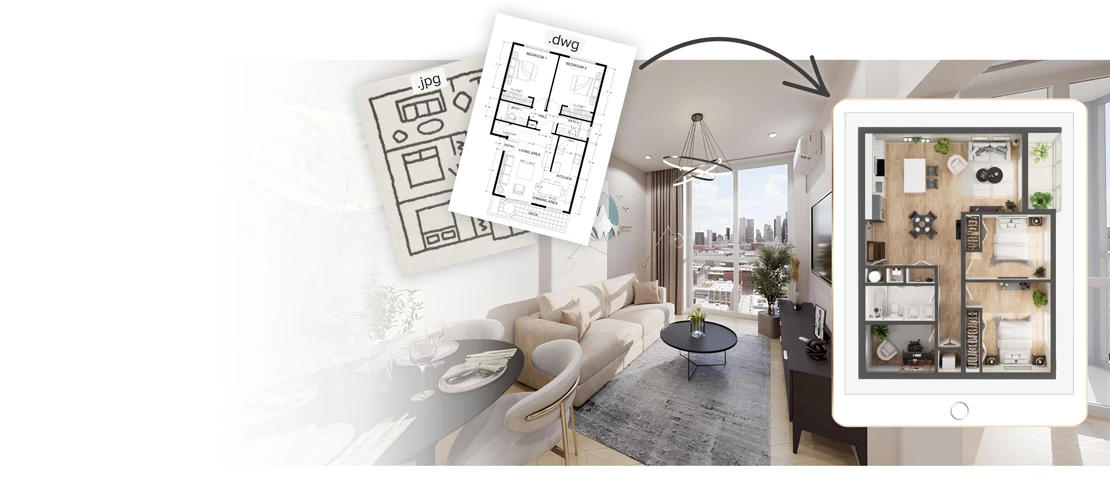
RenderAI is a rendering tool built for people who draw buildings, interiors and products for a living. The core idea is narrow and practical: upload a hand sketch, a line elevation, a CAD drawing, a SketchUp or Revit view, a plain 3D model, or even a white-background product photo, and the service returns a photorealistic image at client-ready resolution. The homepage advertises output at 6K and above, sharp enough for presentations and print. The site also supports turning a still render into short animation, with examples showing a building moving from day to dusk and a motor yacht cruising at sunset. The workflow is a single upload box plus a render button. Supported input formats are JPG, PNG, WEBP and HEIC, and the site lets new visitors run one of its own sample sketches before committing to anything. Annotations on a line drawing become real materials and furniture in the output, which is the detail interior designers tend to care about most. The gallery shows the range: pen drawings turned into Nordic housing at dusk, a Revit facade turned into a stone farmhouse, an empty office photo virtually staged, and a brand logo turned into a storefront concept. RenderAI is clearly aimed at architecture and design practices rather than general image generation hobbyists. Separate solution pages address architects, interior designers, product designers and engineers, and the pitch is economic: replace outsourced visualization with in-house renders, quoted at up to 100 times lower cost per image and up to 15 hours saved per week. Professionals in more than 60 countries are cited as users. Against general purpose image generators, the appeal is that geometry and proportions from the input are respected rather than reimagined. The site carries a 4.5 star Trustpilot rating and mentions participation in the Paddle AI Launchpad. There is also a moodboard tool and a board area on the site, suggesting the product is moving beyond single renders toward early concept work. The homepage does not describe export formats, API access or the specifics of plan tiers, so those details need checking on the pricing page before a team commits.

How do you use RenderAI?

  1. 1Upload a sketch or model view
    Open the create page and drag a JPG, PNG, WEBP or HEIC file into the upload box, or click to browse. Hand drawings, line elevations, CAD exports and 3D model screenshots all work as input.
  2. 2Try a sample first if you are new
    Before using your own work, run one of the provided sample sketches. It shows how much detail the renderer invents from a rough line drawing and sets expectations for your own uploads.
  3. 3Generate the render
    Trigger the render and wait for the photorealistic result. The output keeps the layout of your input while adding materials, lighting and context such as landscaping or street life.
  4. 4Compare and refine
    Put the original and the render side by side, the way the site's own gallery pairs intake and output. Adjust the source drawing or notes and render again if the materials or mood are off.
  5. 5Explore a moodboard or animate a view
    Use the moodboard tool to develop a direction, or take a finished still further into a short animated view such as a day to dusk transition.
  6. 6Pick a plan for regular use
    Once the output fits your workflow, review the plans and choose a tier that matches your studio's render volume and resolution needs.

Pros and cons

Pros

  • Accepts a wide range of inputs including JPG, PNG, WEBP and HEIC, so phone photos of paper sketches workAI
  • Keeps the geometry of the uploaded drawing or model instead of inventing a new compositionAI
  • Output is quoted at 6K and above, which covers presentation decks and printAI
  • Sample sketches can be rendered for free before any commitmentAI
  • Separate solution guidance for architects, interior designers, product designers and engineersAI

Cons

  • The homepage gives no detail on plan tiers, render credits or output licensing, so real cost per project is unclear until the pricing page is readAI
  • Animated output is shown in the gallery but the homepage does not explain how long clips run or what they cost to generateAI
  • Results depend heavily on input quality, and there is no discussion of how messy or partially drawn sketches are handledAI
  • No mention of API access or plugin integrations with Revit, SketchUp or CAD toolsAI
  • The 4.5 star Trustpilot rating is shown without review volume, so it is hard to weighAI

How much does RenderAI cost?

Free trial

The homepage invites visitors to try one of the site's own sketches for free on the create page, and separately offers a free start, which suggests some level of free access. No trial length or usage cap is stated on the homepage.

Learn more

Features

Sketch, line drawing, CAD, 3D model and product photo inputs are converted into photorealistic renders at 6K and above. Annotations on drawings are interpreted as materials and furnishings. Still renders can be extended into short animated views, and a moodboard tool plus a board area support early concept work.

Learn more

Frequently asked questions about RenderAI

  • Does RenderAI offer a free trial?
    The homepage invites visitors to try one of the site's own sketches for free on the create page, and separately offers a free start, which suggests some level of free access. No trial length or usage cap is stated on the homepage.
  • How do you use RenderAI?
    The walkthrough on this page covers 6 steps: 1. Upload a sketch or model view 2. Try a sample first if you are new 3. Generate the render 4. Compare and refine 5. Explore a moodboard or animate a view 6. Pick a plan for regular use.
  • What platforms does RenderAI support?
    RenderAI is available on Web App.
  • What are the limitations of RenderAI?
    The homepage gives no detail on plan tiers, render credits or output licensing, so real cost per project is unclear until the pricing page is read. Animated output is shown in the gallery but the homepage does not explain how long clips run or what they cost to generate. Results depend heavily on input quality, and there is no discussion of how messy or partially drawn sketches are handled.

Status

StatusActive
Views0
Outbound clicks0
Added10/21/2026

Platforms

Web App

Pricing

FreemiumSubscription