What redraw image tools do
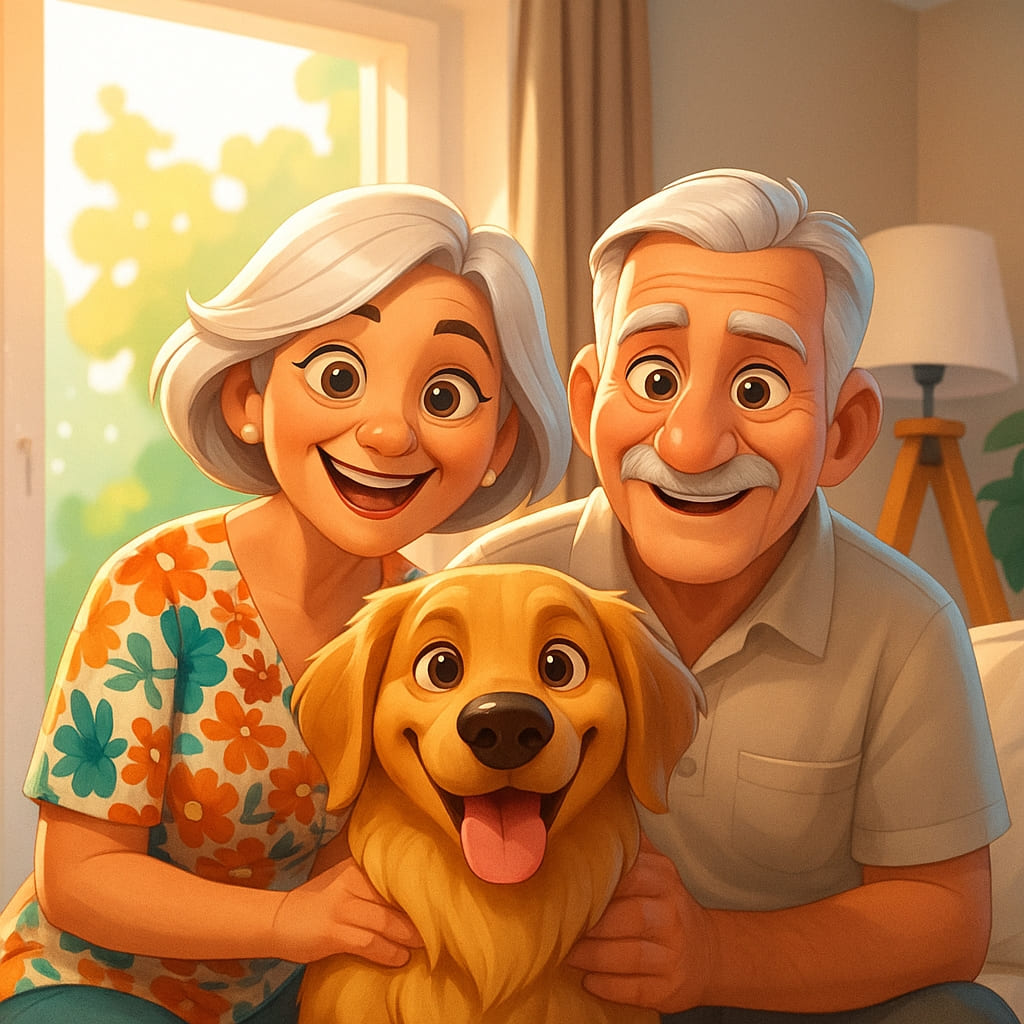
An AI image recreator takes a picture you already have and produces a new version of it. The subject and composition stay recognisable, while the rendering changes: a photo becomes a pencil sketch, clean line art, an anime frame, a caricature or pixel art. Some tools also work from text, so the source image is a starting point rather than a fixed input.
These tools suit illustrators who want a fast base to trace or refine, social media users making avatars, small teams that need a consistent visual style, and anyone with old or plain photos they would like to turn into something else. They replace manual redrawing, filter stacks in a photo editor and commissioned illustration for simple jobs.
How to choose an image recreator
Start with the output style. Picture recreation covers very different results, so decide whether you need line art, a sketch, anime, a caricature, pixel art or a general painted look. A tool built around one style usually gives more predictable results than a broad generator.
Next, check the input. Some tools take a single photo, others accept text as well, and a few work through a chat where you describe the change. An AI art redrawer that accepts instructions gives more control, while a one-click converter is faster when the result is obvious.
Then look at pricing and output limits. Free trials and freemium plans let you test fidelity before paying, and watermark policy matters if the image will be published. Finally, confirm the platform: every tool listed here runs in the browser, so no install is needed.
Notable tools
Formind turns photos into sketches, line art and anime through a chat interface, which suits people who prefer describing a change over setting options. It offers a free trial.
PhotoToPhoto restores old photos and turns them into art styles without a watermark, so it covers both repair and restyling in one place.
Line Drawing Converter turns any photo into clean black and white line art, a focused choice for coloring pages, tracing bases and logo-style drawings.
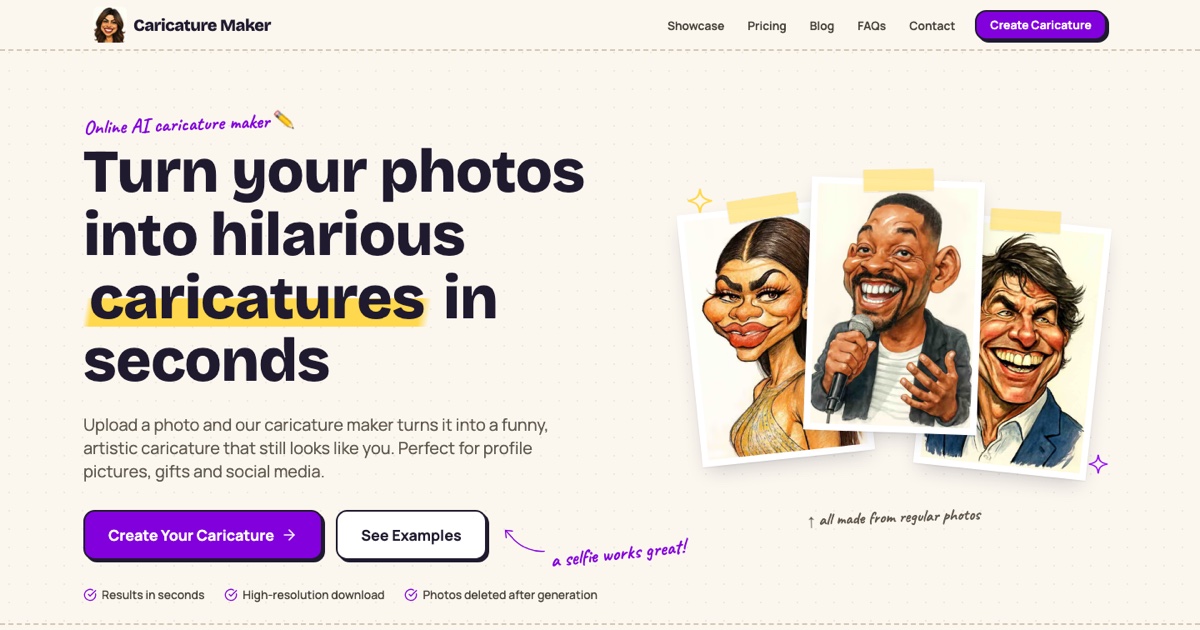
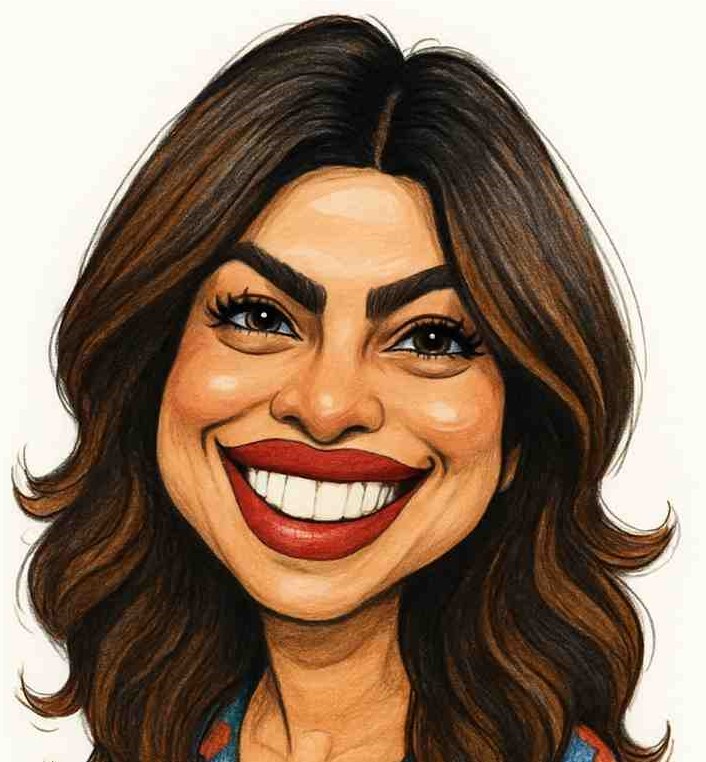
GPT Caricature converts a single photo into an exaggerated caricature in eight art styles, which gives a fixed menu of looks to pick from.
Anime AI transforms a picture into anime-style images, for readers who want that one look and little else.
Pixelicious converts images into pixel art, useful for game assets, avatars and retro-style graphics.
Common questions
What is an AI art redrawer?
An AI art redrawer rebuilds an existing image in a different art style. You upload a photo or drawing, choose a style or describe one, and the tool generates a fresh version that keeps the main subject and layout.
How is image recreation different from editing?
Editing changes parts of an image, such as brightness, background or small defects. Image recreation generates a new rendering of the whole picture, so every pixel is produced again in the chosen style.
Can I redraw an image without a watermark?
It depends on the tool and plan. PhotoToPhoto states that its output has no watermark, while other tools should be checked on their free tier before you rely on the result for publishing.
When to look elsewhere
If you only need to sharpen, upscale or clean up a picture without changing its style, the Image Enhancer category is the better fit. If the goal is to change a person's look or identity in a photo, such as Face Swap or Change Clothes, those sibling categories cover that work more directly.