Pricing
The homepage does not state prices. The SDK and viewer are open source on GitHub, and Rerun Hub is offered through a book-a-meeting form.
Learn moreOpen-source data layer for logging and visualizing robotics data

Rerun is an open-source SDK and viewer for logging, querying and visualizing multimodal robotics data, with a Hub backend for SQL queries and training streams over large recordings.
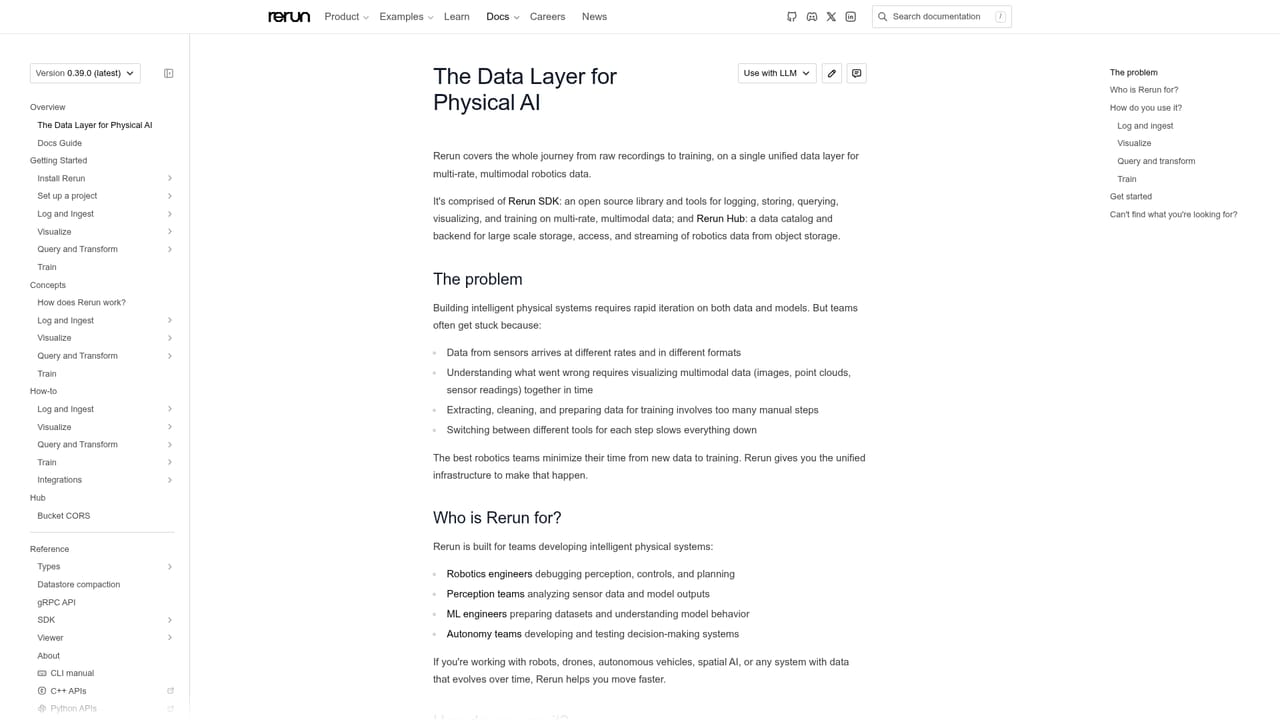
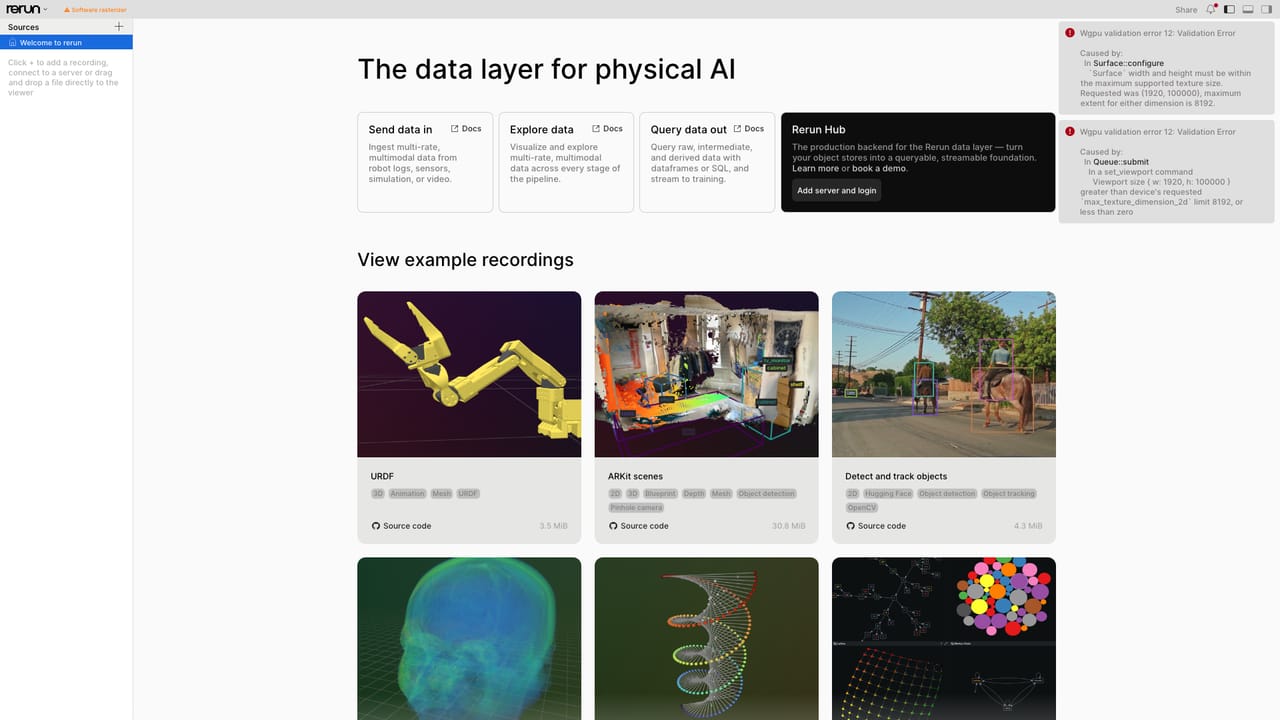
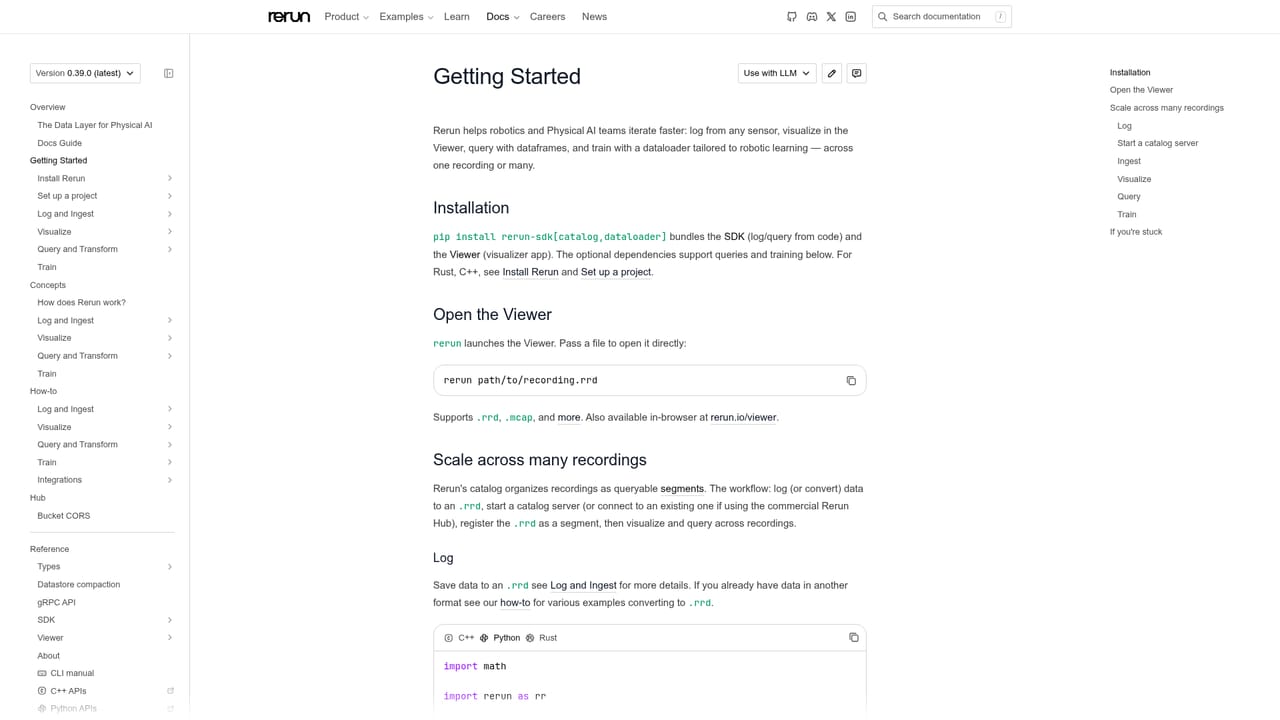
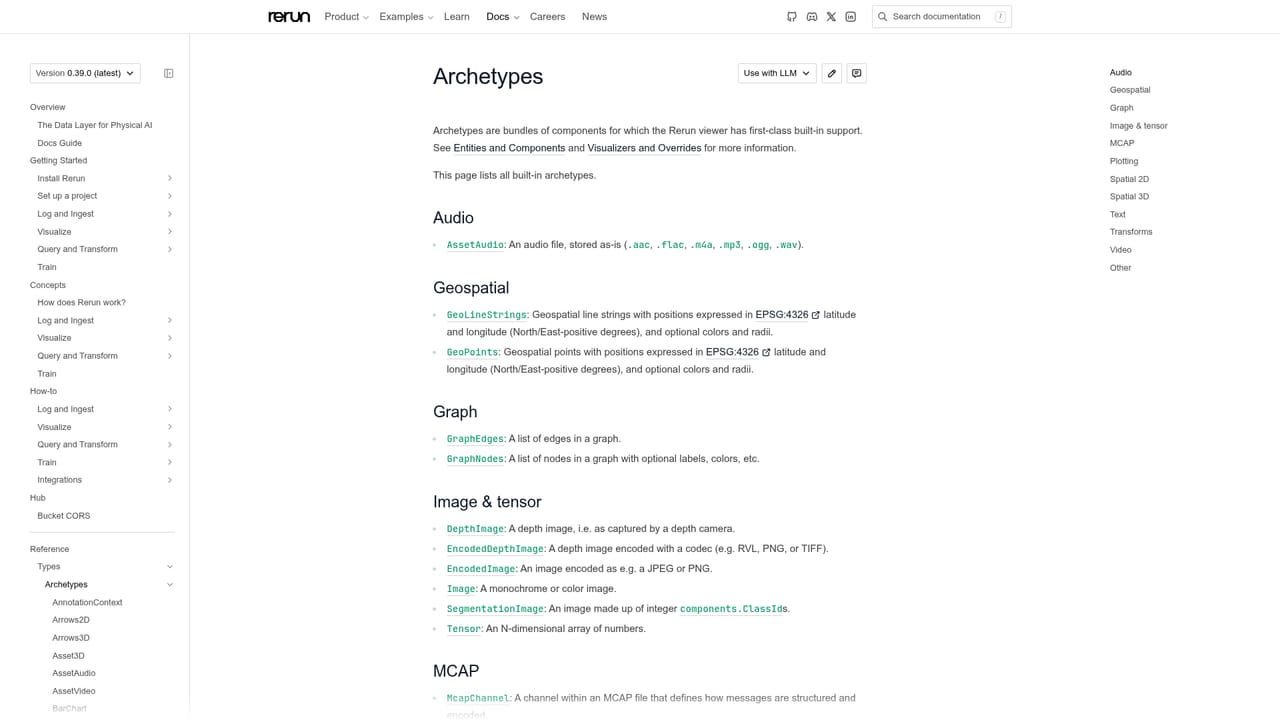
Rerun is an open-source toolkit for logging, storing, querying and visualizing the multimodal, multi-rate data that robotics and physical AI systems produce. Camera frames, point clouds, tensors, time series and logs can be recorded through SDKs for Python, C++ and Rust, then inspected in a dedicated viewer that runs natively or in a browser through WebAssembly. Built-in types, called archetypes, describe common data shapes so a recording can be shown without writing custom plotting code. The audience is mostly robotics, computer vision and machine learning engineers. A typical workflow starts with a few logging calls inside a SLAM pipeline, a policy rollout or a training loop, followed by scrubbing through time in the viewer to find a calibration mismatch or a failing trajectory. Recordings are stored as column-chunks in rrd files, and data from other formats can be converted into that structure. Teams can extend the viewer with their own views and tools. Several well-known projects use it for debugging and inspection, including Hugging Face's LeRobot, the Brush reconstruction engine, PyCuVSLAM and Meta's Project Aria dataset explorer. Beyond the open-source SDK and viewer, Rerun Hub is presented as the production backend for the same data layer. It adds a catalog, byte-range indexing and retrieval over object stores, SQL and dataframe queries that reach into columns, time ranges and values inside recordings, derived columns that evolve a schema without copying data, and a column-aware, video-codec-aware dataloader for streaming training mixes to GPUs. A shared viewer lets a team work from the same recordings. Access to Hub runs through a meeting request rather than self-serve signup. Among alternatives, Rerun sits between general experiment trackers such as Weights & Biases or TensorBoard, which handle scalar metrics well, and 3D libraries such as Open3D, which suit visualization but not data management. Its strength is time-aware, multimodal inspection combined with a path toward queryable storage at scale.
The homepage does not state prices. The SDK and viewer are open source on GitHub, and Rerun Hub is offered through a book-a-meeting form.
Learn moreDocumentation includes a troubleshooting guide, examples and reference pages. Issues can be opened on GitHub, and a Discord community is available.
Learn moreUsed within Hugging Face LeRobot, Brush (Gaussian splatting), NVIDIA's PyCuVSLAM and Meta's Project Aria dataset explorer. Works with Python, C++ and Rust codebases, and converts data from other formats.
Logging SDKs for Python, C++ and Rust, a native and browser-based viewer, built-in archetypes, rrd column-chunk storage, format conversion, and SQL or dataframe queries. Rerun Hub adds cataloging, byte-range indexing, derived columns, a streaming dataloader and shared team viewing.
Learn more


