Free trial
The first resume is free with a free account, with no card required. Design and previewing are unlimited before export, and no trial countdown applies.
Learn moreAI resume builder with free scoring, job tailoring, and mock interviews.
Own Resume Studio? Verify ownership to get a dofollow link
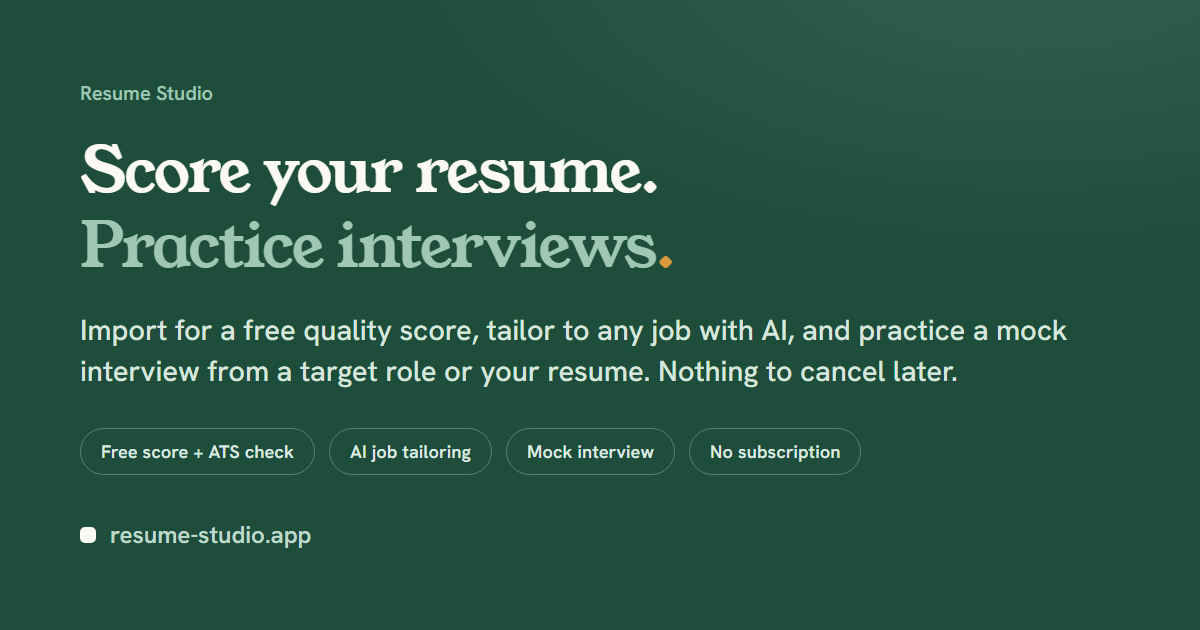
Resume Studio is a career tool. Resume Studio combines a resume builder, free ATS score and feedback, job-description tailoring, cover letter generation, mock interviews built from your own experience, and a career profile that logs achievements. First resume free, then $3 per export, no subscription.
Resume Studio is an AI-assisted resume builder that bundles scoring, job-specific tailoring, cover letter generation, and mock interview practice into a single browser-based editor. The workflow starts with an upload: an existing PDF resume (up to 10 MB) is parsed for a quality score, an ATS compatibility check, and line-by-line feedback, with every extracted section available for review before export. Users without a resume can start from a template instead. The editor separates content from design. Switching templates reflows the same resume instantly, and each template ships three curated color palettes that keep the layout ATS-safe. A tailoring tool accepts a pasted job description and returns missing keywords, sharper bullet points written in the role's language, and a tailored summary drawn from the user's real experience. AI writing help can improve a weak bullet, draft one from scratch, or compose the entire summary, and every suggestion sits in a review step before it enters the document. A finished resume feeds two adjacent features. The first is a mock interview: the tool generates questions from the user's own experience, scores each answer with written feedback, and lets a strong answer be added back into the resume as a new bullet. The second is a career profile, a long-lived record where achievements are logged as they happen and converted into a resume draft when a job search begins. The same profile supports rehearsal of workplace conversations such as salary negotiation, promotion cases, and performance reviews. A matching cover letter is included with every resume. The product is aimed at active job seekers, career changers, and professionals who want a persistent achievement log between searches. Its closest alternatives are subscription resume builders and standalone interview prep tools; Resume Studio differs by charging per resume rather than by month, and by tying interview practice directly to the document it was generated from. No account is needed to start, and design work can continue indefinitely before any payment.
The first resume is free with a free account, with no card required. Design and previewing are unlimited before export, and no trial countdown applies.
Learn moreThe first resume is free with an account; each additional resume costs $3, bought individually with no subscription or auto-renew. Every resume includes a matching cover letter and a mock interview. Prices are in USD, and finished resumes never expire and can be re-downloaded at any time.
Learn moreResume import with a free quality score, ATS check, and detailed feedback; template switching with three curated color palettes per template; AI drafting and improvement of bullets and summaries; job-description tailoring with keyword gap analysis; a matching cover letter; mock interviews generated from the resume with scored feedback; and a career profile for logging achievements and rehearsing workplace conversations.
Learn more AI Angels400+ customizable AI girlfriends for NSFW chat, voice calls, and roleplay
 Candy AIExperience the future of companionship with AI friends who chat, role-play, and connect with you on a human level.
 ourdream.aiA vast AI roleplay platform with millions of characters for chat, images, video and voiceAI Angels400+ customizable AI girlfriends for NSFW chat, voice calls, and roleplayCandy AIExperience the future of companionship with AI friends who chat, role-play, and connect with you on a human level.ourdream.aiA vast AI roleplay platform with millions of characters for chat, images, video and voice