Free trial
The homepage offers "Start Autopilot for Free" with no credit card required. Limits of the free tier are not described.
Learn moreAutopilot job search that matches, tailors and applies for you
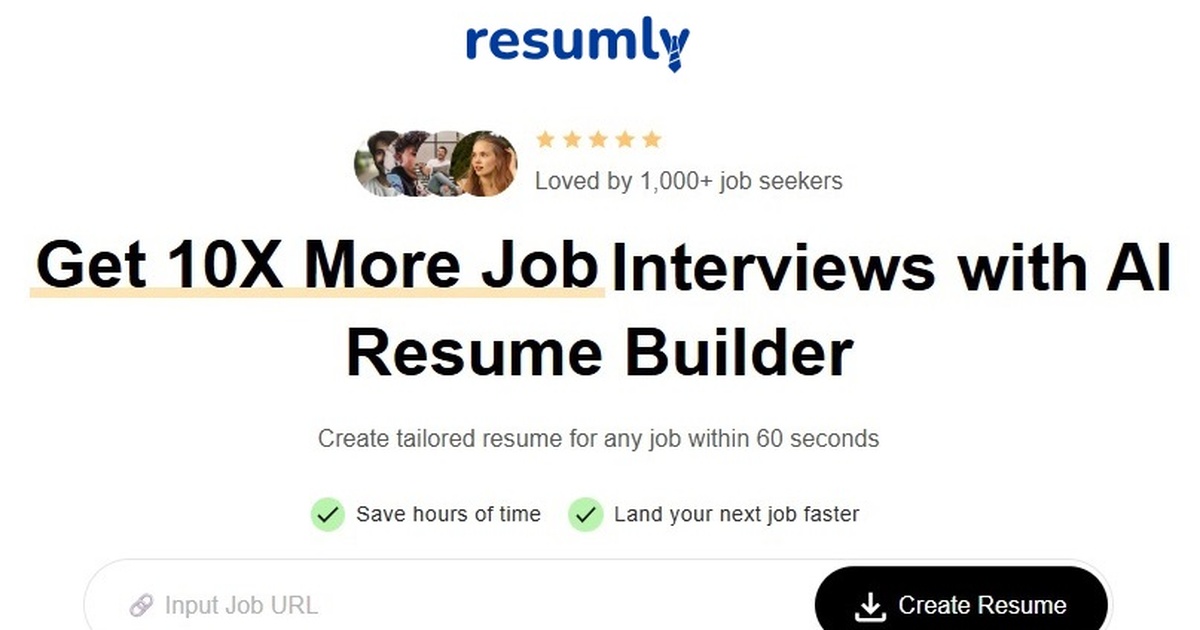
Resumly AI automates the job search: it scans fresh postings, ranks them with embedding-based matching, writes a tailored resume, cover letter and answers per role, and submits applications server-side while collecting replies in a tracked inbox.
Resumly AI is a job search automation service that handles discovery, resume tailoring and application submission in the background. A user uploads a base resume (PDF or DOCX, up to 10 MB), the system parses roles and skills into a profile, and an always-running engine then scans fresh postings each day, scores them against that profile and submits applications for the roles that clear a chosen match threshold. Matching is built on embeddings rather than keyword filters, so seniority, domain and the substance of past work are compared with how a posting is actually written. Postings are sourced from major applicant tracking systems such as Greenhouse, Lever, Workday, Ashby and BambooHR, and the platform also names LinkedIn and Indeed as sources. For every role that passes, it builds an application pack: a rewritten resume, a fresh cover letter and answers to screening questions. Submission runs on server-side workers that fill supported forms, upload files and complete email verification through a per-user inbox, so a browser does not need to stay open. A Chrome extension companion works on the posting being read, offering a tailored resume, a fit analysis or a save action, but it never fills or submits a form. Control stays with the user. Target roles, locations, remote and visa preferences, exclusions and the minimum match score are all configurable, and each application can either wait for approval or go out hands-off. Replies, interview invites and confirmations land in a dedicated inbox tied to a tracking dashboard, with outreach and referral suggestions and an insights layer alongside. The product suits job seekers who want volume and consistency without manual form filling. It sits between single-purpose resume builders and ATS scanners on one side and bulk auto-apply bots on the other, and the site publishes comparison pages against LoopCV, LazyApply, JobCopilot, AIApply, Rezi, Jobscan and Teal. Automated submission only works on supported ATS platforms.
The homepage offers "Start Autopilot for Free" with no credit card required. Limits of the free tier are not described.
Learn morePaid plan prices are not listed on the homepage. Autopilot can be started for free with no credit card required.
Learn moreSources and applies through ATS platforms including Greenhouse, Lever, Workday, Ashby, BambooHR and SmartRecruiters, and names LinkedIn and Indeed for job discovery. A Chrome extension is available.
Embedding-based job matching, daily sourcing from major ATS systems, tailored resume, cover letter and screening answers per role, server-side auto-apply with email verification, a Chrome extension companion, a dedicated inbox, tracker, outreach and referrals, and insights.
 AI Angels400+ customizable AI girlfriends for NSFW chat, voice calls, and roleplay
 Candy AIExperience the future of companionship with AI friends who chat, role-play, and connect with you on a human level.
 ourdream.aiA vast AI roleplay platform with millions of characters for chat, images, video and voiceAI Angels400+ customizable AI girlfriends for NSFW chat, voice calls, and roleplayCandy AIExperience the future of companionship with AI friends who chat, role-play, and connect with you on a human level.ourdream.aiA vast AI roleplay platform with millions of characters for chat, images, video and voice