Integrations
Framework and model support includes LangChain, LangGraph, Microsoft Agent Framework, OpenAI, Anthropic, Google, Mistral and Meta. Workflow connections cover Jira, Linear and Notion, and the Model Context Protocol is supported.
Open-source workspace where domain experts shape LLM agent tests
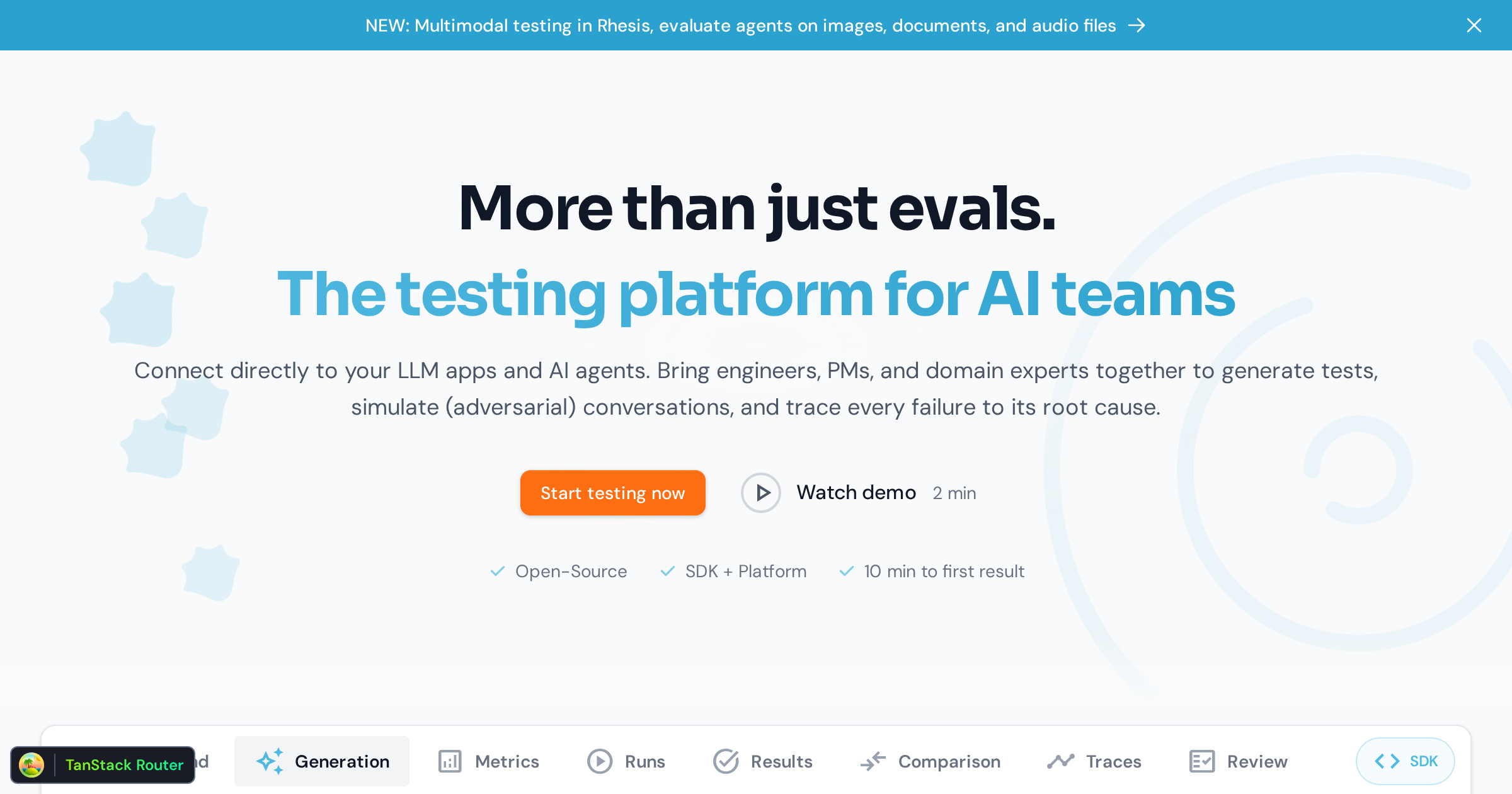
Rhesis AI is a developer tool. Open-source collaboration layer that brings domain-expert annotations into LLM and agent testing. Experts review and annotate in a no-code UI, engineers pull test sets into SDK, CI or MCP, and results trace back to the PRD.
Rhesis AI is an open-source collaboration layer for teams building LLM and agentic applications. Its starting premise is that most evaluation tools assume the team already knows what to test and simply needs an automation engine. Rhesis assumes the opposite: requirements and edge cases usually live with product managers, domain experts and customer success staff, scattered across Slack, spreadsheets, tickets and docs. The platform provides one shared workspace where those people annotate expected behavior while engineers pull the results into their own pipeline. In practice the work splits by role. Domain experts open a browser UI, review agent outputs and annotate cases with the behavior they expect, no code involved. Product managers import requirements from existing PRDs, specs or tickets so that reviews and test results trace back to what good means. Engineers consume annotated sets and expert feedback through an SDK, CI or the Model Context Protocol, run them against agent changes and catch regressions before shipping. A single reviewed annotation can fan out into multiple concrete tests, including variations and edge cases, and coverage maps show which requirements are covered, failing or still empty. The tool is aimed at teams with real domain stakes: insurance, banking, public sector and other regulated settings where RAG and agent answers must be provably correct. It is also a credible option for engineering-led teams that want an open-source alternative to closed evaluation suites, since the code can be inspected, extended and self-hosted. Over time, teams are meant to move from manual expert review toward curated test sets and systematic automated evaluation, keeping humans on hard or novel cases while routine checks run continuously. The homepage does not list prices or a free trial. Deployment is offered as Rhesis Cloud, local Docker or self-hosted Docker Compose, with an Enterprise Edition adding SSO (OIDC), RBAC and API clients. Use via UI, SDK or MCP is stated explicitly.
Framework and model support includes LangChain, LangGraph, Microsoft Agent Framework, OpenAI, Anthropic, Google, Mistral and Meta. Workflow connections cover Jira, Linear and Notion, and the Model Context Protocol is supported.
Shared workspace for annotating agent behavior, expert-built test sets that expand one reviewed case into many tests, requirement imports from PRDs and tickets, evaluation runs compared against expert expectations, coverage maps, review records tied to case and agent version, and access through UI, SDK, CI or MCP. Deployment via cloud, local Docker or self-hosted Compose.
 AI Angels400+ customizable AI girlfriends for NSFW chat, voice calls, and roleplay
 Candy AIExperience the future of companionship with AI friends who chat, role-play, and connect with you on a human level.
 ourdream.aiA vast AI roleplay platform with millions of characters for chat, images, video and voiceAI Angels400+ customizable AI girlfriends for NSFW chat, voice calls, and roleplayCandy AIExperience the future of companionship with AI friends who chat, role-play, and connect with you on a human level.ourdream.aiA vast AI roleplay platform with millions of characters for chat, images, video and voice


