RingCentral AI

Agentic voice AI layered across calls, messages, meetings and contact center

Beginner
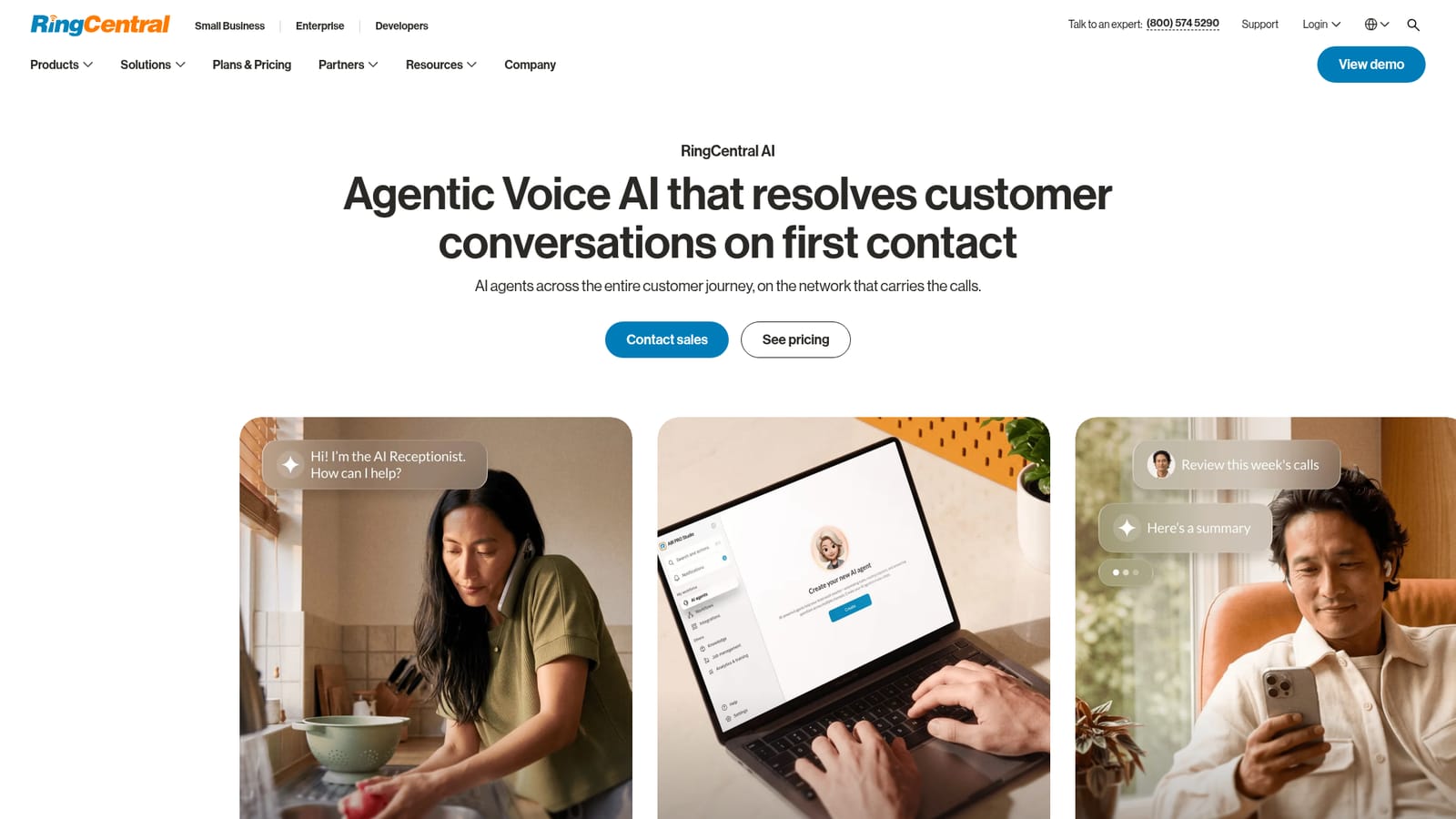
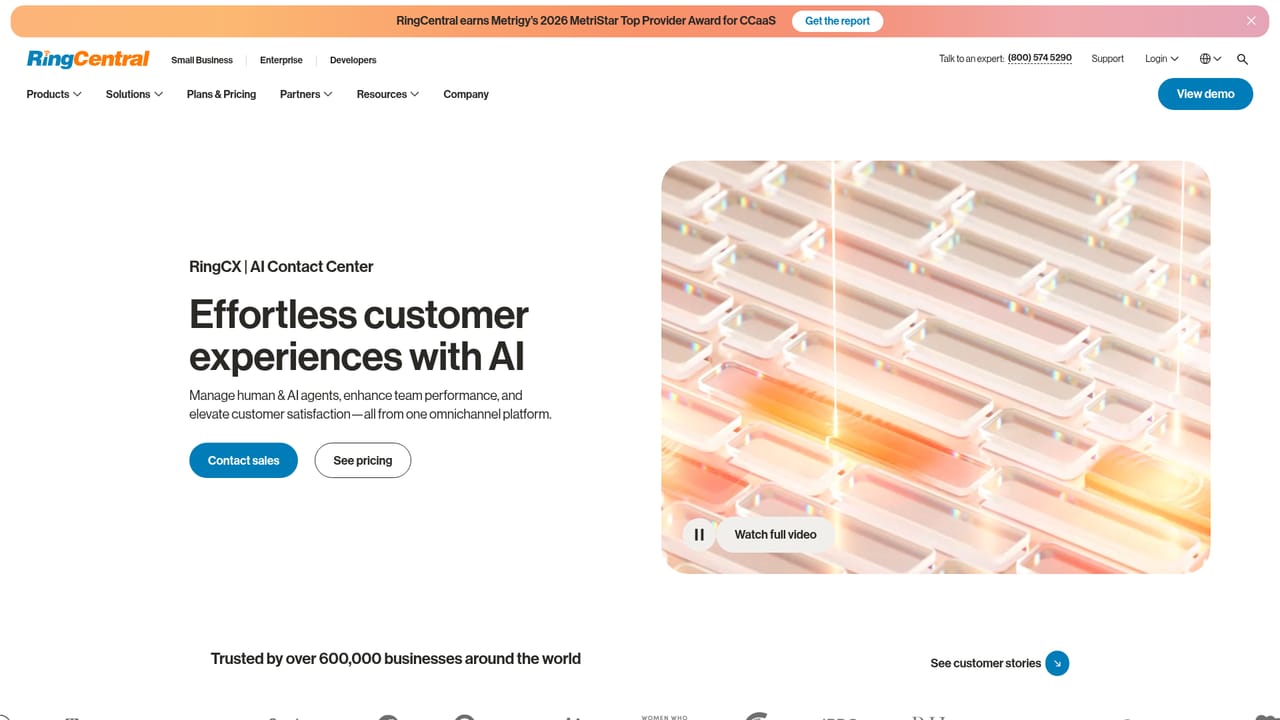
Screenshot of RingCentral AI, Agentic voice AI layered across calls, messages, meetings and contact center

What is RingCentral AI?

RingCentral AI is an AI calls tool. RingCentral AI embeds agentic voice AI across business phone, contact center, virtual events and conversation intelligence: an AI receptionist, a call-side assistant for notes and workflows, and an analytics layer that reads sentiment and objections from customer conversations.

RingCentral AI is a layer of artificial intelligence applied across the RingCentral communications stack rather than a standalone chatbot. It spans four surfaces: a business phone system, a contact center (RingCX), a virtual events platform, and a conversation intelligence suite. The stated goal is to automate, assist and analyze every customer conversation, whether that conversation happens on a voice call, in a message thread, during a meeting or inside a webinar. The product set is organized under three named assistants. AI Receptionist (AIR) answers inbound calls around the clock, handles frequently asked questions and routes callers to the correct destination, which matters most for teams that cannot staff a phone line in every time zone. AI Virtual Assistant (AVA) works alongside live calls, taking notes, handling translations and running workflows so staff are not typing while a customer is talking. AI Conversation Expert (ACE) listens across interactions and surfaces which approaches are landing, which objections recur and where sentiment is slipping. On the contact center side, the platform adds knowledge base driven self-service virtual agents, real-time answer suggestions for agents, automated quality scorecards and interaction analytics for supervisors. Practically, the AI is embedded where the work already happens: call recaps with decisions and action items, live transcription that can be searched and shared, sentiment tracking and competitor mention tracking on dashboards. RingCentral frames the differentiation as accessibility (AI for businesses of all sizes inside familiar tools) and governance, citing AI usage rules, secure training methods and management controls. It suits mid market and enterprise organizations already running RingCentral telephony or contact center software, plus operations and quality teams that want conversation data turned into coaching and forecasting input. Buyers who only need a transcription utility or a single AI note taker will find the scope larger than required, and the value depends on consolidating communications on this stack.

How do you use RingCentral AI?

  1. 1Review the AI product set
    Start on the AI overview to understand the three assistants (AIR, AVA, ACE) and the four surfaces they run on: contact center, business communications, events and conversation intelligence.
    RingCentral AI — Review the AI product set
  2. 2Match AI features to your phone plan
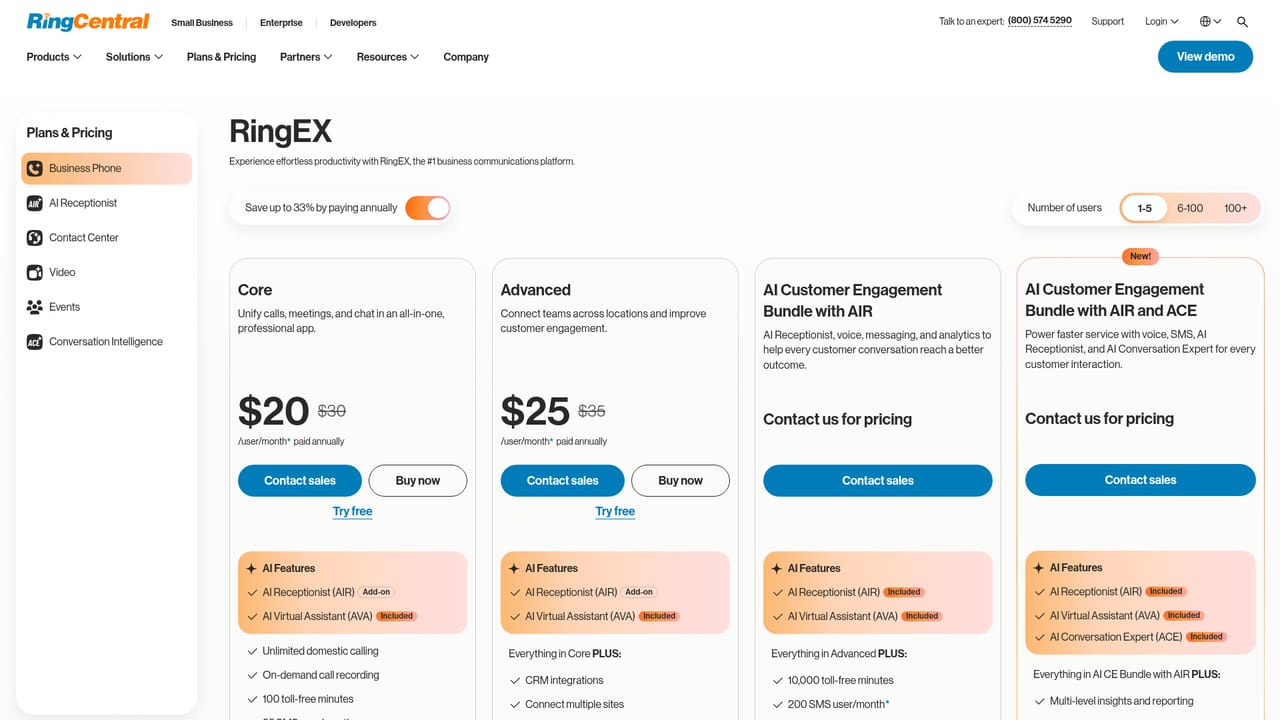
    Compare plans to see which AI capabilities ship with each tier before committing, since the assistants are packaged with the communications products rather than sold alone.
    RingCentral AI — Match AI features to your phone plan
  3. 3Set up the AI Receptionist
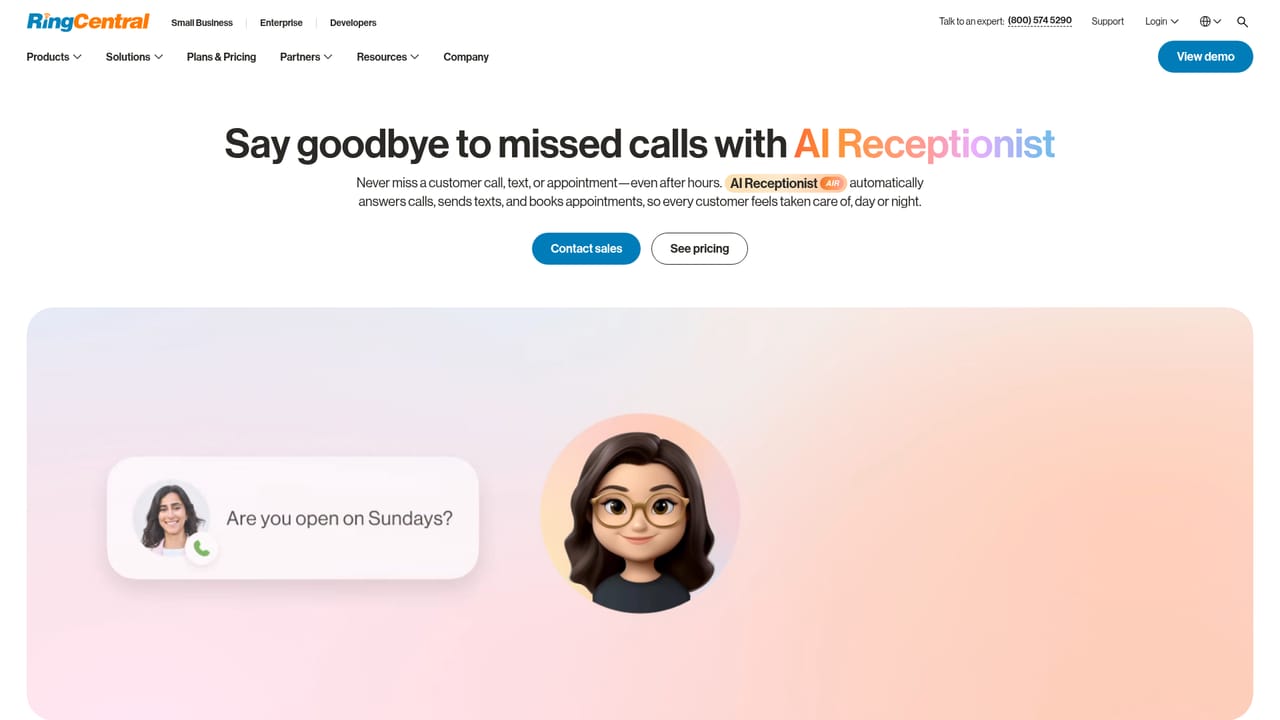
    Configure language, voice and avatar for the virtual receptionist, then define the FAQs it answers and the routing rules for callers it hands off to staff.
    RingCentral AI — Set up the AI Receptionist
  4. 4Enable call assistance and notes
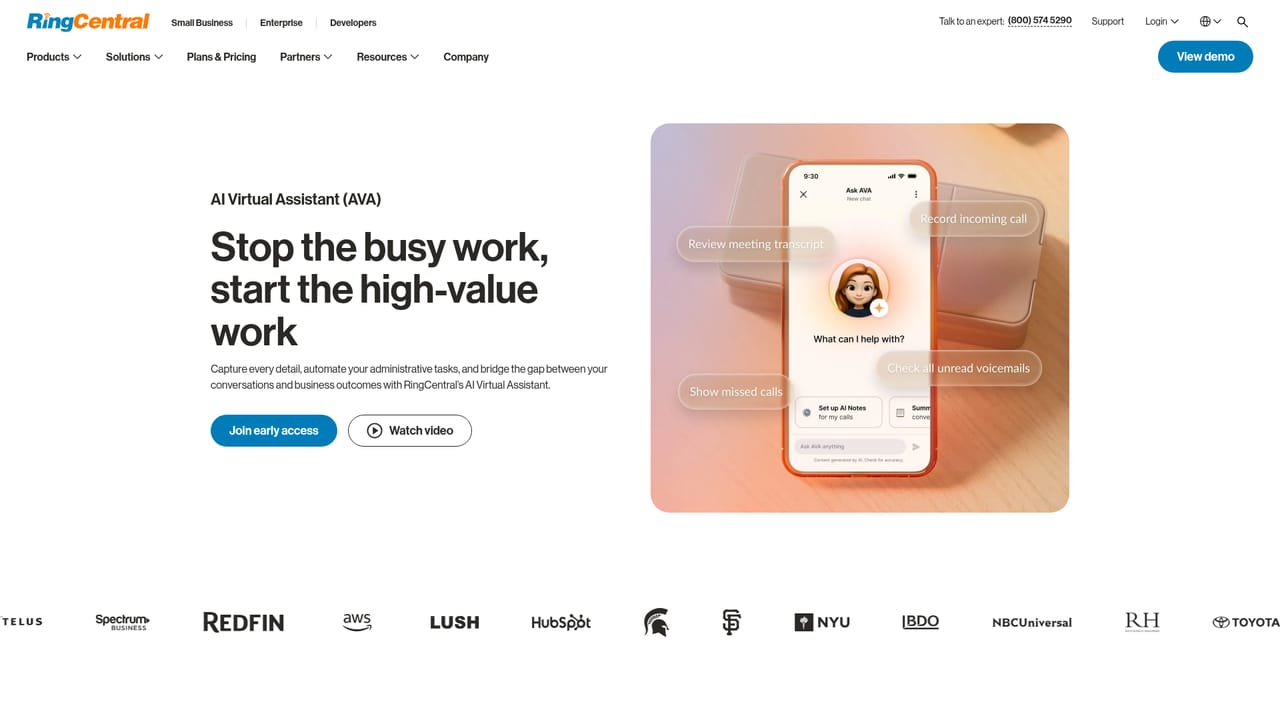
    Turn on the AI Virtual Assistant for your team so calls get real-time transcription, recaps with action items, and translation or workflow support during conversations.
    RingCentral AI — Enable call assistance and notes
  5. 5Connect contact center analytics
    If you run RingCX, activate real-time agent assist, automated scorecards and interaction analytics so supervisors can coach from conversation data.
    RingCentral AI — Connect contact center analytics
  6. 6Talk to sales about scope
    Because AI packaging and deployment details are not fully documented publicly, confirm which assistants, seats and contact center modules your organization needs with the sales team.

Pros and cons

Pros

  • AI is built into the phone system, contact center and events platform rather than bolted on as a separate appAI
  • AI Receptionist covers after-hours and overflow calls with FAQ handling and routingAI
  • AI Virtual Assistant handles notes, translations and workflows during live callsAI
  • Conversation analytics surface sentiment, competitor mentions and recurring objections on a dashboardAI
  • Public emphasis on AI governance, secure training methods and management controlsAI

Cons

  • Value is tied to consolidating communications on RingCentral, so mixed-vendor stacks lose much of the benefitAI
  • Pricing for individual AI components is not published on the AI overview pageAI
  • Feature depth varies by surface, so buyers must check which assistants their plan actually includesAI
  • Metric claims on the homepage come without methodology or sample detailAI
  • Contact center quality management and coaching tooling carries a learning curve for supervisorsAI

How much does RingCentral AI cost?

Pricing

RingCentral directs buyers to its plans and pricing page for commercial details. The AI overview page states no figures for the assistants or contact center modules, so exact costs per AI component must be confirmed there or with sales.

Learn more

Features

Three named assistants: AI Receptionist for 24/7 call answering, FAQ handling and routing; AI Virtual Assistant for call notes, translations and workflows; AI Conversation Expert for sentiment, objection and competitor analysis. Contact center adds knowledge based self-service agents, real-time agent assist, automated quality scorecards and coaching analytics, while business communications adds call recaps and searchable live transcription.

Learn more

Frequently asked questions about RingCentral AI

  • How much does RingCentral AI cost?
    RingCentral directs buyers to its plans and pricing page for commercial details. The AI overview page states no figures for the assistants or contact center modules, so exact costs per AI component must be confirmed there or with sales.
  • How do you use RingCentral AI?
    The walkthrough on this page covers 6 steps: 1. Review the AI product set 2. Match AI features to your phone plan 3. Set up the AI Receptionist 4. Enable call assistance and notes 5. Connect contact center analytics 6. Talk to sales about scope.
  • What platforms does RingCentral AI support?
    RingCentral AI is available on Web App, iOS, Android, MacOS and Windows.
  • What are the limitations of RingCentral AI?
    Value is tied to consolidating communications on RingCentral, so mixed-vendor stacks lose much of the benefit. Pricing for individual AI components is not published on the AI overview page. Feature depth varies by surface, so buyers must check which assistants their plan actually includes.

Status

StatusActive
Views0
Outbound clicks0
Added10/21/2026

Platforms

Web AppiOSAndroidMacOSWindows

Pricing

PaidSubscription