Free trial
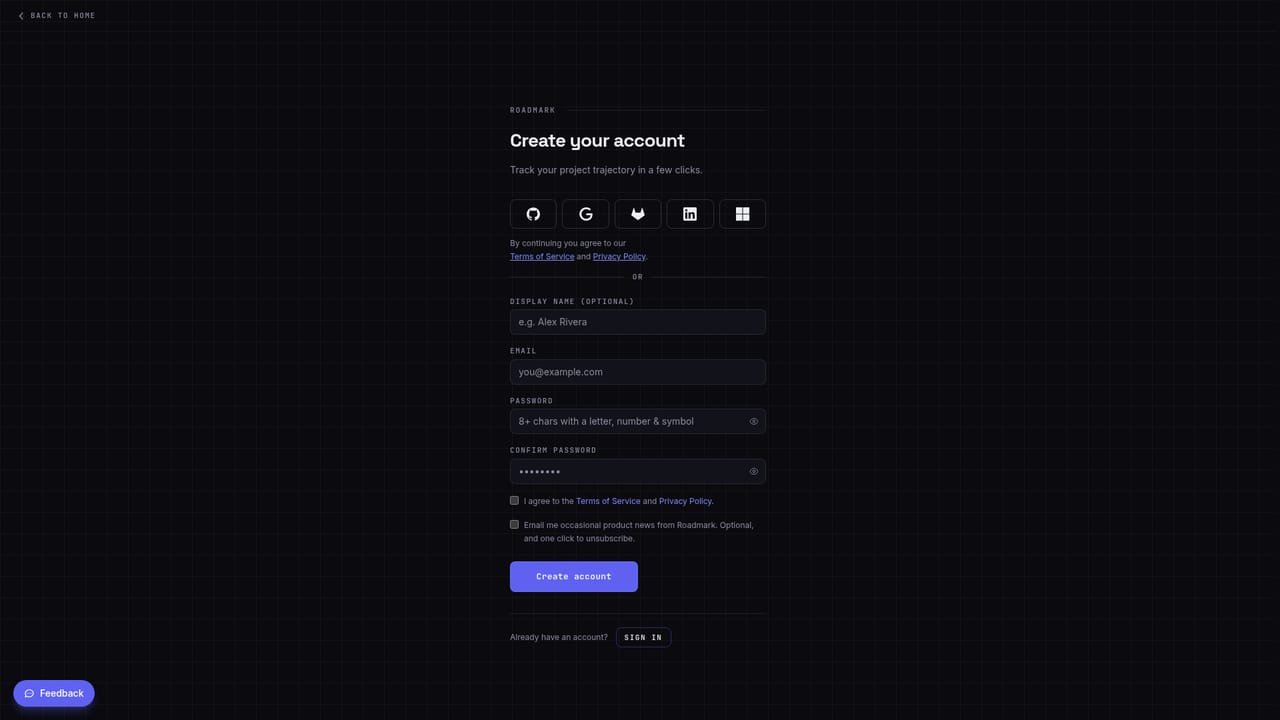
A 7-day Pro trial starts at signup with no card. When it ends you move to the Free plan and keep everything you made; upgrading mid-trial delays your first payment to the trial end date. Team has no trial.
Learn moreA branching roadmap canvas where every pivot keeps its reason on the record

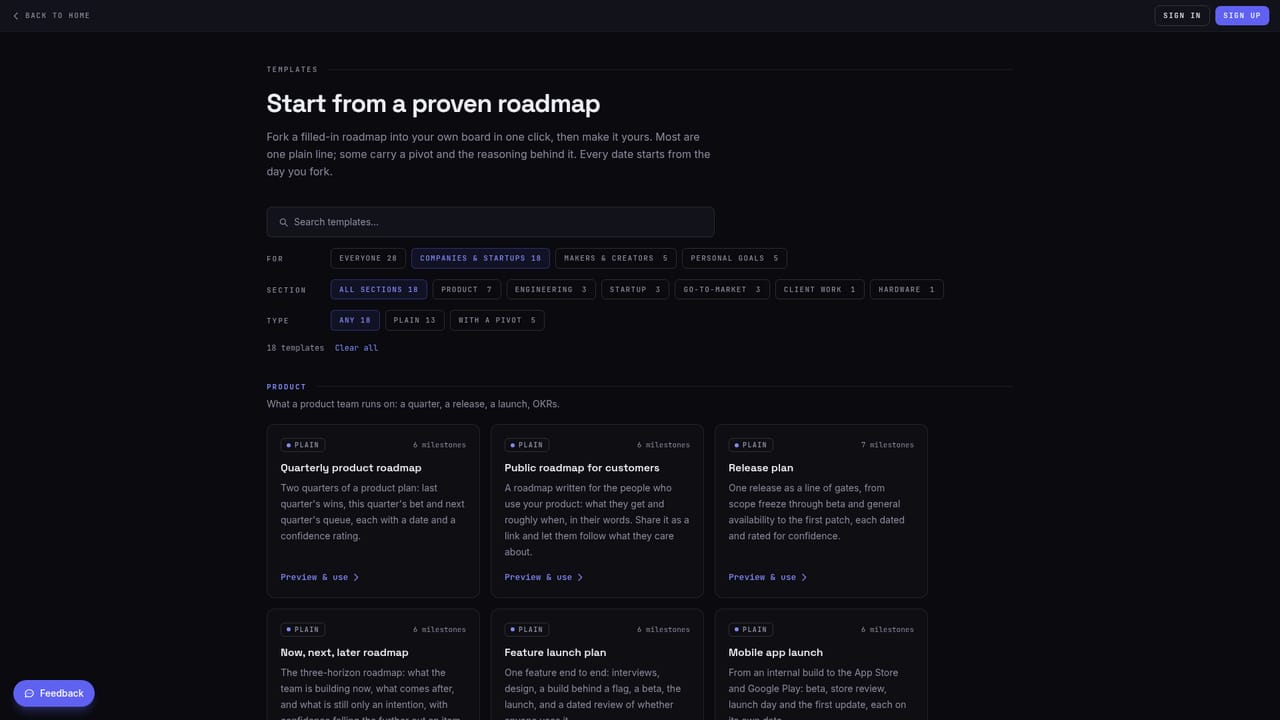
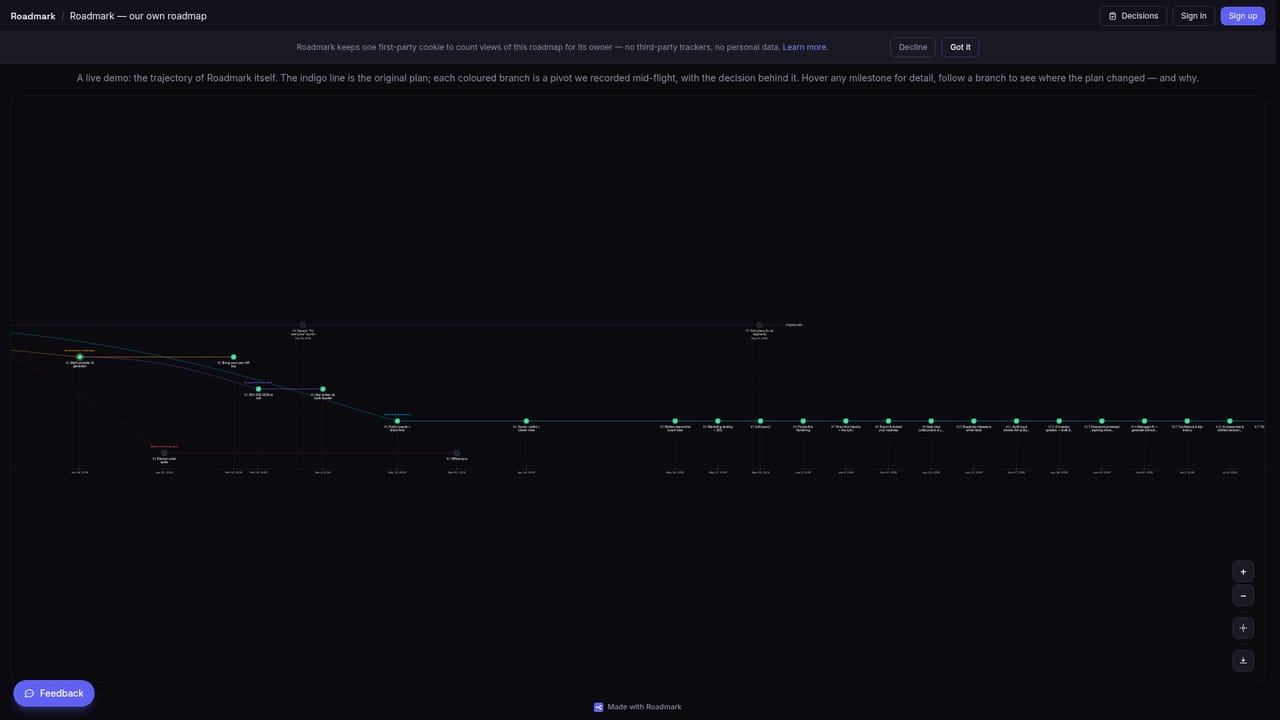
Roadmark is a visual roadmap tool built around branching. Fork a plan at any milestone, keep both the taken and abandoned paths on the canvas, and attach a required decision log to every pivot. Read-only syncing from Jira, Linear, GitHub and others keeps shared links current.
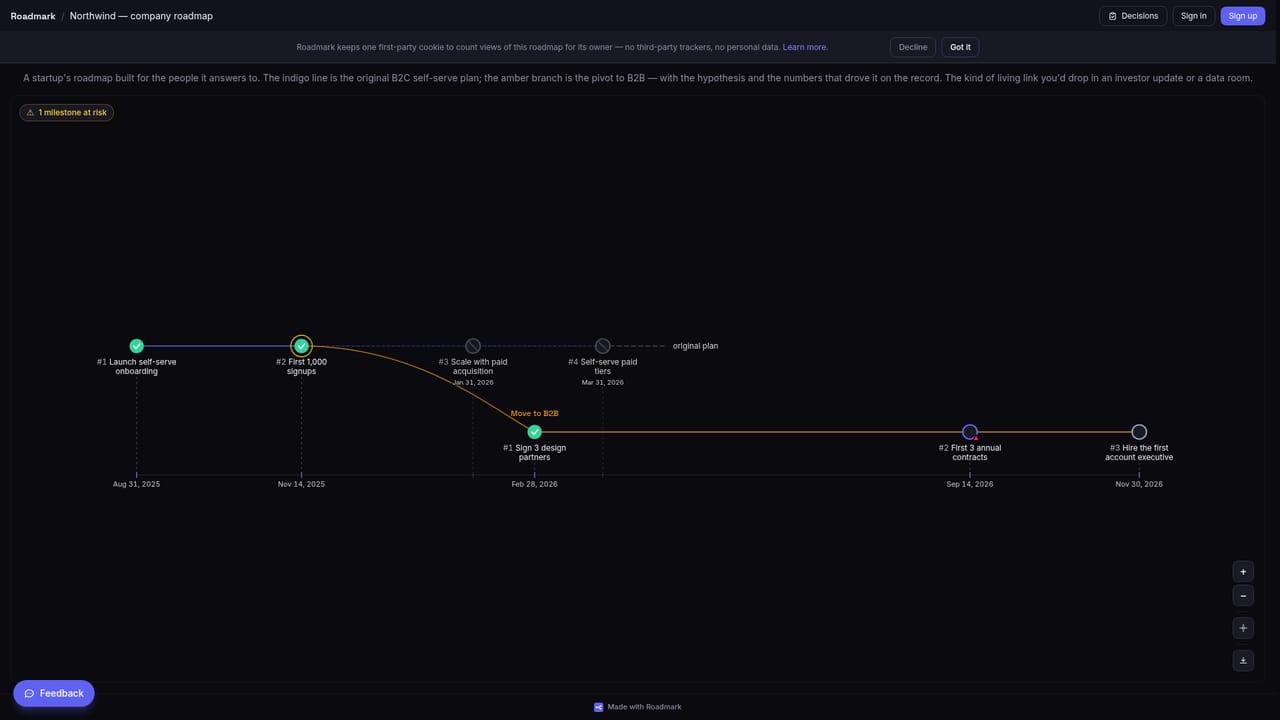
Roadmark treats a product roadmap like a version-controlled branch rather than a document that gets rewritten. When a plan changes, you fork the board at the milestone where things broke. The route you took and the route you abandoned both remain visible, with the dropped one greyed out but keeping its original dates. Every fork forces a decision log of at least twenty characters, so the argument behind the pivot is captured at the moment the call is made instead of reconstructed months later. The canvas is built for roadmaps, not ticket queues. Milestones sit on a real timeline, branches run as lanes, and at-risk items get flagged when your confidence ratings disagree with a slip history that Roadmark logs automatically. Hovering a milestone surfaces its status, branch, target date, waiting audience and the reasoning behind the pivot it sits on, all without opening a panel. The tool is aimed at three audiences. Founders and startups use it for investor-grade transparency: a living shared link that stays current, read-only stakeholder access, and an audit trail a data room can review. Makers and creators flip one toggle to turn a private board into a public narrative of building in public. Individuals map study paths, training blocks and side projects without erasing the track they abandoned. Roadmark imports read-only from GitHub, GitLab, Linear, Jira, Shortcut, YouTrack, Azure DevOps, Asana, Notion, monday.com and CSV, and keeps the imported plan in sync so a link you sent stays true. It never writes back to the source. Paid tiers add releases, AI investor updates, pre-mortem risk flags, password-protected or expiring share links, an audit log and demand analytics. Compared with Notion or a Gantt chart, the differentiator is memory: the reasoning stays welded to the plan.
A 7-day Pro trial starts at signup with no card. When it ends you move to the Free plan and keep everything you made; upgrading mid-trial delays your first payment to the trial end date. Team has no trial.
Learn moreFree: $0 forever, one roadmap, unlimited milestones and branches. Pro: $150/yr ($12.50/mo annually), unlimited roadmaps and managed AI. Team: $490/yr (~$41/mo), unlimited collaborators, audit log and analytics. Prices exclude VAT and sales tax.
Learn moreRead-only imports from GitHub, GitLab, Linear, Jira, Shortcut, YouTrack, Azure DevOps, Asana, Notion, monday.com and CSV. Roadmark never writes to your source. Also listed on the Atlassian, Asana, Notion and Linear marketplaces.
Branching roadmap canvas with required decision logs, milestone confidence ratings and automatic slip history. Read-only imports from eleven sources with one-way sync. Public share links with per-board visibility controls, decision feeds, visitor voting and email capture. Paid tiers add releases, delta comparison, AI investor updates, pre-mortem risk flags, password protected links, embeds and audit logging.
 AI Angels400+ customizable AI girlfriends for NSFW chat, voice calls, and roleplay
 Candy AIExperience the future of companionship with AI friends who chat, role-play, and connect with you on a human level.
 ourdream.aiA vast AI roleplay platform with millions of characters for chat, images, video and voiceAI Angels400+ customizable AI girlfriends for NSFW chat, voice calls, and roleplayCandy AIExperience the future of companionship with AI friends who chat, role-play, and connect with you on a human level.ourdream.aiA vast AI roleplay platform with millions of characters for chat, images, video and voice