Free trial
A free version is available for download across platforms, and the homepage invites users to start for free. No trial length or feature restrictions are stated.
Learn moreCreate 210+ diagram types with AI and editable templates

EdrawMax is an AI gantt chart maker tool that creates 210+ diagram types with AI and editable templates. EdrawMax is an AI assisted diagramming suite covering 210+ diagram types, from flowcharts and UML to floor plans and P&IDs.
EdrawMax is a diagramming workspace from Wondershare that covers more than 210 diagram types, from flowcharts and UML to floor plans, network maps, electrical schematics, genograms, Gantt charts and P&IDs. The pitch is breadth plus automation: instead of building every shape by hand, you describe what you need, paste a source file or pick a template, and the tool produces an editable diagram you then refine on the canvas. The AI layer, branded as AI Agent in version 16, is the part that separates it from classic drag and drop tools. Generation can start from a text prompt, a document, a spreadsheet, code or an image. For example, a request for a two-bedroom apartment floor plan returns rooms, walls and doors, while a block diagram can be derived from the contents of a document. Once a diagram exists, the AI can adjust structure, layout and content, and it can pull current online information when a report needs to stay current. A dedicated Floor Plan mode adds measurements and symbols so layouts turn into precise, editable plans. The audience is broad by design: engineers and IT managers drawing networks and schematics, students and teachers working through science or UML assignments, operations teams charting processes, and anyone who needs a professional looking deliverable without a design background. The homepage positions it as a cross platform Visio alternative, which signals the main use case: teams that want a familiar diagram editor without the Microsoft ecosystem. In practice the workflow is template or AI first, manual editing second. You pick a category, generate or open a starting point, then fine tune connectors, styles and layout before exporting. That makes it a strong fit for mixed skill teams, though it runs as a sizable desktop application rather than a lightweight browser sketch tool, and the AI output still needs a human pass before it goes into a client document.
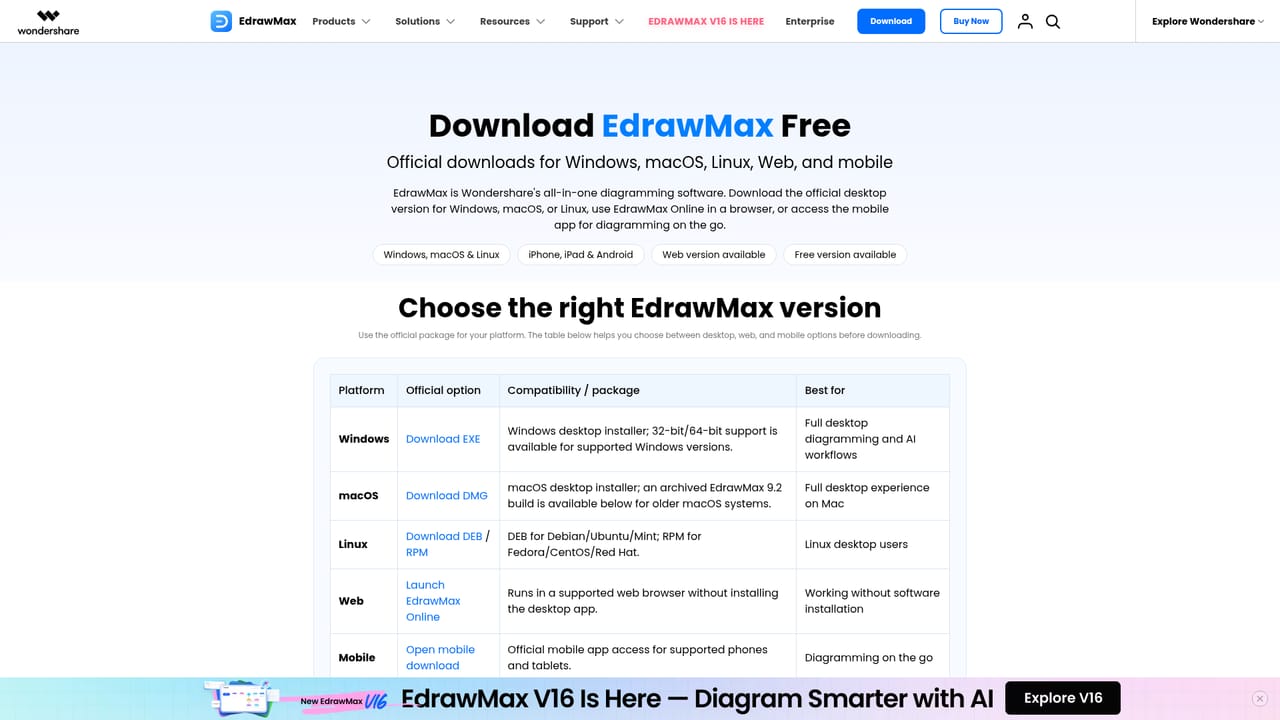
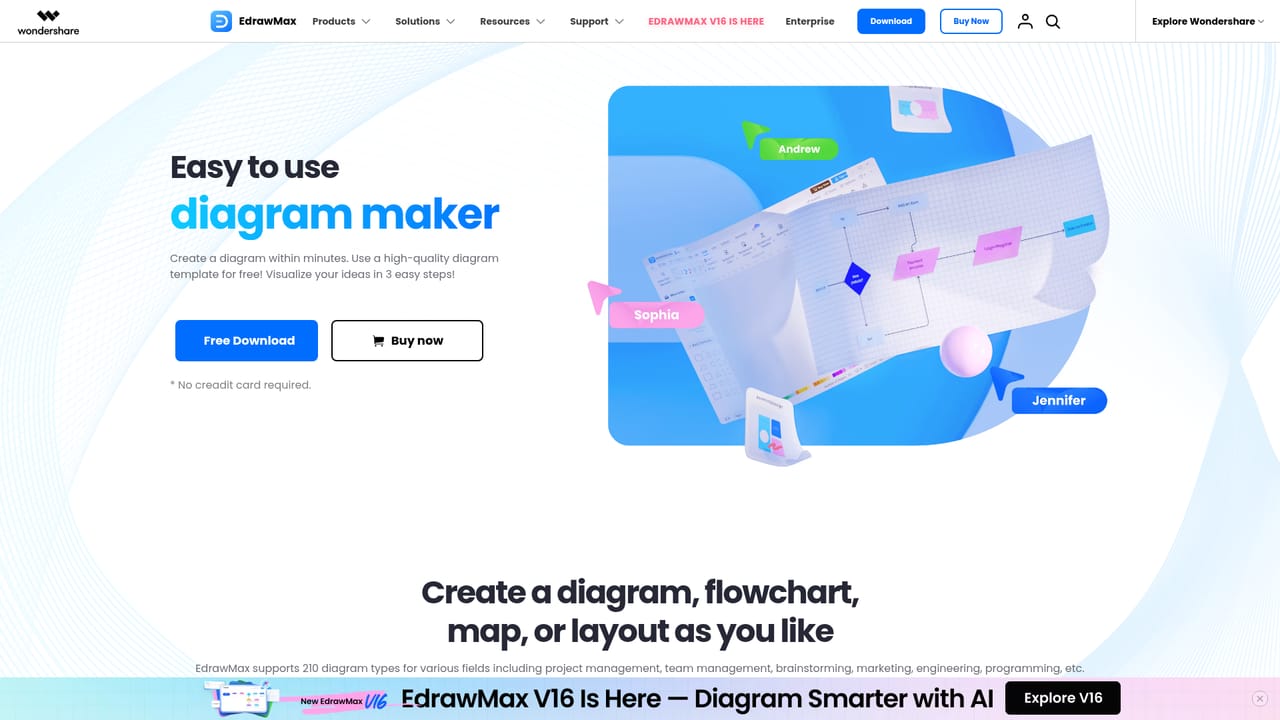
A free version is available for download across platforms, and the homepage invites users to start for free. No trial length or feature restrictions are stated.
Learn moreThe homepage offers a free download and a Buy Now link that leads to the individual plans store page. It does not list plan tiers, prices or limits on AI generation, so check the store page for current terms.
Learn moreAI Agent generates diagrams from prompts, documents, spreadsheets, code and images, then refines structure, layout and content. A floor plan mode adds measurement and symbol support. Over 210 diagram types are covered, including flowcharts, UML, network, electrical, architecture, science, genogram, Gantt and P&ID diagrams, each backed by professional templates.
Learn more AI Angels400+ customizable AI girlfriends for NSFW chat, voice calls, and roleplay
 Candy AIExperience the future of companionship with AI friends who chat, role-play, and connect with you on a human level.
 ourdream.aiA vast AI roleplay platform with millions of characters for chat, images, video and voiceAI Angels400+ customizable AI girlfriends for NSFW chat, voice calls, and roleplayCandy AIExperience the future of companionship with AI friends who chat, role-play, and connect with you on a human level.ourdream.aiA vast AI roleplay platform with millions of characters for chat, images, video and voice