Free trial
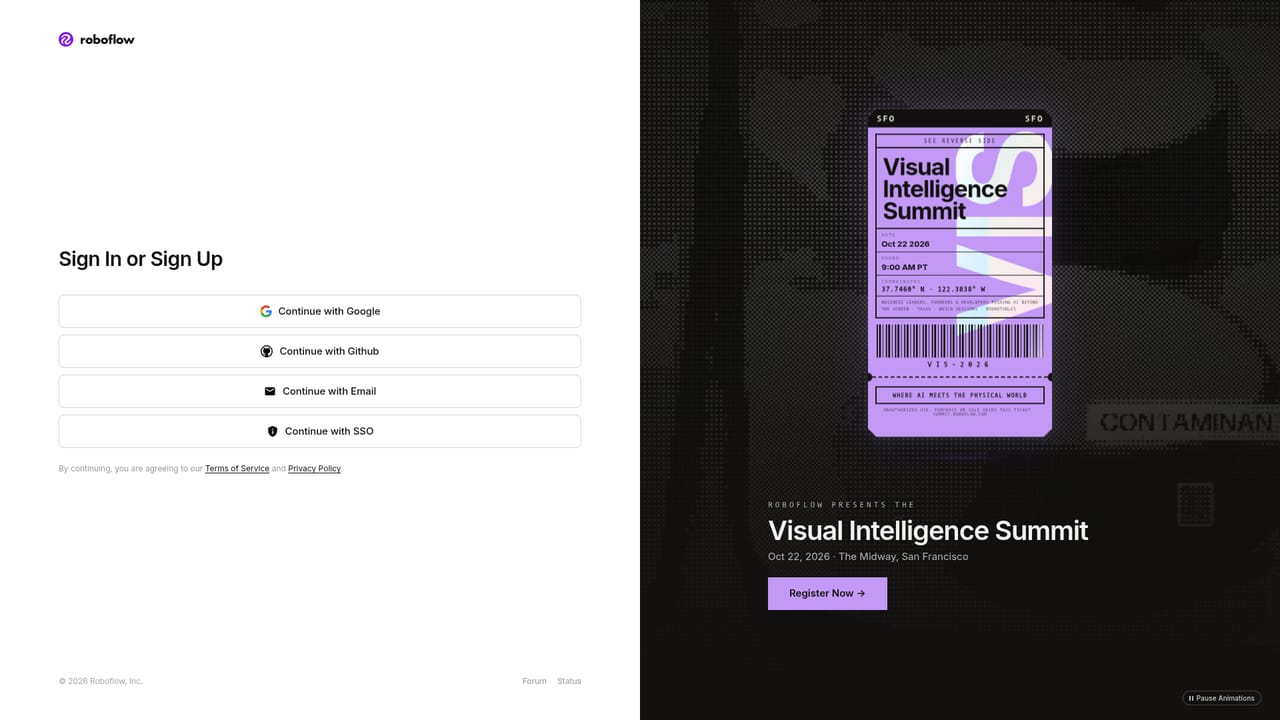
The homepage points developers to a free tier alongside open documentation, though the specific limits of that tier are not described on the page.
Learn moreBrowser-based image annotation with AI assist for computer vision teams
Own Roboflow Annotate? Verify ownership to get a dofollow link

Roboflow Annotate is a web app for labeling computer vision data with AI-assisted tools (Smart Select via SAM, Label Assist, Auto Label), plus dataset curation, augmentation, team workflows and annotation analytics.
Roboflow Annotate is a browser-based labeling workspace for computer vision datasets. It combines manual annotation tools with AI assistance so teams can move from raw images to a training-ready dataset inside one environment. The platform reports that 750,000+ datasets and 575+ million images have been labeled using Roboflow, which puts it among the more widely used labeling tools in the field. The core workflow is fast labeling with machine help. Smart Select builds polygon annotations in one click using Meta AI's Segment Anything (SAM) model. Label Assist applies custom trained models to a batch of images, and Roboflow claims this cuts human labeling time by 95%. Auto Label leans on foundation models to process thousands of images in minutes. All of it supports bounding boxes, instance segmentation, keypoints, whole-image classification, and multimodal data for vision-language model fine-tuning. After labeling, teams can augment images, search and filter the dataset, and read analytics that surface edge cases and weak spots. It is built for teams rather than solo clicking. Projects can be split across in-house labelers or outsourced annotators, with role-based access, assignment notifications, in-image comments for resolving labeling disputes, and a version history that lets anyone revert a change. Annotation Insights reports throughput and approval rates, which matters for anyone running a labeling operation at volume. The audience is developers, engineers, and technical founders who want to start on a free tier and read open docs, plus operations and AI leads who need managed support. Against plain open-source annotation tools, the draw is the AI assistance and the project management layer rather than the drawing canvas itself. Import and export formats are not enumerated on this page, so check the docs before assuming a specific pipeline works out of the box.
The homepage points developers to a free tier alongside open documentation, though the specific limits of that tier are not described on the page.
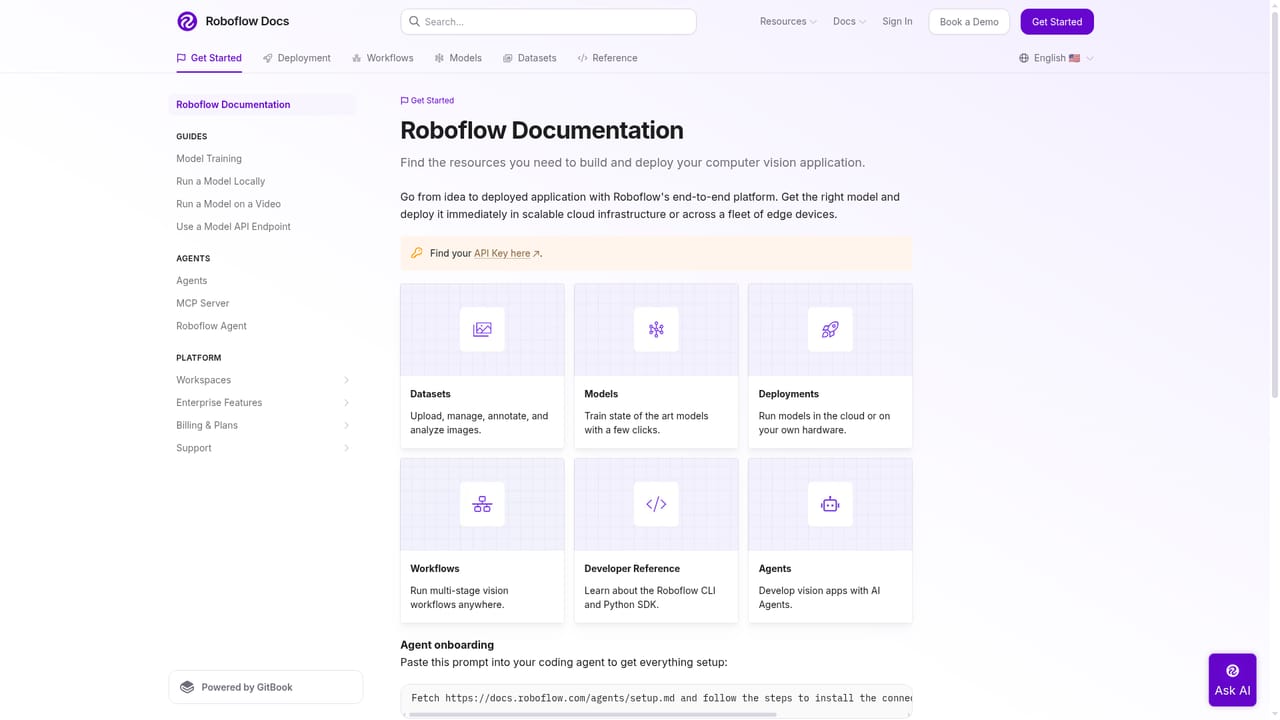
Learn moreSupport runs through an open documentation site, a sales contact route for demos and enterprise conversations, and published customer stories.
Learn moreNo third-party integrations, import formats or export formats are named on the homepage. Format and API details would need to be confirmed in the documentation.
Learn moreAI-assisted labeling includes Smart Select (SAM-powered one-click polygons), Label Assist with custom models and Auto Label with foundation models. Supported tasks are object detection, instance segmentation, keypoint detection, classification and multimodal annotation. Dataset tools cover augmentation, search and filtering, and analytics. Team features include workflow management, role-based access, comments and annotation history.
 AI Angels400+ customizable AI girlfriends for NSFW chat, voice calls, and roleplay
 Candy AIExperience the future of companionship with AI friends who chat, role-play, and connect with you on a human level.
 ourdream.aiA vast AI roleplay platform with millions of characters for chat, images, video and voiceAI Angels400+ customizable AI girlfriends for NSFW chat, voice calls, and roleplayCandy AIExperience the future of companionship with AI friends who chat, role-play, and connect with you on a human level.ourdream.aiA vast AI roleplay platform with millions of characters for chat, images, video and voice


