Free trial
A seven day free trial includes all features, with no commitment and the option to cancel at any time.
Learn moreAI receptionist that answers your business calls around the clock

Rosie is an AI phone receptionist for small and local businesses. It learns from your website and Google Business Profile, answers calls 24/7 in English and Spanish, books appointments, filters spam, transfers to a human, and sends a summary, transcript and recording after every call.
Rosie is an AI answering service built for local and service businesses that cannot afford to let calls ring out. Instead of routing callers to voicemail or paying a live answering agency by the minute, owners forward their business line to an AI receptionist that greets callers, answers questions about hours, services and policies, takes structured messages, and books appointments. Setup starts from the company website and Google Business Profile, which Rosie scrapes to learn the basics in minutes rather than weeks. In practice the product sits between a phone system and a calendar. Owners confirm the auto-gathered business details, choose one of more than ten voices, optionally rename the assistant, add custom FAQs such as pricing or service policies, and switch on spam filtering so 1-800 numbers and sales reps do not consume call time. Rosie speaks English and Spanish on every call, can offer a scheduling link by text, and transfers to a live person either warm or cold when the situation calls for a human. After each call the owner receives a notification by text, email or the mobile app, alongside an AI summary, a full transcript and a recording. The same knowledge base powers an included website chat widget, so visitors can get answers and leave contact details without a phone call at all. Owners can step into that chat from the iOS or Android app. Taken together, Rosie targets the gap left by voicemail (which most callers skip) and by traditional answering services (which charge per minute and rely on untrained staff). It competes directly with other AI receptionists, and the site publishes head-to-head comparisons with Smith.ai and Goodcall. The best fit is a small team in home services, trades, law, real estate, property management, automotive, salons or accounting, where the person who should answer the phone is usually on a job or with a client. Anyone expecting a fully autonomous agent that never needs FAQ tuning should temper that expectation: accuracy depends on the material supplied.
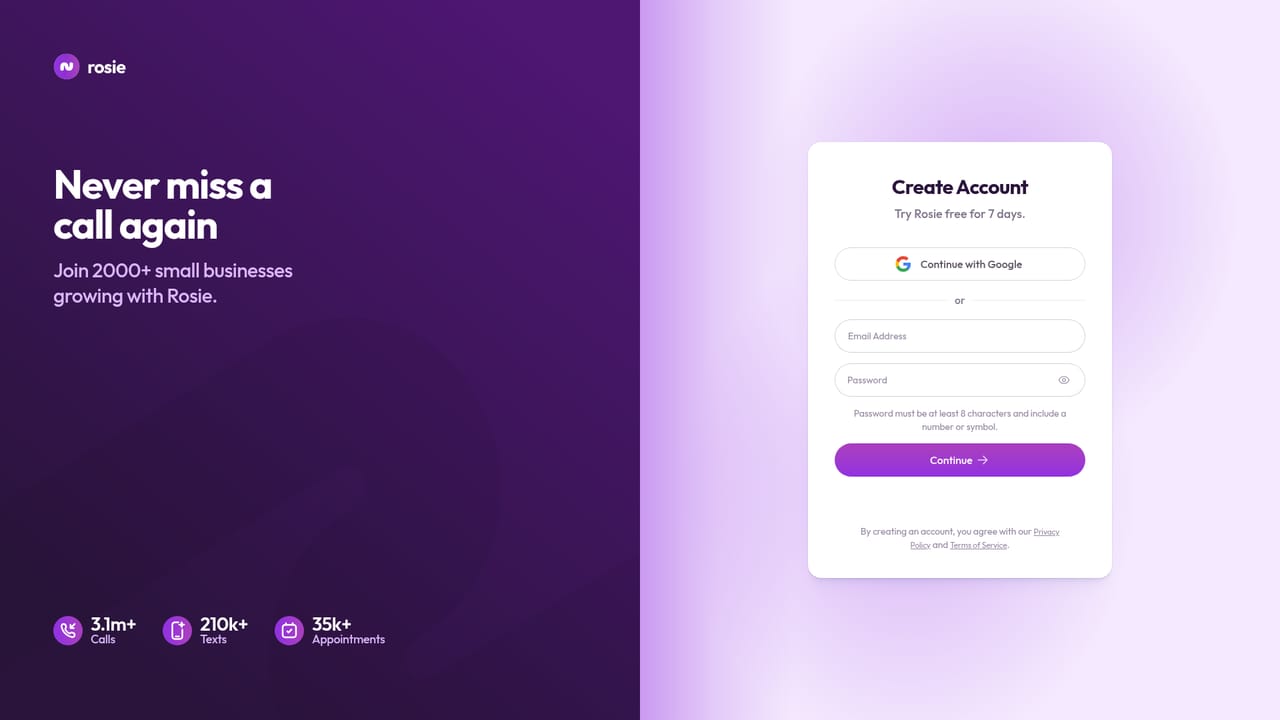
A seven day free trial includes all features, with no commitment and the option to cancel at any time.
Learn morePlans start at $49 per month, which the site lists as covering a custom greeting, spam filtering, FAQs, website chat and instant notifications of every call. Appointment booking, call transfers, custom link texting and upload-based elite training are described as premium features tied to higher tiers. Exact limits for those tiers are not stated on the homepage.
Learn moreA dedicated support page and a contact page are available on the site, and reviewers on the homepage single out responsive customer service. No phone or chat support hours are published.
Learn moreThe homepage mentions booking appointments into a calendar and sending scheduling links, but does not name specific calendar, CRM or phone system integrations.
Rosie answers calls 24/7, using business details pulled from your website and Google Business Profile plus custom FAQs. She books appointments or texts scheduling links, transfers calls warm or cold, filters spam, speaks English and Spanish, and sends an AI summary, transcript and recording after every call. A website chat widget is included on every plan.
Learn more AI Angels400+ customizable AI girlfriends for NSFW chat, voice calls, and roleplay
 Candy AIExperience the future of companionship with AI friends who chat, role-play, and connect with you on a human level.
 ourdream.aiA vast AI roleplay platform with millions of characters for chat, images, video and voiceAI Angels400+ customizable AI girlfriends for NSFW chat, voice calls, and roleplayCandy AIExperience the future of companionship with AI friends who chat, role-play, and connect with you on a human level.ourdream.aiA vast AI roleplay platform with millions of characters for chat, images, video and voice


