Free trial
The homepage offers a free entry point through the get started link, described as getting started for free. Paid tiers and any trial length are not stated in the homepage content.
Learn moreTasks, calendar and notes in one AI workspace
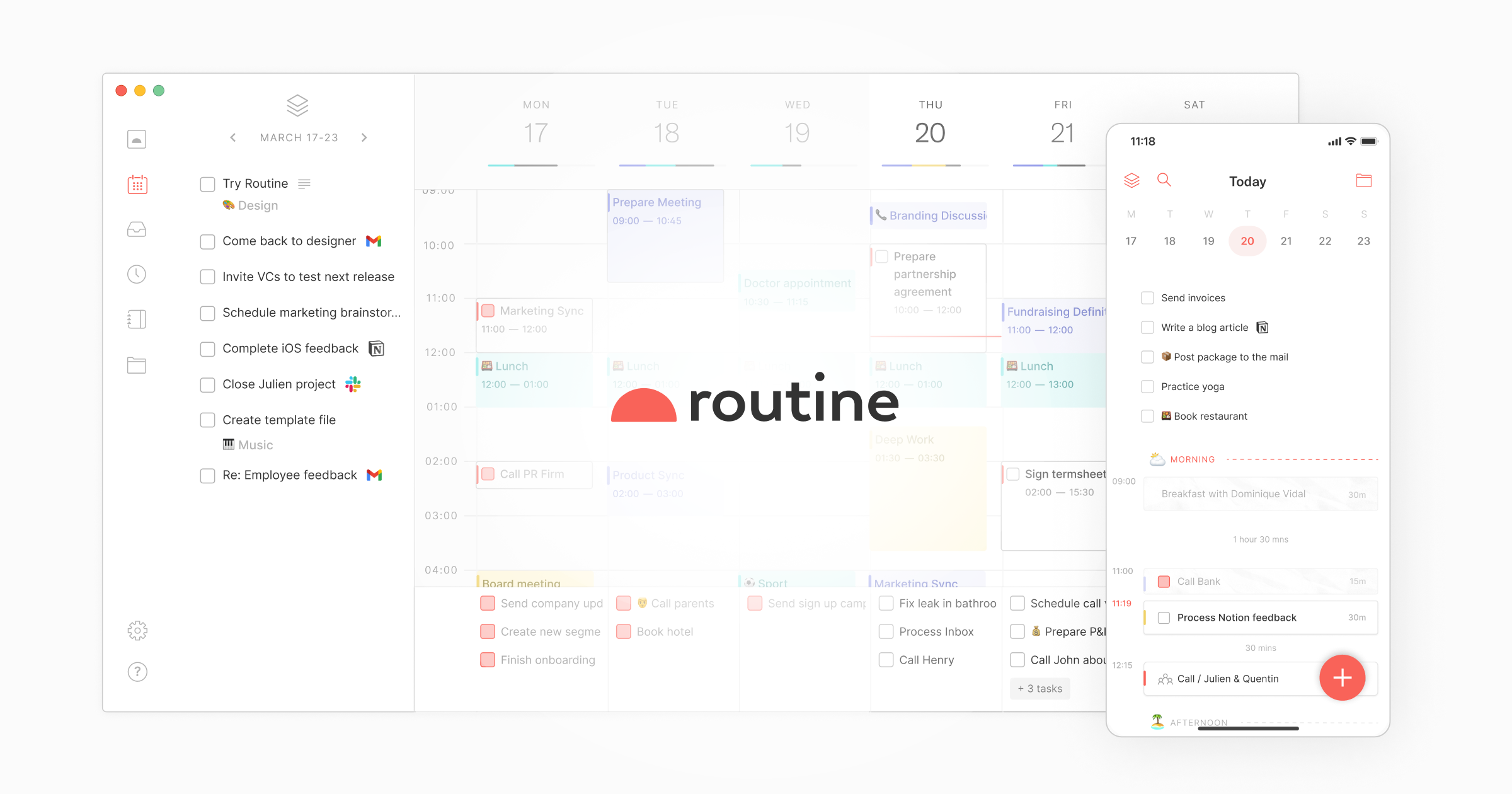
Routine is an AI task generator tool. Routine combines tasks, calendar, projects and notes in one workspace with AI voice commands, automations and agents. It syncs bidirectionally with tools like Google Calendar, Slack, Linear and Asana, connects to external AI assistants via MCP, and runs on desktop, web and mobile.
Routine is a workspace that merges tasks, calendar events, projects and notes into a single environment, then layers AI on top so much of the daily sorting and upkeep can be delegated. The homepage positions it around a simple promise: all your work in one place, operated by AI. It runs on macOS, Windows, Linux, the web, iPhone, iPad and Apple Watch, plus Android phones, tablets and watches, so the same workspace follows a user across desktop and mobile. The core workflow centers on a universal inbox that pulls tasks, messages and notifications from connected apps into one queue. A desktop hotkey opens a capture console for creating tasks quickly, with extra context attached, which reduces the app switching that usually fragments a workday. Planning happens through a planner, time blocking, time tracking, an agenda view and a dashboard. Notes use a block editor with pages, databases, views, references and labels, and meeting notes can be captured and processed with AI. Recurrences, reminders, search, offline mode and multi-account support round out the day to day surface. The AI layer is what separates Routine from a conventional task manager. Voice commands let users record, operate and organize work by speaking. AI automations connect tools, tidy information and keep records current. AI agents handle research, triage and follow-ups in the background. Through MCP or an API, the workspace can be driven from AI assistants such as ChatGPT, Claude, Cursor, Codex or Perplexity. Integrated services include Google Calendar, Slack, Linear and Asana, synchronized bidirectionally so Routine can act as the central hub. Routine fits knowledge workers and small teams who already juggle a task app, a calendar and a notes tool and want one place instead. The site cites over 100k users and testimonials from people moving off Todoist, Akiflow and Notion. It is closer to a personal productivity operating system than to a lightweight to-do list, and teams get collaborative projects, CRM and project management solutions. Anyone wanting a single purpose checklist app may find it heavier than needed.
The homepage offers a free entry point through the get started link, described as getting started for free. Paid tiers and any trial length are not stated in the homepage content.
Learn moreConnects daily apps and services with bidirectional synchronization, with Google Calendar, Slack, Linear and Asana shown on the homepage. An MCP server and API link Routine to AI assistants such as ChatGPT, Claude, Cursor, Codex and Perplexity.
Learn moreTasks, calendar, projects, notes and meeting notes sit in one workspace, supported by a universal inbox, desktop hotkey capture, planner, time blocking, time tracking, dashboard, agenda and a block editor with databases and views. AI covers voice commands, automations, agents and an assistant, and MCP or API access lets external assistants operate the workspace.
Learn more AI Angels400+ customizable AI girlfriends for NSFW chat, voice calls, and roleplay
 Candy AIExperience the future of companionship with AI friends who chat, role-play, and connect with you on a human level.
 ourdream.aiA vast AI roleplay platform with millions of characters for chat, images, video and voiceAI Angels400+ customizable AI girlfriends for NSFW chat, voice calls, and roleplayCandy AIExperience the future of companionship with AI friends who chat, role-play, and connect with you on a human level.ourdream.aiA vast AI roleplay platform with millions of characters for chat, images, video and voice


