S2V

Multi-model AI video generator with native audio, including Veo 3.1 and Wan 2.5.

Beginner
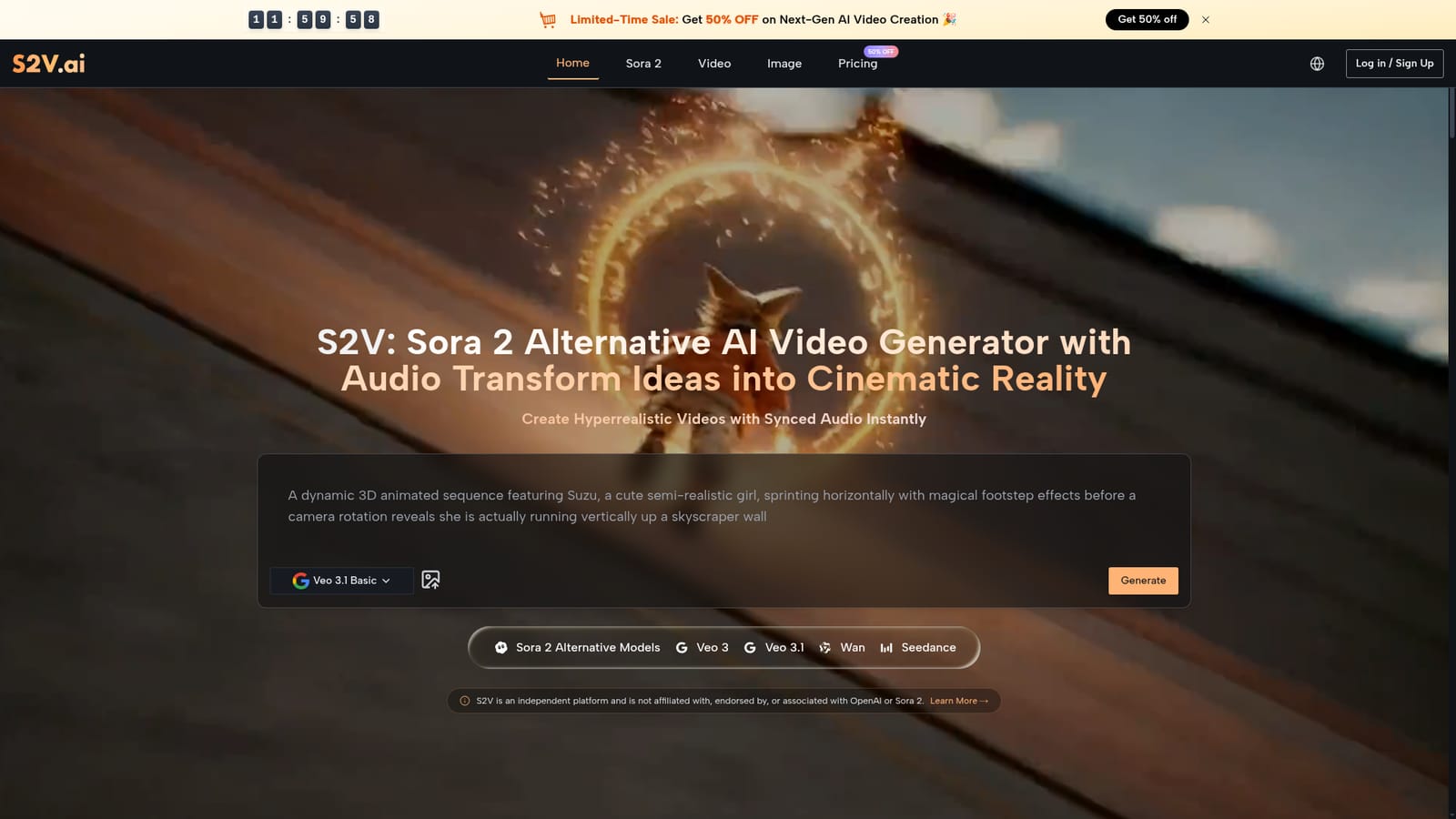
Screenshot of S2V, Multi-model AI video generator with native audio, including Veo 3.1 and Wan 2.5

What is S2V?

S2V is a generative video tool. S2V bundles Veo 3.1, Wan 2.5, Seedance, Kling and Sora-branded models in one web app, turning text prompts or reference images into short videos with native audio. Credit-based pricing from $25 per month.

S2V is a browser-based AI video generator that aggregates several leading models behind one interface. The roster spans Google's Veo 3 and Veo 3.1 variants, Wan 2.5 and Wan 2.7, ByteDance's Seedance line, Kling 2.5 and 2.1, Grok Imagine Video, and models the site markets as Sora 2 alternatives (it clearly states no affiliation with OpenAI). Image models such as GPT Image 2, Nano Banana and Flux Kontext are also bundled, so a single subscription covers both stills and motion. The workflow is prompt-led. A creator types a scene description, picks a model and aspect ratio, and receives an 8 second clip; reference images can be uploaded to animate a still into motion, and some Veo 3.1 tiers accept frame control and multiple reference images. The Veo and Wan options output native audio, meaning sound effects and dialogue arrive with the visuals instead of needing a separate pass. Output ranges from 720p to 4K depending on the model chosen, and credits are consumed at different rates per model and resolution. The tool is aimed at social media managers, marketers, e-commerce teams and independent filmmakers who need volume without a production crew. It suits rapid A/B testing of ad concepts, product visualizations and B-roll. Storyboard-style multi-scene work is described for longer narratives, though that tier appears tied to the Sora-branded model rather than the whole catalog. Against single-model tools, the appeal is choice: swap models when one handles anime better or another handles realism, without juggling separate accounts. Practical limits matter. Generation is credit-metered, the 4K premium tiers cost credits even on higher plans, and clips are short. Anyone needing long-form edits or fine motion control will still finish work in a traditional editor.

How do you use S2V?

  1. 1Open S2V and choose a model
    Load the homepage, browse the model carousel (Veo 3.1, Wan, Seedance and others) and select the one matching your output needs. Veo and Wan variants include audio.
    S2V — Open S2V and choose a model
  2. 2Study the example prompts
    Scroll to the prompt gallery and copy a sample that resembles your target style, then adapt the wording to your scene. Each card has a copy control.
  3. 3Set aspect ratio and input
    Pick landscape or portrait framing, then type your prompt or upload a reference image for image-to-video generation.
  4. 4Create an account and buy credits
    Sign in and subscribe to a plan; the Starter tier includes 30,000 credits and unused credits roll over between billing periods.
  5. 5Generate and review the clip
    Run the generation, compare the result against the credit cost shown for that model and resolution, and re-run with adjusted prompts if needed.
  6. 6Check the independence disclaimer
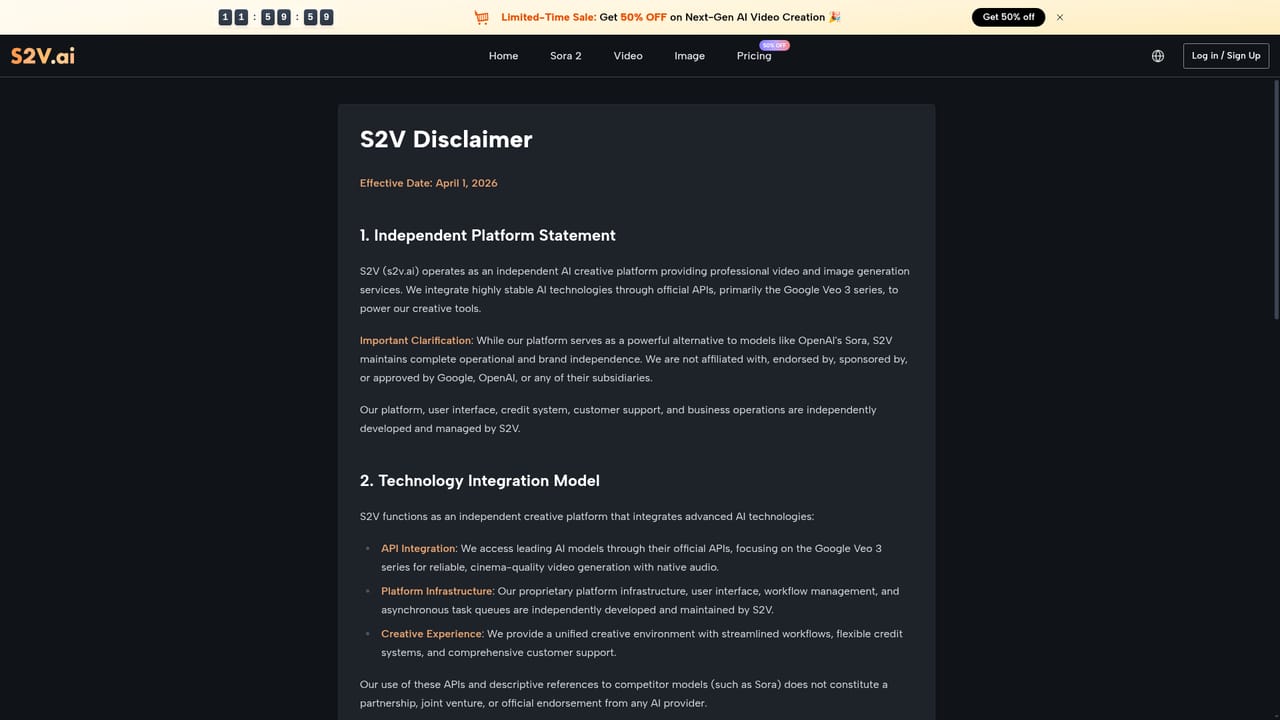
    Review the disclaimer page to understand S2V's relationship to OpenAI and the Sora 2 name before publishing branded work.
    S2V — Check the independence disclaimer

Pros and cons

Pros

  • Several strong video models in one subscription, including Veo 3.1 and Wan 2.5AI
  • Native audio on Veo and Wan models removes a separate sound design stepAI
  • Image-to-video and reference image support help keep subjects consistentAI
  • Published credit rates per model and resolution make cost planning transparentAI
  • No watermark, private generations and commercial license on paid plansAI

Cons

  • Clips are short (roughly 4 to 8 seconds), so longer narratives need stitching outside the toolAI
  • 4K premium tiers burn credits even for users on higher plansAI
  • Model naming leans on Sora 2 comparisons, which may confuse buyers about what they are actually runningAI
  • No public API or third-party integrations are described on the homepageAI
  • Support is listed as a plan perk, with limited detail on response times or channelsAI

How much does S2V cost?

Pricing

Monthly or yearly billing. The Starter plan lists $25 per month on annual billing ($300 per year, marked 17% off) against a $29.99 monthly rate, and includes 30,000 credits, roughly 333 videos at about $0.90 each. Credits roll over and subscriptions can be cancelled anytime.

Learn more

Support

Priority support is listed as an included perk of the Starter plan; the homepage gives no further detail on channels, hours or response times.

Features

Access to Veo 3, Veo 3.1 (Lite, Basic, Premium, plus 4K tiers), Wan 2.5 and 2.7, Seedance 2.0 and 2.5, Kling 2.5 and 2.1, Grok Imagine Video and Sora-branded models, alongside image models such as GPT Image 2, Nano Banana 2 and Flux Kontext. Text-to-video, image-to-video, native audio, frame control, reference images, private generation, no watermark and commercial licensing.

Frequently asked questions about S2V

  • How much does S2V cost?
    Monthly or yearly billing. The Starter plan lists $25 per month on annual billing ($300 per year, marked 17% off) against a $29.99 monthly rate, and includes 30,000 credits, roughly 333 videos at about $0.90 each. Credits roll over and subscriptions can be cancelled anytime.
  • How do you use S2V?
    The walkthrough on this page covers 6 steps: 1. Open S2V and choose a model 2. Study the example prompts 3. Set aspect ratio and input 4. Create an account and buy credits 5. Generate and review the clip 6. Check the independence disclaimer.
  • What platforms does S2V support?
    S2V is available on Web App.
  • What are the limitations of S2V?
    Clips are short (roughly 4 to 8 seconds), so longer narratives need stitching outside the tool. 4K premium tiers burn credits even for users on higher plans. Model naming leans on Sora 2 comparisons, which may confuse buyers about what they are actually running.

Status

StatusActive
Views0
Outbound clicks0
Added10/21/2026

Platforms

Web App

Pricing

SubscriptionPaid

