SamSearch

AI platform that finds, reads and qualifies government contract opportunities

Intermediate
Screenshot of SamSearch, AI platform that finds, reads and qualifies government contract opportunities

What is SamSearch?

SamSearch is an AI platform for government contractors that screens solicitations, qualifies opportunities, tracks pursuits and supports proposal work from one system.

SamSearch is an AI platform built for government contracting, the market where companies bid on federal, state and local public sector work. The platform handles the full lifecycle of a GovCon pursuit, starting with opportunity discovery and running through qualification, project tracking and proposal submission. Its agents scan solicitations continuously, read the actual documents and score how well each one fits a company's capabilities, rather than leaving analysts to page through raw listing feeds. The product is organized into named modules. Find Opportunities handles proactive discovery across the market. Analyze Intelligence reads and interprets solicitation material, while Manage Projects keeps pursuits on a shared board so teams can see what is live, what is pending and what has been submitted. Create Proposals supports response writing, Influence covers relationship and position building with agencies, and a Finance module rounds out the commercial side. The stated coverage spans more than 50,000 agencies, and the company reports customers have won over $3B in contracts through the platform. In practice, a capture or business development team sets its target profile, lets the screening agents filter the incoming volume, then works only the shortlisted opportunities. Published case studies show the scale this is meant for: one customer screened 25,489 opportunities down to 6,969 matches, another ran 84,700 solicitations through AI in seven months, and a third consolidated 376 pursuits from four disconnected systems onto one board. Firm sizes in those stories range from small businesses to Deloitte. SamSearch sits closest to legacy government market intelligence databases on one side and generic proposal tools on the other. Its pitch is consolidation: discovery, qualification, pipeline and proposal work in a single system instead of a stack of separate subscriptions. Buyers already committed to an incumbent database should compare coverage and workflow depth before switching, and the site routes interested teams through a demo request rather than self-serve signup.

How do you use SamSearch?

  1. 1Request a demo
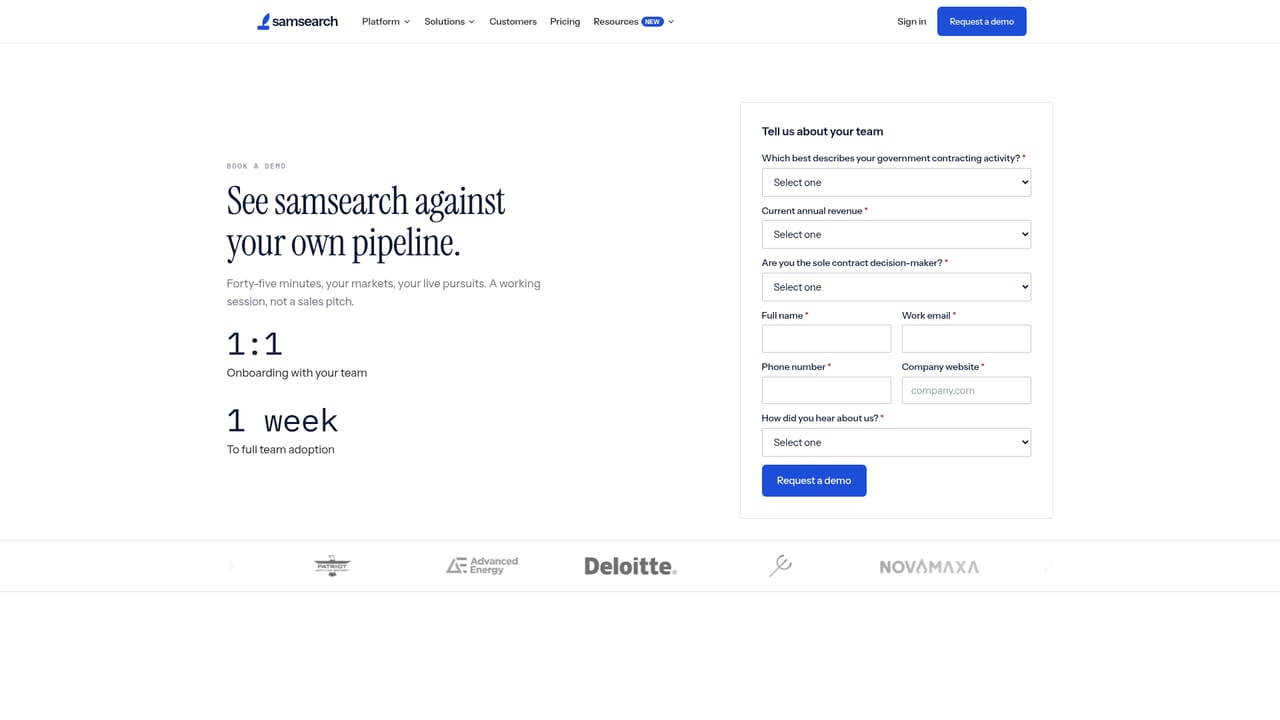
    Start by booking a walkthrough with the SamSearch team, since the platform is not self-serve. Use the session to describe your target agencies and the contract types you pursue.
    SamSearch — Request a demo
  2. 2Define your target profile
    Set the capabilities, NAICS style categories, agency preferences and set-aside statuses that describe what your company can realistically win. This profile drives the AI screening.
  3. 3Review screened opportunities
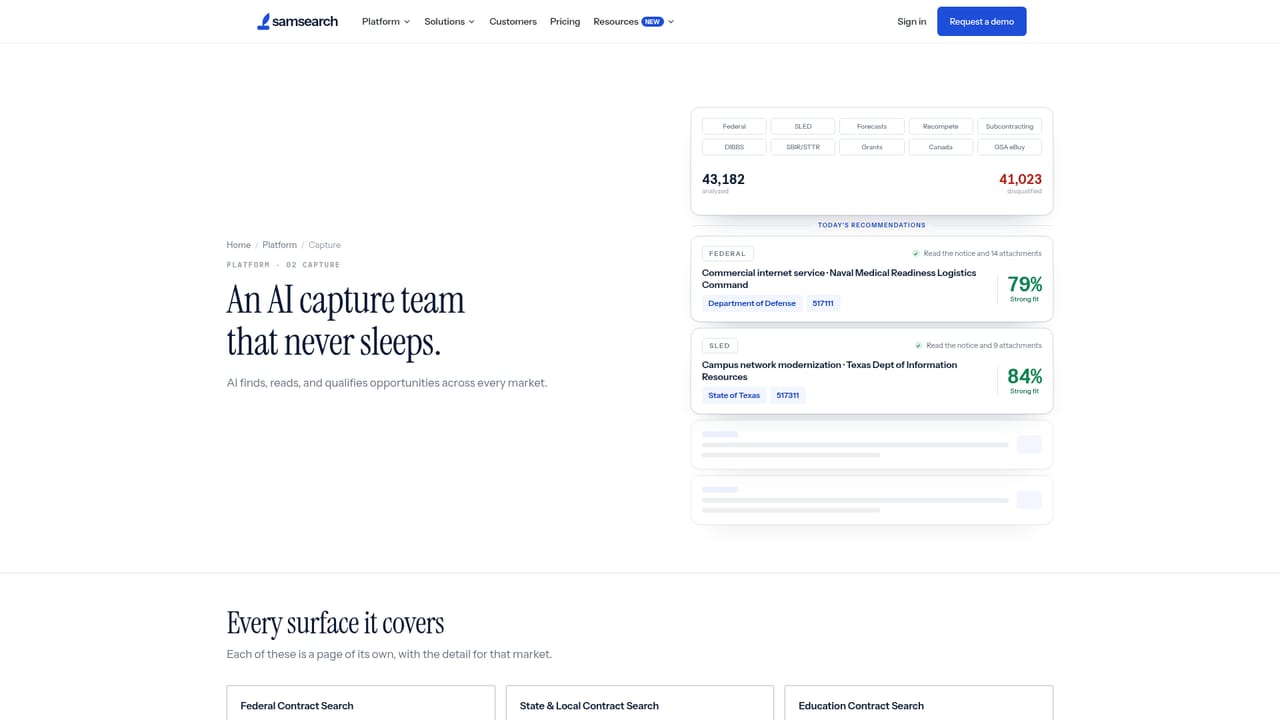
    Work the Find Opportunities view, where agents have already read solicitations and scored them for fit. Focus review time on the qualified shortlist instead of the full feed.
    SamSearch — Review screened opportunities
  4. 4Analyze solicitation intelligence
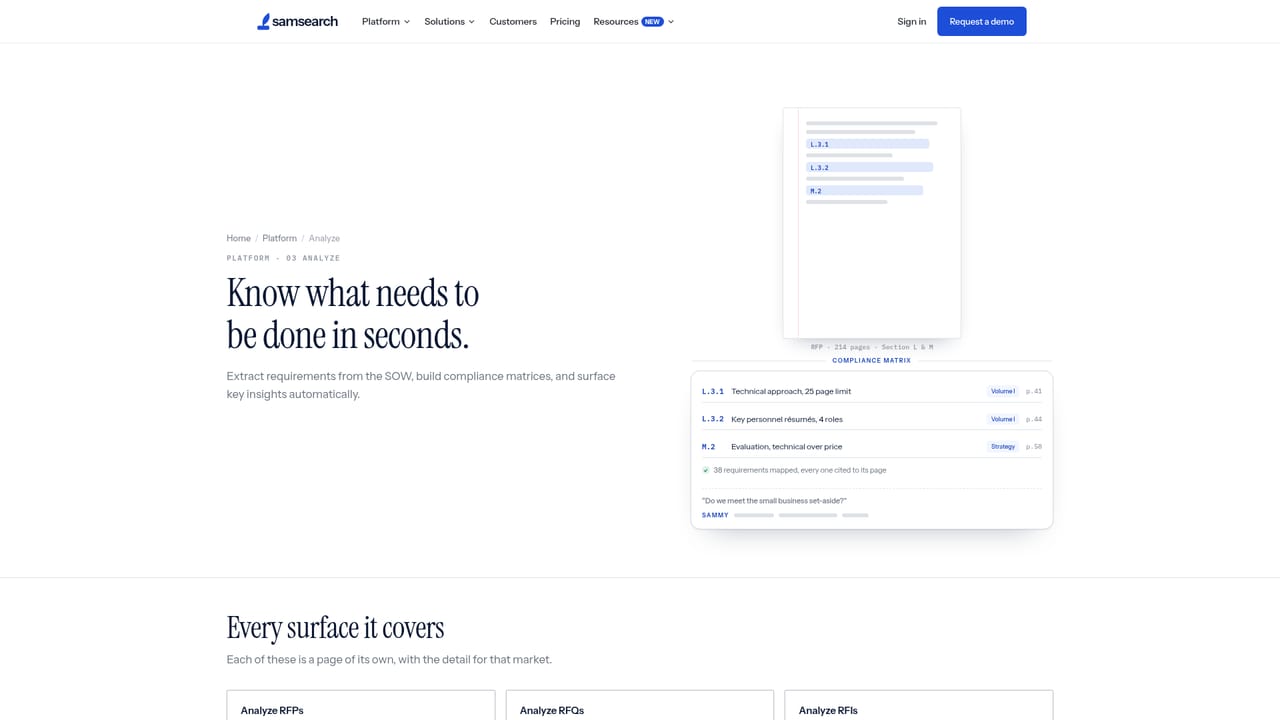
    Open the intelligence view for each promising opportunity to see parsed requirements and supporting detail before committing capture resources.
    SamSearch — Analyze solicitation intelligence
  5. 5Track pursuits on one board
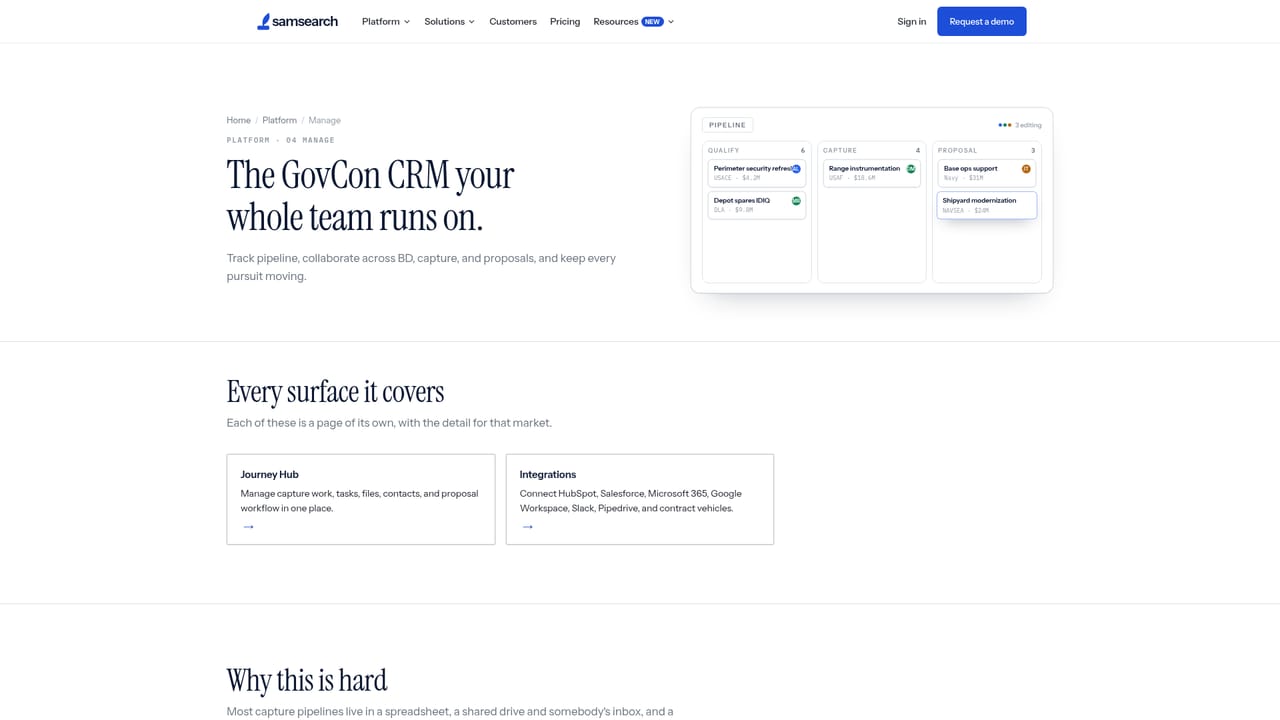
    Move qualified opportunities into Manage Projects so the whole team shares one pipeline view of active, pending and submitted pursuits.
    SamSearch — Track pursuits on one board
  6. 6Build the proposal response
    Draft the response inside Create Proposals, drawing on the intelligence already gathered, then submit through your normal contracting channels.

Pros and cons

Pros

  • Covers the full pursuit lifecycle, from discovery and qualification through pipeline tracking and proposal creationAI
  • AI screening handles very large solicitation volumes, with case studies showing tens of thousands of listings filtered per customerAI
  • Published case studies span small businesses and large firms like Deloitte, with named metrics for eachAI
  • Reports coverage of more than 50,000 agencies and a 4.9/5 rating on G2AI

Cons

  • No public pricing information, so budget planning requires going through a sales demoAI
  • No self-serve signup path; access starts with a demo request, which slows evaluationAI
  • The site publishes no detail on how AI qualification accuracy is measured or validatedAI
  • Only relevant to government contracting, with no use outside the public sector marketAI
  • Integrations with existing CRM or capture tools are not documented on the homepageAI

How much does SamSearch cost?

Features

Core modules cover opportunity discovery with AI screening, solicitation analysis and scoring, a shared pursuit board for pipeline management, proposal creation, agency influence work and a finance view. Agents read and qualify solicitations automatically, and the platform reports coverage of more than 50,000 agencies across federal, state and local markets.

Learn more

Frequently asked questions about SamSearch

  • How do you use SamSearch?
    The walkthrough on this page covers 6 steps: 1. Request a demo 2. Define your target profile 3. Review screened opportunities 4. Analyze solicitation intelligence 5. Track pursuits on one board 6. Build the proposal response.
  • What platforms does SamSearch support?
    SamSearch is available on Web App.
  • What are the limitations of SamSearch?
    No public pricing information, so budget planning requires going through a sales demo. No self-serve signup path; access starts with a demo request, which slows evaluation. The site publishes no detail on how AI qualification accuracy is measured or validated.

Status

StatusActive
Views0
Outbound clicks0
Added10/21/2026

Platforms

Web App

Pricing

Paid