Framia

Turn story ideas into episodic AI short dramas on one canvas

Beginner
Screenshot of Framia, Turn story ideas into episodic AI short dramas on one canvas

What is Framia?

Framia is a generative video tool that turns story ideas into episodic AI short dramas on one canvas. Framia is an AI workspace that turns a script, idea or novel chapter into episodic short dramas, handling characters, scenes, voices and subtitles on a node-based canvas, then exports or posts to social channels.

Framia is an AI creative workspace for businesses and creators who want ads, films, shorts and brand kits produced in one place. The feature covered here is its short drama maker, which converts a story idea, a finished script, a plot outline or a novel chapter into a short episodic video. The pitch is that no camera, cast or separate editing program is involved: planning, scenes, voices, subtitles and export all happen inside the same project. In practice there are three ways in. The template route starts from a Drama Story preset, which is cloned into the Workflow view so that individual text, image, audio and video nodes can be rewritten with prompts. The Workflow canvas starts from a typed idea plus optional reference images or clips; selecting the Short Video Director skill makes Framia build a chain of separate text, video and audio nodes that can be checked before the final video node is run. The Classic Canvas is the simpler prompt box: choose the Video agent, apply the Shorts skill, pick a video model, then set aspect ratio, duration and resolution. In every route, scenes can be previewed for pacing, dialogue and character consistency, regenerated selectively, adjusted by text instruction or in the video editor, and then downloaded or posted to connected social accounts. The audience is mainly social creators building serialized episodes for TikTok, Reels and Shorts, along with marketers who want brand storytelling told through characters, and educators turning scenarios into short scenes. Genre suggestions on the page include romance, comedy, suspense, fantasy and customer success stories, and several video generation models are offered so the look can be matched to the story. Among alternatives, it sits between standalone text-to-video generators, which produce isolated clips, and traditional editors that assume footage already exists. The trade-off is a node-based workspace that takes some learning, and output quality depends on the chosen model and prompt.
How do you use Framia?

  1. 1Sign in and open the workspace
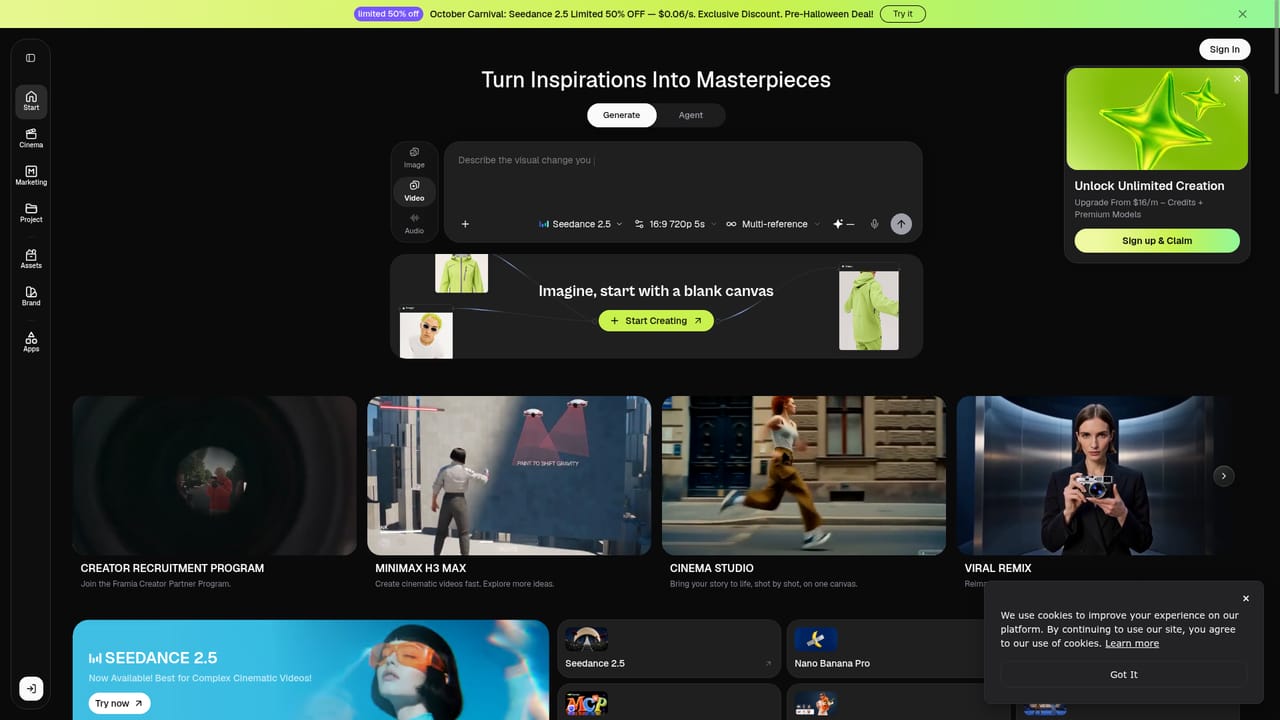
    Create a Framia Pro account and open the create page. From there choose a Drama Story template, the Workflow canvas or the Classic Canvas.
    Framia — Sign in and open the workspace
  2. 2Draft the story and script
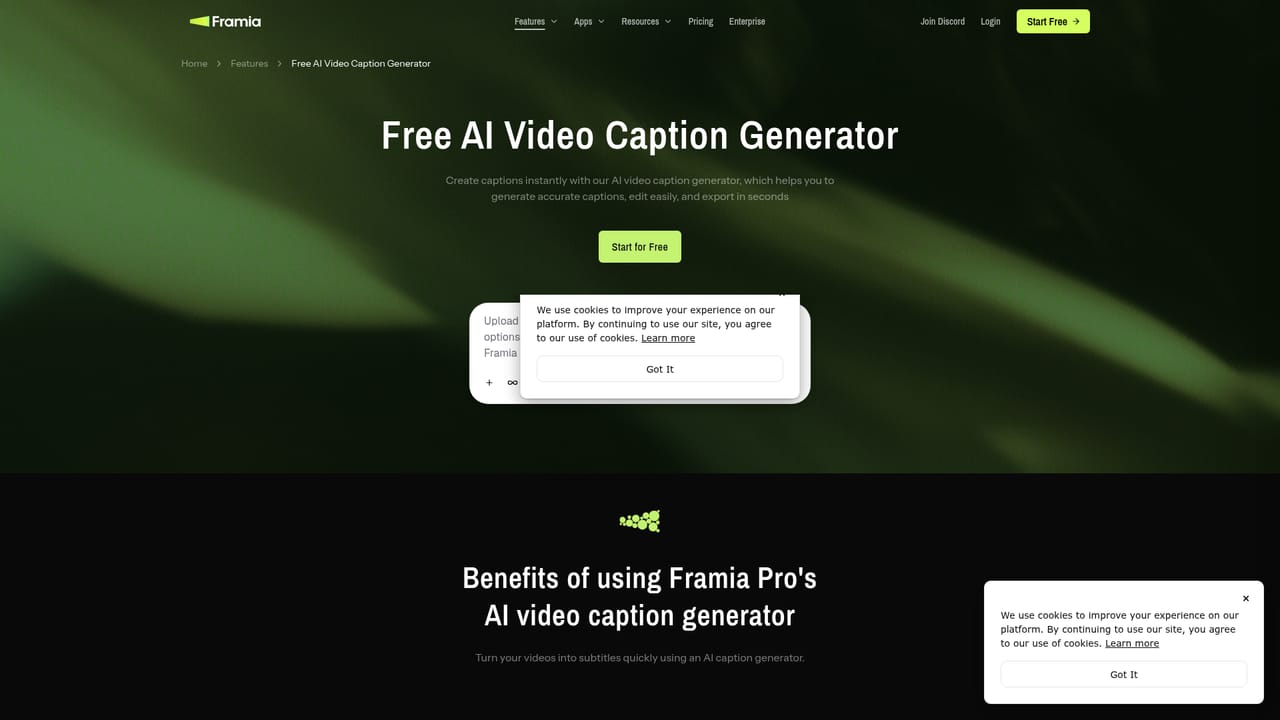
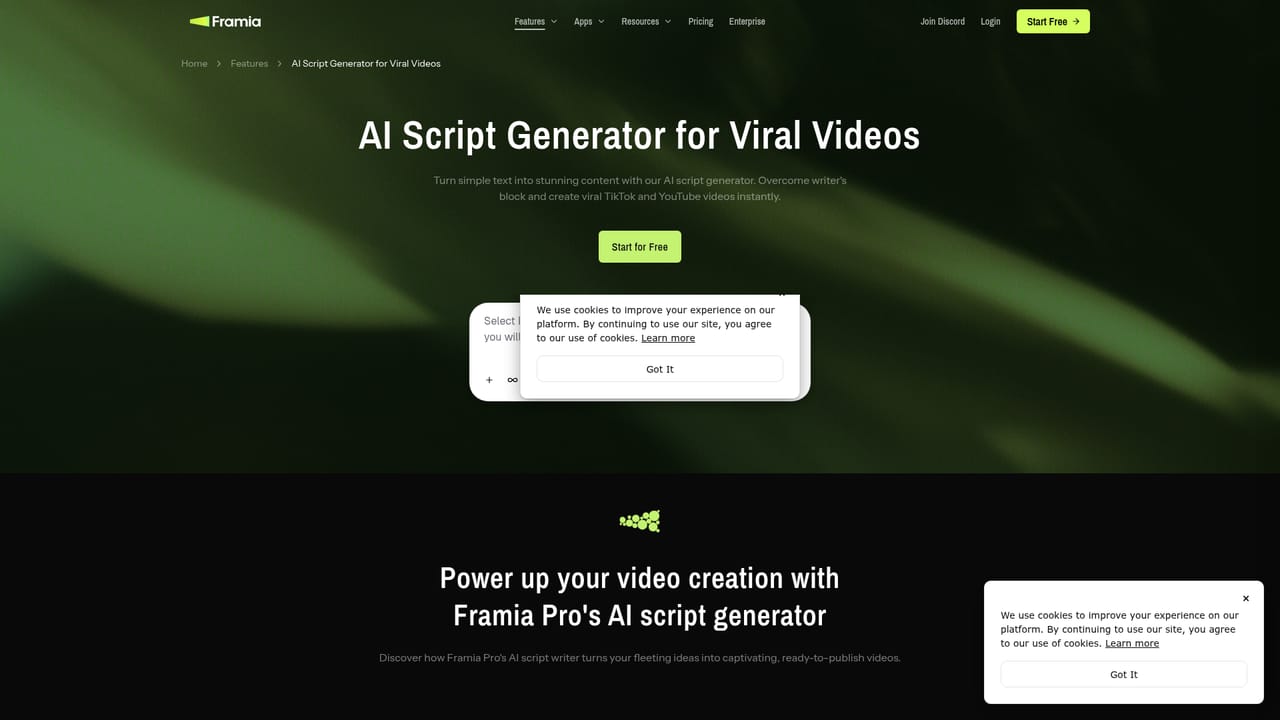
    Describe characters, setting and plot, or paste an existing script or chapter. The script generator can help structure episodes before scenes are produced.
    Framia — Draft the story and script
  3. 3Pick a skill and video model
    Select Short Video Director in Workflow, or the Video agent with the Shorts skill in Classic Canvas. Then choose a model, aspect ratio, duration and resolution.
  4. 4Review nodes and regenerate scenes
    Preview each scene for pacing, dialogue and character consistency. Regenerate weak scenes or change them with a text prompt.
    Framia — Review nodes and regenerate scenes
  5. 5Add captions, then export or publish
    Generate subtitles for the episode, then download the finished video or share it to connected social channels.
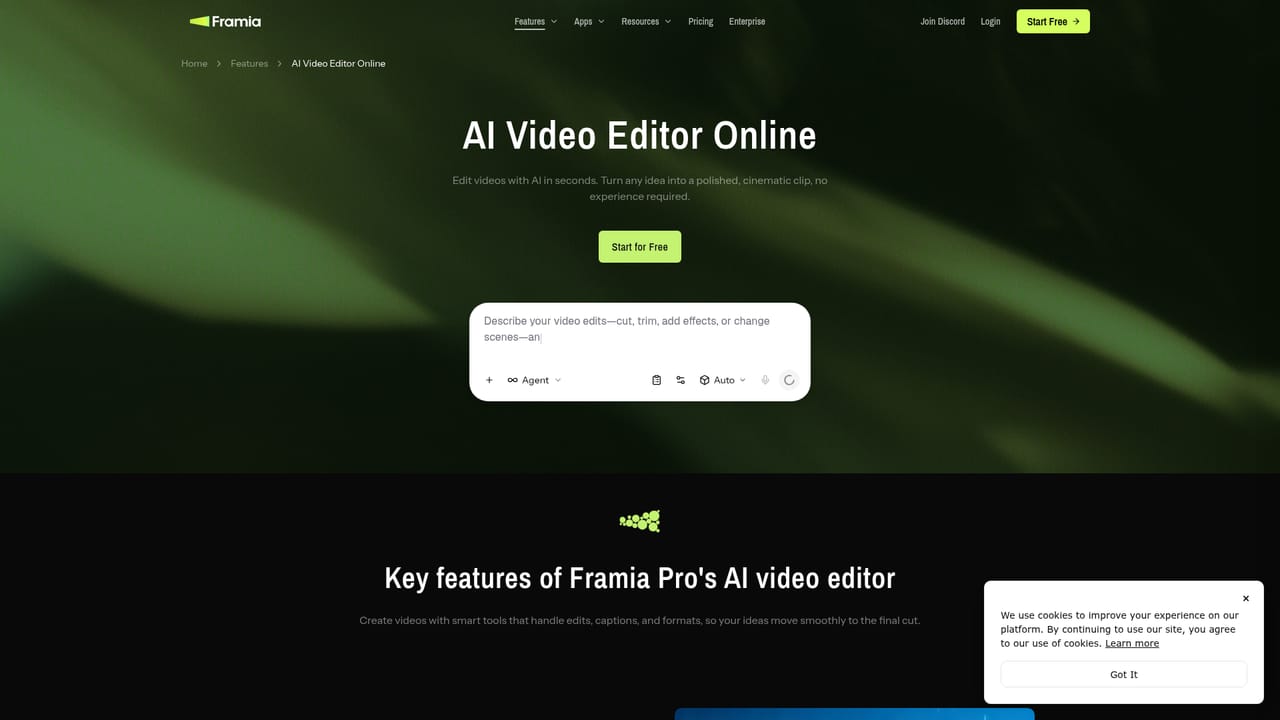
    Framia — Add captions, then export or publish

Pros and cons

Pros

  • Accepts scripts, plot outlines, novel excerpts or a bare idea as the starting pointAI
  • Three entry routes (templates, Workflow canvas, Classic Canvas) suit different levels of controlAI
  • Scenes can be regenerated individually instead of rebuilding the whole episodeAI
  • Offers several video generation models so style can be matched to genreAI
  • Planning, voices, captions, editing and social publishing sit in one workspaceAI

Cons

  • The node-based Workflow canvas adds a learning curve for casual usersAI
  • Plan prices and generation limits are not stated on the page, so cost is unclearAI
  • Character consistency across scenes must be checked manually and may need regenerationAI
  • Results depend on the selected video model, and the page does not compare their qualityAI
  • Account sign-in is required before any project can be startedAI

How much does Framia cost?

Free trial

A Start for Free entry point is shown, though the page does not explain what the free tier includes or how long it lasts.

Learn more

Pricing

The page offers a Start for Free button but does not list plan names, prices or generation limits.

Learn more

Integrations

Finished videos can be shared directly to connected social media channels such as TikTok, Reels and Shorts; no other integrations are described.

Features

AI story planning, script generation, character and scene creation, multiple video models, voices, captions, node-based Workflow and Classic canvases, storyboard video editor, selective scene regeneration, templates, and export or direct social publishing.

Learn more

Frequently asked questions about Framia

  • How much does Framia cost?
    The page offers a Start for Free button but does not list plan names, prices or generation limits.
  • Does Framia offer a free trial?
    A Start for Free entry point is shown, though the page does not explain what the free tier includes or how long it lasts.
  • How do you use Framia?
    The walkthrough on this page covers 5 steps: 1. Sign in and open the workspace 2. Draft the story and script 3. Pick a skill and video model 4. Review nodes and regenerate scenes 5. Add captions, then export or publish.
  • What platforms does Framia support?
    Framia is available on Web App.
  • What does Framia integrate with?
    Finished videos can be shared directly to connected social media channels such as TikTok, Reels and Shorts; no other integrations are described.
  • What are the limitations of Framia?
    The node-based Workflow canvas adds a learning curve for casual users. Plan prices and generation limits are not stated on the page, so cost is unclear. Character consistency across scenes must be checked manually and may need regeneration.

Status

StatusActive
Views0
Outbound clicks0
Added10/18/2026

Platforms

Web App

Pricing

Freemium