Support
Support runs through the homepage contact form, where you describe your needs and the category that fits you. No help centre or documentation portal is linked.
IP protection for brands and creators: fingerprint, detect, enforce

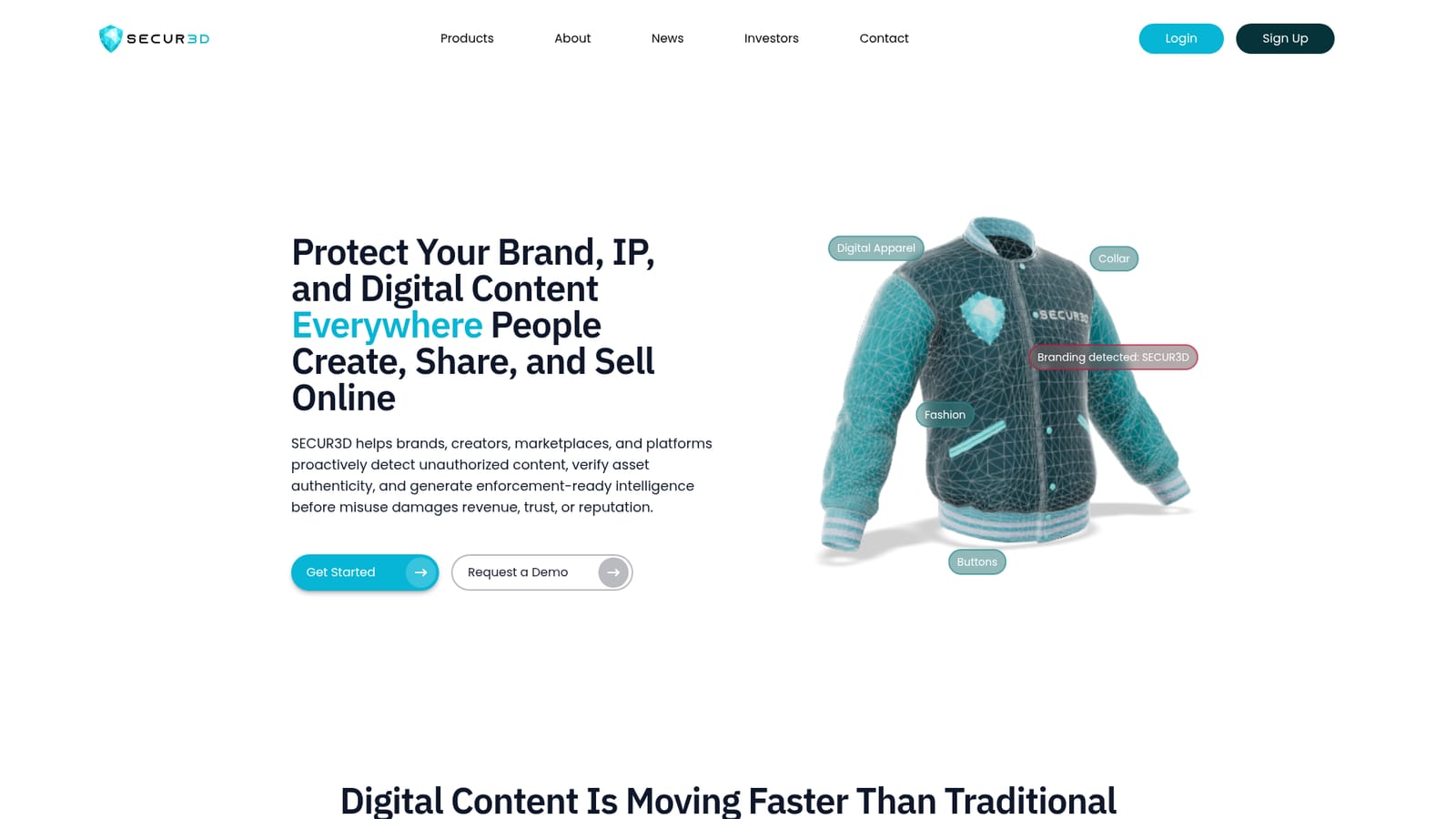
SECUR3D is an IP and brand protection platform for marketplaces, studios, brands, and creators. Its Sherlock AI engine fingerprints 2D and 3D assets using geometry, texture, and brand signals, then flags duplicates, clones, and derivative works. AssetSafe screens uploads in real time; Sentry monitoring and a Creator Portal are still in development.
SECUR3D is a brand and IP protection platform aimed at the places where digital assets leak: online marketplaces, UGC platforms, and the wider web. Its core premise is that manual moderation cannot keep pace with AI-generated and AI-modified uploads, so detection has to happen automatically and early. The company positions the product around three outcomes: catching unauthorized use, confirming that an asset is genuine, and producing documentation that a legal or brand team can act on. The stack rests on an in-house technology called Sherlock AI, which combines digital fingerprinting, asset analysis, and human production expertise. Fingerprints are built from geometry, texture, and brand signals rather than simple image matching, which is what allows the system to flag duplicates, stolen files, altered versions, and derivative works across both 2D and 3D content. Three products sit on top of that engine. AssetSafe, the only one described as in market, screens uploads in real time so marketplaces and platforms can assess brand, IP, and asset risk before content goes live. Sentry is in development as always-on monitoring across marketplaces and channels, and Creator Portal is planned for creators who want verification and ownership signals across a partner network. The product fits three broad audiences. Marketplaces and platforms use it to cut manual review and tighten compliance before publication. Studios and developers use it to find clones, lookalikes, and derivative works of their IP. Brands and creators use it to surface risk and assemble structured evidence for enforcement. Compared with reverse image search or general content moderation tools, SECUR3D is narrower but deeper, built for licensing and rights workflows rather than community safety. The published figures (25,000+ assets analyzed, a 98 percent reduction in manual review costs, 9x workflow efficiency) come from the vendor and have not been independently verified. Buyers should note that two of the three products are not yet generally available, and pricing is not disclosed on the homepage. Access starts with a signup or a demo request through the contact form.
Support runs through the homepage contact form, where you describe your needs and the category that fits you. No help centre or documentation portal is linked.
Sherlock AI combines digital fingerprinting, asset analysis, and human production expertise. AssetSafe (in market) analyzes uploads in real time to detect brand, IP, and asset risk before content goes live. Sentry (in development) monitors marketplaces and digital channels for clones and derivative works. Creator Portal (planned) is intended to give creators verification and ownership tools across partner platforms.
 AI Angels400+ customizable AI girlfriends for NSFW chat, voice calls, and roleplay
 Candy AIExperience the future of companionship with AI friends who chat, role-play, and connect with you on a human level.
 ourdream.aiA vast AI roleplay platform with millions of characters for chat, images, video and voiceAI Angels400+ customizable AI girlfriends for NSFW chat, voice calls, and roleplayCandy AIExperience the future of companionship with AI friends who chat, role-play, and connect with you on a human level.ourdream.aiA vast AI roleplay platform with millions of characters for chat, images, video and voice


