Free trial
A 7 day free trial is offered on the Premium plan, according to the pricing section of the homepage.
Learn moreAI that builds your daily schedule and sharpens your tasks.

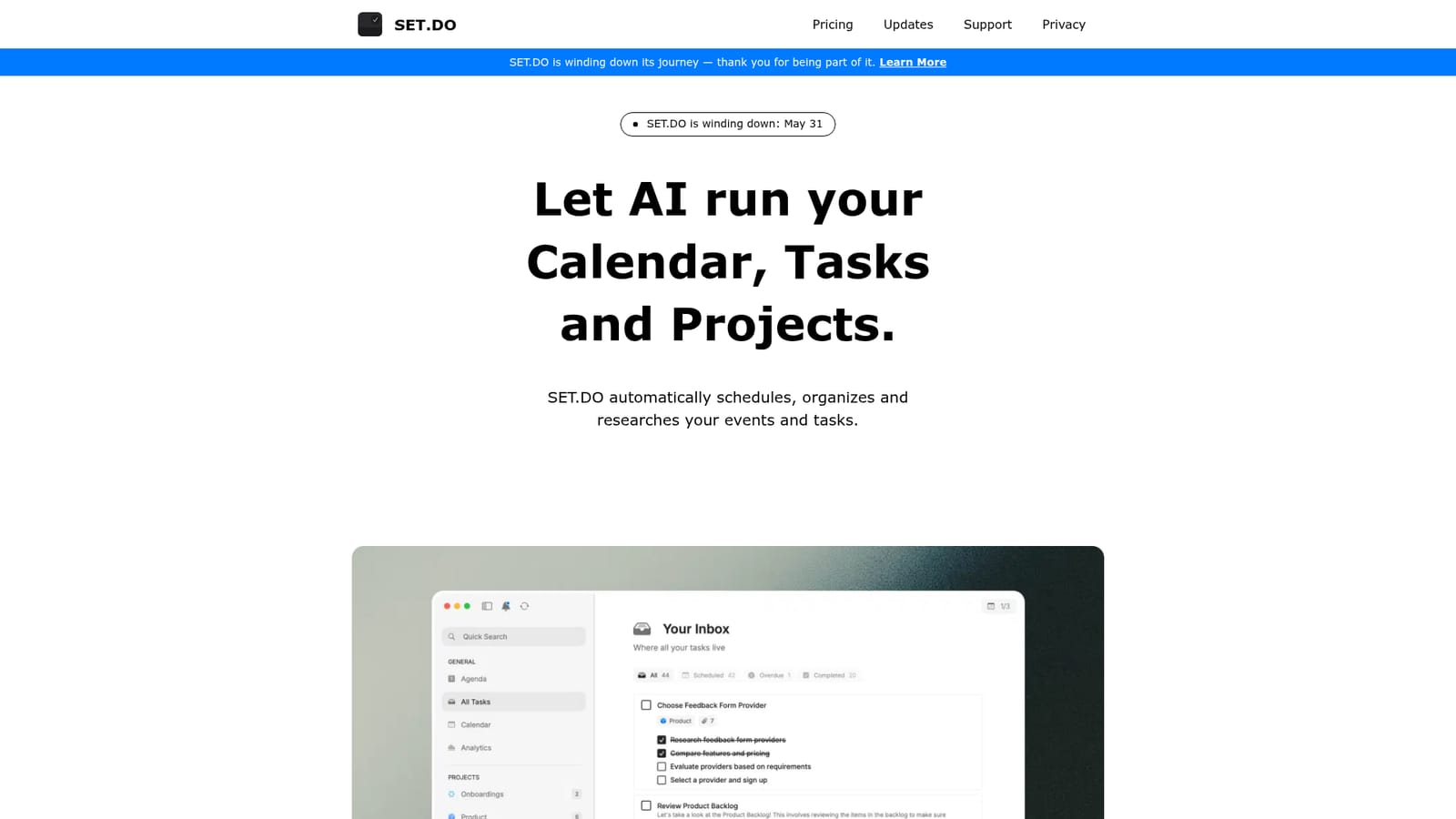
SET.DO is an AI calendar and task manager that builds a daily schedule automatically, resolves conflicts, and expands tasks with research, subtasks and duration estimates. It syncs two way with Google, Apple and Outlook calendars and runs on Mac, iPhone and the web.
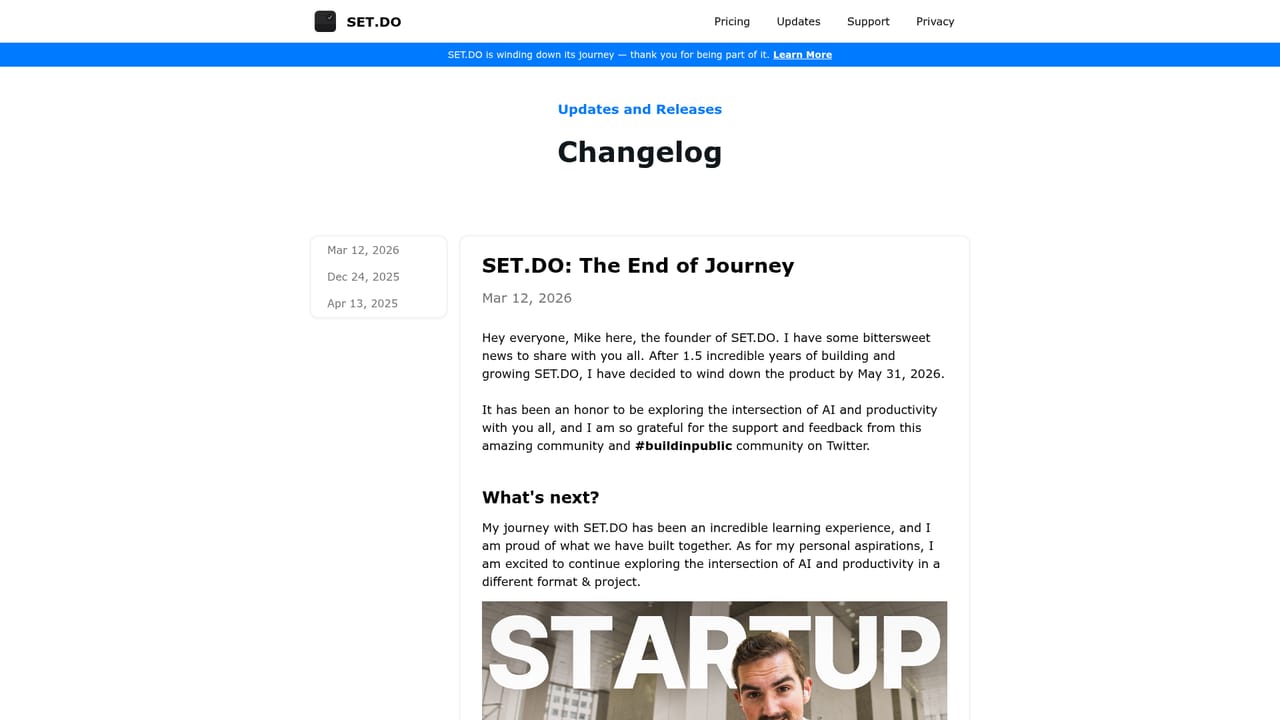
SET.DO is a calendar and task manager built around an AI scheduling layer. Instead of asking you to drag blocks around until a plan looks right, it assembles a daily schedule on its own, resolving conflicts between events and keeping deadlines in view. The premise is that planning is overhead, and a tool that drafts the day for you removes most of that overhead. The task side goes beyond list keeping. SET.DO takes a vague entry and turns it into something workable: it generates research, breaks the item into subtasks, writes a description and estimates how long the work will take. That makes it useful for people who capture tasks quickly and dread the follow-up work of clarifying them later. Projects group related tasks, habit tracking handles recurring routines, and productivity stats show where the time actually goes. The interface supports drag and drop time blocking for anyone who wants to override the AI draft. Calendars connect with two way sync to Google, Apple and Outlook, so meetings can be created and events managed without leaving the app. Visibility controls let you decide which calendars appear, reminders keep tasks from slipping, and summary notifications bundle what is coming up. It runs as a Mac app, an iPhone app and a web app, which suits someone who plans at a desk and checks the day from a phone. The fit is individual knowledge workers rather than large teams: freelancers, students and self-managed professionals who juggle meetings and personal task lists in one place. Compared with conventional calendar apps, the differentiator is the automatic scheduling and the task research, not the calendar grid itself. Buyers should note the timeline before committing: SET.DO has announced it is winding down, with a shutdown date of May 31, so the product is best treated as a short term option rather than a long term home for your data.
A 7 day free trial is offered on the Premium plan, according to the pricing section of the homepage.
Learn morePremium Monthly is $30 per month. Premium Yearly is billed annually at an effective $20.75 per month, advertised as 30 percent savings, and includes everything in Monthly with cancel anytime. Listed benefits include AI scheduling, AI features, unlimited projects, calendar integrations and analytics. Non profits and students are directed to contact support for discounts.
Learn moreThe site offers a support page for questions, student and non profit discount requests and team enquiries, plus a bookable demo call described as a friendly tour rather than a sales pitch.
Learn moreTwo way sync with Google, Apple and Outlook calendars is advertised, allowing meetings to be created and events managed inside SET.DO. No other integrations are described on the homepage.
Core features include AI powered scheduling that builds a daily plan and resolves conflicts, AI smart tasks with research, subtasks, descriptions and duration estimates, drag and drop time blocking, custom projects, productivity stats, task reminders, habit tracking, visibility control over calendars, and summary notifications.
 AI Angels400+ customizable AI girlfriends for NSFW chat, voice calls, and roleplay
 Candy AIExperience the future of companionship with AI friends who chat, role-play, and connect with you on a human level.
 ourdream.aiA vast AI roleplay platform with millions of characters for chat, images, video and voiceAI Angels400+ customizable AI girlfriends for NSFW chat, voice calls, and roleplayCandy AIExperience the future of companionship with AI friends who chat, role-play, and connect with you on a human level.ourdream.aiA vast AI roleplay platform with millions of characters for chat, images, video and voice


