SheetSavvy AI

An AI copilot that plugs into Excel and Google Sheets

Beginner
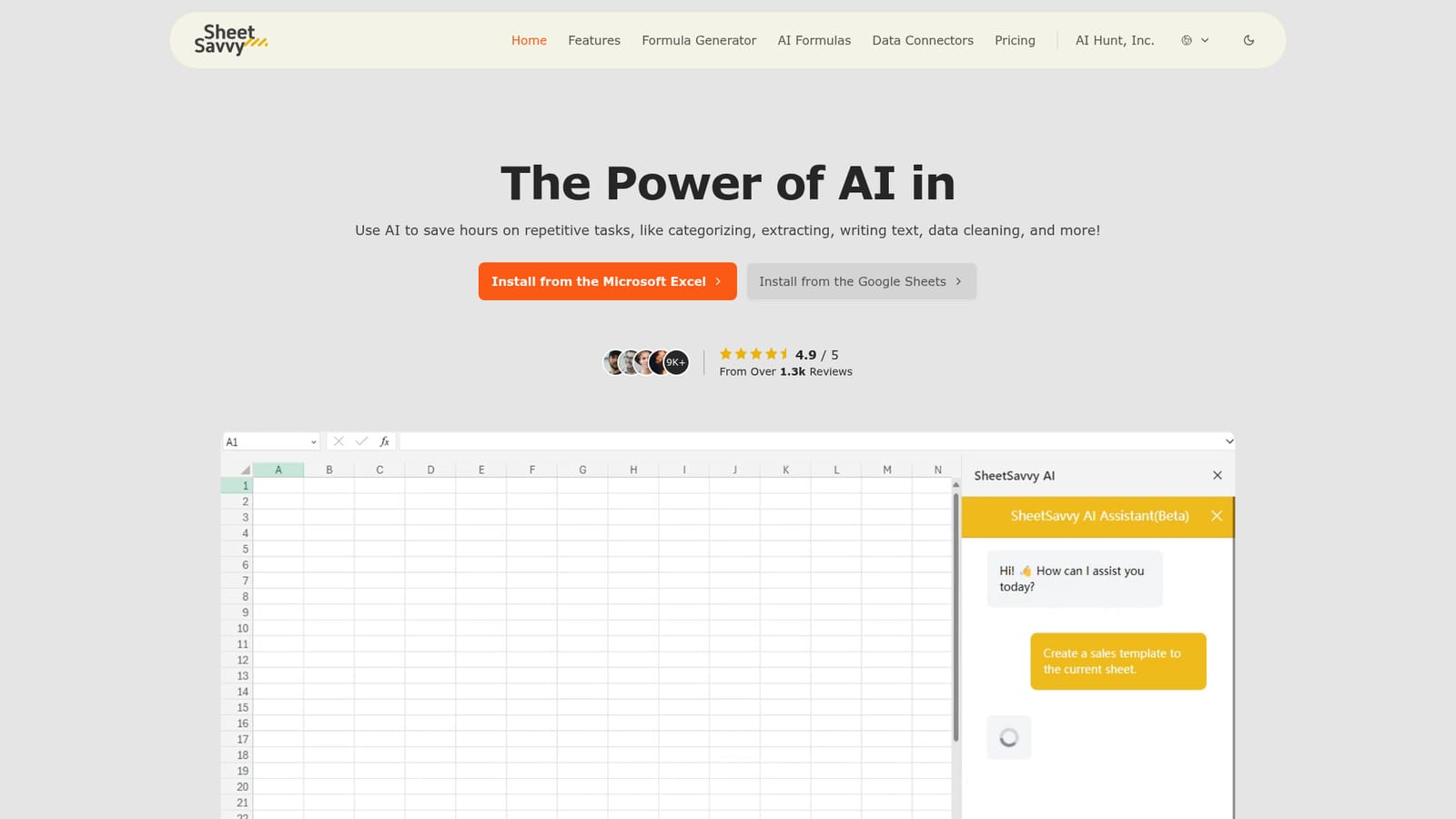
Screenshot of SheetSavvy AI, An AI copilot that plugs into Excel and Google Sheets

What is SheetSavvy AI?

SheetSavvy AI is an add-on for Excel and Google Sheets that writes formulas, cleans and categorizes data, summarizes ranges, and pulls live data through no-code connectors, all without leaving the workbook.

SheetSavvy AI is an add-on for Microsoft Excel and Google Sheets that brings a language model assistant inside the grid. Rather than pasting data into a separate web tool, users keep working in their existing workbook and the add-on reads the surrounding context (sheet title, headers, and data layout) so its answers fit the actual structure of the file. The catalog positions it around four jobs: template creation, formula generation, data analysis, and live imports. The AI Formulas feature is where most routine relief comes from. Users describe what they want in plain language and the tool returns a working formula, which is a meaningful shortcut for people who find nested lookups, conditional logic, or text parsing painful. Alongside that, the assistant handles categorizing and cleaning messy entries, extracts or writes text, summarizes ranges, and can run sentiment analysis over text columns. The separate formula generator is aimed at both writing and explaining calculations, so a reviewer can also understand what a colleague's spreadsheet is doing. The audience is broad and deliberately not technical. Operations staff, HR, finance analysts, and small teams that live in spreadsheets are the obvious fit, and the vendor claims 9k+ users with a 4.9 average from 1.3k reviews. Data Connectors let a sheet pull live figures from external tools without code, which matters for dashboards that otherwise get refreshed by hand. Against standalone AI analytics tools, SheetSavvy trades breadth for staying inside the spreadsheet; against generic chatbot plugins it leans harder on spreadsheet-specific tasks like formula repair and structured cleaning. Reviews on the site are testimonials rather than independent audits, so treat the 80% and 2.5x productivity claims as marketing.

How do you use SheetSavvy AI?

  1. 1Install the add-on in Excel or Google Sheets
    Choose the Microsoft AppSource or Google Workspace Marketplace listing from the homepage and install SheetSavvy AI into the spreadsheet app you already use.
    SheetSavvy AI — Install the add-on in Excel or Google Sheets
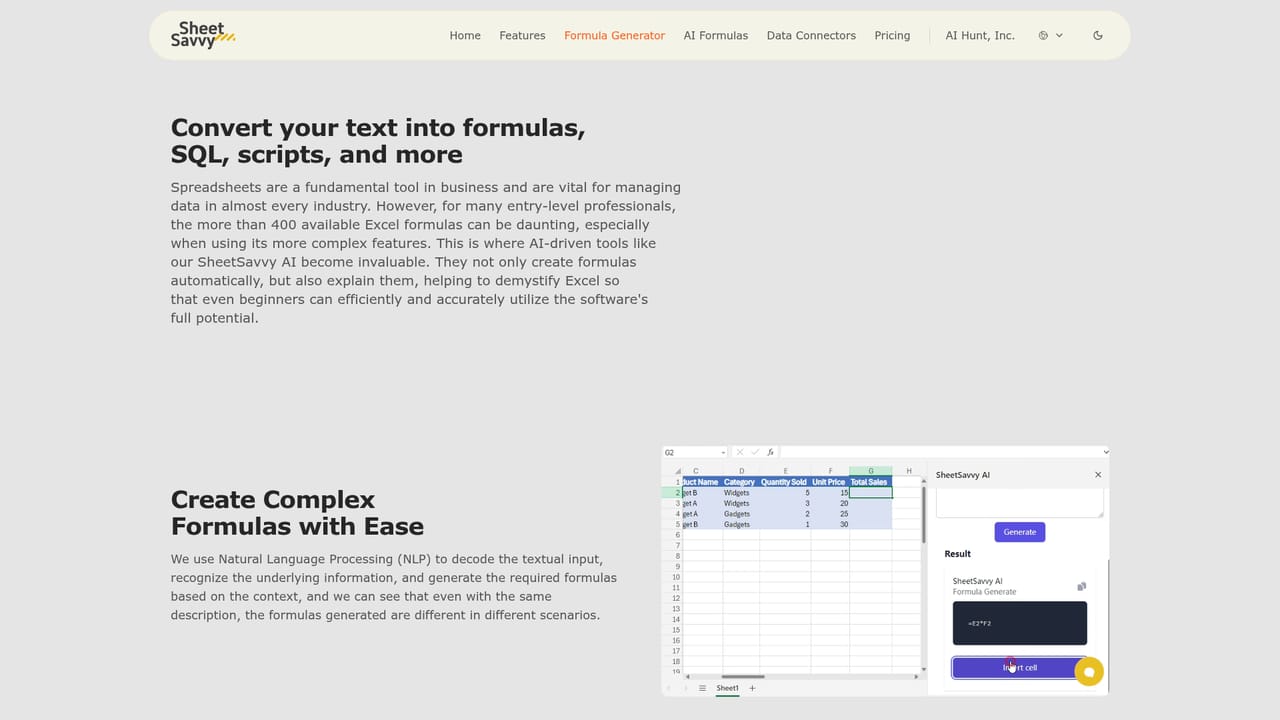
  2. 2Describe the formula you need
    Open the formula generator and write the calculation in ordinary language. The tool returns a formula you can paste into the sheet, with an explanation of how it works.
    SheetSavvy AI — Describe the formula you need
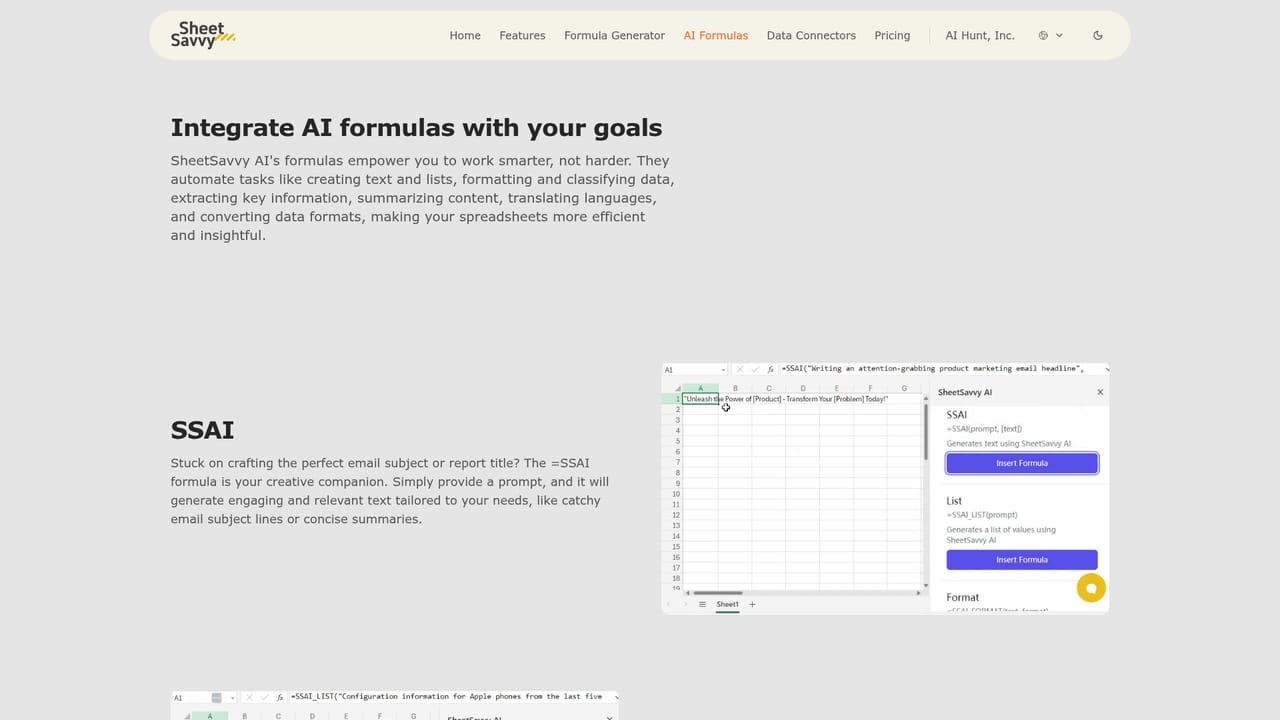
  3. 3Apply AI formulas to your data
    Use the AI formulas on existing columns to categorize entries, clean up inconsistent text, summarize ranges, or run sentiment analysis over text fields.
    SheetSavvy AI — Apply AI formulas to your data
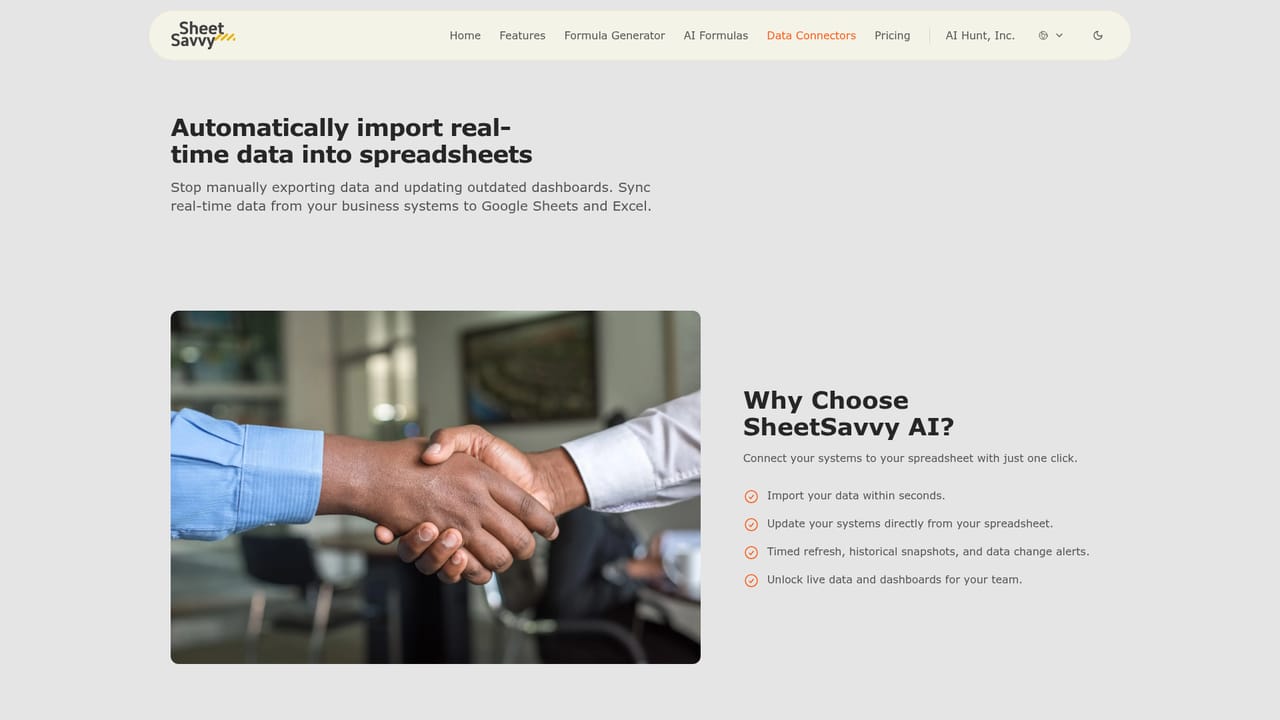
  4. 4Connect a live data source
    Set up a data connector to pull figures from another tool straight into the sheet. No coding is required, and the imported data can be refreshed rather than retyped.
    SheetSavvy AI — Connect a live data source
  5. 5Ask the assistant for analysis and charts
    With data in place, prompt the AI assistant to build a template, summarize findings, or generate a visualization for the range you select.

Pros and cons

Pros

  • Works inside Excel and Google Sheets, so existing workbooks and formulas stay intactAI
  • Turns plain language descriptions into working formulas and can explain complex onesAI
  • Data Connectors import live data from other tools without any codingAI
  • AI assistant covers template creation, summaries, cleaning and sentiment analysisAI

Cons

  • Only available as a spreadsheet add-on; there is no standalone web app for quick jobsAI
  • The free plan caps formula generators and assistants at low monthly countsAI
  • Some request limits (Word/Docs, PPT/Slides) sit oddly for a spreadsheet-first productAI
  • Productivity figures and review scores come from vendor-published testimonials, not third-party testsAI
  • AI assistant access is labeled as limited on the three cheaper tiersAI

How much does SheetSavvy AI cost?

Pricing

Four tiers: Personal at $0 with GPT-3.5, 10 formula generators, 100 AI formula requests and 1 connector; Pro at $4.99 for GPT-4 and 100 formula generators; Premium at $9.99 with unlimited import rows; Ultimate at $29.99 with unlimited generators and 10+ connectors. First subscription gets 50% off.

Learn more

Support

Community support on the free plan, email support from Pro upward, and priority support on Ultimate. A contact page handles custom enterprise quotes.

Learn more

Integrations

Connectors import live data from external tools into a sheet without coding; the product itself installs through Microsoft AppSource for Excel and the Google Workspace Marketplace for Sheets.

Learn more

Features

An AI assistant for templates, summaries, analysis and charts; AI formulas for categorizing, cleaning, extracting text and sentiment analysis; a formula generator that writes and explains Excel and Google Sheets calculations; and no-code data connectors that import live data, capped by plan on connector count and import rows.

Learn more

Frequently asked questions about SheetSavvy AI

  • How much does SheetSavvy AI cost?
    Four tiers: Personal at $0 with GPT-3.5, 10 formula generators, 100 AI formula requests and 1 connector; Pro at $4.99 for GPT-4 and 100 formula generators; Premium at $9.99 with unlimited import rows; Ultimate at $29.99 with unlimited generators and 10+ connectors. First subscription gets 50% off.
  • How do you use SheetSavvy AI?
    The walkthrough on this page covers 5 steps: 1. Install the add-on in Excel or Google Sheets 2. Describe the formula you need 3. Apply AI formulas to your data 4. Connect a live data source 5. Ask the assistant for analysis and charts.
  • What platforms does SheetSavvy AI support?
    SheetSavvy AI is available on Web App, Windows, MacOS and Browser extension.
  • What does SheetSavvy AI integrate with?
    Connectors import live data from external tools into a sheet without coding; the product itself installs through Microsoft AppSource for Excel and the Google Workspace Marketplace for Sheets.
  • What are the limitations of SheetSavvy AI?
    Only available as a spreadsheet add-on; there is no standalone web app for quick jobs. The free plan caps formula generators and assistants at low monthly counts. Some request limits (Word/Docs, PPT/Slides) sit oddly for a spreadsheet-first product.

Status

StatusActive
Views0
Outbound clicks0
Added10/21/2026

Platforms

Web AppWindowsMacOSBrowser extension

Pricing

FreeFreemiumSubscription