Shelby

S3-compatible object storage built for AI workloads that move between machines

Advanced API
Screenshot of Shelby, S3-compatible object storage built for AI workloads that move between machines

What is Shelby?

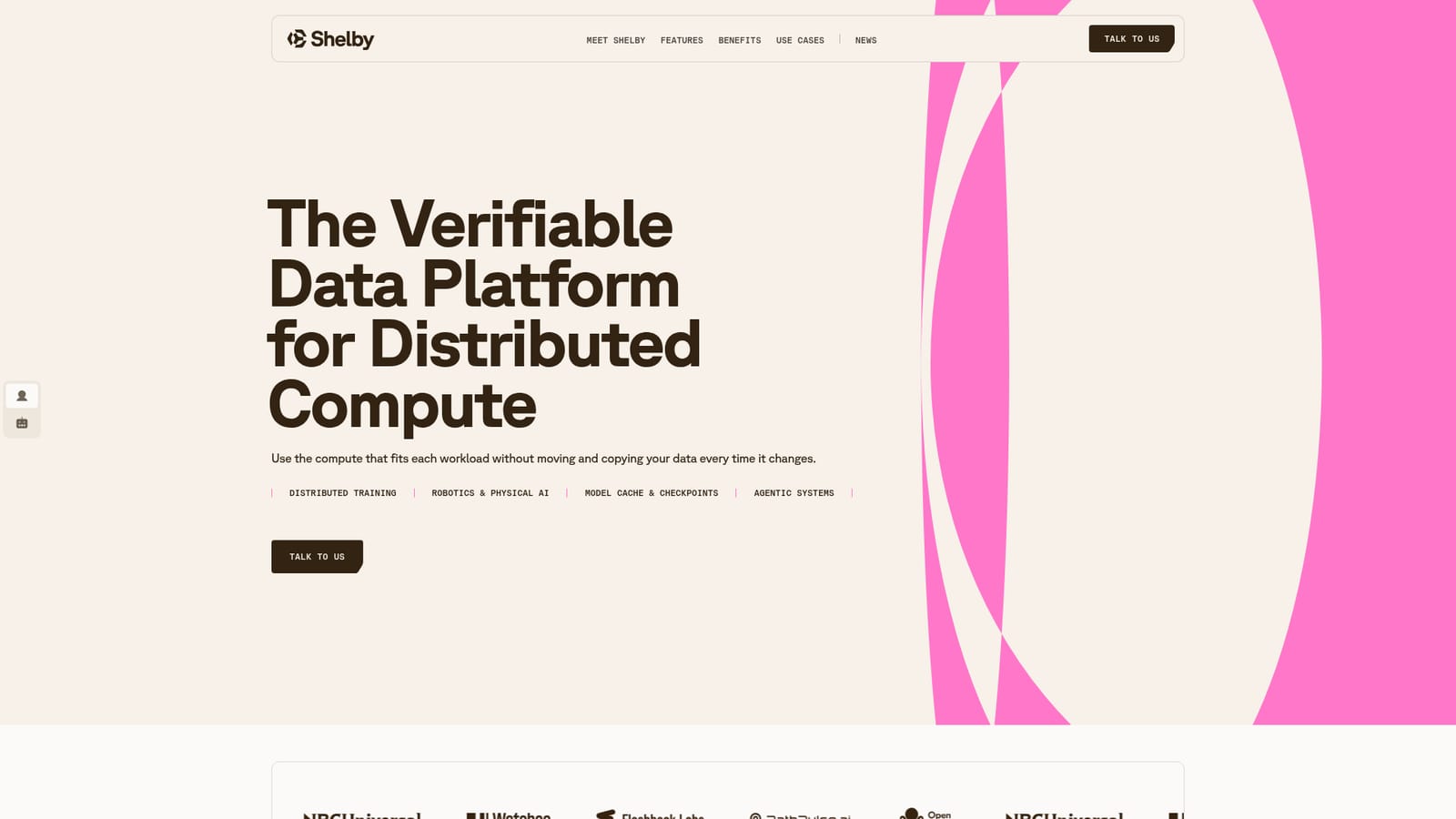
Shelby is a productivity tool. S3-compatible object storage for AI, agents and distributed compute, with one data address, controlled placement and a cryptographic record created at upload. Currently onboarding select workloads in private beta.

Shelby is an S3-compatible object storage platform aimed at AI workloads that run across changing compute environments. The pitch is straightforward: instead of rebuilding or re-copying your data layer every time you add a training cluster, a robotics pipeline or a new model serving environment, you keep one data address and point different compute at it. Because the interface follows the S3 standard, existing tools and SDKs keep working without a rewrite. The company positions this against the usual practice of standing up a fresh bucket or replica for each new environment. The feature set is organised around three ideas. First, one address with global access: workloads stay attached to the same data, and you control which approved locations are allowed to hold it. Second, fewer copies: erasure-coded placement is offered as a way to recover data without keeping a complete second copy, and the platform claims to cut down on sync jobs, duplicated permissions and version reconciliation. Third, a cryptographic record created at write, which is meant to prove who uploaded an object, show which approved locations hold it, and make tampering detectable rather than relying on logs written after the fact. The tool is clearly built for engineering teams rather than casual users. Named use cases include agentic systems that need persistent data across sessions and models, robotics and physical AI pipelines that collect, process and train in different places, a shared origin for model weights and checkpoints, and distributed training that spans shifting hardware. Movement between Shelby locations carries no per-gigabyte Shelby charge, while external egress to the public internet is quoted alongside the capacity rate. Capacity is sized to a workload profile rather than sold as a fixed tier. Shelby is a managed offering that is onboarding select workloads during its private beta, so access currently runs through a conversation with the team rather than self-serve signup. It is engineered by people from Jump Trading Group's high-frequency systems and Aptos' infrastructure work. The closest alternatives are conventional cloud object stores and specialist AI data platforms; Shelby's differentiator is the combination of a familiar S3 surface with placement control and write-time cryptographic evidence.

How do you use Shelby?

  1. 1Review what Shelby is designed for
    Read the homepage sections on agentic systems, model cache, robotics and distributed training to confirm your workload fits the platform's focus before making contact.
    Shelby — Review what Shelby is designed for
  2. 2Catch up on the private beta
    The news posts explain the move from testnet to private beta and what the team learned along the way, which sets expectations for access and maturity.
    Shelby — Catch up on the private beta
  3. 3Request access through the contact form
    Use the talk to us form to describe your goal, your timeline and any specific infrastructure requirements so the team can assess the workload.
  4. 4Point your existing S3 tooling at the endpoint
    Once provisioned, connect with the S3-compatible tools and SDKs your pipelines already use, then set which approved locations may hold your data.
  5. 5Rely on the write-time record
    Each upload produces cryptographic evidence of how data was stored; use it to check the original uploader, confirm placement and detect inconsistencies.

Pros and cons

Pros

  • S3-compatible interface means existing tools and SDKs keep working without a rewriteAI
  • Placement control lets teams restrict which approved locations can hold their dataAI
  • Cryptographic evidence created at write supports proof of upload and proof of placementAI
  • No per-gigabyte Shelby charge for data movement between Shelby locationsAI
  • Erasure-coded placement offers resilience without maintaining a complete second copyAI

Cons

  • Currently in private beta with selective onboarding, so there is no self-serve path to startAI
  • No public pricing on the site; capacity and egress are quoted, which slows budget comparisonAI
  • External egress to the public internet is billed on top of the capacity rateAI
  • Sparse public detail on SDK coverage, region list and migration tooling from other S3 providersAI
  • Best suited to distributed AI infrastructure, with little value for small single-machine projectsAI

How much does Shelby cost?

Pricing

The homepage gives no list price. Capacity is sized to a workload profile, data movement between Shelby locations carries no per-gigabyte Shelby charge, and external egress to the public internet is quoted alongside the capacity rate.

Learn more

Support

Access and onboarding start with the talk to us contact form, where you can describe infrastructure requirements and book a time with the team.

Integrations

Works through the S3-compatible interface, so teams can keep the tools and SDKs they already use; no specific third-party integrations are listed on the homepage.

Features

One S3-compatible data address with global access and placement control, erasure-coded resilience with fewer copies to manage, and a cryptographic record created at each upload covering proof of upload, proof of placement and tamper evidence. Capacity scales with the workload profile.

Frequently asked questions about Shelby

  • How much does Shelby cost?
    The homepage gives no list price. Capacity is sized to a workload profile, data movement between Shelby locations carries no per-gigabyte Shelby charge, and external egress to the public internet is quoted alongside the capacity rate.
  • Does Shelby have an API?
    Yes, Shelby offers an API.
  • How do you use Shelby?
    The walkthrough on this page covers 5 steps: 1. Review what Shelby is designed for 2. Catch up on the private beta 3. Request access through the contact form 4. Point your existing S3 tooling at the endpoint 5. Rely on the write-time record.
  • What platforms does Shelby support?
    Shelby is available on Web App.
  • What does Shelby integrate with?
    Works through the S3-compatible interface, so teams can keep the tools and SDKs they already use; no specific third-party integrations are listed on the homepage.
  • What are the limitations of Shelby?
    Currently in private beta with selective onboarding, so there is no self-serve path to start. No public pricing on the site; capacity and egress are quoted, which slows budget comparison. External egress to the public internet is billed on top of the capacity rate.

Status

StatusActive
Views0
Outbound clicks0
Added10/21/2026

Platforms

Web App

Pricing

Paid


