ShipAny

Agent-ready SaaS framework with auth, payments and credits built in

Intermediate
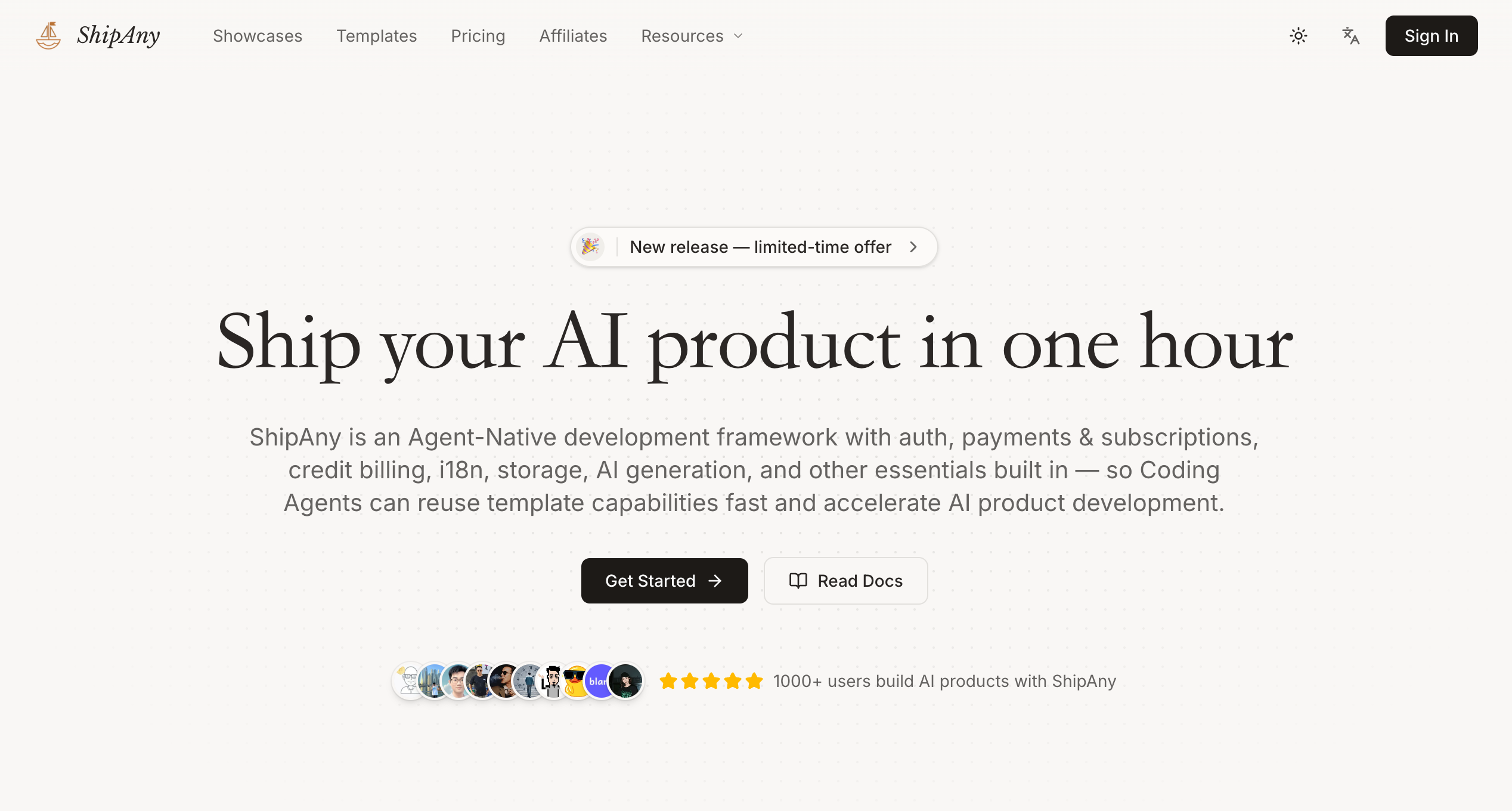
Screenshot of ShipAny, Agent-ready SaaS framework with auth, payments and credits built in

What is ShipAny?

ShipAny is a paid template framework for launching AI SaaS products. It bundles auth, payments, credit billing, i18n, storage and admin tools, plus Agent Skills so coding agents like Claude Code can customize and deploy the project.

ShipAny is a development framework and template library for people building AI products as web apps. Instead of assembling authentication, payments, subscriptions, credit billing, internationalization, file storage and AI generation by hand, a developer starts from a ready-made template that already wires these pieces together. The framework is designed to be driven by coding agents, so the codebase is structured to give an agent clean context to extend. In practice, the workflow starts with joining ShipAny Premium, which unlocks member pricing on the official templates. After choosing a template and activating it from the orders area, the buyer gets access to a GitHub repository, clones it and opens it in a coding agent such as Claude Code, Codex, Cursor or VS Code. The templates ship with Agent Skills, slash commands like a quick-start that builds a SaaS from one sentence, a website cloner, commands for adding modules, pages and static pages, a pre-commit security scan, upstream sync and a one-command Cloudflare deploy. The finished project is pushed to a private repository and deployed to a platform such as Vercel, Cloudflare, Netlify, AWS or Dokploy. Included essentials cover landing blocks, a pricing page, a blog, MDX pages, a user dashboard with credits balance, billing history, API keys and support tickets, and an admin panel with role-based permissions, orders, credit grants and provider settings for payment, email, storage and AI. The stack named on the site includes Next.js, React, Tailwind CSS, shadcn/ui, Supabase, Drizzle ORM, Better Auth, Stripe, Creem, Cloudflare R2 and Resend, with a TanStack Start variant also offered. ShipAny suits indie developers, small teams and technically inclined founders who want to launch an AI image, video or chat product quickly and keep full ownership of the code. Compared with generic SaaS boilerplates, its focus is on AI-specific templates and agent-driven customization. Compared with no-code builders, it assumes comfort with Git, a coding agent and deployment, and templates are paid purchases rather than a hosted service.
How do you use ShipAny?

  1. 1Join ShipAny Premium
    Review the plans and join Premium to unlock official templates at member prices.
  2. 2Pick a template
    Compare the image, video and TanStack templates, then choose the one closest to your product idea.
  3. 3Activate and clone the repo
    Activate the template from your orders to receive GitHub access, then clone the repository locally.
  4. 4Run the quick-start skill
    Open the project in a coding agent such as Claude Code and run the quick-start skill with a one-sentence product brief.
  5. 5Configure providers and deploy
    Set up payment, email, storage and AI providers, push to a private repository and deploy to your chosen platform.

Pros and cons

Pros

  • Auth, payments, subscriptions, credit billing and admin panel come pre-wired, which removes weeks of repetitive SaaS setupAI
  • Agent Skills such as quick-start and new-module let coding agents extend the codebase with little manual workAI
  • Specialized templates for image generators, video generators and agent-style products fit common AI product ideasAI
  • Works with several coding agents and deploys to Vercel, Cloudflare, Netlify, AWS or DokployAI
  • Buyers get a GitHub repository, so the code is theirs to modify and host privatelyAI

Cons

  • Access requires paying for ShipAny Premium and individual templates, so there is no fully free route to the full codebaseAI
  • Assumes comfort with Git, a coding agent and deployment, which rules out non-technical users who want a hosted builderAI
  • The stack is centered on Next.js and TanStack, so teams on other frameworks get little benefitAI
  • Launch-in-one-hour claims depend on provider setup, such as Stripe and storage, and on the agent's output qualityAI
  • AI generation costs and model provider accounts are separate, and the homepage does not explain them in detailAI

How much does ShipAny cost?

Pricing

Templates are listed at $199 each, with discounted member prices through ShipAny Premium (for example $49 to $99 for several image and video templates). A limited-time offer is advertised. Full plan details are on the pricing page.

Learn more

Support

The site offers a Getting Started guide and a support tickets area inside the user dashboard. Response times are not stated on the homepage.

Learn more

Integrations

Works with Claude Code, Codex, Cursor, VS Code and OpenCode, plus Stripe, Creem, Supabase, Cloudflare R2, Resend and Better Auth. Deploys to Vercel, Cloudflare, Netlify, AWS and Dokploy.

Features

Nearly 100 built-in SaaS essentials: landing blocks, pricing page, blog, MDX pages, i18n, user dashboard with credits, billing and API keys, admin panel with RBAC, plus Agent Skills for quick-start, cloning, modules, security scans and Cloudflare deploys.

Learn more

Frequently asked questions about ShipAny

  • How much does ShipAny cost?
    Templates are listed at $199 each, with discounted member prices through ShipAny Premium (for example $49 to $99 for several image and video templates). A limited-time offer is advertised. Full plan details are on the pricing page.
  • How do you use ShipAny?
    The walkthrough on this page covers 5 steps: 1. Join ShipAny Premium 2. Pick a template 3. Activate and clone the repo 4. Run the quick-start skill 5. Configure providers and deploy.
  • What platforms does ShipAny support?
    ShipAny is available on Web App.
  • What does ShipAny integrate with?
    Works with Claude Code, Codex, Cursor, VS Code and OpenCode, plus Stripe, Creem, Supabase, Cloudflare R2, Resend and Better Auth. Deploys to Vercel, Cloudflare, Netlify, AWS and Dokploy.
  • What are the limitations of ShipAny?
    Access requires paying for ShipAny Premium and individual templates, so there is no fully free route to the full codebase. Assumes comfort with Git, a coding agent and deployment, which rules out non-technical users who want a hosted builder. The stack is centered on Next.js and TanStack, so teams on other frameworks get little benefit.

Status

StatusActive
Views0
Outbound clicks0
Added11/12/2026

Platforms

Web App

Pricing

Paid