Sidekick Pro

An AI executive assistant that reads email, joins meetings, and answers calls.

Beginner
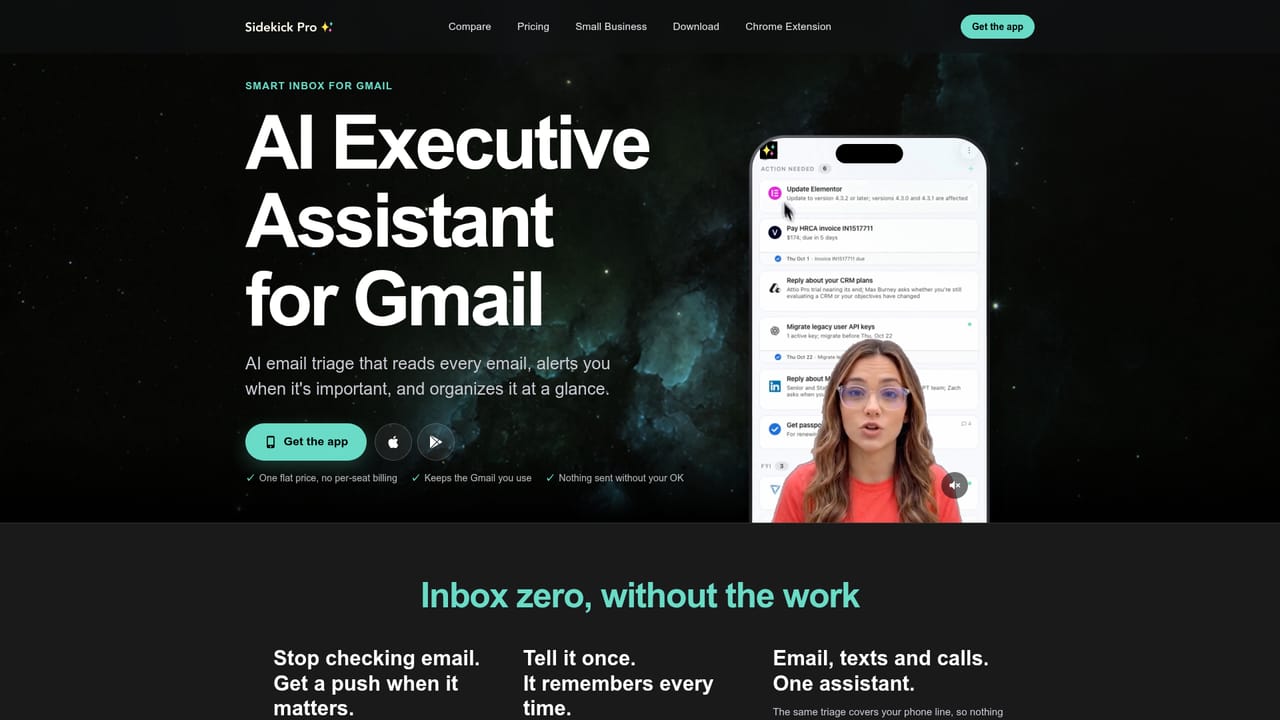
Screenshot of Sidekick Pro, An AI executive assistant that reads email, joins meetings, and answers calls

What is Sidekick Pro?

Sidekick Pro is an AI executive assistant that reads Gmail, manages your Google Calendar, works inside Chrome, screens calls, joins Zoom and Google Meet as a notetaker, and keeps persistent memory of people and projects. Plans start at $59 per month for individuals and $149 per month for teams.

Sidekick Pro positions itself as a personal agent for knowledge workers, and its scope is unusually wide. It connects to Gmail and Google Calendar to read every incoming message, pull out what matters, and place confirmed events on your schedule from emails, photos, or a passing remark. A Chrome agent works in background tabs while signed in as you, completing web tasks without taking over the browser window. The product also covers voice: an AI receptionist screens callers and books appointments, a notetaker joins Zoom and Google Meet sessions, and a phone line lets you run your day by voice when you have no data connection. The tool is aimed at founders, executives, and small teams who lose hours to inbox triage and calendar management. It is less a single-purpose chatbot than a bundle of delegated roles: assistant, receptionist, meeting scribe, and computer operator. Memory ties the roles together, retaining people, projects, preferences, and decisions across devices so context does not have to be repeated. In daily use the pattern is conversational. A morning brief surfaces conflicts and priorities; a request to reschedule triggers a text to the other party and a confirmation back. Skills cover repeated routines (summarizing PDFs, drafting cold emails, generating invoices, reconciling expenses, building landing pages), and any routine can be saved for the team to run. Sidekick also keeps native documents and tables, so projects can stay inside its workspace rather than spreading across separate apps. The underlying model layer is not disclosed; instead of competing on model choice, it competes with ChatGPT or Claude by owning your inbox, calendar, calls, and apps. Plans start at $59 per month for individuals, with team pricing from $149 per month.

How do you use Sidekick Pro?

  1. 1Install the app
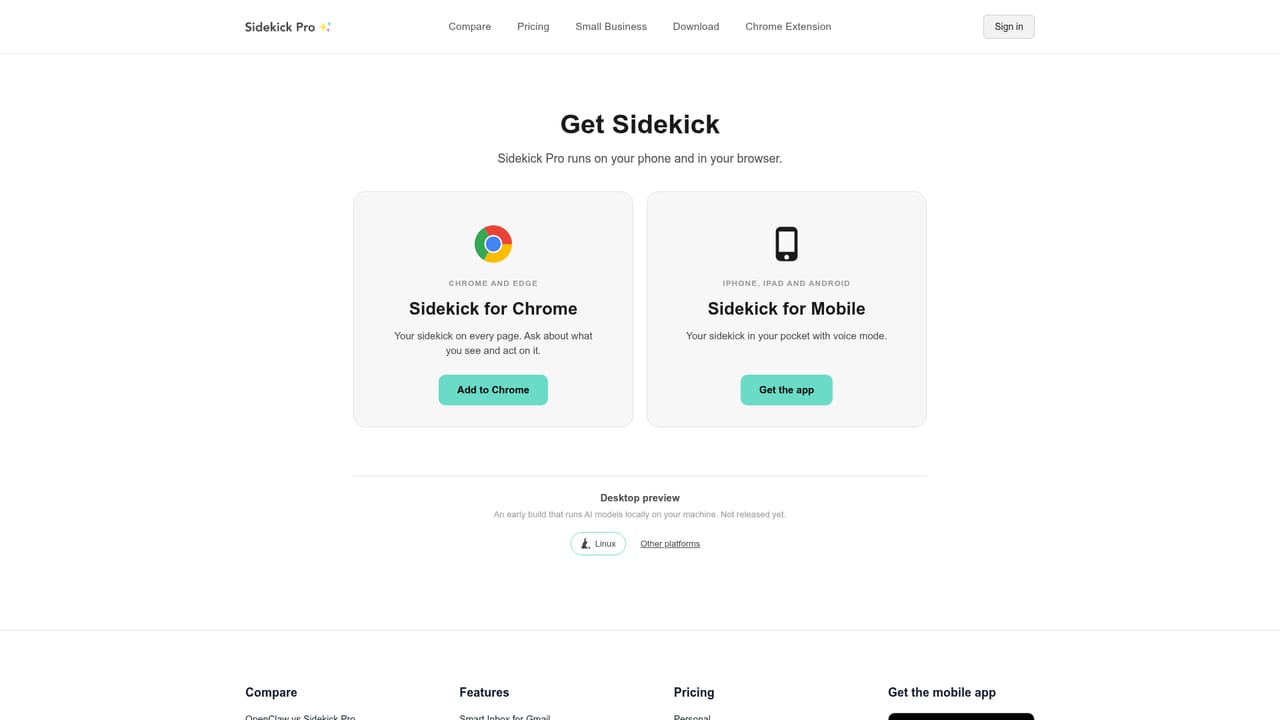
    Download Sidekick Pro for desktop or mobile from the download page, then sign in with the account you want the assistant to use.
    Sidekick Pro — Install the app
  2. 2Connect email and calendar
    Link Gmail and Google Calendar so Sidekick can read incoming mail, surface urgent items, and add events with full details.
    Sidekick Pro — Connect email and calendar
  3. 3Review your morning brief
    The daily brief lists conflicts and priorities. Reply in chat to reschedule, reply, or delegate a task without opening your inbox.
  4. 4Add the meeting notetaker
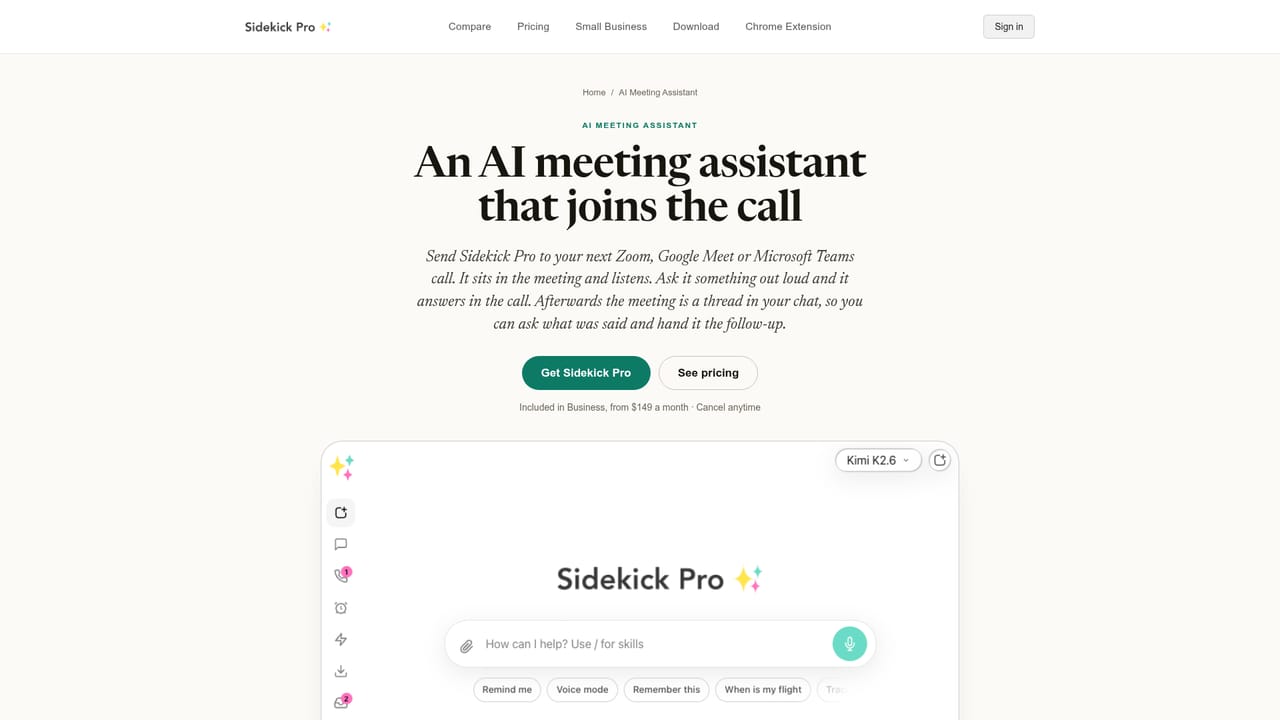
    Enable the notetaker for Zoom and Google Meet so it joins calls, captures notes, and answers when called on.
    Sidekick Pro — Add the meeting notetaker
  5. 5Set up the AI receptionist
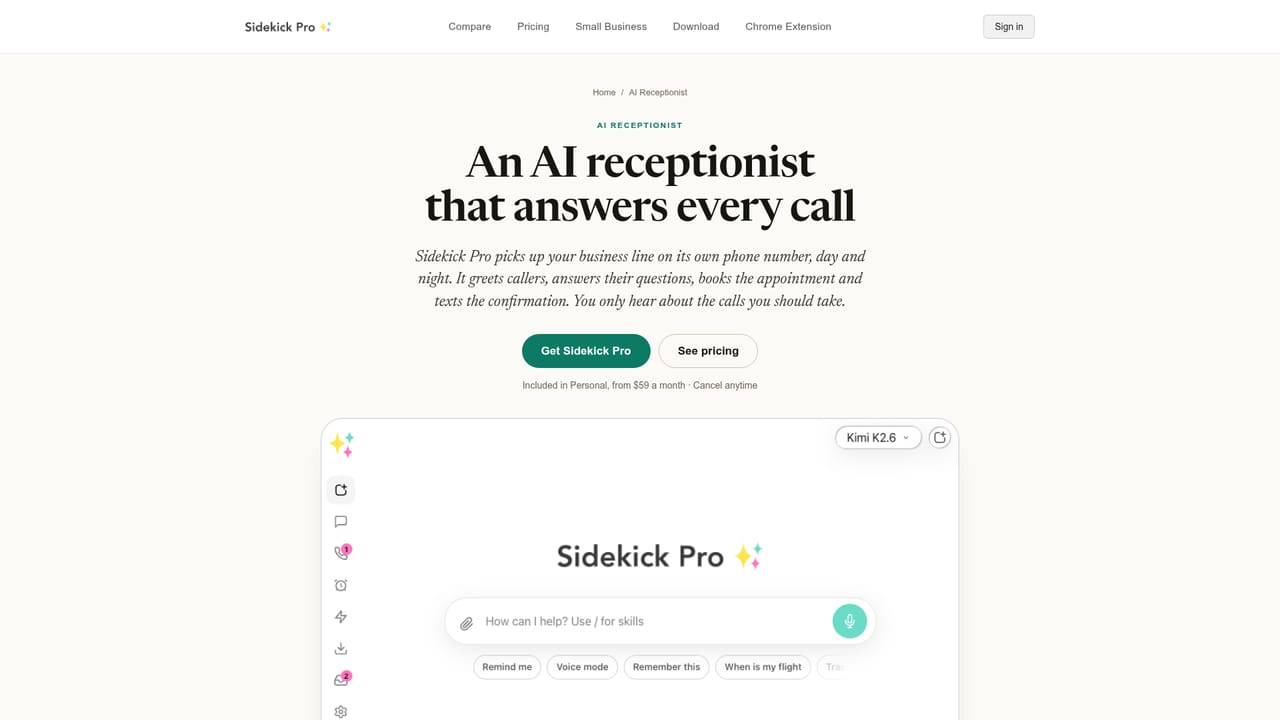
    Configure call screening, appointment booking, and hold music so your line is answered when you cannot pick up.
    Sidekick Pro — Set up the AI receptionist
  6. 6Connect your other apps
    Browse the app directory and connect tools such as Slack, Notion, HubSpot, or GitHub to widen what Sidekick can act on.

Pros and cons

Pros

  • Combines inbox triage, calendar management, call screening, meeting notes, and a Chrome agent in one subscription.AI
  • Persistent memory covers people, projects, and preferences across devices, reducing repeated context.AI
  • Connects to hundreds of apps through an MCP app directory, including Slack, Notion, HubSpot, and GitHub.AI
  • Voice access by phone works without a data connection, which suits travel and driving.AI
  • Skills turn recurring routines into reusable commands the whole team can run.AI

Cons

  • At $59 per month for individuals and $149 for teams, it costs more than most single-purpose AI assistants.AI
  • Reading every email and operating Chrome as you requires broad account access, so trust and data handling are central concerns.AI
  • The marketing leans on the term AGI, which oversells what the product can reliably do unsupervised.AI
  • Deep Google Workspace integration is shown, but Microsoft 365 support is listed only as an icon without clear depth.AI
  • No free tier is advertised, and a trial is not stated on the homepage.AI

How much does Sidekick Pro cost?

Pricing

The homepage lists plans from $59 per month for individuals and from $149 per month for teams, with cancellation at any time. A detailed pricing table is linked from the navigation, but no free tier or trial is mentioned in the homepage text.

Learn more

Integrations

Sidekick connects to Gmail, Google Calendar and Tasks, Zoom, Google Meet, Slack, Notion, HubSpot, GitHub, Salesforce, Stripe, Figma, ChatGPT, Claude, and hundreds more through its MCP app directory.

Learn more

Features

Core features include a focused Gmail inbox, calendar events created from emails and photos, a Chrome agent that works in background tabs, an AI receptionist that screens callers and books appointments, a notetaker for Zoom and Google Meet, conference calling, outbound email at list scale, persistent memory, native docs and tables, and reusable skills for routine tasks.

Learn more

Frequently asked questions about Sidekick Pro

  • How much does Sidekick Pro cost?
    The homepage lists plans from $59 per month for individuals and from $149 per month for teams, with cancellation at any time. A detailed pricing table is linked from the navigation, but no free tier or trial is mentioned in the homepage text.
  • How do you use Sidekick Pro?
    The walkthrough on this page covers 6 steps: 1. Install the app 2. Connect email and calendar 3. Review your morning brief 4. Add the meeting notetaker 5. Set up the AI receptionist 6. Connect your other apps.
  • What platforms does Sidekick Pro support?
    Sidekick Pro is available on Web App, iOS, Android, MacOS and Windows.
  • What does Sidekick Pro integrate with?
    Sidekick connects to Gmail, Google Calendar and Tasks, Zoom, Google Meet, Slack, Notion, HubSpot, GitHub, Salesforce, Stripe, Figma, ChatGPT, Claude, and hundreds more through its MCP app directory.
  • What are the limitations of Sidekick Pro?
    At $59 per month for individuals and $149 for teams, it costs more than most single-purpose AI assistants. Reading every email and operating Chrome as you requires broad account access, so trust and data handling are central concerns. The marketing leans on the term AGI, which oversells what the product can reliably do unsupervised.

Status

StatusActive
Views0
Outbound clicks0
Added11/3/2026

Platforms

Web AppiOSAndroidMacOSWindows

Pricing

PaidSubscription