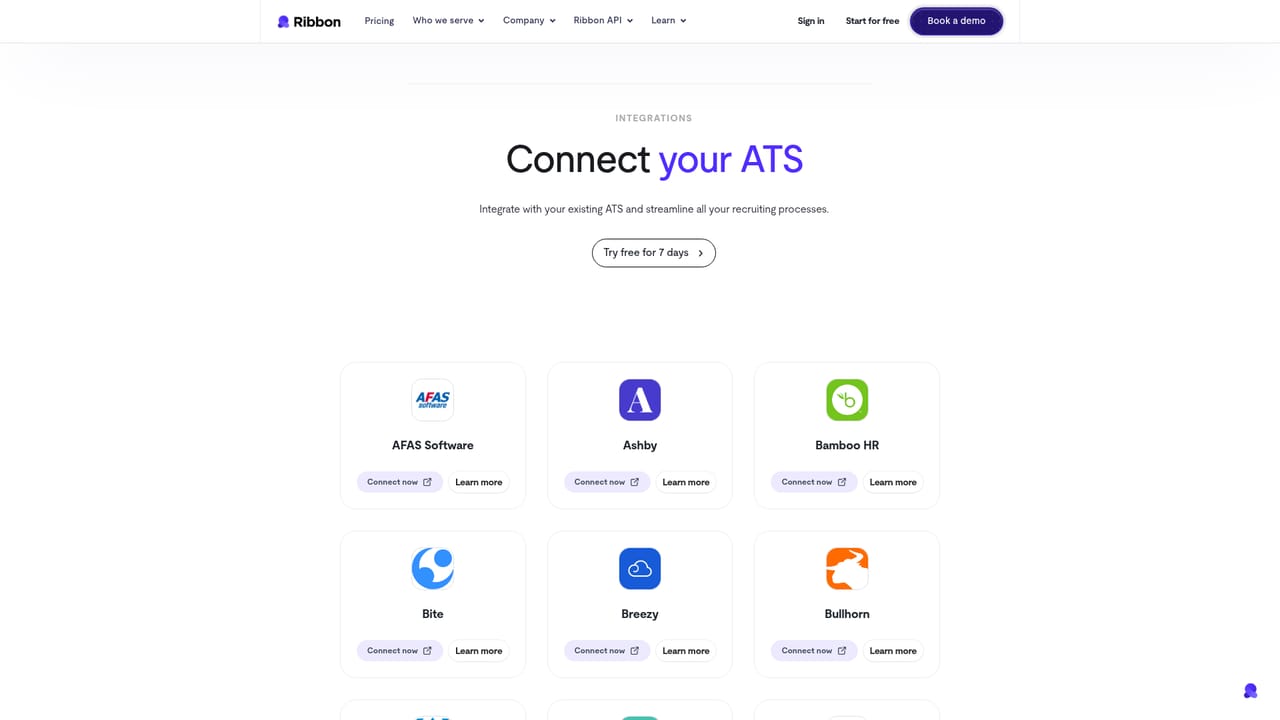
Integrations
A dedicated integrations page is listed on the site, but the homepage does not name specific applicant tracking systems, HR platforms or messaging providers.
Learn moreAI recruiter that screens every candidate by voice, email and SMS

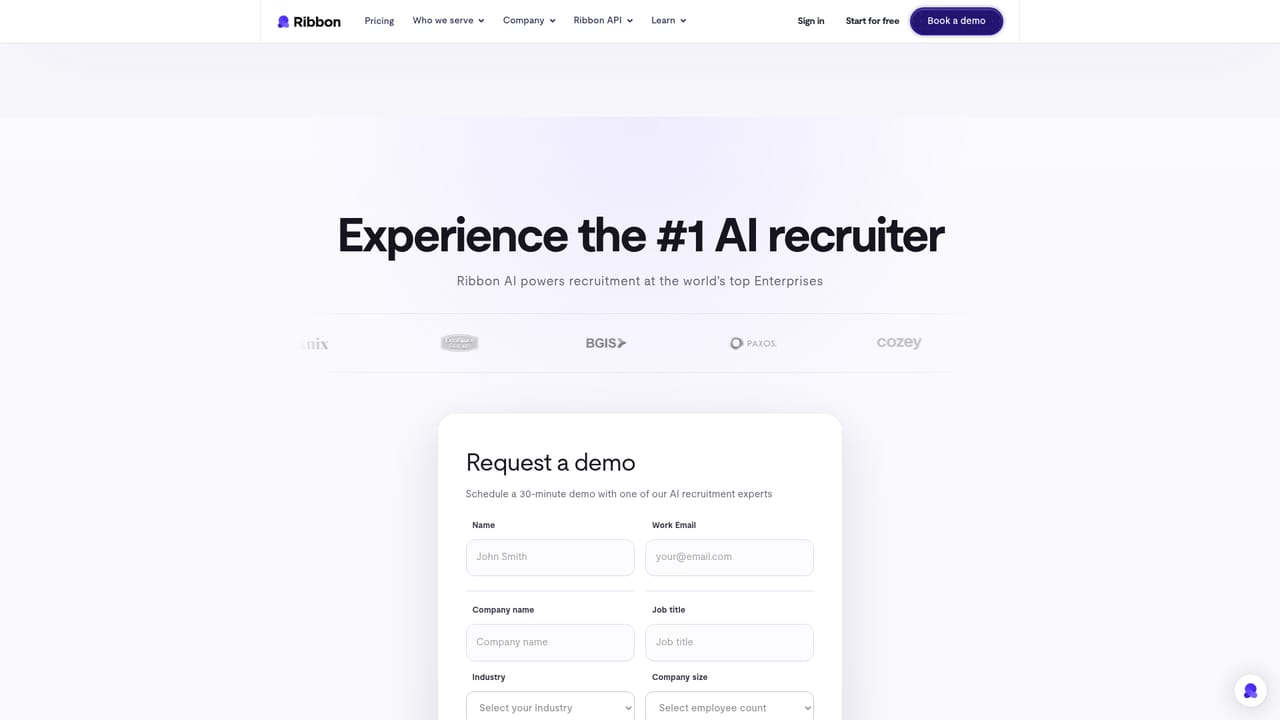
Ribbon Cool is an AI calls tool. Ribbon Cool runs AI-led voice, email and SMS interviews so recruiters only meet pre-qualified candidates. The site cites over a million completed interviews, 98% candidate satisfaction and a 60% faster time-to-hire, and it targets high-volume hiring teams.
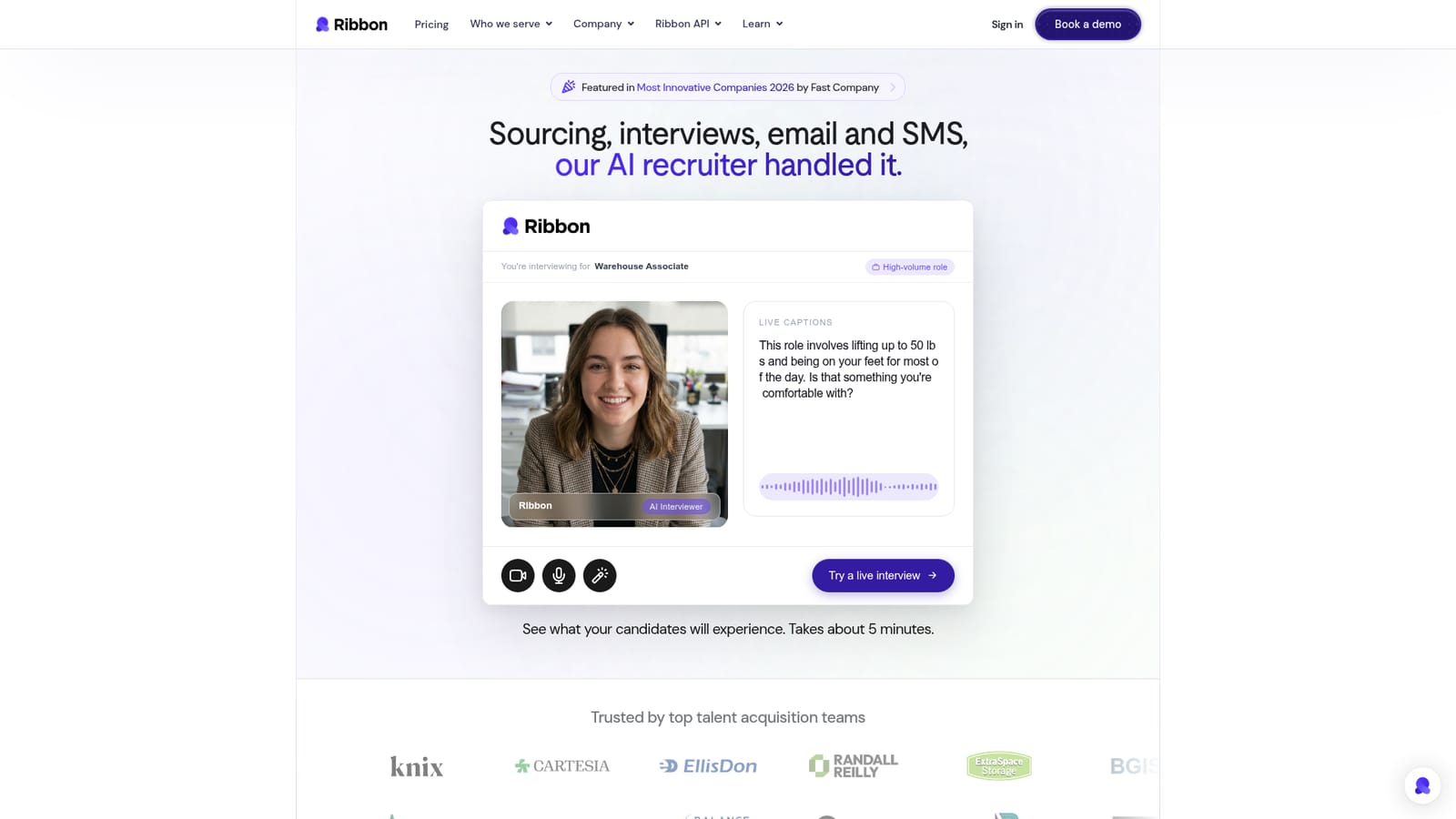
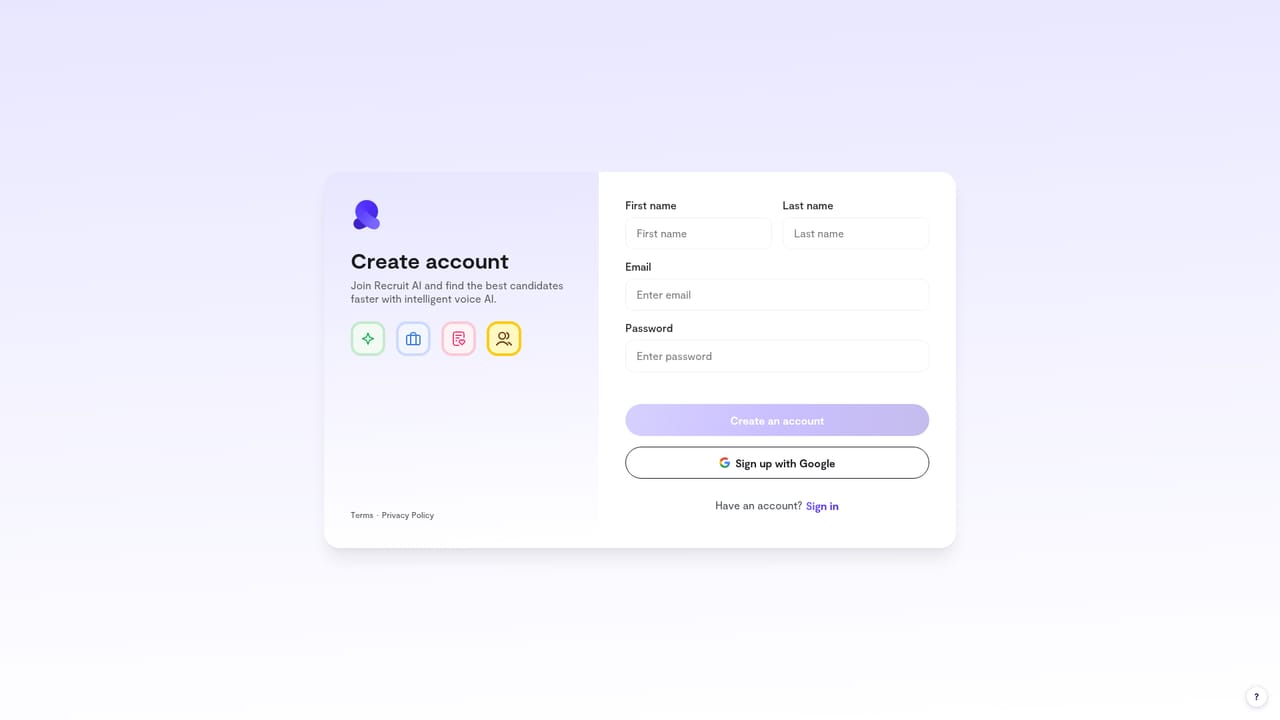
Ribbon Cool is an AI recruiting platform built around a voice interviewer that can screen candidates for high-volume roles without a human on the call. The product pitches itself as covering the whole early funnel: sourcing, interviews, email and SMS follow-up are all handled by the AI recruiter, so hiring teams only spend time on people who have already been qualified. The site points to more than one million completed interviews, 98% candidate satisfaction and a claimed 60% faster time-to-hire, plus roughly 10 or more recruiter hours saved per week. The candidate experience is the clearest window into how it works. A prospect joins a live AI interview through a browser, grants microphone and camera access, and answers spoken questions about their background; the sample on the homepage runs a warehouse associate through a question about prior fulfillment work and typical shifts. The interview is recorded, and the platform states that a real recruiter reviews the responses afterward. Ribbon also lists live captions during the conversation, and the same AI recruiter reaches candidates over email and SMS rather than relying on a single channel. It is aimed at talent acquisition teams handling lots of applicants, especially in hourly and high-volume categories where manual phone screens drain recruiting capacity. Clicking through to sign-up opens a self-serve recruitment workspace, so a recruiter can test the flow before committing to a sales conversation. Ribbon sits alongside general interview schedulers and interview intelligence tools, but its pitch is narrower and more hands-on: it acts as the interviewer rather than just the calendar or the note taker. The homepage leans on enterprise social proof (Knix, Extra Space Storage, BGIS, Paxos, Carter's and others are shown as customers) and lists nomination to Fast Company's Most Innovative Companies 2026. Published case studies cover Knix and OpenCare, and there is a partner announcement with Pivotal. What the homepage does not offer is a public price list or a detailed breakdown of how scoring and shortlisting decisions are made, so teams with strict hiring compliance requirements will want to raise those questions during a demo.
A dedicated integrations page is listed on the site, but the homepage does not name specific applicant tracking systems, HR platforms or messaging providers.
Learn moreAI voice interviewer with live captions and recorded sessions, plus email and SMS outreach to candidates. Ribbon describes itself as handling sourcing, interviews and follow-up in one place, with AI screening aimed at high-volume roles so recruiters only meet qualified applicants. The site reports 1M+ interviews completed, 98% candidate satisfaction and 10+ hours saved per recruiter each week. A self-serve sign-up is available.
 AI Angels400+ customizable AI girlfriends for NSFW chat, voice calls, and roleplay
 Candy AIExperience the future of companionship with AI friends who chat, role-play, and connect with you on a human level.
 ourdream.aiA vast AI roleplay platform with millions of characters for chat, images, video and voiceAI Angels400+ customizable AI girlfriends for NSFW chat, voice calls, and roleplayCandy AIExperience the future of companionship with AI friends who chat, role-play, and connect with you on a human level.ourdream.aiA vast AI roleplay platform with millions of characters for chat, images, video and voice


