Free trial
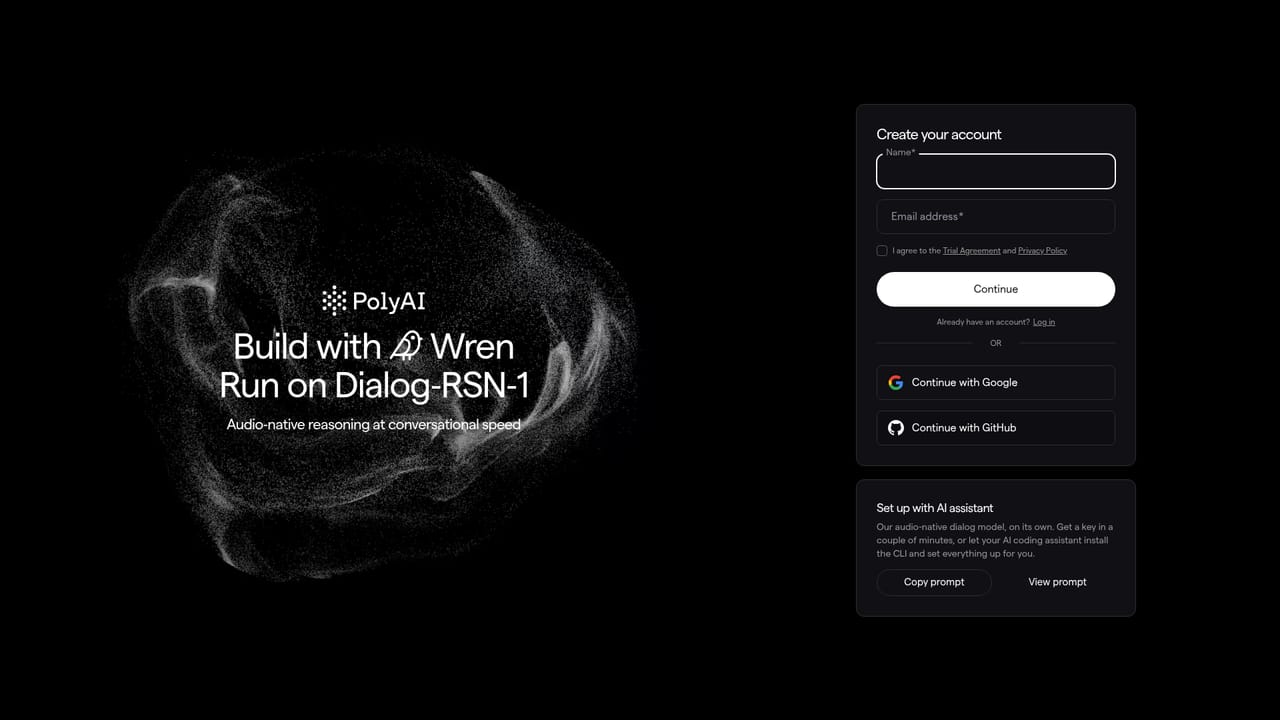
A free Studio entry point is available through the start-building link, but the homepage does not state its limits, channels or call volumes.
Learn moreDialog agents that resolve enterprise calls end to end.
Own PolyAI Voice Assistant? Verify ownership to get a dofollow link

PolyAI Voice Assistant is an AI calls tool. PolyAI is an enterprise voice AI platform for contact centers. Its Dialog Studio lets teams build agents that handle calls and messages end to end, act in back-end systems through integrations and APIs, and run on PolyAI's own audio-native models.
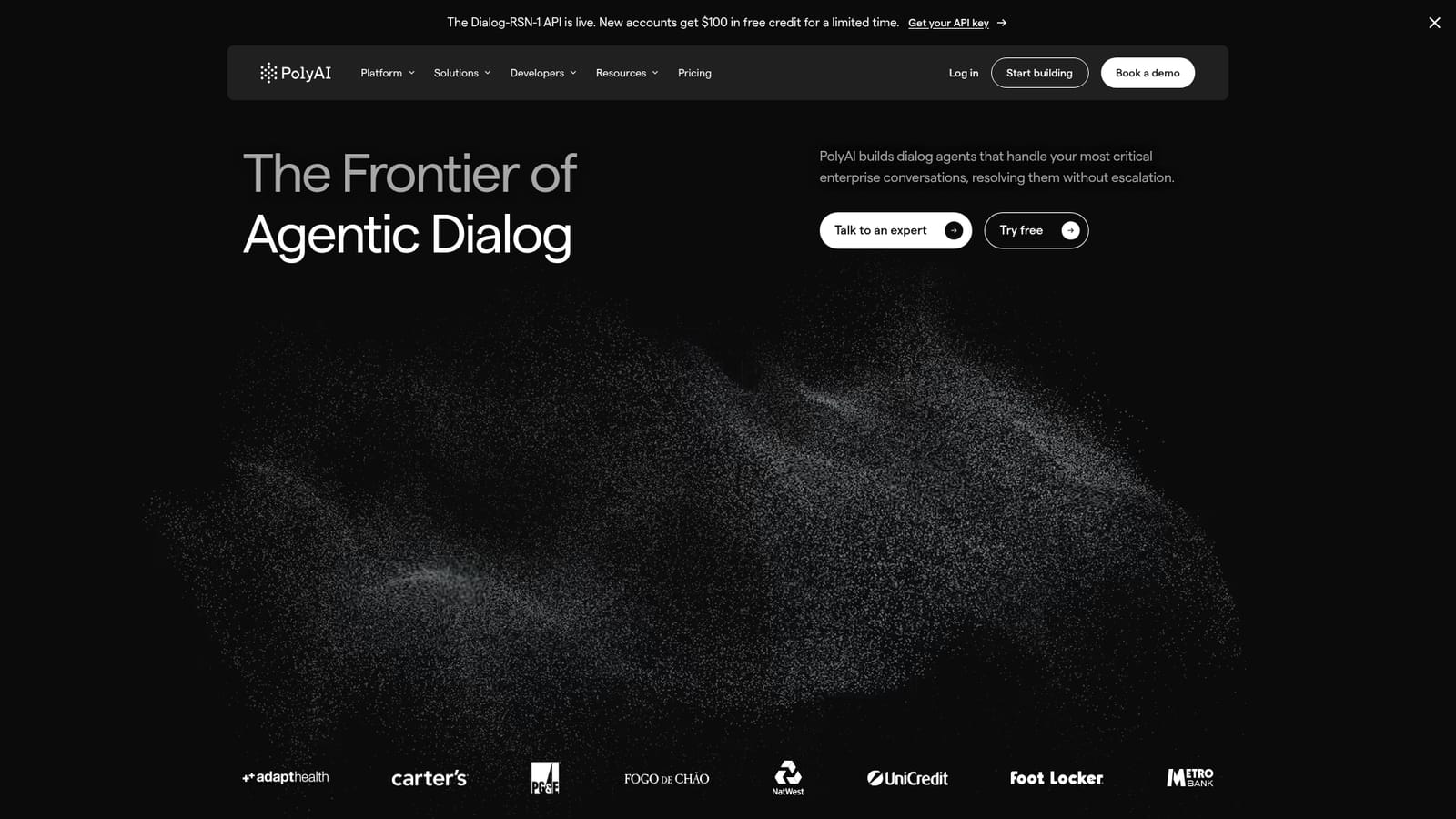
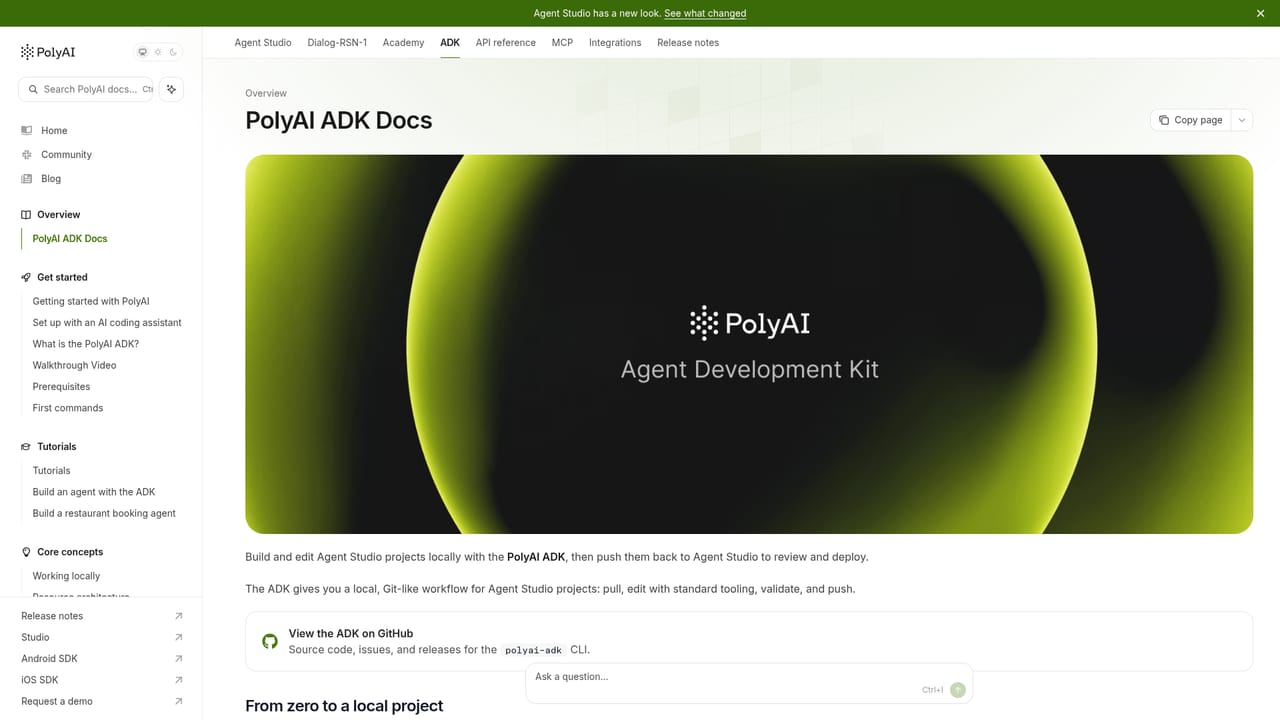
PolyAI is an enterprise voice AI platform built around what the company calls agentic dialog: voice and messaging agents that do more than answer questions. They carry context across a conversation, call tools inside your own systems, and finish tasks such as changing a booking, verifying a caller or updating a record without handing the caller to a human. The homepage pitches this at contact centers and brands with high call volumes, and the customer logos range from retail and utilities to banking and restaurants. The build layer is Dialog Studio, a browser workspace where flows, tools and brand voice live together. The homepage stresses that teams can start no-code and move to full code without switching platforms, and Wren acts as an in-studio assistant for designing, building, testing and continuously optimizing agents. For developers there is an agent development kit, documented APIs and a CLI, so the same agent can be shipped from a terminal or embedded in existing services. A review workflow holds changes until someone approves them, with test results shown alongside the drafted answer. The underlying models are PolyAI's own. Dialog-RSN-1 is the flagship audio-native model, which reasons over raw call audio for turn-taking, recognition and response in one pass, quoted at under 300ms in production with 89.8 turn-taking accuracy and a 3.7% word error rate. Dialog-RAVEN-3.5 handles text-based dialog for webchat, SMS and multilingual use, with cascade latency around 280 to 600ms. Both are positioned as alternatives to general-purpose LLMs, and PolyAI publishes its own Dialog-Eval benchmark and comparative blog posts to make that case. Operationally, the platform advertises 99.994% uptime over the trailing twelve months and 100M+ calls a year, with data residency options in the US, UK, EU and APAC. Security credentials listed include SOC 2 Type 2, ISO 27001, PCI DSS and GDPR, plus SIP/TLS, SRTP, mTLS, SSO and RBAC. Compared with DIY stacks assembled from a speech-to-text vendor, an LLM and a telephony layer, PolyAI sells a single governed pipeline with a self-serve Connect Portal and pre-built integrations into tools such as Zendesk, ServiceNow, Twilio, Teams, Slack, Zoom, NICE and Dropbox.
A free Studio entry point is available through the start-building link, but the homepage does not state its limits, channels or call volumes.
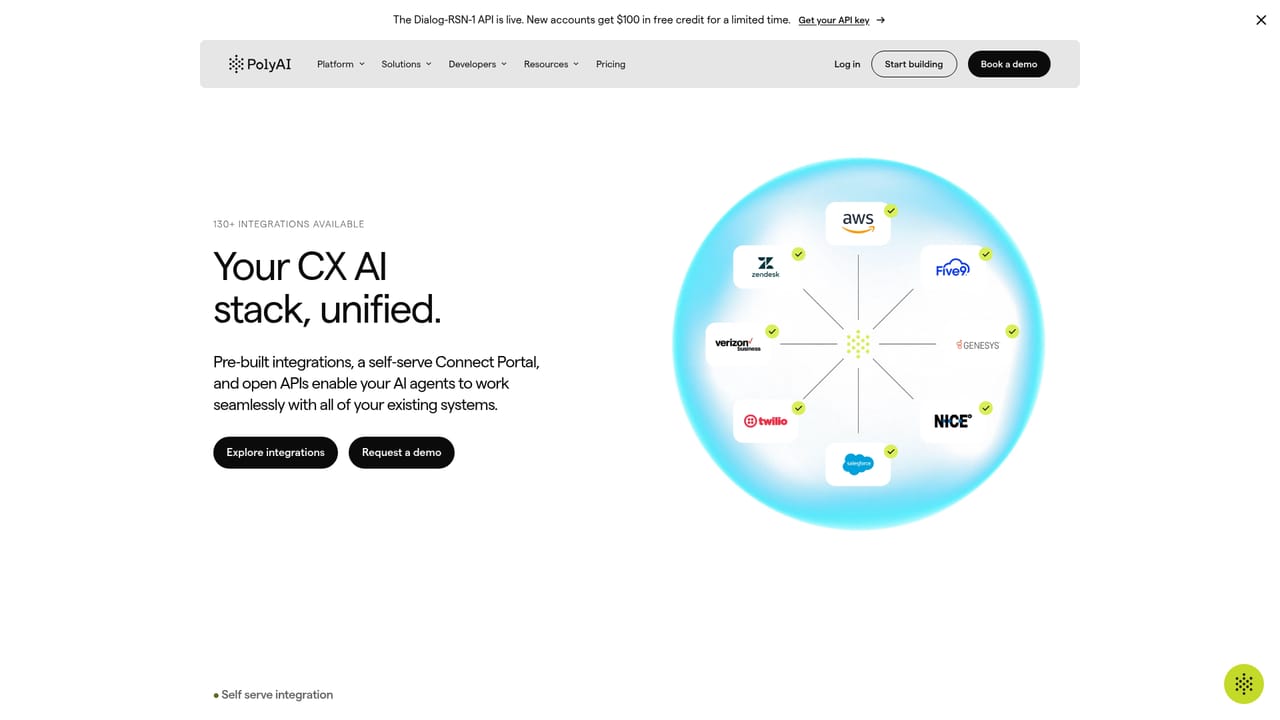
Learn morePre-built links to Microsoft Teams, Slack, Zoom, ServiceNow, Zendesk, Twilio, NICE and Dropbox, plus a self-serve Connect Portal and open APIs for systems not on that list.
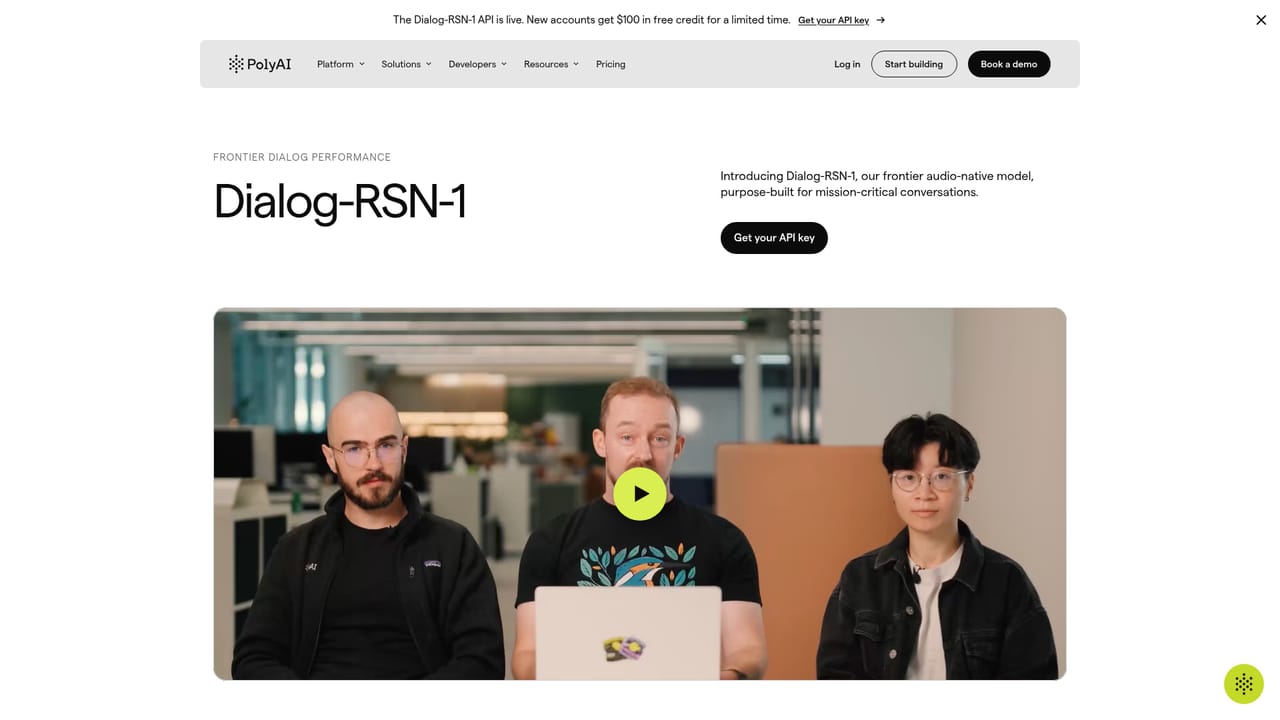
Learn moreDialog Studio for building agents with flows, tools and brand voice; Wren, an in-studio assistant for design, testing and optimization; PolyAI's own Dialog-RSN-1 (audio-native, under 300ms) and Dialog-RAVEN-3.5 (text and multilingual) models; multi-channel deployment across voice, SMS, WhatsApp, web chat, email and in-app; approval-gated reviews; an agent development kit, APIs and CLI; and security controls including PII redaction and human-in-the-loop.
Learn more AI Angels400+ customizable AI girlfriends for NSFW chat, voice calls, and roleplay
 Candy AIExperience the future of companionship with AI friends who chat, role-play, and connect with you on a human level.
 ourdream.aiA vast AI roleplay platform with millions of characters for chat, images, video and voiceAI Angels400+ customizable AI girlfriends for NSFW chat, voice calls, and roleplayCandy AIExperience the future of companionship with AI friends who chat, role-play, and connect with you on a human level.ourdream.aiA vast AI roleplay platform with millions of characters for chat, images, video and voice


