Free trial
A 14-day free trial is listed on the Starter, Pro and Scale plans. No card or eligibility terms are stated on the homepage.
Learn moreAI voice agents that answer calls, book appointments and qualify leads

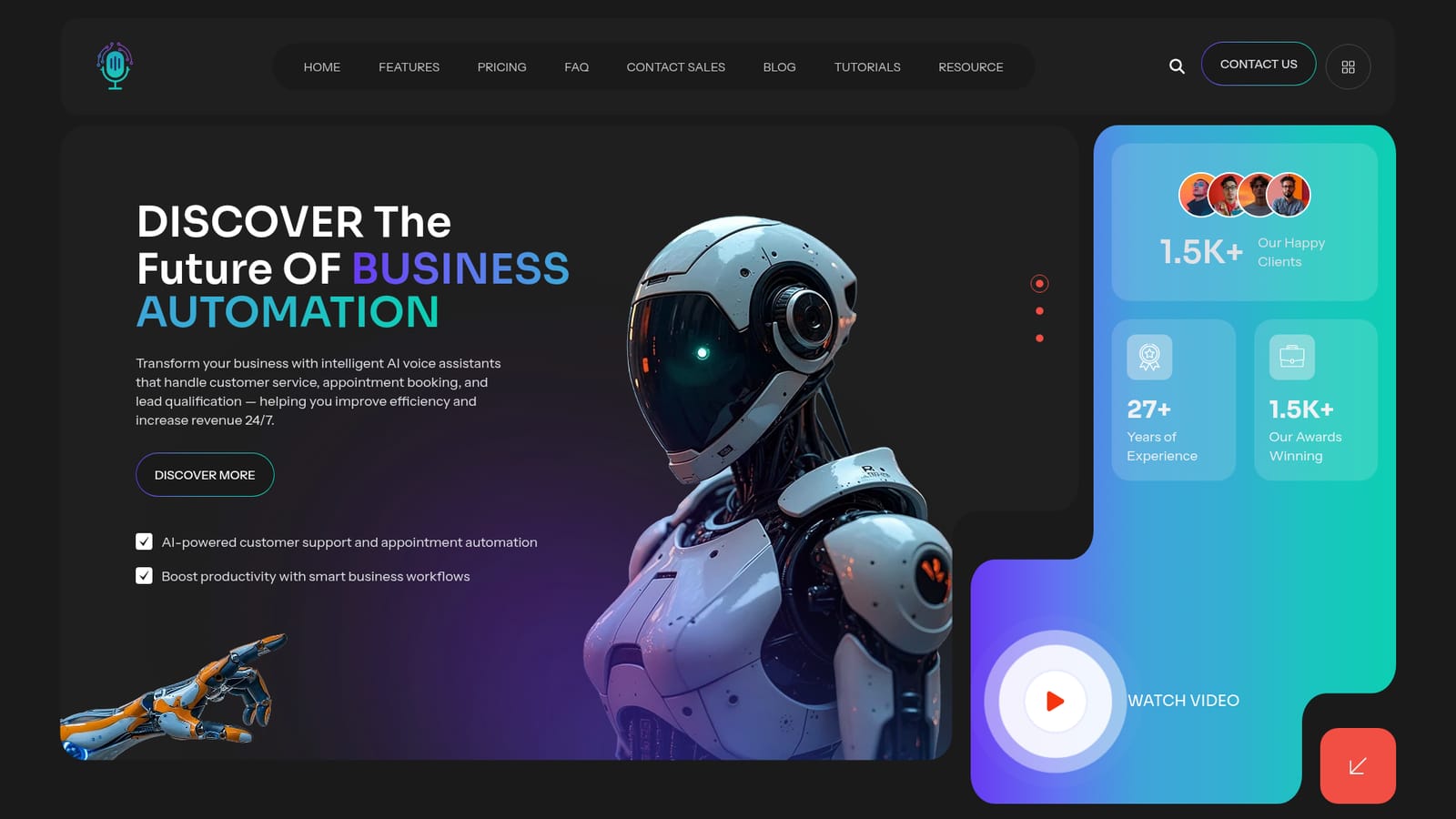
VoicePod is an AI calls tool. VoicePod deploys AI voice agents for inbound and outbound business calls, covering customer support, appointment booking, lead qualification and outreach, with custom voices, regional accents and multi-language conversations.
VoicePod is a platform for building AI voice agents that handle business phone conversations. The stated scope covers inbound and outbound calling, customer support, appointment scheduling, lead qualification and outreach campaigns. Agents run continuously, so calls get answered outside office hours and follow-ups are not left waiting on staff availability. Voice is treated as a brand asset rather than a single default. Teams pick from a library of realistic voices and adjust tone and speaking style, then add regional English accents. Multilingual conversations are supported with automatic language detection, and the marketing claims coverage of 50 or more languages. That combination suits agencies, service businesses and sales teams that talk to customers across regions and do not want to hire multilingual staff to do it. In practice, a workspace is scoped by agent and user counts, with included call minutes on the lower tiers. Calendar integration, real-time booking, batch campaigns, WhatsApp and SMS connections, and Zapier, Make and webhook links are listed from the Starter tier upward. Every paid plan carries a 14-day trial, and the dashboard is the point of control for agents, campaigns and bookings. The Scale tier shifts calling to a credit model at $0.49 per minute on top of the subscription, while Enterprise adds custom voice training, dedicated infrastructure and an SLA. VoicePod sits in a crowded field of conversational voice vendors. Its pitch is breadth rather than depth in any single niche: calling, scheduling, messaging channels and multi-language in one console. Buyers weighing it against call-centre specialists should check accent quality in their own language first, since that is where generic platforms most often fall short.
A 14-day free trial is listed on the Starter, Pro and Scale plans. No card or eligibility terms are stated on the homepage.
Learn moreStarter is $149/month for 4 agents, 3 users and 250 included minutes. Pro is $449/month for 8 agents, 7 users and 800 minutes. Scale is $999/month for 12 agents and 10 users with calling billed separately at $0.49 per minute. Enterprise pricing is custom with unlimited agents and users.
Learn morePriority support arrives with Pro, dedicated support and custom integrations with Scale, and 24/7 dedicated support plus white-glove onboarding at Enterprise. Starter lists no support tier.
Calendar, CRM and business tools connect to the platform, alongside WhatsApp and SMS channels. Zapier, Make and webhook integrations are listed on all paid plans; custom integrations are reserved for Scale and Enterprise.
Learn moreAgents handle inbound and outbound calls, customer support, appointment scheduling, lead qualification and outreach campaigns. Voice options include adjustable tone and style, brand voice selection, regional English accents and multilingual conversations with automatic language detection across 50 or more languages. Calendar integration, real-time booking, batch campaigns, WhatsApp and SMS connections, and dashboard access are included from Starter upward.
 AI Angels400+ customizable AI girlfriends for NSFW chat, voice calls, and roleplay
 Candy AIExperience the future of companionship with AI friends who chat, role-play, and connect with you on a human level.
 ourdream.aiA vast AI roleplay platform with millions of characters for chat, images, video and voiceAI Angels400+ customizable AI girlfriends for NSFW chat, voice calls, and roleplayCandy AIExperience the future of companionship with AI friends who chat, role-play, and connect with you on a human level.ourdream.aiA vast AI roleplay platform with millions of characters for chat, images, video and voice


